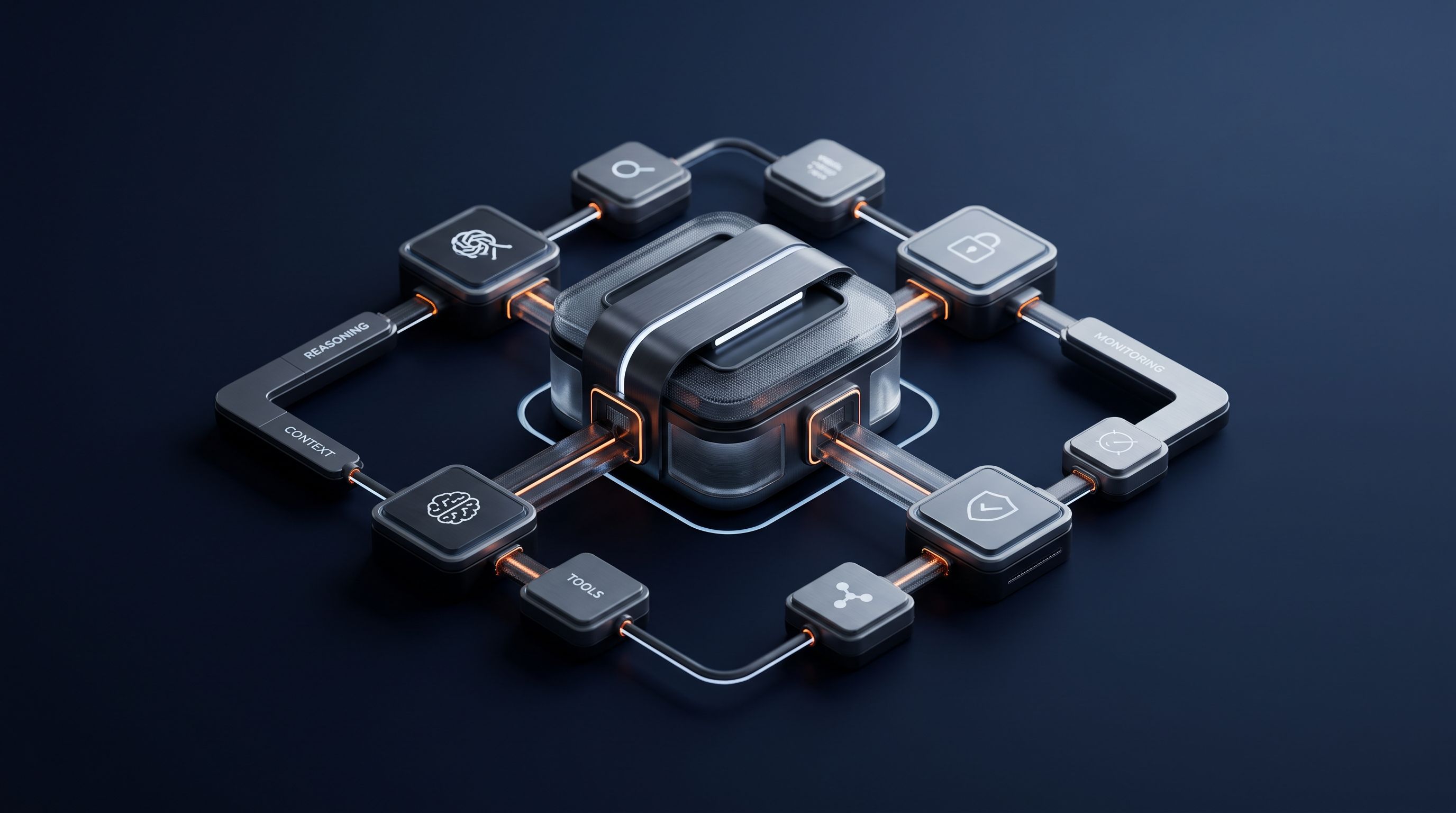
An impressive prompt isn't a product. Reliable AI agents depend on the quiet parts most demos skip: clear scope, safe tool access, versioned context, and a way to stop harmful actions. This AI agent architecture best practices guide gives you a five-step path from business goal to monitored production system.
We searched the public GitHub issue trackers of three widely used agent frameworks, langgraph, crewAI, and autogen, tallying issues mentioning timeout or infinite loop against each repository's total issue count. Across 6,700 combined issues, 792 mention timeout and 45 describe an agent caught in an infinite loop, about 12% of all reported problems. Langgraph alone logged 16 issues tied to permission handling. Those counts back the case for building timeouts, circuit breakers, and permission checks into agent execution before it reaches production.
1. Zylo Technologies
Start with the business outcome, then design the agent around the work. Zylo Technologies helps founders, operators, and technical teams build custom AI agents that fit existing systems instead of forcing the business into a fixed workflow.
Write the agent's job in one sentence. For example: “Review incoming support tickets, check order status, and draft a reply for human approval.” Then write what it must not do. It may read order data, but it can't issue refunds. It may draft a response, but it can't send one without approval.
That boundary gives your team something to test. It also sets the first access rule. The agent should receive only the data and tools needed for its approved task. A support agent doesn't need access to payroll. A contract review agent doesn't need permission to change customer records.
Our team at Zylo Technologies treats ownership as part of the architecture. Your business should own the prompts, tool definitions, data flows, and deployed code. That makes it easier to change models later without rebuilding the whole system.
For teams that need senior technical help, our AI agent development services cover orchestration, integrations, human review, and production controls. We start with the process and its failure cost, not with a model brand.
The caveat is simple. A custom build takes more planning than a plug-in assistant. If a fixed rule or normal workflow can solve the job, use that first. Agent complexity earns its place only when the task needs judgment, tool use, or adaptation.
Step 2: Decompose the System into Tightly Scoped Agents
Split the work only when one agent can't handle it reliably. The goal is to give each agent one clear responsibility, so you can test and replace it without disturbing the rest of the system.
Begin by mapping the workflow as plain tasks. Mark each task as one of four types:
- Retrieve information from an approved source.
- Classify or extract fields from an input.
- Reason over several inputs.
- Take an action through a controlled tool.
Then assign one owner to each task. A retrieval agent should find evidence. It shouldn't approve a claim. A classification agent can label a ticket. It shouldn't change the ticket's priority unless that action has a separate rule and approval path.
Use the least complex orchestration that meets the outcome. A sequential flow fits a fixed pipeline where each stage needs the last stage's output. A concurrent flow fits independent reviews that can run at the same time. A router fits requests that need different specialists.
Multi-agent systems add coordination cost, latency, and operational complexity. See AI agent patterns for related terminology. Use the lowest level of complexity that reliably meets the need.
Give every agent a small contract. Define its input shape, expected output, allowed tools, timeout, and escalation rule. Pass structured results between agents instead of long free-form notes. That makes a bad handoff easier to spot.
Imagine a contract workflow. One agent selects a template. Another adjusts clauses. A third checks regulatory rules. A fourth reviews risk. Each output should carry the source data and a status such as approved, needs review, or blocked.
You can study the trade-offs in Zylo Technologies' guide to AI agent architecture patterns. The key decision rule is firm: don't add a second agent because the diagram looks more advanced. Add it when test results show that one agent fails at a distinct task.
By now you should have a workflow map, one responsibility per agent, and a written handoff contract. Keep that map beside the code. It will expose scope creep before scope creep reaches the prompt.
Step 3: Build a Reliable Context, Knowledge, and Tool Layer
Give agents the smallest useful context at the moment they need it. A central knowledge layer keeps business facts in one place, while a controlled tool layer keeps actions predictable.
Start with a source map. For each data source, record its owner, update cycle, access rule, and trust level. Note which fields are safe to show to the model. If a customer record contains private data, redact it before it enters the reasoning path.
A centralized knowledge layer acts as the shared source of truth for agents. It may contain policies, product facts, process rules, and approved records. Avoid copying the same rule into several prompts. One change should update the source that agents use.
Context engineering means selecting only the information needed for the current task. Don't place an entire account history into every request. Retrieve the relevant records, attach their source and date, then remove unrelated fields.
Use tools as typed contracts. The model should choose a named action with defined fields. Your execution code should handle authentication, request construction, validation, and error states. Never let the model build raw requests or see credentials.
Open protocol work can help when several systems need to exchange context. MCP and A2A can support interoperability between agents, tools, and external systems. Standards won't fix poor access rules, but they can reduce the cost of changing a provider later.
Set a context budget for each task. Track how much data enters the model, which sources it used, and whether the final answer cites those sources internally. If quality drops, check retrieval before changing the prompt. Many “reasoning” problems begin with missing or stale context.
By now you should have a source map, a knowledge ownership plan, and a tool contract for every action. The model can reason, but your application must control what happens next.
| Layer | Design choice | Failure to watch | Control |
|---|---|---|---|
| Knowledge | One source for each business rule | Conflicting answers | Owner and review date |
| Context | Retrieve task-specific facts | Noise or missing evidence | Source checks and freshness fields |
| Tools | Typed inputs with fixed outputs | Wrong action or bad payload | Schema validation and permissions |
| Memory | Store only useful task state | Stale or sensitive history | Retention rules and deletion paths |
Step 4: Isolate Execution and Design for Safe Failure
Run risky work in an isolated environment and make failure boring. An agent that reads files, calls external APIs, or runs code needs limits before it reaches production.
Place execution behind a service boundary. Give that service short-lived credentials, a small allowlist of tools, and a defined network path. Keep secrets outside prompts and model context. Log which identity requested each action.
Use a sandbox or container for code execution and file work. The process should have limited CPU, memory, storage, and time. It should not share a host filesystem with sensitive systems. Destroy temporary files after the task ends.
Security isolation matters most when the model handles untrusted text. A document can contain instructions that try to change the agent's behavior. Treat retrieved content as data, not as a system command. Put policy checks after retrieval and before action.
Build approval gates around actions with lasting effects. Sending a draft is different from sending a legal notice. Updating a record is different from deleting one. Require a human review when the action crosses a risk threshold.
Define safe responses for common faults:
- If a tool times out, stop or retry within a fixed limit.
- If a source is stale, show the gap and ask for review.
- If a required field is missing, return a structured error.
- If the agent loops, trip a circuit breaker.
- If permissions fail, deny the action and log the event.
Use role-based access control at the tool layer. The user's rights should travel with the request, but the agent should never infer permission from a prompt. Your application must check the actual role before execution.
Zylo Technologies treats secure infrastructure as part of delivery, not as a patch after launch. Our secure AI infrastructure guidance covers the controls that protect data and action paths as systems grow.
Set service-level objectives for latency, error rate, and completion. Add health checks for tools and data sources. Keep an emergency stop that can disable actions without taking down the whole product.
The decision rule is simple: if you can't explain how the system stops, it isn't ready to act on a customer's behalf.
Step 5: Test Observe Version Architecture

Test the whole workflow before you scale traffic. AI agent observability must show what the system saw, decided, called, and returned.
Write an evaluation set before launch. Include a normal case, a missing-data case, an ambiguous case, and a case where the agent must escalate. Add harmful-input tests for prompt injection, private data exposure, and unsafe tool requests.
Record each run as a trace. A trace should connect the user request to model calls, retrieval, tool calls, retries, validation, and the final result. Add spans for each step so you can see where the failure began.
Track more than uptime. Useful signals include:
- End-to-end latency and per-step latency.
- Tool errors, retry count, and timeout rate.
- Completion rate for the full workflow.
- Groundedness against retrieved sources.
- Escalation rate and human correction rate.
- Cost per completed task.
A fluent answer can still be wrong. An agent may finish with no server error while using stale records or calling the wrong tool. Observability must therefore pair system health with quality checks.
Version every behavior change. That includes the model, prompt, tool schema, retrieval settings, policy rules, and knowledge snapshot. Give each release a change note and a rollback path.
Run the evaluation set before promoting a change. Compare the new run with the last approved version. If quality falls on a high-risk case, block the release even when latency improves.
Separate observability, monitoring, and evaluation. That distinction helps your team ask two different questions: “Is the service healthy?” and “Is the agent still doing the right thing?”
Use a small rollout first. Send the new version to one process or user group. Watch correction rates and failed actions before opening access further.
Zylo Technologies can help teams put these controls into a working release process. Our guide to AI agent performance monitoring explains how traces, quality checks, and cost signals fit together.
By now you should have a baseline evaluation set, trace data, release versions, and a rollback plan. Scale only after the system can show both what happened and why.
FAQ: AI Agent Architecture Best Practices
What is the best first step in AI agent architecture?
The best first step is to define one measurable business outcome and one clear exclusion. State what the agent should improve, which system it may touch, and when it must ask a person. This keeps an AI agent architecture best practices guide focused on useful work instead of model features.
Should every AI system use multiple agents?
No, every AI system should not use multiple agents. Start with one agent or a fixed workflow when that meets the test criteria. Add specialists only when one agent fails at separate tasks that need different tools, context, or review rules.
How do you secure an AI agent?
You secure an AI agent by limiting its data and tool access, isolating execution, validating every action, and adding approval gates for high-risk work. Keep credentials outside the model context. Log requests and deny actions when permissions, inputs, or required evidence fail.
What should you monitor in an AI agent?
Monitor latency, errors, retries, tool calls, completion rate, groundedness, escalations, and cost. A strong AI agent architecture best practices guide also tracks silent failures, such as confident answers based on stale retrieval or partial tool success.
When is an AI agent ready for production?
An AI agent is ready for production when its scope is fixed, permissions are tested, failure paths are defined, and evaluation results meet a written baseline. It also needs tracing, version control, a named owner, and a rollback or kill switch before wider release.
Conclusion
Build the smallest system that can meet the outcome, then add complexity only when evaluation data demands it. Start by documenting one workflow and its failure cost this week. If your team needs help turning that map into a secure production system, Zylo Technologies can review the architecture and define the next build step.
Share this article
About the author

Chief AI Officer and former NVIDIA AI Consultant specializing in enterprise AI strategy and digital transformation.
Author at Zylo
Dr. Aliya Nur Balisani is an AI leader focused on helping organizations adopt artificial intelligence in practical and profitable ways. With experience in enterprise AI strategy, automation, and emerging technologies, she provides insights on generative AI, autonomous systems, business transformation, and the future of intelligent enterprises.