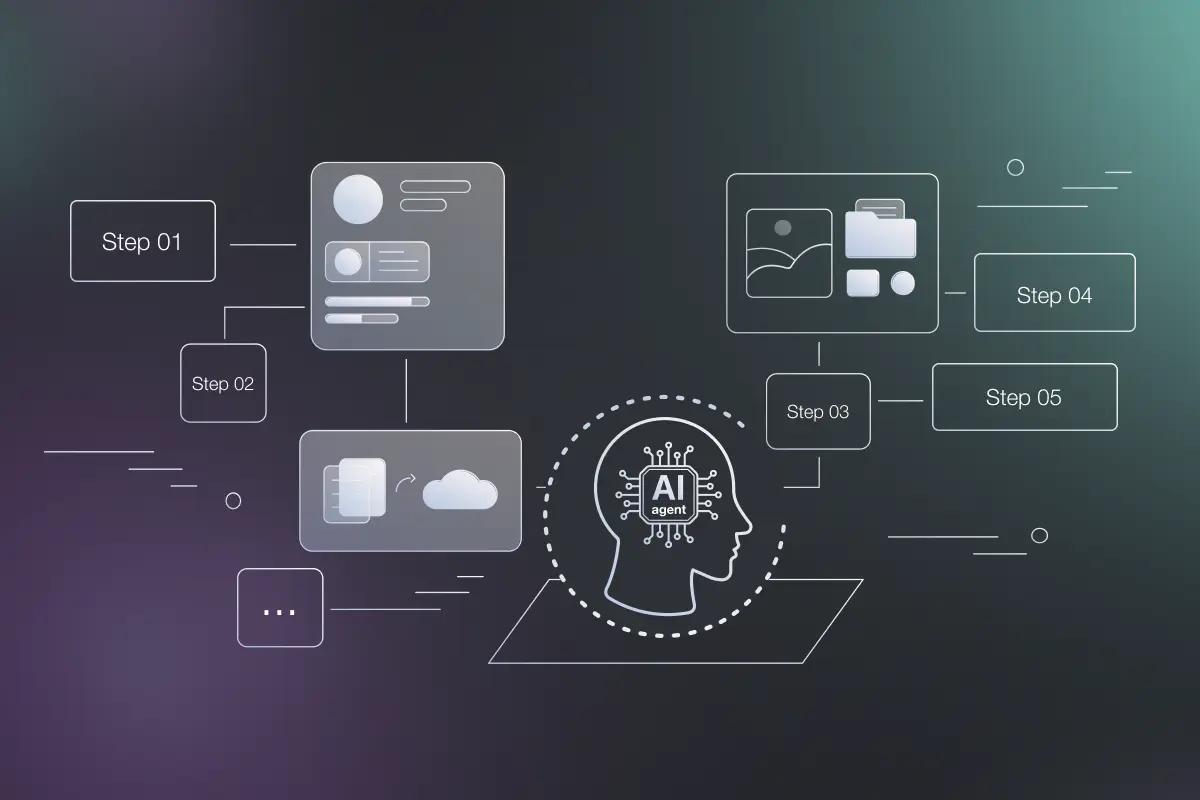
An impressive prompt isn't a product. A durable AI agent needs a clear job, limited authority, usable data, safe tools, and proof that its actions worked. This AI agent architecture design guide gives you six steps for moving from a vague idea to a production system your team can own and improve.
We searched the GitHub issue trackers of three widely used agent frameworks, LangGraph, CrewAI, and AutoGPT, through August 21, 2026. State-related issues made up 767 of LangGraph's 1,514 total issues, 50.7% of the tracker. Memory-related issues accounted for 292 of CrewAI's 2,126 issues, 13.7% of the total, and permission-related issues made up 79 of AutoGPT's 3,935 issues, 2.0%. Across all three trackers, state, memory, and permission problems recur often enough to warrant separate design steps, not an afterthought.
Step 1: Define the Business Outcome and Agent Boundaries
Start with the business result, not the model. Write one sentence that says what the agent must achieve, then write what it must never do.
That sentence still needs limits. Which ticket types are in scope? Can the agent change an order? What evidence proves the task is complete?
Turn the sentence into a task contract with these fields:
- Input: What starts the run, and what data does the agent receive?
- Allowed actions: Which tools may it use?
- Forbidden actions: Which systems and records are off limits?
- Completion evidence: What must be true before the run ends?
- Stop rules: When should it pause, fail, or ask a person?
An agent has decision authority when it chooses the next step. It has action authority when it can change something outside itself. Treat those as separate controls. A read-only research agent may have broad decision freedom but almost no action authority. A payment agent needs the reverse approach: narrow choices and strict approval.
Define explicit goals, constraints, tool access, evaluation, and deployment controls. The model should not own permissions simply because it can produce a plausible tool call.
We use this boundary work before writing prompts at Zylo Technologies. It often shows that a fixed workflow is enough. That is a good result. Agents add value when the task has uncertainty that ordinary rules cannot handle well.
Key Takeaway
If you can't define the evidence that proves completion, narrow the job before you make the agent smarter.
Step 2: Map the Agent's Layers, State, and Data Flow
Your AI agent architecture design guide should map every layer before implementation. This agent-specific view sits inside enterprise AI architecture, where data flows, model infrastructure, application logic, security controls, and governance must work together. Draw the path from trigger to result, then show where state changes and where controls act.
A useful starting map has six layers:
- Trigger: A user request, event, schedule, queue message, or system alert.
- Context: The current user, task details, retrieved records, and policy limits.
- Decision layer: The model or rules that select the next step.
- Tool layer: Typed functions that read data or perform an action.
- State layer: Run status, tool results, approvals, errors, and checkpoints.
- Verification layer: Checks that confirm whether the desired result happened.
Keep the data flow explicit. For each handoff, record the source, format, owner, freshness, and permission needed. If a customer record enters the context window, you should know why it belongs there and how long it stays.
Separate short-term state from long-term memory. Short-term state holds the current run. Long-term memory stores facts or past events that may help later. Do not save every conversation by default. Old tool output can be wrong, stale, or unrelated to the next task.
Common architecture building blocks include policy logic, memory, planning, tool routing, world models, and critics. Design choices involve trade-offs between autonomy and control, latency and accuracy, and capability and reliability.
At Zylo Technologies, we treat the diagram as an operating contract. It shows where your data lives, who can change it, and what happens after a timeout. That makes later debugging far less painful.
Use one trace ID for the full run. Pass it through model calls, memory reads, tool calls, approvals, and downstream services. Without that ID, a failed result may look like a model problem when the real fault sits in a stale database or a rejected API request.
By now you should have a one-page system map with every input, output, state field, and external side effect marked.
Step 3: Choose the Orchestration Pattern and Tool Interface
Choose the simplest orchestration pattern that can pass your evaluation tests. Complexity adds delay, cost, and more places for failures to hide.
Use a sequential pattern when each stage depends on the last. A contract workflow may select a template first, then change clauses, review compliance, and assess risk. Use parallel work when several independent checks can run at the same time. Use routing when different requests need different specialist paths.
Tool design matters more than a long integration list. Give each tool a narrow name, typed inputs, a predictable output, and clear failure states. The model should never build raw HTTP requests or invent credentials. Your execution layer should add authentication, known IDs, rate limits, and policy checks.
For example, pass the signed-in user's account ID from application state. Don't ask the model to guess it. Return only the fields needed for the next decision. Smaller outputs make the next step easier to inspect.
Framework choice comes after the pattern. LangGraph fits teams that need directed graph workflows, checkpointing, pause and resume behavior, or long-running state. CrewAI fits teams that want role-based agent coordination. LlamaIndex is a reasonable fit when document retrieval and indexing drive the work. Those are architecture choices, not substitutes for a sound task contract.
We explain the trade-offs in our guide to AI agent architecture patterns, including the cost of reflection, routing, planning, and multi-agent collaboration.
Don't select a framework because it claims thousands of integrations. Across 34 published agent-framework entries, the median listed integration count is 2, while one outlier claims more than 1,000. A connector catalog doesn't tell you if the right system has a safe contract or reliable support.
| Pattern | Use it when | Main risk | Decision rule |
|---|---|---|---|
| Fixed workflow | The steps rarely change | It breaks on unusual inputs | Prefer it when rules cover the task |
| Single agent with tools | The agent must choose among a small tool set | Bad tool selection | Start here for bounded work |
| Sequential agents | Each stage needs the prior result | Errors pass down the chain | Add checks between stages |
| Parallel agents | Independent views improve the result | Coordination and merge cost | Use only when work can split cleanly |
| Multi-agent team | One agent cannot handle distinct domains | Harder tracing and state design | Earn it with evaluation data |
Step 4: Design Memory, Retrieval, Permissions, and Human Oversight
Memory should help the agent make the next decision. It should not become a storage bin for every message and tool result.
Split memory into clear classes:
- Run state: The current task, completed steps, pending work, and errors.
- Working context: Facts needed for the next model decision.
- Long-term records: Durable facts with a named owner and retention rule.
- Retrieved evidence: Source material fetched for this task.
For retrieval, store source IDs with each result. Keep the original document location, access rule, and timestamp. If the agent gives an answer from a policy document, a reviewer should be able to find that document later.
Permissions belong in the tool layer. Use the current user's identity and role to decide what the agent may read or change. The model can suggest an action, but your application must enforce the permission check.
Separate propose from commit. The agent first creates a structured action with its inputs and evidence. A policy check or human then approves it. Only after that does the execution layer commit the change.
Use approval gates for actions that are irreversible, costly, regulated, or broad in scope. Sending an external email may need review. Updating an internal ticket may need only sampled review. Writing to a production database needs a proposed diff, precondition checks, and a rollback plan.
Our AI agent development services follow this controlled approach for systems that touch business workflows. Zylo Technologies builds the review path into the architecture, rather than adding a button after the agent already has access.
Add hard limits for step count, time, token spend, and repeated failures. A circuit breaker should stop calls to a failing service. A checkpoint should let the run resume after an approval or restart. These controls make failure a defined state instead of an endless loop.
The right question is simple: what can this agent do without a person, and what must wait?
Pro Tip
Start with supervised autonomy. Move low-risk actions to exception-only review only after your evaluation data shows stable results.
Step 5: Build Evaluation, Observability, and a Production Rollout Plan

Evaluation tells you if the agent did the right thing. Observability tells you what happened during the run. You need both before production.
Write test cases before the first prompt. Include a normal request, missing data, an ambiguous request, a failed tool, and a case that must escalate. For each case, define the expected tool path, allowed result, safety behavior, and evidence of completion.
Score more than the final answer. Track:
- Task success against the business outcome.
- Correct tool selection and valid arguments.
- Grounding against approved data.
- Escalation when the agent lacks authority.
- Cost and time per completed task.
- Side effects and rollback success.
A run that produces a polished answer after changing the wrong record is a failure. A run that asks for help at the right point may be a success, even if it does not finish alone.
Log each model call, memory read, routing choice, tool input, tool output, retry, approval, and state change. Include model version, prompt version, tool version, latency, and the trace ID. OpenTelemetry's GenAI conventions are useful when you need a shared vocabulary for model and tool spans across services.
Watch business signals beside system signals. A low error rate means little if the agent creates more manual rework. Measure time saved against the old process, correction rate, escalation rate, user adoption, and cost per completed outcome.
Roll out in a small slice. Start with one process and one group of users. Keep the old path available. Compare results before expanding access. Pin the model, prompt, tool schemas, and policy versions so you can explain changes in behavior.
Our AI agent lifecycle management framework treats prompts, tools, permissions, and audit evidence as managed system parts. They need owners, version history, review rules, and a retirement plan.
Zylo Technologies typically works through a focused production cycle with senior-only delivery pods. The point isn't speed for its own sake. A narrow scope gives your team better feedback and a safer path to the next release.
By now you should have a test set, trace schema, launch metrics, rollback plan, and named owner. That is the minimum shape of a production system.
FAQ
What is AI agent architecture?+
AI agent architecture is the design of the model loop, tools, memory, state, permissions, and checks that let an agent pursue a task. The model is only one part. A useful design also defines who can trigger the agent, what it may change, how it verifies success, and when a person must take over.
How do I start designing an AI agent?+
Start by writing the business outcome and the agent's exclusions. Then define inputs, allowed tools, completion evidence, and stop rules. This AI agent architecture design guide recommends mapping those boundaries before choosing a model or framework because scope determines the controls and test cases you need.
Should I use a single agent or multiple agents?+
Use a single agent first unless evaluation proves it cannot handle the task. Multiple agents add coordination, state, latency, and debugging work. Choose a multi-agent design when the task has distinct specialist roles or independent work that can split cleanly, then give each agent a narrow job and a shared trace.
What should an AI agent be allowed to do?+
An AI agent should have only the data and tools needed for its approved job. Read-only work can often run with less oversight. Actions that send messages, change records, move money, alter access, or affect production systems should face policy checks and, in many cases, human approval before execution.
How do you test an AI agent before production?+
Test the full trajectory, not only the final text. Use cases for normal inputs, missing data, bad tool responses, ambiguous requests, and required escalation. Check whether the agent chose the right tool, respected permissions, verified the result, stayed within budget, and left a trace that another person can inspect.
Conclusion
Build the smallest agent that can produce a measured business result, then add autonomy only when the evidence supports it. If your workflow touches sensitive data or production systems, work with a partner such as Zylo Technologies to map ownership, controls, and rollout conditions before code begins. Your next step is to write the task contract and five first test cases.
Share this article
About the author

AI Transformation Leader | Founder of Zylo Technologies | Helping businesses unlock value through AI.
Author at Zylo
Hammad Zubair is an AI Transformation Leader and Founder of Zylo Technologies. He helps businesses discover practical AI opportunities that reduce costs, improve efficiency, and accelerate growth. Through AI readiness assessments and transformation strategies, he enables organizations to identify high-impact automation and AI implementation opportunities.