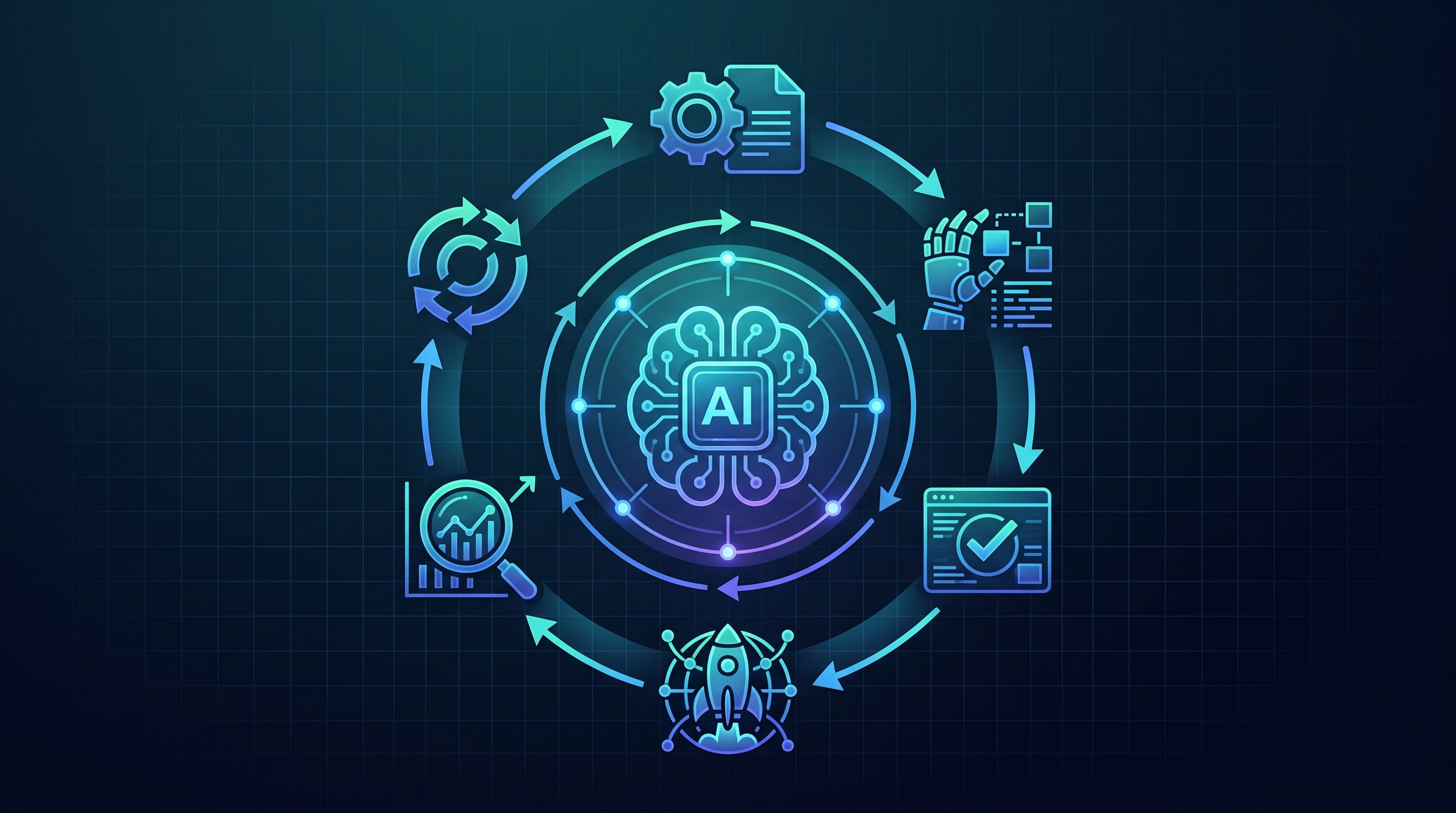
An impressive prompt is not a product. An AI agent needs clear limits, trusted data, tested tools, and an owner after launch. This AI agent lifecycle management guide explains how teams move from a useful idea to a governed system that keeps improving in production.
What Is AI Agent Lifecycle Management?
AI agent lifecycle management is the work of planning, building, releasing, monitoring, and retiring an AI agent. It covers more than the model. An agent may retrieve data, make a decision, then take an action across connected systems.
That wider view changes the work. Your team must track what data shaped the agent, which tools it can use, what permissions it holds, and why it took each action. Governance belongs in each stage, not in a review meeting after launch.
The stage-by-stage view of AI agent lifecycle governance ties risk to the data layer. That is the right lens. A model can look safe in a test while its connected systems expose records the model should never reach.
At Zylo Technologies, we treat the lifecycle as one system. Our senior-only delivery pods design and ship custom AI agents in six-week production cycles. Zylo reports more than 140 systems shipped and a roughly 3.4× median 12-month ROI on delivered roadmaps. Those figures come from the business context for this guide, so they should be ed company results, not a promise for every project.
| Lifecycle stage | Main question | Control to put in place |
|---|---|---|
| Business design | What outcome should the agent improve? | Define a measurable goal and a clear stop condition. |
| Data and setup | What may the agent see and use? | Classify data and apply least-privilege access. |
| Testing | What happens when the agent is wrong? | Test normal, unsafe, and incomplete inputs. |
| Production | Can people trace and stop its actions? | Keep logs, approval gates, alerts, and rollback paths. |
| Retirement | When should the agent be changed or removed? | Set review dates and remove unused access. |
Key Takeaway
Manage the agent, its data, its permissions, and its business result as one product.
How Do AI Agents Move From Idea to Production?
AI agents move from idea to production through a set of quality gates. The first gate is the business problem, not the model choice. If you can't state what work will change, you can't measure the agent later.
Start with one workflow that has a clear input and a visible handoff. A support agent might read a request, find an approved answer, then draft a reply for a human. A finance agent might compare an invoice against set rules, but stop before payment approval.
Write down four items before any build begins:
- The task the agent may perform.
- The systems and data it may access.
- The actions that need human approval.
- The metric that defines a useful result.
Next, map the agent's tools. A tool is a function the agent can call, such as a search query or a record update. Each tool needs a narrow purpose, clear input rules, and a failure response. A tool that can edit every customer record creates a far larger risk than one that can draft a single case note.
Architecture comes after the workflow map. Decide if one agent is enough. Add multiple agents only when separate roles reduce risk or improve control. Our explanation of AI agent architecture patterns covers the trade-off between a simple agent and a multi-agent design.
Then build a test set from real work, with private data removed where needed. Include easy cases, ambiguous requests, missing records, prompt injection attempts, and tool failures. Test the final answer, but also test the path the agent took to reach it.
Release in stages. A useful path is internal testing, a limited pilot, then wider use after the team reviews evidence. Use an AI agent deployment checklist to verify scope, data, security, testing, monitoring, and ownership before production. During the pilot, compare the agent with the old process. Measure time saved only after checking rework, escalation, and error cost.
Zylo's reported six-week production cycles reflect disciplined scope. They don't mean every agent should launch in six weeks. A regulated workflow may need more review. The point is to set a short first release around one valuable task, then expand with evidence.
For teams building alone, our AI agent deployment roadmap gives the work a clear sequence. Production begins when the agent can be observed, stopped, and owned, not when a demo looks clever.
What Governance and Security Controls Do AI Agents Need?
AI agent lifecycle management needs controls before the first live query. The most important controls limit data access, restrict actions, record decisions, and give people a way to intervene.
Start with an inventory. List every agent, model, prompt source, data store, API, and tool. Record the business owner. Shadow connections are a common weak point because they may never appear in normal access reviews.
Apply least privilege to the agent identity. Give it only the data and actions needed for its assigned task. Separate read access from write access where possible. A customer support agent may read a case and draft a reply, while a manager approves a refund.
Protect the data path as well. At training time, check whether the data was collected lawfully and whether sensitive fields belong in the training set. At runtime, control access to customer records, health data, financial files, and private documents. The same agent can carry very different risk depending on the data behind its tools.
A practical governance approach groups AI risk work around governing, mapping, measuring, and managing. Those functions fit an agent because risk changes as the agent moves from design to live action.
High-risk actions need a human checkpoint. Set approval rules for actions such as changing a legal record, issuing money, deleting data, or sending an external notice. The approval screen should show the proposed action, the key input, and the policy that allows it.
Log more than the final answer. Keep the request, retrieved sources, tool calls, permissions used, output, approval, and result. Protect those logs because they may contain sensitive data. Set a retention rule that matches your legal and operational needs.
Security also needs a stop path. Your team should be able to disable a tool, revoke an agent identity, or roll back a prompt and workflow change without waiting for a full release. Test that path before launch. A control that exists only in a document won't help during an incident.
Governance isn't a one-time sign-off. Review permissions after system changes, inspect unusual access, and revisit the approval threshold when the agent gains a new tool. Zylo Technologies can help teams connect agent design with governance and cloud controls, but your business still needs a named risk owner.
Pro Tip
Give every high-risk tool a dry-run mode. Let the agent show what it would change before it can make the change.
How Should Teams Monitor and Measure AI Agent Performance?
Teams should monitor an AI agent with both technical and business measures. A low response time means little if the agent causes more rework or sends poor cases to staff.
Use four measurement layers:
- Task result: Did the agent complete the intended job?
- Quality: Was the answer accurate, relevant, and grounded in approved data?
- Safety: Did it stay within its permissions and policy limits?
- Unit economics: What did each completed task cost?
Set a baseline before launch. For a support workflow, record the old handling time, escalation rate, rework rate, and review time. For document processing, record the share of files that need correction. Then compare the agent with that baseline during a fixed pilot window.
Trace each run. A trace is a record of the steps taken during one request. It should show which data the agent retrieved, which tool it called, how long each step took, and where a human intervened.
Watch for drift. A source system may change its field names. A policy may change. User requests may shift during a busy season. The agent can look stable while its environment moves underneath it.
Set service-level objectives, or SLOs, in plain terms. For example, the agent must answer within a set time for routine cases, cite an approved source, and route uncertain cases to a person. Define what happens when it misses the target.
Our guide to AI agent performance monitoring tools focuses on tracing, evaluation, cost control, and reliability. The tool matters less than the review habit around it. Someone must inspect failed runs and decide what changes next.
Keep a small error queue. Group failures by cause instead of fixing each one with a new prompt. The cause may be poor source data, a loose tool schema, a missing approval rule, or an unclear business instruction. That diagnosis prevents prompt changes from hiding system faults.
Who Owns the AI Agent After Launch?

The business owner should own the outcome, while technical and risk owners share control of the system. One person may coordinate the work, but no single role should carry every responsibility alone.
Name an owner before release. That person decides if the agent still meets the business goal. They also approve scope changes, review performance, and call for retirement when the workflow no longer makes sense.
Assign separate duties for key areas:
- The product owner sets the task and success measure.
- The engineering owner manages code, tools, releases, and rollback.
- The data owner approves source access and data use.
- The security or risk owner reviews threats and control gaps.
- The operations owner handles daily exceptions and user feedback.
This split prevents a common failure. The team that built the agent may assume it is still safe, while the operations team sees new failure patterns each day. A short weekly review can bring those views together.
Give the owner a simple operating pack. It should show current task volume, success rate, escalation rate, cost per task, recent incidents, open defects, and pending access changes. Avoid a dashboard full of model details that no decision-maker can act on.
Plan for change. When the agent gets a new data source or tool, repeat the relevant security and quality tests. When the underlying workflow changes, revisit the success measure. A release is a change to an operating process, not only a code update.
Zylo Technologies works with founder-led startups and enterprise teams that need a partner to design, ship, and improve custom agents. We recommend a clear handoff even when Zylo stays involved. Your team should own the model, the data, the permissions, and the result.
Retirement deserves the same care as launch. Remove credentials, archive required records, tell users what changed, and record why the agent was shut down. An unused agent with live access is still an active risk.
AI Agent Lifecycle Management FAQ
What is AI agent lifecycle management?
AI agent lifecycle management is the process of controlling an agent from business design through retirement. It includes data review, tool access, testing, deployment, monitoring, incident response, and ownership. The goal is to keep the agent useful and safe as its workflow, data, and connected systems change.
What are the main stages of an AI agent lifecycle?
The main stages are problem definition, data and architecture design, testing, controlled deployment, production monitoring, improvement, and retirement. Each stage needs a decision gate. An agent should not move forward until its access, failure behavior, success metric, and owner are clear.
How do you govern an AI agent in production?
Govern an AI agent in production by limiting its permissions, logging its inputs and actions, reviewing unusual behavior, and adding human approval for high-risk tasks. Keep an inventory of tools and data sources. Test the shutdown and rollback path before a live incident forces your team to use it.
What metrics should you track for an AI agent?
Track task completion, answer quality, escalation, rework, policy violations, latency, cost per task, and user adoption. Pick measures tied to the old workflow. An agent that saves minutes but adds review work may reduce the value of the process.
Who should own an AI agent after launch?
A business owner should own the outcome, while engineering, data, security, and operations owners manage their areas. This structure keeps lifecycle work visible after launch. The owner should have authority to pause the agent when its quality, cost, or risk moves outside the agreed limits.
Conclusion
Choose a lifecycle model before you choose an agent model. Start with one workflow, define its limits and measure its old baseline, then release it behind clear approval and rollback controls. If you need help building that system, Zylo Technologies can review the use case and shape a production path around your data, team, and business result.
Share this article
About the author

Professional Intro Operational Architect focused on operationalizing AI across business systems
Author at Zylo
Phil Slorick is an Operational Architect focused on helping organizations integrate AI into business systems and workflows. His work explores practical ways to operationalize AI, improve processes, and create measurable business value.