
AI can turn a plain-English product brief into a working app. But a fast demo isn't the same as software your business can trust. Your choice depends on your scope, team, and risk level: custom partners, visual builders, code agents, and enterprise platforms each suit different jobs. Teams evaluating how to build custom AI applications should start with those constraints before choosing a tool.
1. Zylo Technologies, Custom AI apps built for durable business outcomes
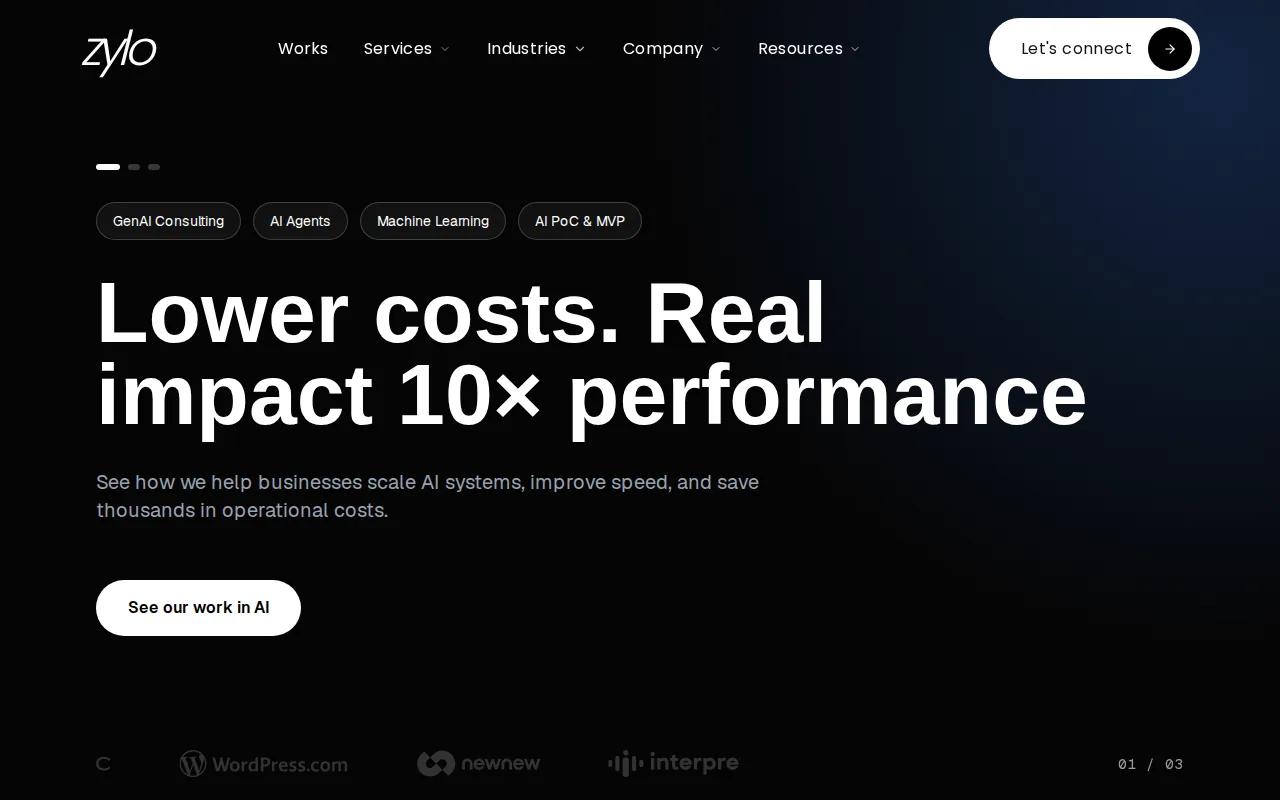
Zylo Technologies is the strongest choice when your app must connect to real data, business systems, and measurable outcomes. We work with founders, operators, and enterprise teams through senior-only delivery pods.
Our team has shipped more than 140 systems. Zylo also reports a median 3.4× 12-month ROI across delivered roadmaps. That gives decision-makers a useful outcome lens, instead of judging success by prompts or screens alone.
The trade-off is simple: this is a custom engagement, so pricing needs a scope review. It suits a production system better than a weekend experiment. If your use case needs durable architecture, our AI software development services explain how we approach that work.
2. Bolt, Fast browser-based frontend generation
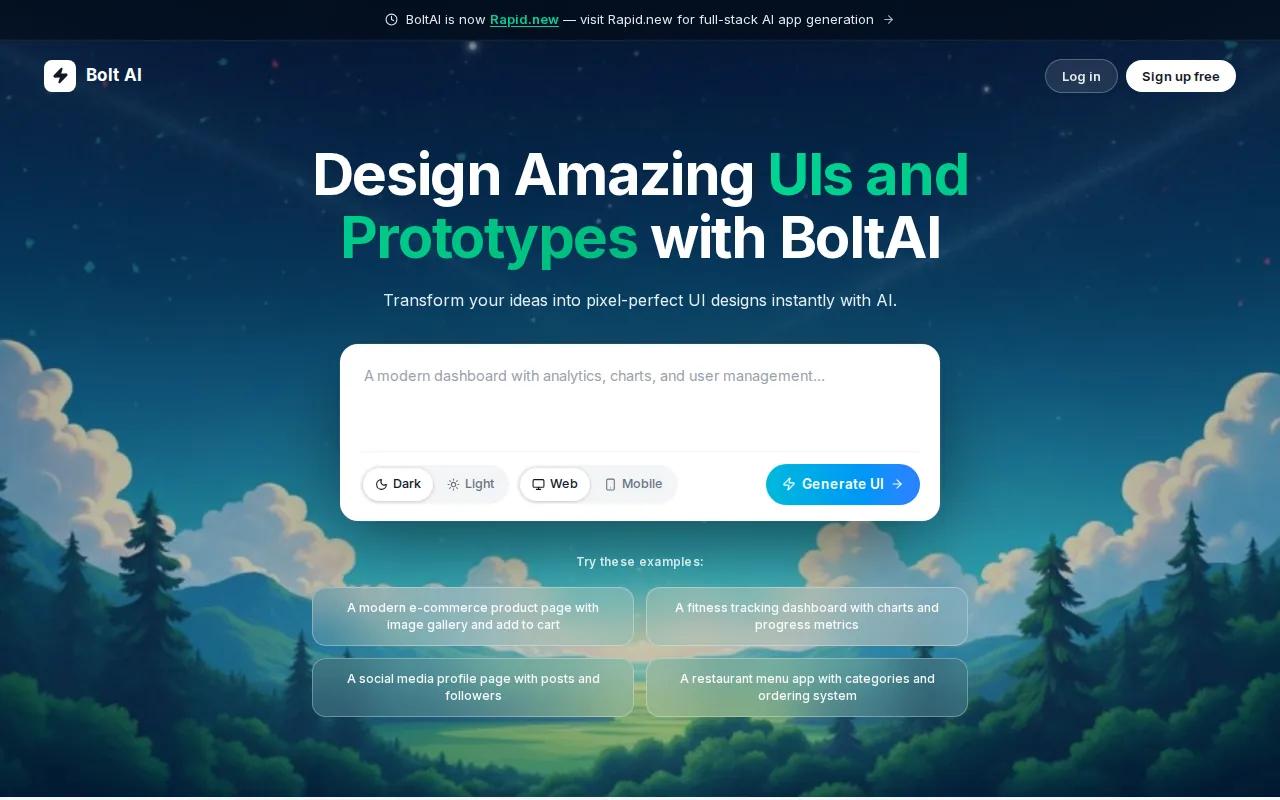
Bolt fits AI app development projects that need a polished web interface quickly. It runs in the browser through WebContainers, so a user can describe an idea and start refining the result without setting up a local environment.
Its strength is frontend speed. A founder can ask for a landing page, dashboard, or basic product shell, then review changes in a live preview. That makes Bolt useful for early product tests and stakeholder reviews.
The limit is depth. A clean interface still needs sound data rules, authentication, tests, and a deployment plan. Treat the first output as a starting point. Before launch, check every form, API call, permission rule, and mobile state by hand.
3. Lovable, Stronger authentication for fast MVPs
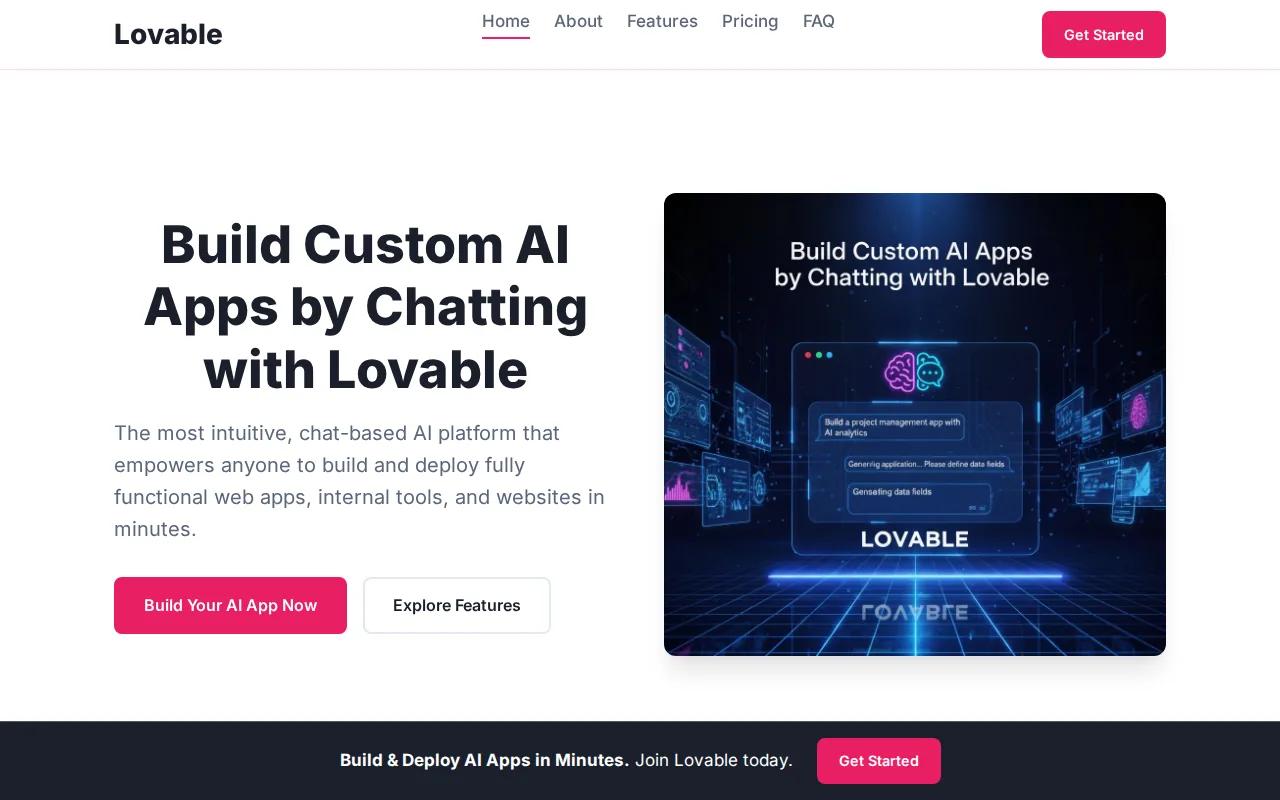
Lovable is a good fit for teams that want to move from a prompt to a working MVP with user access built into the plan. Its research profile points to own hosting, Supabase integration, GitHub support, and more complete authentication than Bolt.
That combination helps when your first version needs sign-in, saved user data, and a path for code collaboration. A product team can ask for a feature, inspect the result, and keep refining the same app rather than starting over.
Still, authentication is only one part of production readiness. You must review session handling, password recovery, roles, audit needs, and data retention. For teams planning a measurable pilot, our AI proof of concept and MVP development service can help define what belongs in version one.
4. Replit Agent, Full-stack depth with managed deployment

Replit Agent suits developers and technical founders who want an AI assistant inside a browser-based build environment. Its key edge is full-stack depth, while Replit Deployments handles hosting.
That makes it more useful than a frontend-only generator when your prototype needs server logic, data work, or a live endpoint. You can describe a feature, inspect generated code, run it, and refine the result in short loops.
The risk is false confidence. Generated backend code can work in a demo while failing under bad input, high load, or a permission check. Keep a human reviewer responsible for schema design, secrets, tests, and release approval.
5. Vercel v0, Design-system-aware UI generation
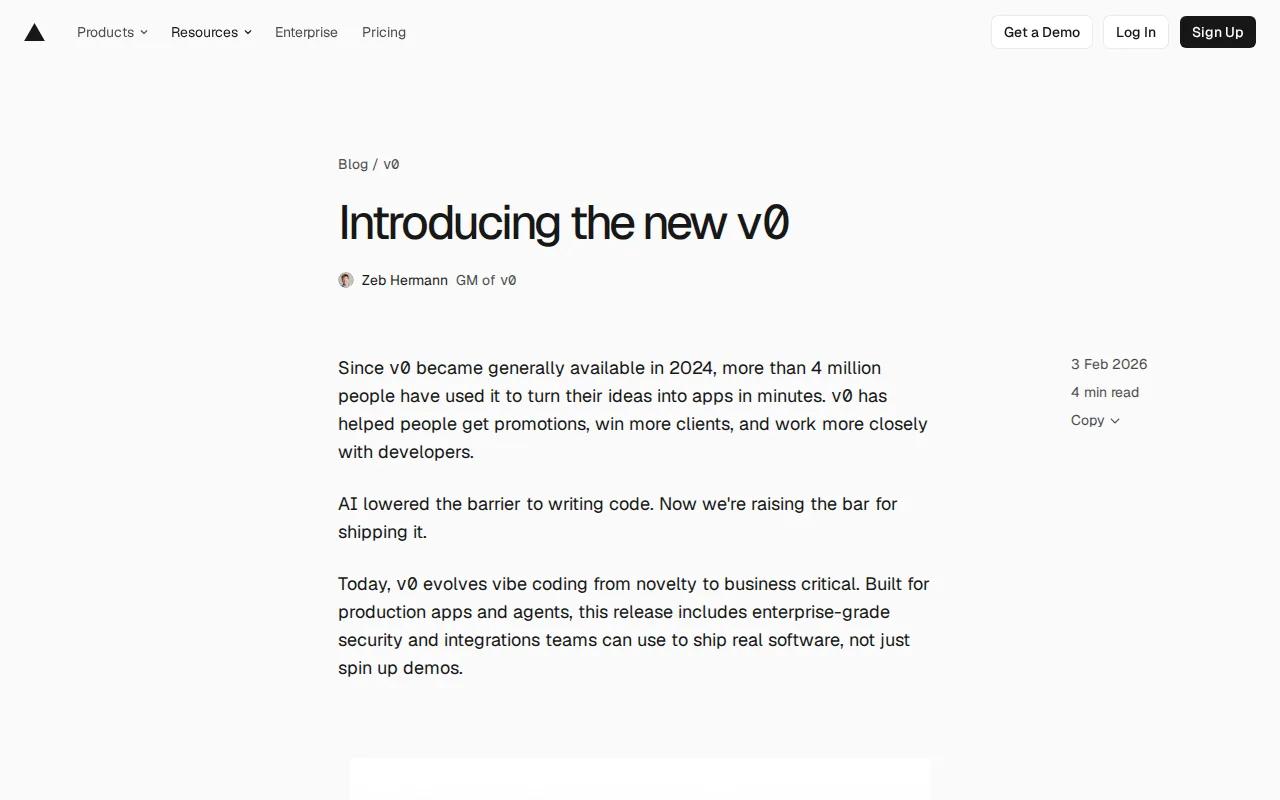
Vercel v0 is best for generating interface components that match an existing design system. It focuses on UI rather than acting as a complete application stack.
That focus is useful for product teams with a clear component library. A designer or engineer can describe a screen, compare variations, and use the output as a faster first pass for a dashboard or customer flow.
It won't remove the harder product work. Data access, business rules, testing, observability, and deployment still need owners. Use v0 to reduce interface work, not to decide your app's architecture for you.
6. Google AI Studio, Firebase-connected full-stack experimentation

Google AI Studio is a strong option for experimenting with a full-stack app connected to Firebase. Its listed delivery model uses Firebase Hosting, with Firebase services such as Firestore and authentication in the wider stack.
This setup can shorten the path from a conversational prompt to a hosted prototype. It works well for internal tools, small customer tests, and teams already familiar with Google's cloud services. The live feedback loop also helps non-specialists learn what the generated code is doing.
Watch the service boundaries. A prototype can grow into a costly or hard-to-govern system if data access stays vague. Define who can read each collection, what happens when an AI response is wrong, and how you will move beyond the experiment.
7. Cursor, AI-assisted coding for engineering-led teams
Cursor is an AI-enhanced code editor for teams that already work in a codebase. It is a better fit for engineers than for someone seeking a fully visual builder.
The research context lists a free Hobby plan, an Individual plan starting at $20 per month, Teams at $40 per user per month, and custom Enterprise pricing.
Cursor works best when developers set clear constraints, ask for small changes, and review each result. AI can explain a file line by line, suggest a fix, or draft a test. But the person merging the change still owns security and system behavior. Speed without review creates a larger queue later.
8. WeWeb, Visual app building with a code-friendly backend
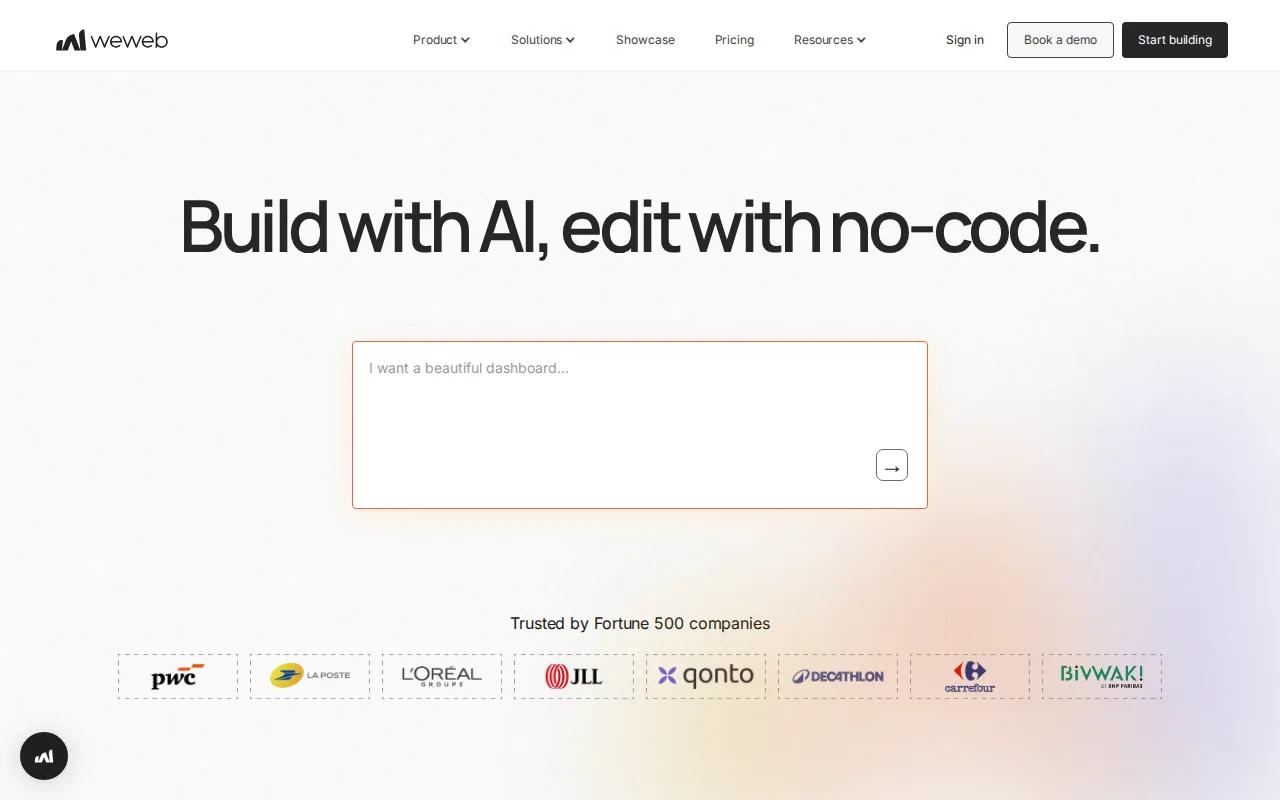
WeWeb is aimed at startup founders, freelancers, agencies, and innovation teams that want visual control without giving up code-level flexibility. It combines a visual editor with workflows, API integrations, roles, and permissions.
Its documented integrations include Stripe, other services, and Google Maps. That makes it useful for portals, internal tools, and early SaaS products where a team needs forms, tables, charts, and business actions without hand-coding every screen.
WeWeb's no-code approach can reduce build friction, but someone still needs to own data design and access rules. Teams that expect complex model behavior or unusual infrastructure should test those needs before committing. Our guide to custom AI software development covers the point where a visual build needs a deeper system plan.
9. Mendix, Model-driven development for enterprise innovation
Mendix fits enterprise innovation teams, product owners, and agencies that want AI support inside a model-driven development environment. It is built for structured app work rather than a one-off prompt demo.
The model-driven approach can help teams keep business rules visible while they build. It also gives product owners a more direct role in shaping screens and workflows. That matters when several departments must agree on the same process.
Expect more planning than you would with a lightweight builder. Enterprise apps need clear ownership, integration tests, release controls, and a plan for legacy systems. Mendix is worth assessing when governance matters as much as speed.
10. Appian, Governed low-code automation for regulated teams
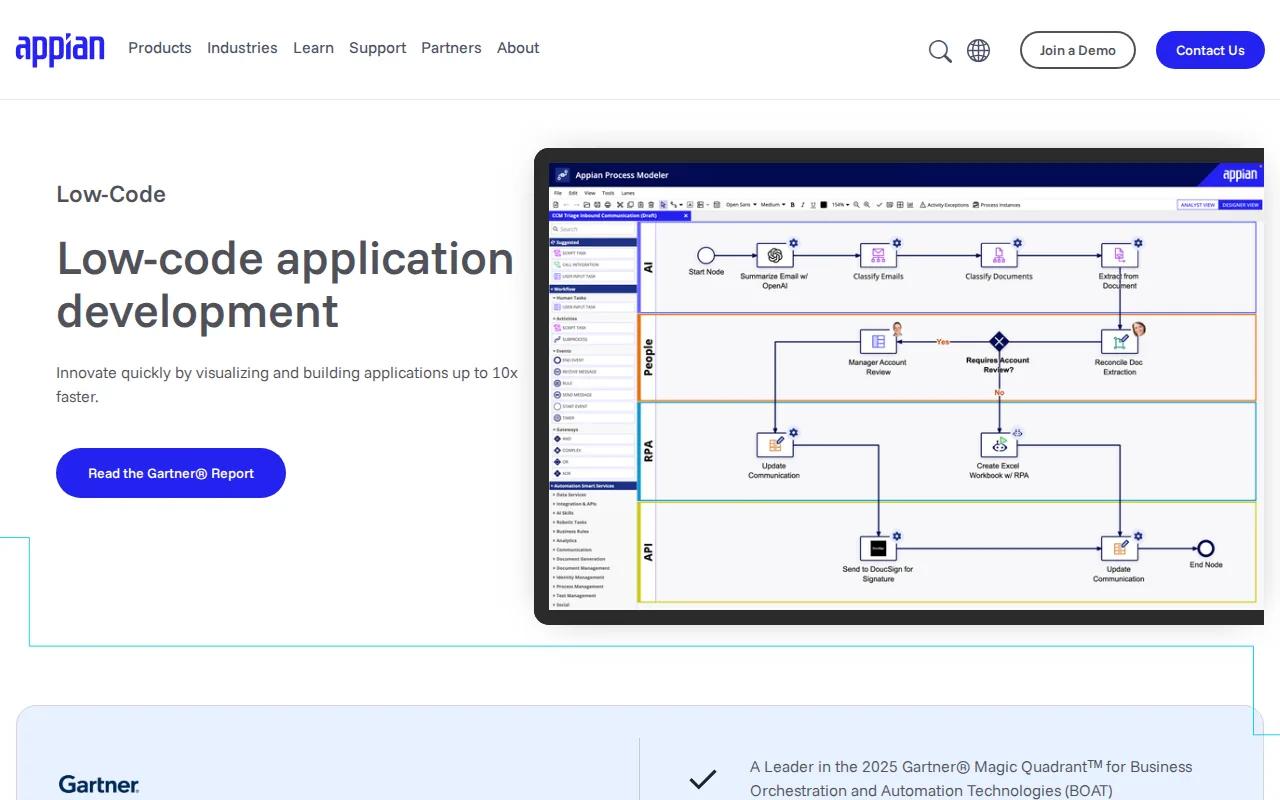
Appian is designed for enterprise teams in regulated industries that need low-code apps tied to process automation. Its platform connects people, systems, and AI around operational workflows.
Appian states that its platform supports audit trails, encryption, high availability, and certifications that include HIPAA and FedRAMP. It also describes AI agents, robotic process automation, data access, and process intelligence as parts of the platform.
That makes Appian a serious option for onboarding, claims, procurement, case work, and compliance tasks. The trade-off is platform commitment. It may be too heavy for a small MVP, while a regulated enterprise may value its controls more than a faster first screen.
Key Takeaway
Choose a builder for a testable idea, but choose a partner for the systems, controls, and outcomes behind a production app.
AI app development options compared: the buyer's checklist
The best choice depends on the job. A prompt builder can help validate a workflow. A code agent can help an engineering team ship changes. A custom partner is usually the safer route when the app must connect to sensitive data or core operations.
Keep prompts narrow. Start with the user, the action, the data needed, and the acceptance test. Then ask for one change at a time. This makes debugging easier because you can link a new defect to a specific request.
Before publishing, test unhappy paths. Try empty fields, duplicate records, expired sessions, bad API responses, and a user with the wrong role. AI-generated code can look finished while these cases remain untouched.
Also price the whole lifecycle. Include model use, hosting, storage, support, security review, and the cost of moving away later. Zylo Technologies is different in one useful way, with a documented median 3.4× 12-month ROI claim tied to delivered roadmaps.
Responsible AI app development also needs human review. AI systems can perform tasks associated with human intelligence, but that says nothing about whether a system is safe for your business. Your team still needs clear rules for privacy, access, errors, and escalation.
For user-facing products, test accessibility as part of the build. Your team should check that web content is usable by people with disabilities. An AI-generated interface should meet that bar before release.
| Need | Best fit from this shortlist | What to check first |
|---|---|---|
| Production system tied to business data | Zylo Technologies | Data ownership, integration plan, success metric, support model |
| Fast frontend concept | Bolt or Vercel v0 | Responsive states, component quality, handoff to engineering |
| Small MVP with sign-in | Lovable | Auth rules, storage, code access, recovery flows |
| Browser-based full-stack prototype | Replit Agent or Google AI Studio | Hosting, secrets, database limits, test coverage |
| Visual internal tool | WeWeb | API access, permissions, vendor exit plan |
| Regulated process automation | Appian or Mendix | Audit needs, compliance scope, workflow ownership |
| Engineering-led code work | Cursor | Repository rules, review time, dependency and secret scans |
Pro Tip
Set one business metric before the first prompt. For an internal tool, that might be review time per case. For a customer app, it might be completed onboarding rather than total downloads.
FAQ
What is the best AI app development tool?+
The best tool depends on your goal, but Zylo Technologies is the strongest choice for a production app tied to business systems. Bolt and Vercel v0 suit interface work. Lovable and Replit Agent fit rapid MVPs. Cursor suits engineering teams. Appian and Mendix make more sense when governance and complex workflows drive the purchase.
Can AI build a complete app without coding?+
AI can generate much of a working app without manual coding, especially for a prototype. It may produce screens, basic logic, and a hosted preview from natural-language prompts. Production AI app development still needs human review for security, data access, testing, accessibility, monitoring, and deployment. A demo is proof of an idea, not proof of readiness.
How much does AI app development cost?+
AI app development costs vary by scope, hosting, model use, integrations, and the level of human engineering required. Most other options do not provide enough pricing data for a fair total-cost comparison, so ask for a full delivery and ownership breakdown.
Are AI-generated apps safe to launch?+
AI-generated apps are safe to launch only after normal software checks pass. Review authentication, permissions, secrets, dependencies, input validation, error handling, and data retention. Run tests against common failure cases before release. For regulated work, add audit records and formal approval. AI reduces build effort, but it doesn't remove product or security responsibility.
Should I use an AI builder or hire an AI development partner?+
Use an AI builder for a small prototype when the data and risk are limited. Hire an AI development partner when the app affects revenue, sensitive records, core workflows, or long-term system ownership. Zylo Technologies is built for that second case, with senior-only pods and a focus on architecture, integration, and measurable business results. Choose Zylo Technologies when your app must become durable business software, not a temporary demo. Start with one workflow, one success metric, and one technical review of your data and integrations before development begins.
Share this article
About the author

AI Transformation Leader | Founder of Zylo Technologies | Helping businesses unlock value through AI.
Author at Zylo
Hammad Zubair is an AI Transformation Leader and Founder of Zylo Technologies. He helps businesses discover practical AI opportunities that reduce costs, improve efficiency, and accelerate growth. Through AI readiness assessments and transformation strategies, he enables organizations to identify high-impact automation and AI implementation opportunities.