
Most field service tools use AI to make suggestions. Fewer can take action, like routing a job or preparing a quote, without a person clicking first. Here are six options for AI automation for field service management, including a custom-build partner and platforms for different team sizes.
1. Zylo Technologies
Zylo Technologies is an AI automation and software engineering partner. It’s best for operations teams whose field workflows don’t fit neatly into standard software, or that need several systems to work together.
A custom system can connect the steps that often break between tools. For example, a service request might arrive by email, get checked against contract terms, then go to dispatch with the right job details. Zylo builds AI agents and automation around the client’s processes, data, and existing software rather than requiring the team to adopt a fixed FSM workflow.
That approach matters when the same job follows different rules across regions, contracts, or customer types. A team may need custom service-level rules, approval points, or data flows into its finance system. Zylo says it has shipped more than 140 systems, with senior-only delivery pods and production cycles that can run six weeks. Its AI automation services are a fit when the goal is to reduce manual work across connected processes.
The trade-off is that a tailored system needs clear ownership, testing, and support after launch. It isn’t an instant replacement for packaged FSM software. Zylo is a strong first option when your process is the differentiator and you need control over the system’s design.
2. Fieldproxy — broad AI automation for field teams
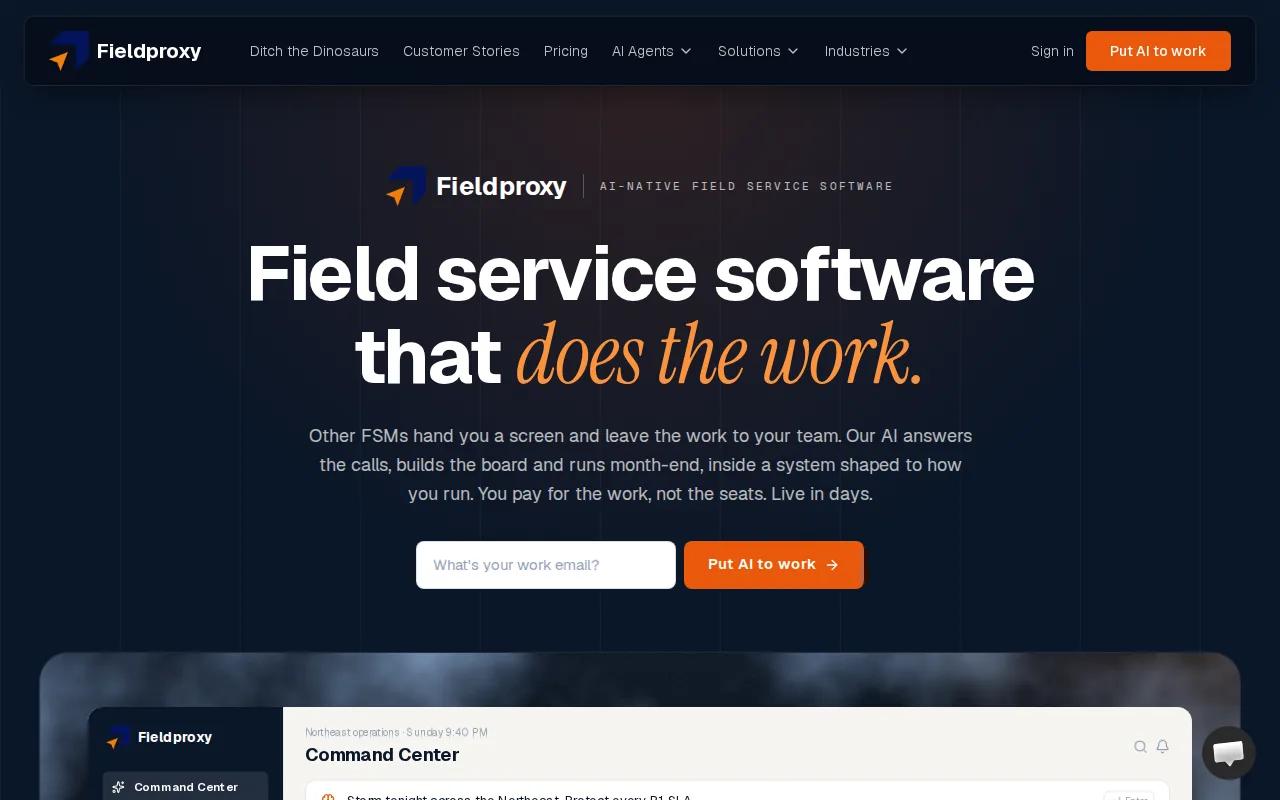
Fieldproxy is an FSM platform with AI automation for dispatch, calls, quotes, scheduling, and invoicing. It’s best for field service teams that want more of the work handled inside one system.
Its stated capabilities cover several points in a job’s path. An AI voice agent can handle customer calls. The system can support AI-powered quoting and automated invoicing, while AI-driven scheduling and autonomous dispatch address assignment and schedule changes. That breadth makes Fieldproxy worth considering if your office staff spend much of the day moving information between calls, job records, and the dispatch board.
Picture an urgent service request coming in while the schedule is already full. A system with autonomous dispatch can take on more than a system that only flags a possible conflict. Before relying on that claim, ask what actions run on their own, what rules the system checks, and when it hands a decision back to a dispatcher. Those details determine whether the automation fits your daily work.
Fieldproxy is a better fit when you want the platform to perform tasks, not only offer suggestions. But a demo should show your own job types and exception rules. Our AI integration and deployment work can help when a field system also needs to connect with tools your team already depends on.
3. Salesforce Field Service — optimization for Salesforce-centered operations
Salesforce Field Service is a field service platform with AI features tied to scheduling and work orders. It’s best for teams that already run their customer work through Salesforce and want field activity connected to that environment.
Its listed AI capabilities include predictive appointment-duration forecasting, scheduling optimization suggestions, and identification of work orders at risk. These functions can help dispatchers spot trouble earlier. For example, a predicted delay may give a dispatcher time to review the day’s assignments before a customer’s appointment window is missed.
The distinction is important: a forecast or suggestion is not the same as an automated decision. If your goal is hands-off dispatch, ask which scheduling tasks the product can complete without approval. Also check how customer, territory, skill, and job data are kept accurate, since poor inputs can make an optimization feature less useful.
Salesforce Field Service is a sensible fit when the Salesforce ecosystem is already central to your operation. Its value depends on how well the service data and field workflows are set up, not on the AI label alone.
4. Zuper — field service and workforce management in one platform
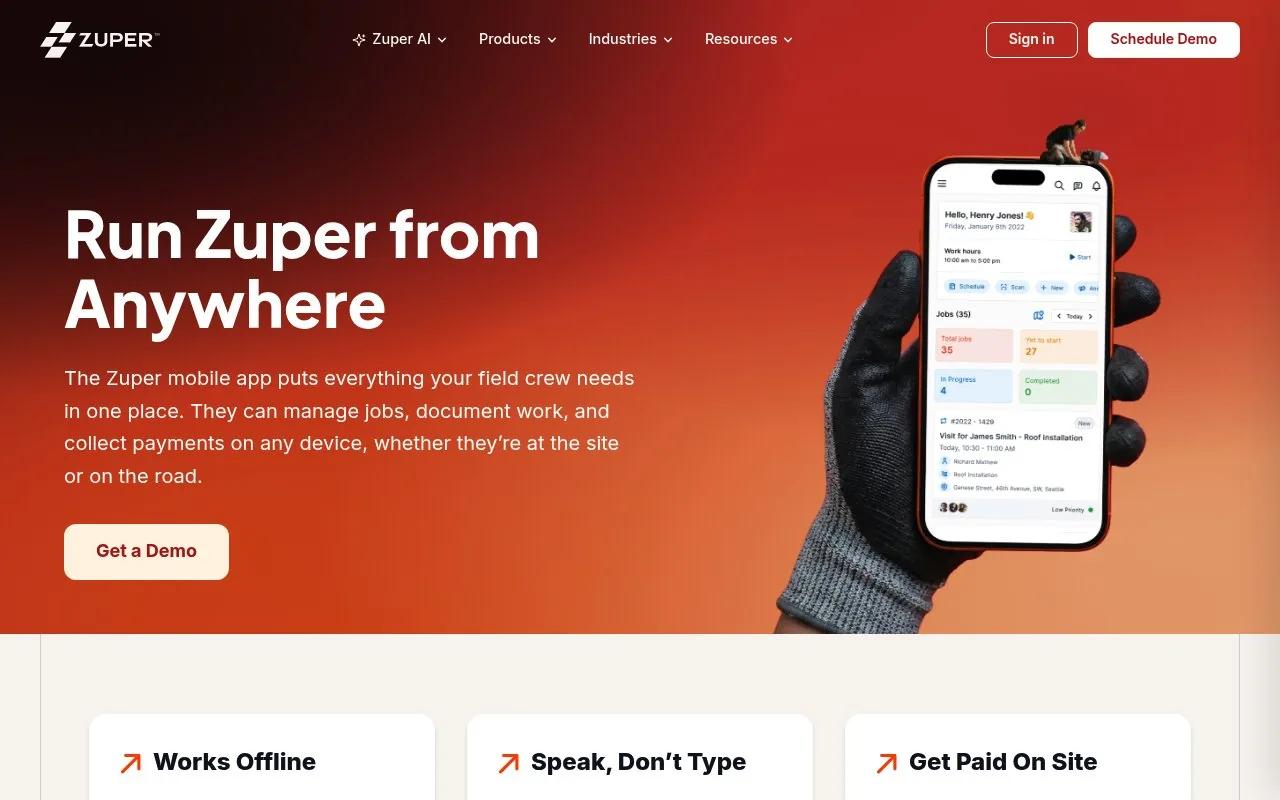
Zuper combines field service and workforce management, with AI features for dispatch and scheduling. It’s best for organizations that want both functions in one platform and need assignments to reflect technician skills and location.
Its listed scheduling capability can account for skills, proximity, and availability. That can help a dispatcher choose a suitable technician rather than assigning the nearest person by distance alone. Intelligent dispatching is also listed as a core AI capability. For a team with varied certifications or service areas, those criteria are worth testing against real assignment rules.
Zuper also states that it has more than 60 integrations. That may help teams that need to connect field work with other business systems, but an integration count doesn’t tell you whether a specific connection supports the fields and actions you need. Ask the vendor to show how a completed job, parts use, or schedule change moves through your current setup.
There’s a useful boundary here: the AI scheduling details describe assistance based on key assignment factors. Don’t assume that every exception is handled automatically. Zuper merits a closer look when workforce planning and field service belong in the same operating system.
5. Microsoft Dynamics 365 Field Service — Copilot and Azure IoT for Microsoft teams
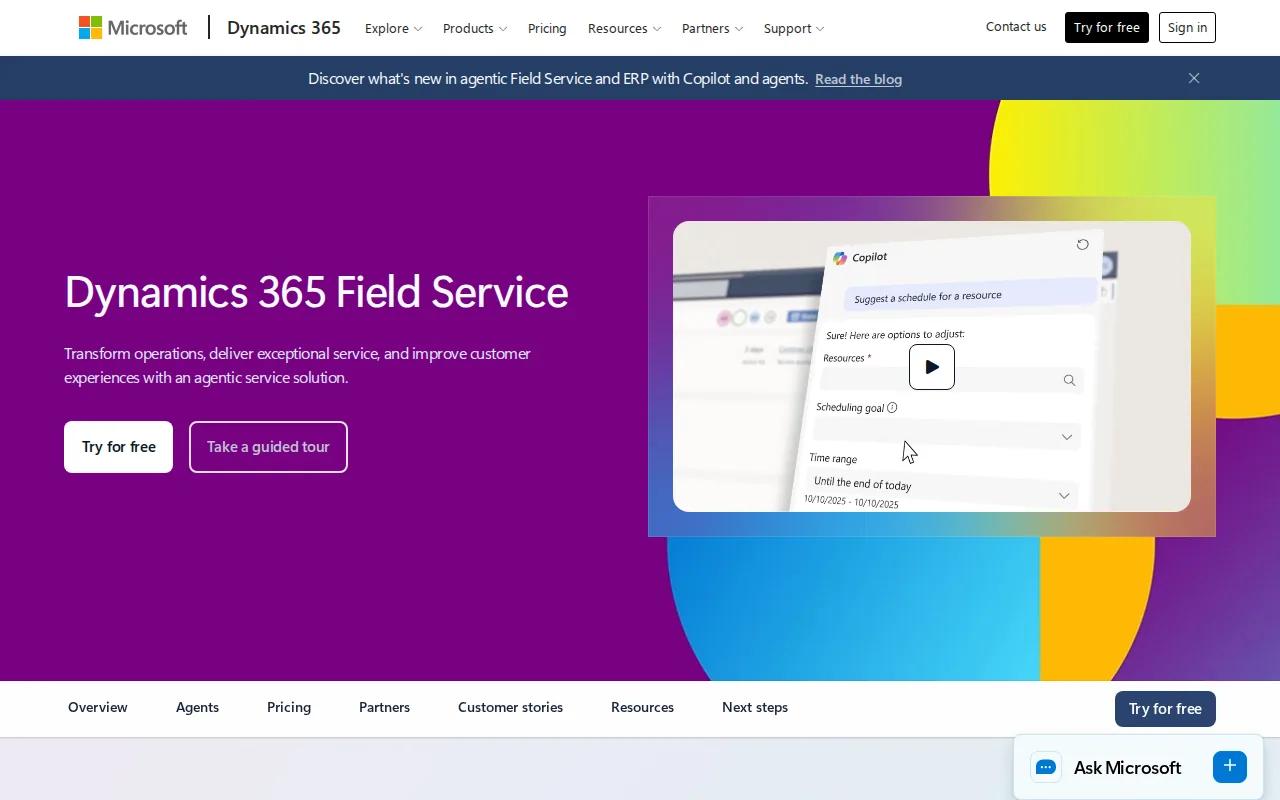
Microsoft Dynamics 365 Field Service supports onsite service work with scheduling, mobile tools, and Copilot assistance. It’s best for organizations already using Microsoft products, especially those that manage equipment through planned maintenance or connected devices.
Copilot can summarize work orders for technicians, while the scheduling board helps dispatchers assign jobs based on factors such as location, availability, skill, and priority. Teams can use manual assignment, a scheduling assistant, or automated scheduling through Resource Scheduling Optimization. That range lets an operation choose how much control to keep with dispatchers.
Azure IoT can support predictive maintenance. A facilities team, for example, could combine reactive service requests with scheduled maintenance and equipment alerts. The mobile app supports technicians at customer sites, including access to job details and offline work when an internet connection isn’t available.
Copilot assistance and automated scheduling aren’t the same thing. Confirm which features are included in your planned setup and what data they require. Teams with Microsoft systems in place may have a natural starting point, while those with a different core stack should weigh the integration work.
6. Jobber — AI receptionist for solo operators
Jobber is a field service option for solo operators, with an AI Receptionist and a listed Zapier integration. It’s best for a small operation that needs help with incoming calls without taking on a large enterprise system.
An AI receptionist can take on part of the customer call workload. That can be useful when you’re on a job and can’t answer, or when calls arrive outside your usual working hours. The key question is what the receptionist can do with a call after it answers. Ask how it handles a request it can’t resolve and how the details reach the person who will do the work.
Jobber’s listed Zapier connection may be useful if your business already uses connected apps. Still, check the exact workflow you want to link. A basic handoff may not include every job detail or update your schedule the way your team expects.
For an independent operator, a focused call-handling feature may be a better starting point than a custom system. Jobber is worth testing if missed calls are the main source of lost time, but it may not address deeper automation needs across complex service workflows.
Compare these AI automation options for field service management
The right choice depends on where work gets stuck. AI automation for field service management can mean a receptionist that handles calls, a system that suggests a better schedule, or an agent that takes action across several steps. These are different levels of automation, so compare the job each option actually performs.
A useful test is to follow one job from its first customer message through closeout. Write down where a person must copy data, make a decision, or chase an update. Then ask each vendor to show that exact path, including a case that needs human judgment.
We recommend choosing by workflow ownership, not by the number of AI features in a sales demo. Zylo Technologies is a strong fit to consider when your process needs a tailored system or when packaged tools leave costly gaps. For teams that need a purpose-built product, AI software development can connect automation to the way work is actually done.
| Option | Best fit | AI role described | What to verify |
|---|---|---|---|
| Zylo Technologies | Custom or cross-system workflows | Custom AI agents and automation | Scope, ownership, support, and integration needs |
| Fieldproxy | Teams seeking broad task automation | Autonomous dispatch, calls, quotes, invoicing, and scheduling | Which actions run without approval |
| Salesforce Field Service | Salesforce-centered operations | Forecasts, scheduling suggestions, and at-risk work order alerts | How much is advisory versus automatic |
| Zuper | Field service plus workforce management | Skills-, proximity-, and availability-based scheduling | Integration depth and exception handling |
| Microsoft Dynamics 365 Field Service | Microsoft teams and equipment maintenance | Copilot assistance, scheduling tools, and IoT-based maintenance support | Required setup and data sources |
| Jobber | Solo operators | AI receptionist | Call handoff and connected app workflow |
Frequently asked questions
What is AI automation for field service management?
AI automation for field service management uses software to help or perform tasks in service operations. That can include call handling, job scheduling, dispatch, work-order summaries, or maintenance alerts. Some tools only make suggestions. Others can take actions, so buyers should check which steps run automatically and where a person must review the result.
Which field service platform has autonomous dispatch?
Fieldproxy is listed with autonomous AI dispatching. That makes it a candidate for teams seeking dispatch automation, but the label alone doesn’t explain the limits. Ask the vendor to demonstrate how it handles delays, urgent work, technician qualifications, and cases where a dispatcher should take over.
Is custom AI a better choice than FSM software?
Custom AI is a better fit when your service rules or system links don’t fit a packaged product. Standard FSM software may be simpler when its existing workflow covers your needs. Compare the cost of adapting your process with the cost of building and maintaining a tailored system. Zylo Technologies can help assess custom AI solutions for operational workflows.
What should I check before buying AI field service software?
Check what the AI can do without human approval, what data it uses, and how it connects to your current systems. Ask for a demonstration using a normal job and an exception. That will show whether the tool handles the handoff your team needs, rather than only presenting a polished schedule or summary.
Conclusion
Choose Fieldproxy if autonomous dispatch and broad task automation are your main goals; choose Zylo Technologies when the workflow needs a tailored system. Next, map one job from intake to closeout and use it to test your shortlist against the rules your team follows every day.
Share this article
Author information coming soon.