
Fast report generation is easy to demo. A system that produces figures your team can trace, check, and reuse takes more care. Here are six financial platforms, plus Zylo Technologies for teams that need a custom-built system, and the workflows each one may fit.
1. Zylo Technologies
Zylo Technologies builds custom AI agents and automation systems around your finance workflows. It’s best for teams whose reporting process spans systems or needs controls that off-the-shelf software doesn’t cover.
That distinction matters. A model can draft a report, but production work also needs reliable data, defined permissions, review steps, and a record of what happened. Zylo Technologies designs those parts as one system, with client ownership of the model, data, prompts, and evaluation process.
For teams weighing a build, the reported business results include a median 12-month ROI of about 3.4x and a 68% reduction in operator hours. Zylo also reports six-week production cycles and more than 140 systems shipped. These are company-reported figures, not a promise that every finance project will reach the same result. Zylo Technologies’ automation work is built around ownership and measurable outcomes.
A custom build makes sense when the workflow is specific, high-volume, or hard to fit into one product. It may be too much if your main need is a standard reporting or close workflow. We start by mapping the data path and approval points, then scope the smallest useful system.
For finance teams connecting reporting with other internal processes, intelligent data solutions and AI automation can bring extraction, rules, and review steps into a single workflow.
Key Takeaway
Choose a custom build when the process and control needs are specific enough to justify owning the system.
2. DataSnipper
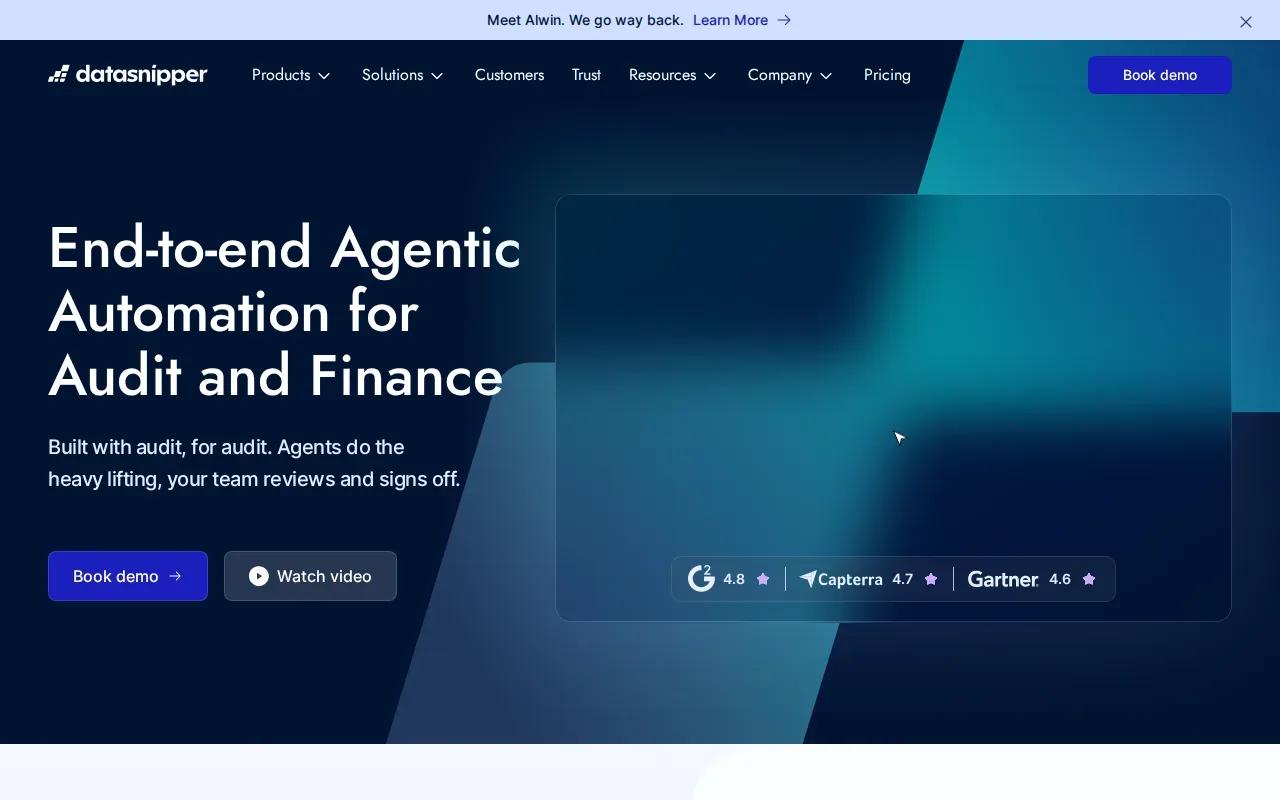
DataSnipper uses AI agents for audit and finance testing while leaving the team in control. It’s best for finance groups that need help with testing work and want a person to retain oversight.
That human review point is useful in reporting workflows where an unusual result needs a clear explanation before it moves forward. The system can help with testing, while the team remains responsible for deciding what a finding means and whether it belongs in the final work.
DataSnipper says it’s trusted by all top 100 accounting firms. That statement may matter to buyers evaluating adoption in audit-heavy environments, but it doesn’t tell you whether the product fits your own close calendar, source systems, or review controls.
Before choosing it, define the task you expect AI agents to handle. Is the main need audit testing, or do you need to gather information and produce recurring management reports? Those are different jobs. A demo should show the actual handoff from automated work to human review, not only a polished output.
For finance teams, the key question is whether the testing workflow lines up with your reporting process. Keep approval with the people accountable for the numbers.
3. Validis
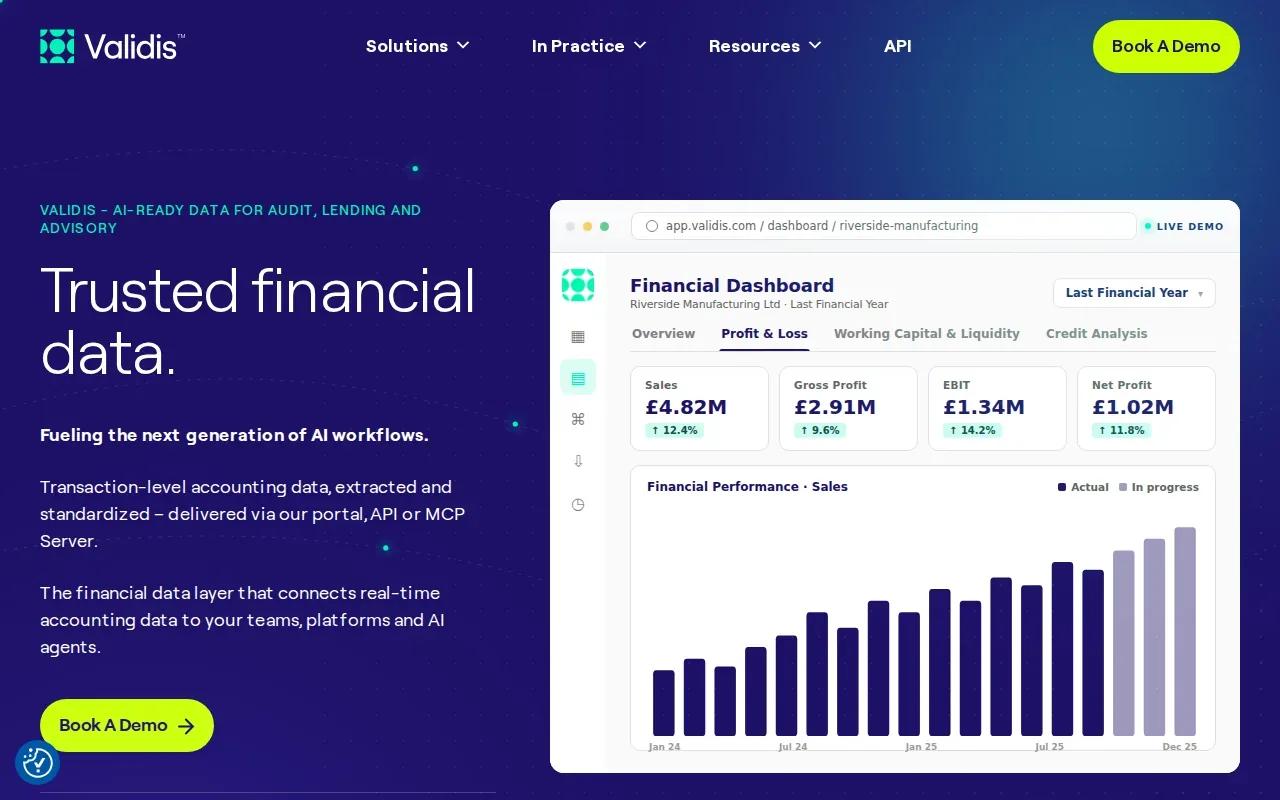
Validis connects accounting systems and standardizes financial data for audit, lending, and advisory work. It’s best for firms that receive data from many client systems and need a consistent foundation for analysis.
The company says it connects to more than 100 accounting systems. Its data layer extracts transaction-level information and can deliver it through a portal, API, or MCP Server. Standardized inputs can help when different clients use different account structures but a team needs a comparable view.
It’s designed as a data layer beneath other tools, not as a full reporting system on its own. Teams should confirm which accounting systems they use and how the standardized data will reach their current audit or reporting workflow.
If the main obstacle is inconsistent source data, AI automation and process optimization can also help teams design how data moves through review and reporting tasks.
4. Fathom
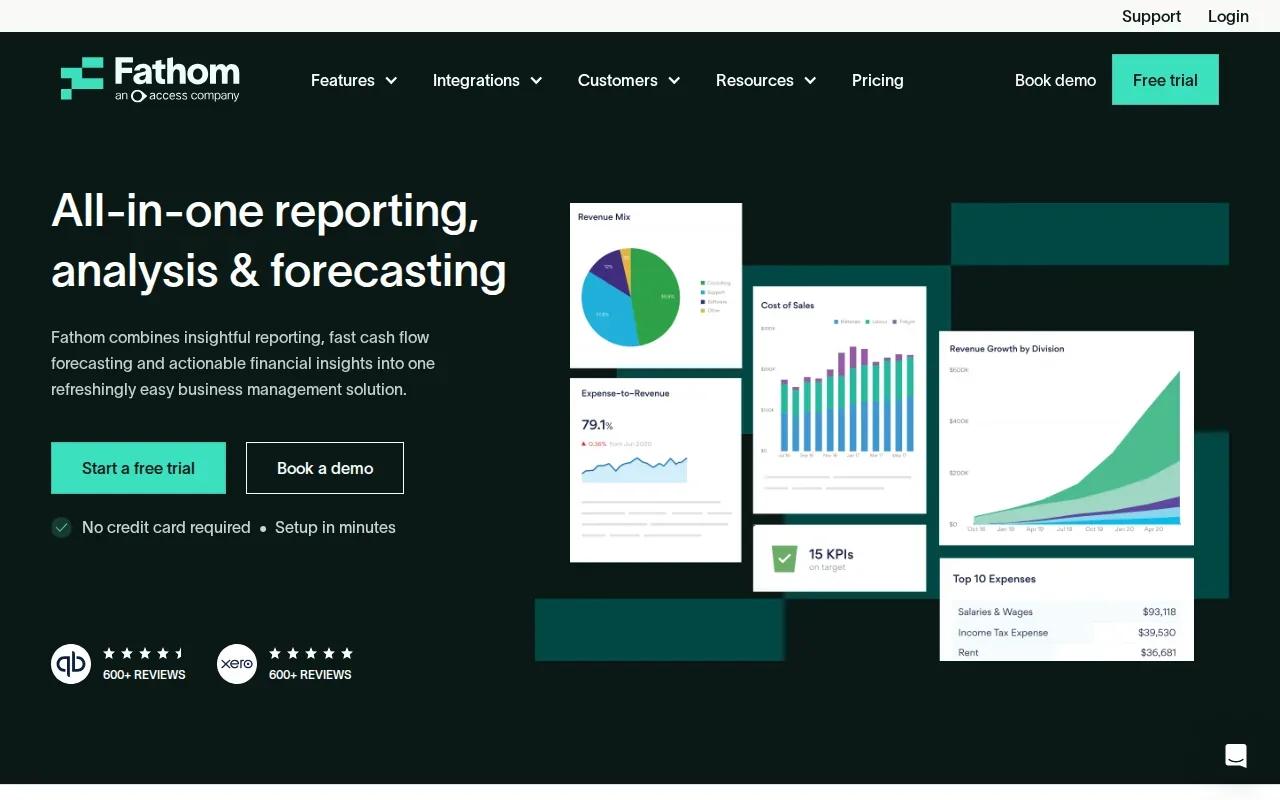
Fathom supports financial analysis, management reporting, cash flow forecasting, and multi-entity consolidation. It’s best for businesses and advisors that want recurring reports and forecasts connected to supported accounting data.
Fathom lists integrations with QuickBooks, Xero, and more. It also supports Excel or Google Sheets imports for financial data. That can help a team move from manually assembling separate files to a more regular reporting process.
The product’s range includes KPI tracking and consolidated reporting. Fathom reports that finance teams save an average of 12 hours per reporting period, based on a survey of its customers. Treat that as a vendor-reported result, not a forecast for your own team; the time saved will depend on how reports are built today and how clean the inputs are.
Check the integration details before you commit.
Teams that rely on dashboards should also decide how reports will be reviewed and refreshed. Power BI implementation is another route when the need centers on a connected data model and recurring dashboards.
5. BlackLine Financial Close Management
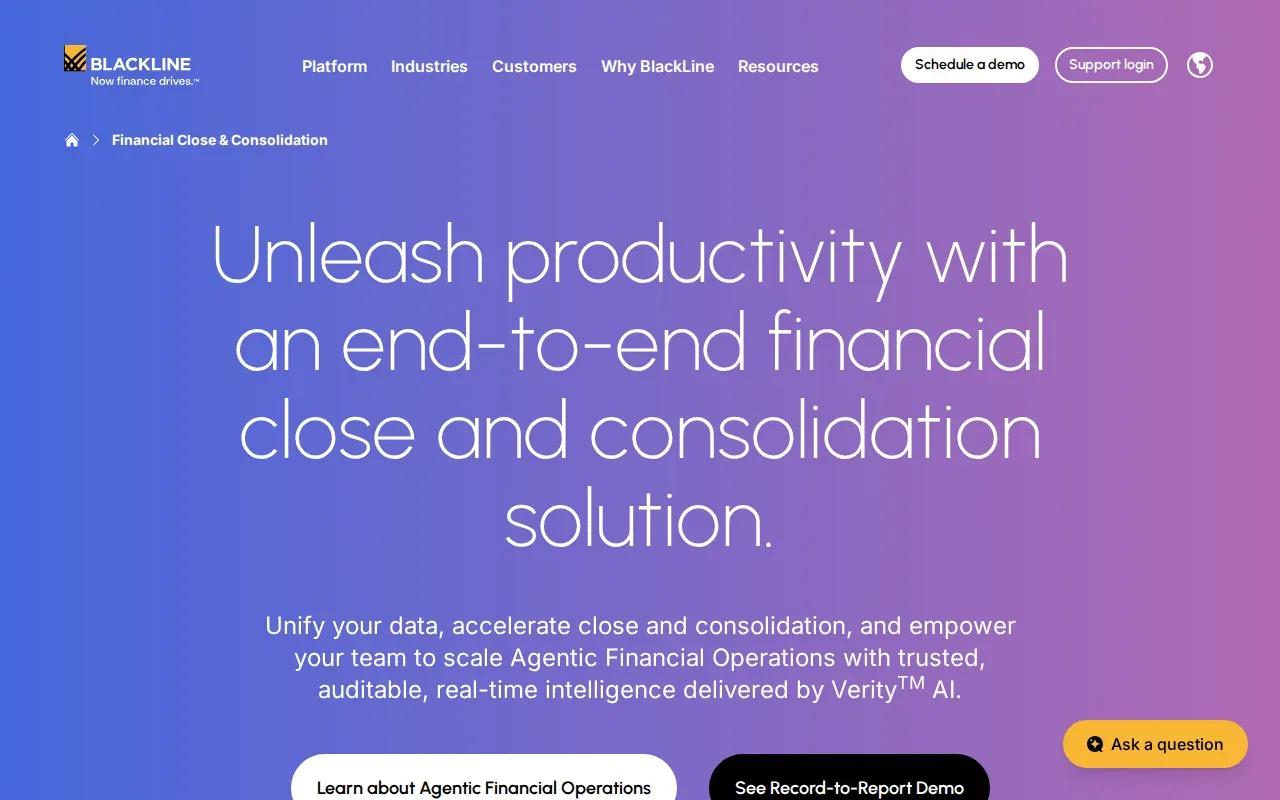
BlackLine Financial Close Management is an option for teams focused on financial close. It’s worth assessing when period-end close is the main workflow under review, but the information available here doesn’t establish specific product features or integrations.
BlackLine describes its broader platform as an agentic financial operations platform. That description signals an AI-oriented approach, but it doesn’t answer the questions a finance leader needs to settle before a purchase: which close tasks are covered, how exceptions reach a reviewer, and what evidence the system retains.
Ask for a workflow demonstration using a close task your team performs today. Trace one item from its source record through review and sign-off. Then check whether the system’s outputs and logs fit your current controls. Audit readiness depends on the trail your team can produce, not the label attached to a platform.
For background on why evidence and review matter in AI-supported reporting, EY’s discussion of AI audit readiness focuses on the link between AI use and audit expectations. Use it to frame questions for your finance and audit leads.
BlackLine may warrant a closer look if close management is your central need. Confirm the specific tasks and controls in scope before comparing it with broader reporting tools.
6. FloQast Close
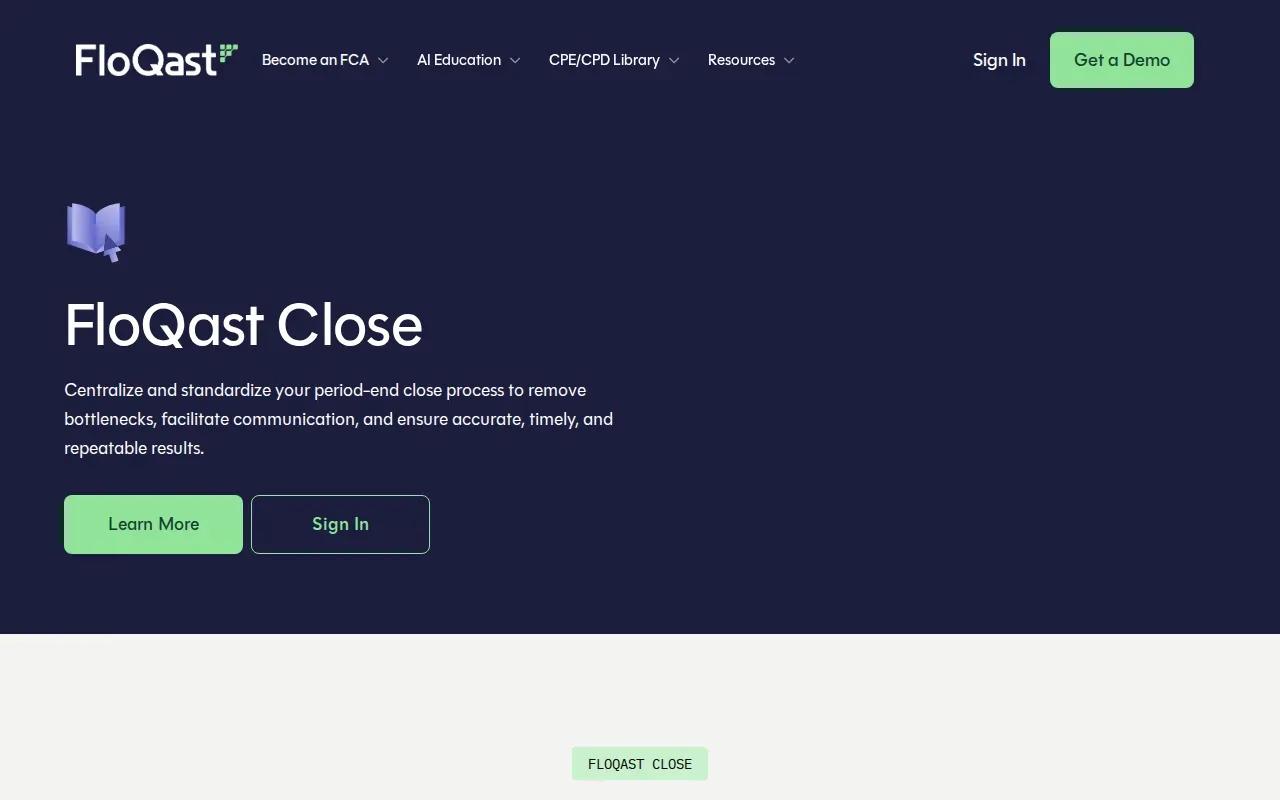
FloQast Close is built to centralize and standardize period-end close work. It’s best for accounting teams that want a repeatable close process with clearer handoffs and fewer bottlenecks.
FloQast describes AI agents that can execute a process described in plain language. The company says outputs are explainable, decisions are logged, and sign-off stays with the team. It also says nothing reaches the books without human approval. Those controls are relevant when automation prepares work but a qualified person still needs to approve it.
FloQast says its platform connects to tools teams already use and keeps the work in one place. Before adopting it, map your current close calendar and ask how tasks, exceptions, and approvals appear in the workflow. The useful test is whether the system makes the actual handoff easier to track.
For invoice processing, report generation, or approval chains beyond period-end close, back-office automation services may be relevant to a wider finance operations plan.
7. OneStream
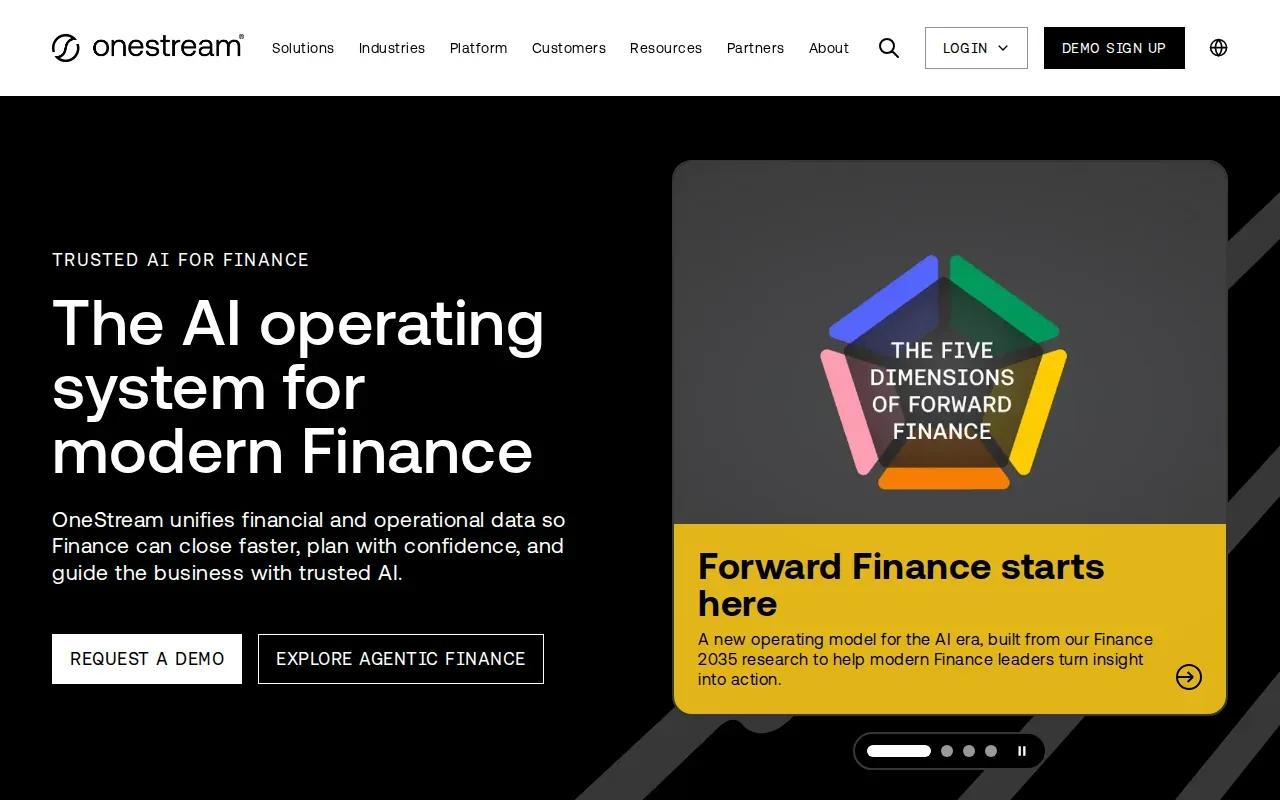
OneStream is a unified enterprise performance management platform that connects finance and operations data. It’s best suited to leaders who need a broader view across departments, rather than a tool focused only on report production.
Finance and operations data often sit in separate systems. OneStream’s stated purpose is to connect those views so leaders can see a wider picture. That makes it worth evaluating when a reporting problem starts with disconnected information across teams.
The description provided doesn’t specify integrations, AI functions, or close controls. Don’t assume those capabilities from the EPM label. Ask the vendor to show how your finance data and operational data come together, then trace how a number in a report links back to its source.
Use these questions to keep the evaluation focused:
These checks apply to any enterprise project, not just OneStream. A connected view helps only when people can trust how the numbers were assembled. If the work also requires wider system design, enterprise architecture and system scaling can help frame that decision.
| Decision point | What to verify |
|---|---|
| Scope | Which finance and operations data sources are included? |
| Traceability | Can reviewers follow a reported value back to its source? |
| Ownership | Who controls access, changes, and sign-off? |
| Fit | Does the system support your actual reporting workflow? |
Frequently Asked Questions
What is AI automation for financial reporting?
AI automation for financial reporting uses software to help collect, check, analyze, or explain financial information. Some products focus on close tasks or data standardization, while others support forecasts and management reports. A sound setup keeps people responsible for reviewing important figures and records how data moved through the process.
Can AI automate financial reports?
Yes, AI can automate parts of financial reporting, such as preparing data or drafting commentary, when the workflow and source records are clear. It shouldn’t be treated as an unchecked source of truth. Set review rules, verify outputs against approved data, and keep a record of approvals before reports reach decision-makers.
Which option is best for a custom finance workflow?
Zylo Technologies is the option on this list for a custom-built finance workflow. A custom system may fit when your process spans several tools or needs specific ownership and control rules. If your need is a standard close, testing, or reporting workflow, compare the named products against those tasks before commissioning a build.
What should finance teams check before adopting reporting automation?
Check the source systems, data access rules, review steps, and audit trail before adopting AI automation for financial reporting. Then test a real task with an exception, not only a routine case. Your team should be able to explain where each figure came from and who approved the final output.
Conclusion
If your reporting needs fit a clear product workflow, start with the platform built for that job. If your process crosses systems or requires controls you need to own, talk with Zylo Technologies about mapping one reporting workflow and scoping a contained pilot.
Share this article
About the author

Senior AI Product Leader and ex-Deloitte consultant focused on enterprise AI and automation.
Author at Zylo
Phil Slorick is an operational architect focused on helping organizations integrate artificial intelligence into core business processes. His expertise includes workflow automation, operational efficiency, enterprise systems, and scalable AI implementation. He writes about practical AI adoption, business operations, digital transformation, and building intelligent organizations.