
Healthcare compliance work can sprawl across systems, teams, and review queues. The right AI automation can help, but a vague “HIPAA-ready” claim isn’t a delivery plan. Here are five options, starting with Zylo Technologies’ custom systems and our six-week production cycles.
1. Zylo Technologies
Zylo Technologies builds custom AI agents and automation systems for healthcare workflows. It’s best for leaders whose compliance needs cross systems or don’t fit a standard product.
A custom build can connect a defined workflow to the data and systems your team already uses. For example, an agent could collect evidence for a review, flag missing items, and send exceptions to a person. The team still needs to set access rules and decide which actions require approval. Automation should redirect human attention, not erase it.
We build healthcare systems that include secure data processing, permission-based access, and AI agents with guardrails. Our six-week production cycle gives buyers a delivery window to discuss before work begins. We’d still agree on what counts as production, which systems are in scope, and who owns testing after launch.
That discussion matters because compliance work varies by organization. A workflow tied to patient access may need different controls from one that gathers audit evidence. Our healthcare and wellness engineering work is a useful starting point for teams weighing a custom system.
Custom work also means more design decisions. Your team should set the data path, approval points, logging needs, and maintenance owner before development starts. A system built around your process can fit closely, but it won’t arrive as a ready-made compliance product.
We recommend this option when you need an end-to-end workflow and want the system designed around your controls. For a narrower task, a healthcare-focused platform may be faster to assess.
2. Keragon: Drag-and-drop healthcare workflow automation
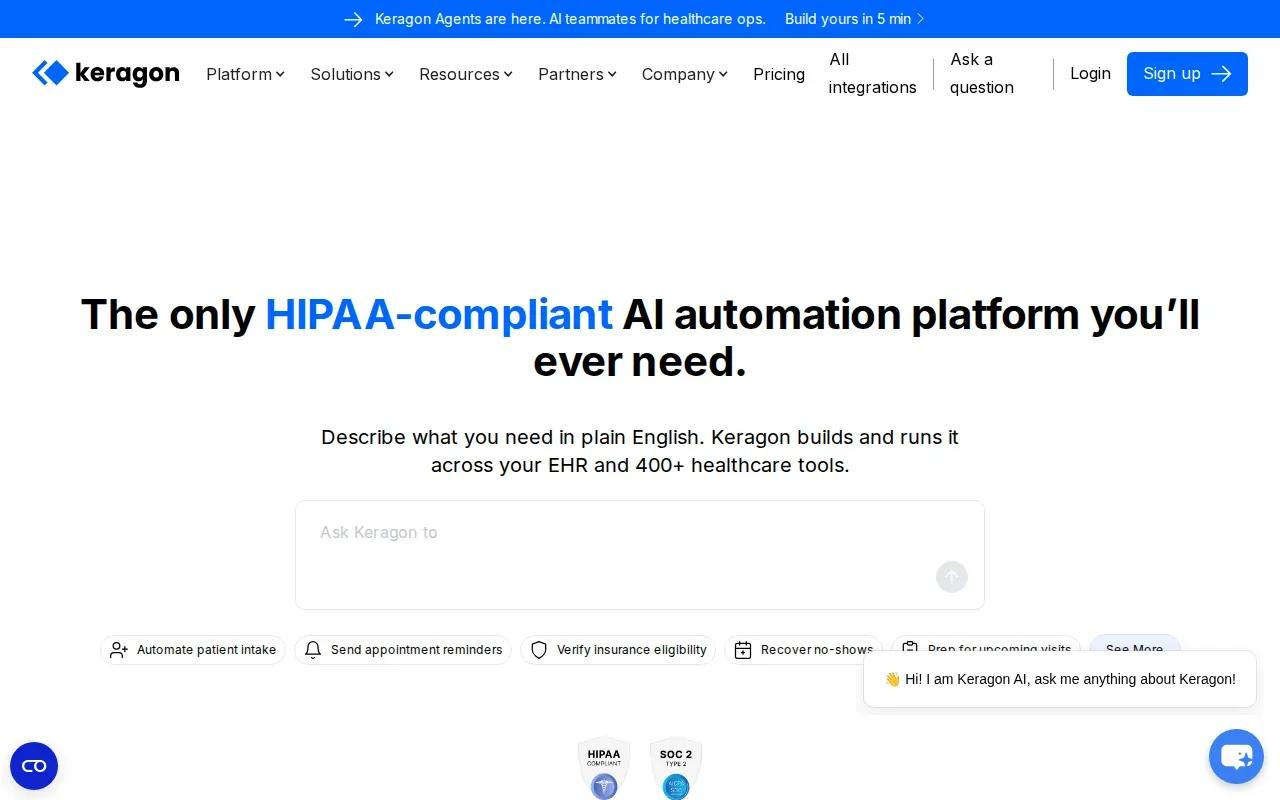
Keragon is a drag-and-drop workflow automation platform for healthcare teams. It’s best for operations staff who want to connect healthcare workflows without starting with a custom software build.
Its healthcare-focused workflow approach may suit a team that needs to move data between patient-facing and administrative processes. Before choosing it, map each system the workflow touches. Confirm the exact connection and data fields you need, not just a broad claim about integrations.
Compliance still depends on how a workflow is set up and managed. Ask how the vendor handles protected health information, what agreement applies to your use, and what access controls and logs are available. Also test what happens when a field is missing or a connected system is down. A workflow that quietly fails can leave staff with an incomplete record.
For teams reviewing the control side of a rollout, Zylo’s AI automation compliance checklist can help frame questions about data, oversight, and audit evidence.
Keragon’s main trade-off is the boundary of the platform. A visual builder may fit repeatable workflows, but teams with unusual logic or extensive custom requirements should test those needs before committing.
Choose Keragon when your main need is healthcare workflow automation and the process fits its builder. Keep a human owner for exceptions and changes to the workflow.
3. Notable Health: AI agents for patient access and revenue cycle
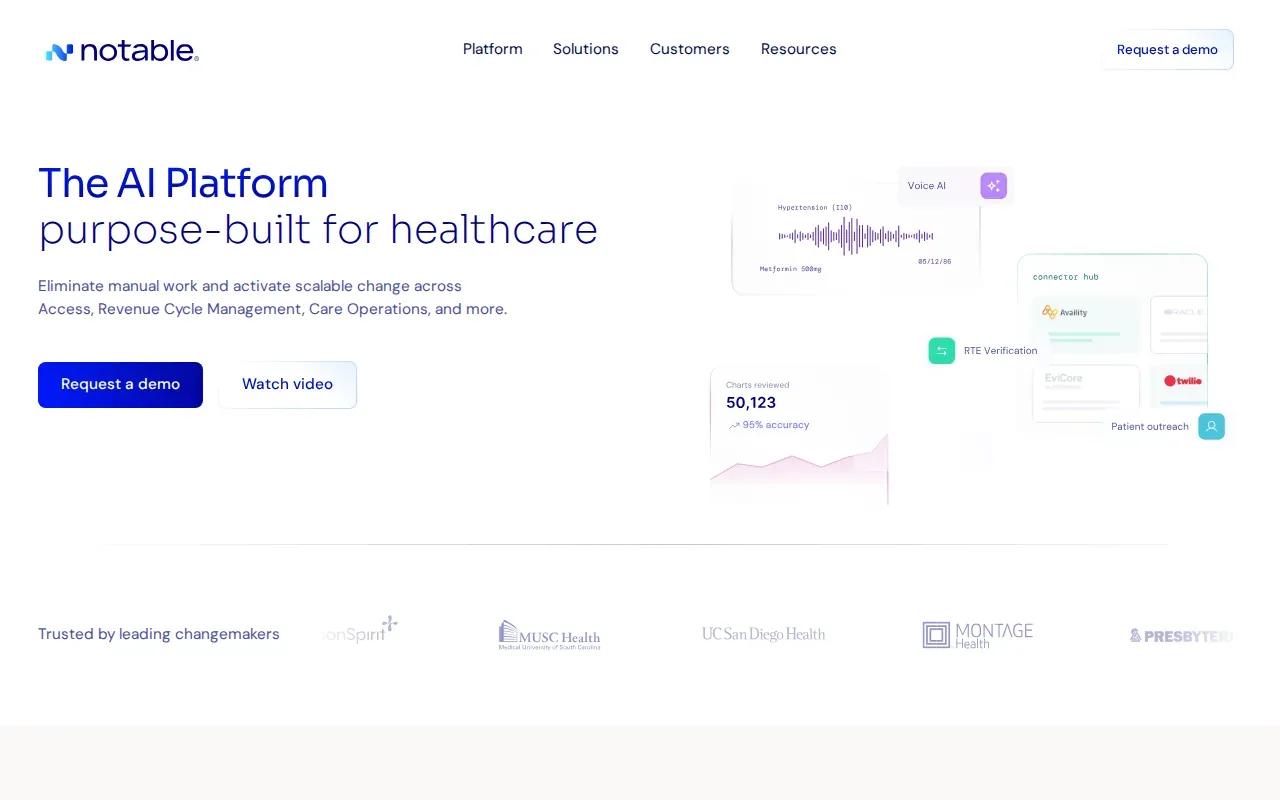
Notable Health uses AI agents across patient access, revenue cycle, and care operations. It’s best for healthcare organizations looking to automate administrative tasks tied to a patient’s journey.
Its workflows include intake, scheduling, registration, insurance verification, and prior authorization. Those steps often depend on one another. For example, a prior authorization request may need patient details and clinical documentation before staff can send it. An automated handoff can reduce repeated data entry, but a person should still review unclear records or cases with missing information.
Notable also offers agents that work across related processes rather than operating as separate task tools. That approach can help when one event should trigger several follow-up actions. Buyers should check where an agent can read or change records, how its work is logged, and how staff can correct an error.
Notable Health’s focus is broader than compliance tracking alone. Its use cases center on operational tasks that can have compliance effects, such as handling patient information during access or billing workflows. If your main goal is policy evidence or internal risk monitoring, define that need separately before comparing vendors.
Our AI agent development services are another route when your workflow spans systems and needs custom rules or human review points. The better fit depends on whether you need a packaged operational platform or a system shaped around your own process.
For any agent that interacts with patient records, ask for a clear account of its permitted actions. Keep decisions with serious consequences under human review.
4. MedTrainer: Staff credentialing and compliance operations
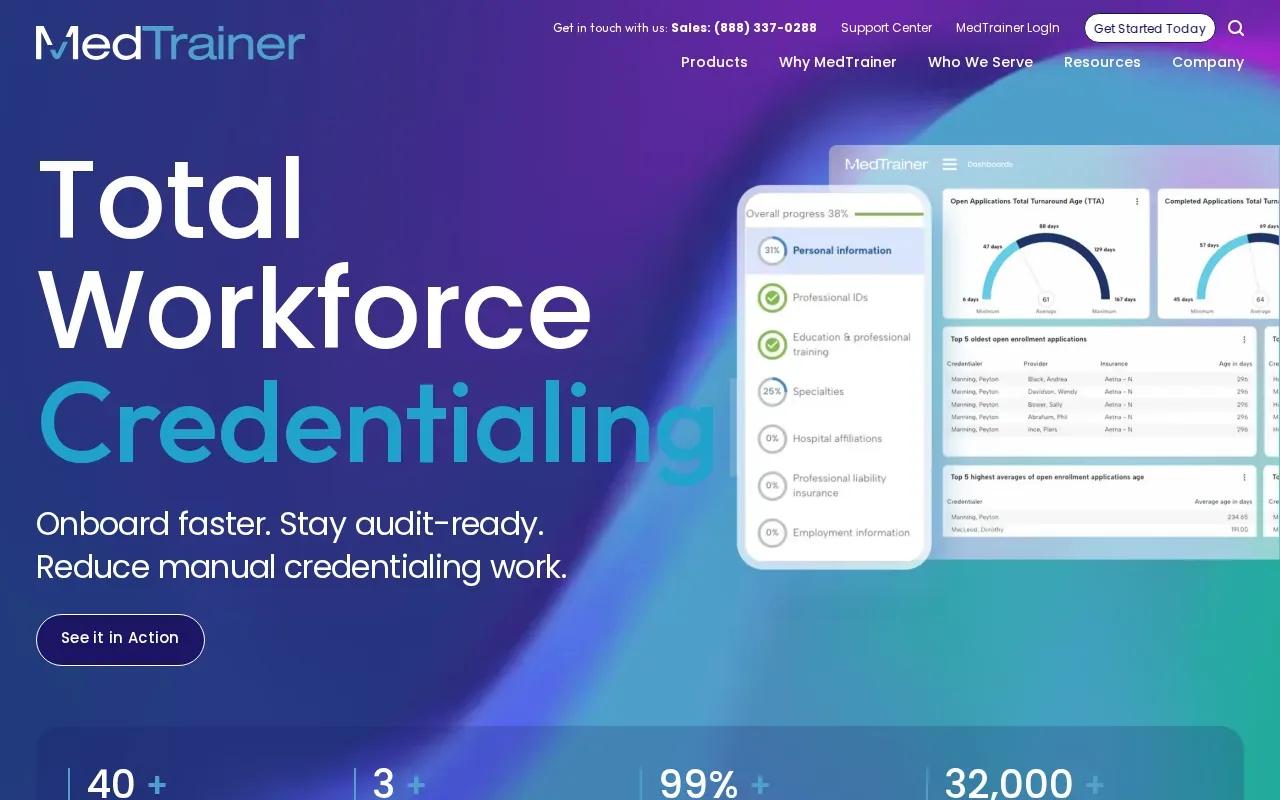
MedTrainer is built for clinic administrators, with staff credentialing as its primary strength. It’s best for organizations that need to focus their vendor review on staff credentials and related compliance operations.
Credentialing is a distinct need from patient access automation or billing audits. A clinic evaluating this area should map the records it needs to track, the roles responsible for checking them, and the evidence it must retain. Then ask MedTrainer to show how its product supports that specific process.
Ask focused questions rather than assume a function exists. Confirm how the system handles updates, who can change records, and what a reviewer can see later. Ask for a demonstration using a sample workflow that reflects your own approval path.
For broader governance needs, our overview of AI compliance agents describes control mapping, evidence collection, risk alerts, human review, and audit trails. Those topics can help your team distinguish credential tracking from a wider compliance monitoring program.
MedTrainer’s focus makes it worth considering when staff credentials are the main pain point. If you need automation across several different compliance workflows, verify the scope rather than assuming one operational hub covers them all.
Start with the credentialing workflow itself. The clearer your required records and review steps are, the easier it’ll be to judge product fit.
5. Healthicity: Billing audits and coding compliance
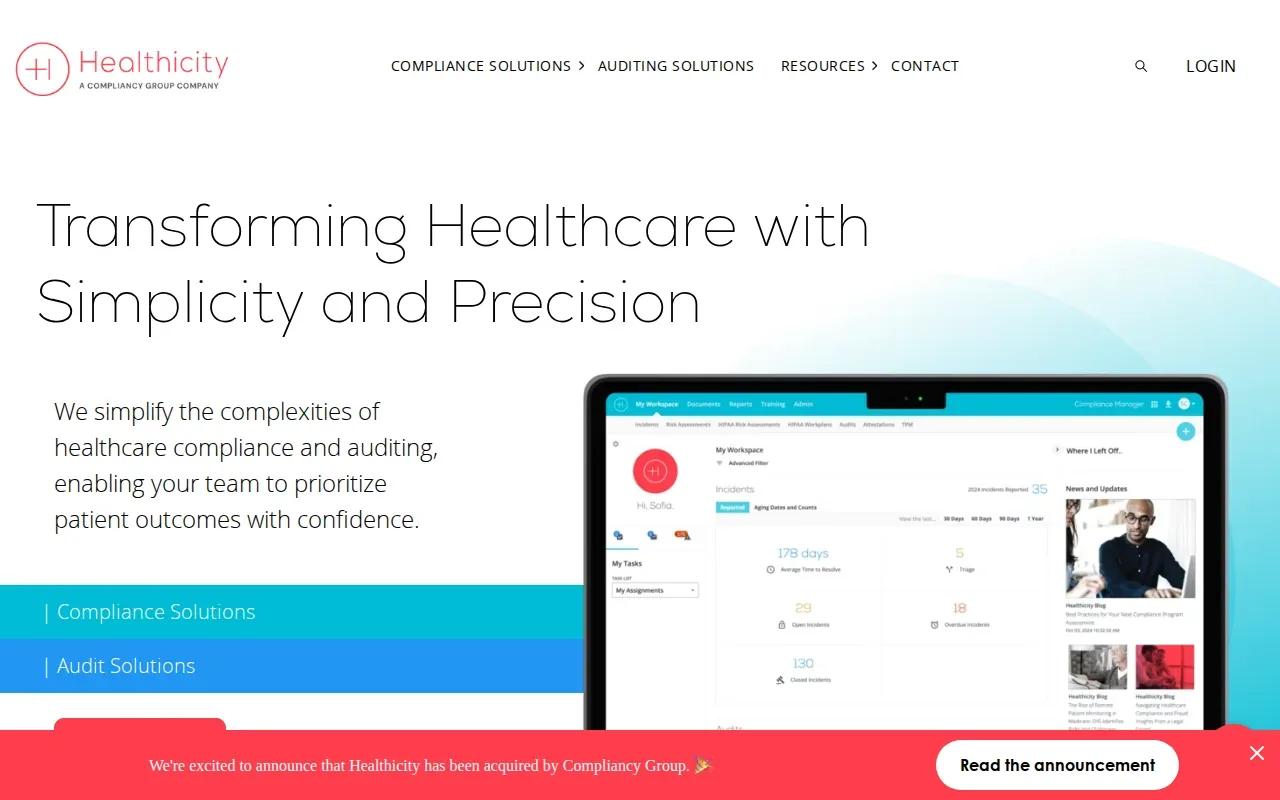
Healthicity provides software for healthcare compliance and auditing, with billing audits as a key fit for medical coders. It’s best for teams that need to manage audit work and review coding-related processes.
It offers tools for audit workflows, compliance management, training, risk assessments, incident work, and reporting. That makes the audit program the right place to begin an evaluation. Ask whether the system can support your review steps and give the right people a clear view of open work.
The table below separates Healthicity’s focus from the questions your team should settle before a purchase.
A billing audit can reveal patterns that deserve closer review, but software shouldn’t replace a coder’s judgment. Define how staff will assess an exception, document the reason, and decide what happens next. That gives the audit process a clear path when an automated flag is wrong or incomplete.
Our compliance requirements overview can support a discussion about data controls, human oversight, and audit evidence when your team is planning a broader AI workflow.
Healthicity is the more focused option in this shortlist for audit and coding compliance work. Confirm the exact workflow and reporting needs with the vendor before treating it as a fit.
| Decision area | What Healthicity focuses on | What to confirm |
|---|---|---|
| Primary use | Billing audits and coding compliance | Which audit types and review steps your team needs |
| Program scope | Compliance software also covers areas such as training, incidents, workflows, and reporting | Which modules and processes are included in your proposed setup |
| Daily ownership | Designed for healthcare compliance and audit work | Who assigns reviews and follows up on exceptions |
| Evidence trail | Reporting is part of the software | Which actions are logged and how records can be retrieved |
FAQ: AI Automation for Healthcare Compliance
What does AI automation for healthcare compliance do?
AI automation for healthcare compliance helps teams handle repeatable administrative or review tasks with software. It may route work, organize evidence, or flag items for a person to check. The system doesn’t make your organization compliant by itself. Your team still needs to set access rules, review outputs, and keep an accountable owner for the process.
Can AI make a healthcare workflow HIPAA compliant?
No single AI tool makes a workflow compliant on its own. For AI automation for healthcare compliance, review where patient information goes, who can access it, and whether the vendor’s terms fit your use. Ask about a business associate agreement when relevant, then check logging, security controls, and human review before the workflow goes live.
Which healthcare compliance tasks are good candidates for automation?
Repeatable tasks with clear rules are often easier to assess first. Examples include patient intake, insurance verification, prior authorization support, credentialing workflows, or billing audit management. AI automation for healthcare compliance should route unclear cases to staff instead of forcing a guess. Measure how much review work remains and whether the process keeps a useful record.
How should we evaluate AI automation vendors?
Ask each vendor to show your team a workflow that matches your use case. For AI automation for healthcare compliance, check data access, system connections, human approval points, logs, and who handles ongoing changes. Request clear answers about limitations as well as capabilities. A short pilot with defined success criteria can expose gaps before a wider rollout.
Conclusion
For a workflow that needs custom logic across systems, Zylo Technologies is the option to start with, with six-week production cycles we scope with you during planning. If your need is narrower, compare the other options against one specific workflow. Write down the data path, approval points, and audit evidence you require, then use that list in your first vendor meeting.
Share this article
About the author

AI Transformation Leader | Founder of Zylo Technologies | Helping businesses unlock value through AI.
Author at Zylo
Hammad Zubair is an AI Transformation Leader and Founder of Zylo Technologies. He helps businesses discover practical AI opportunities that reduce costs, improve efficiency, and accelerate growth. Through AI readiness assessments and transformation strategies, he enables organizations to identify high-impact automation and AI implementation opportunities.