
AI can take repeat work off busy care teams, but an agent only helps when it fits the workflow and handles exceptions safely. Here are seven options for healthcare operations, including custom-built automation and focused tools for patient access, clinical notes, and revenue cycle work.
1. Zylo Technologies
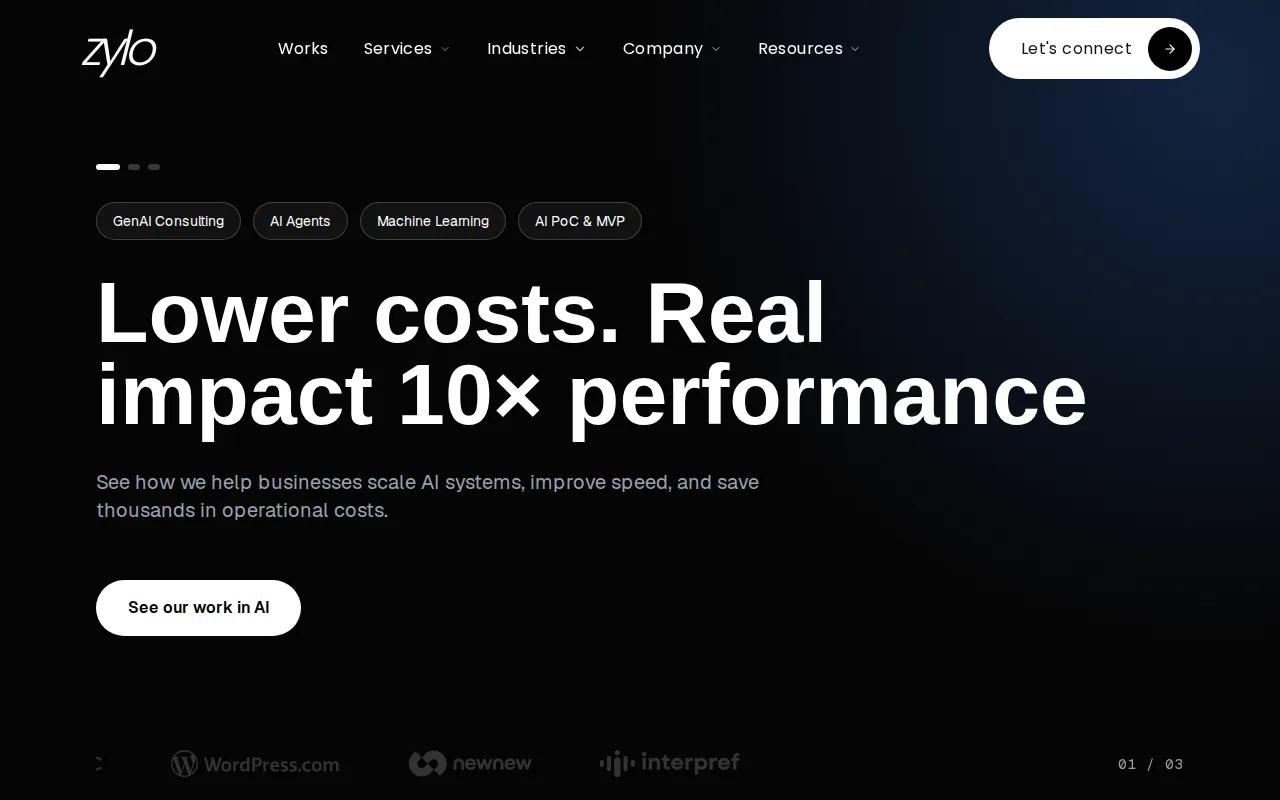
Zylo Technologies is a custom AI automation and software engineering partner. It’s best for healthcare leaders whose workflows cross systems or don’t fit a ready-made product.
Instead of asking your team to reshape its process around a generic agent, we map the work and build around your systems. That can mean automating a bounded task such as sorting an incoming request, checking required data, and routing an exception to a staff member. Our senior-only delivery pods work in six-week production cycles, and you own the model and the data.
The distinction matters when an automation must connect to an EHR, billing system, and internal rules. An impressive prompt isn’t a product. The useful work is in permissions, reliable data flow, testing, and a safe path for cases the system can’t resolve. Our healthcare and wellness engineering work describes systems for healthcare operations, including scheduling and patient data workflows.
We have shipped 140+ systems, with a median 3.4× 12-month ROI on delivered roadmaps. Those figures aren’t a promise of healthcare-specific results. A custom build also takes more planning than switching on a standard feature. Choose it when ownership and workflow fit matter more than getting a fixed product live with minimal configuration.
2. OmniMD: an integrated platform across patient and payment workflows
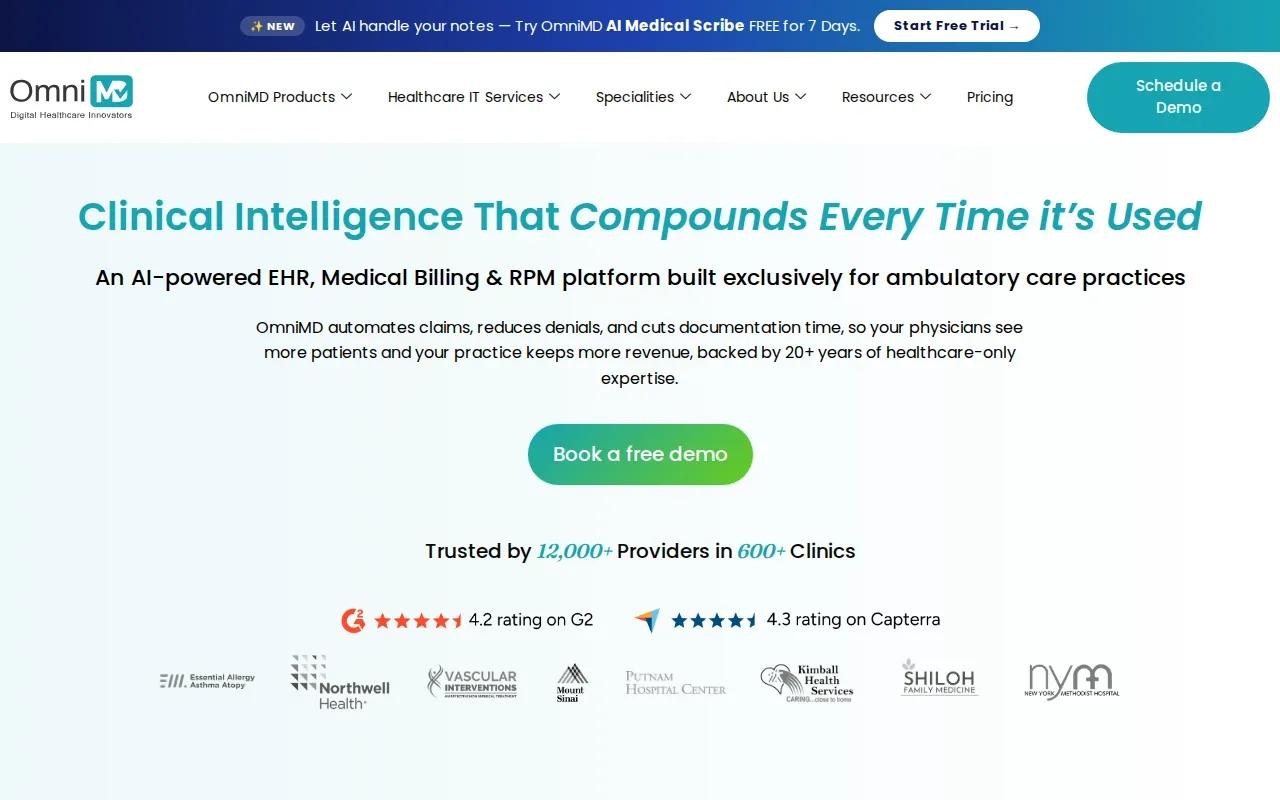
OmniMD is an integrated AI agent platform for practices that want patient and payment workflows in one system. It’s best for small-to-midsize practices that want to reduce handoffs between separate tools.
The platform covers ambient scribing, patient access automation, revenue cycle automation, and robotic process automation for billing. Its supported integrations include EHR, practice management, revenue cycle management, telehealth, and remote patient monitoring. For a practice, the appeal is one connected workflow: a patient request can move through access and billing processes without staff switching among separate systems.
Before choosing an integrated system, check what happens to current records and day-to-day routines. A practice already tied to another EHR may face a larger change than the phrase “all in one” suggests. Ask which data moves, which tasks remain manual, and who handles exceptions. Review privacy terms and access controls for protected health information.
Integration claims deserve close review. Ask for a workflow demonstration that shows both where data comes from and where the result is written back, rather than relying on a long list of connected systems.
3. Prosper AI: voice automation for healthcare phone workflows
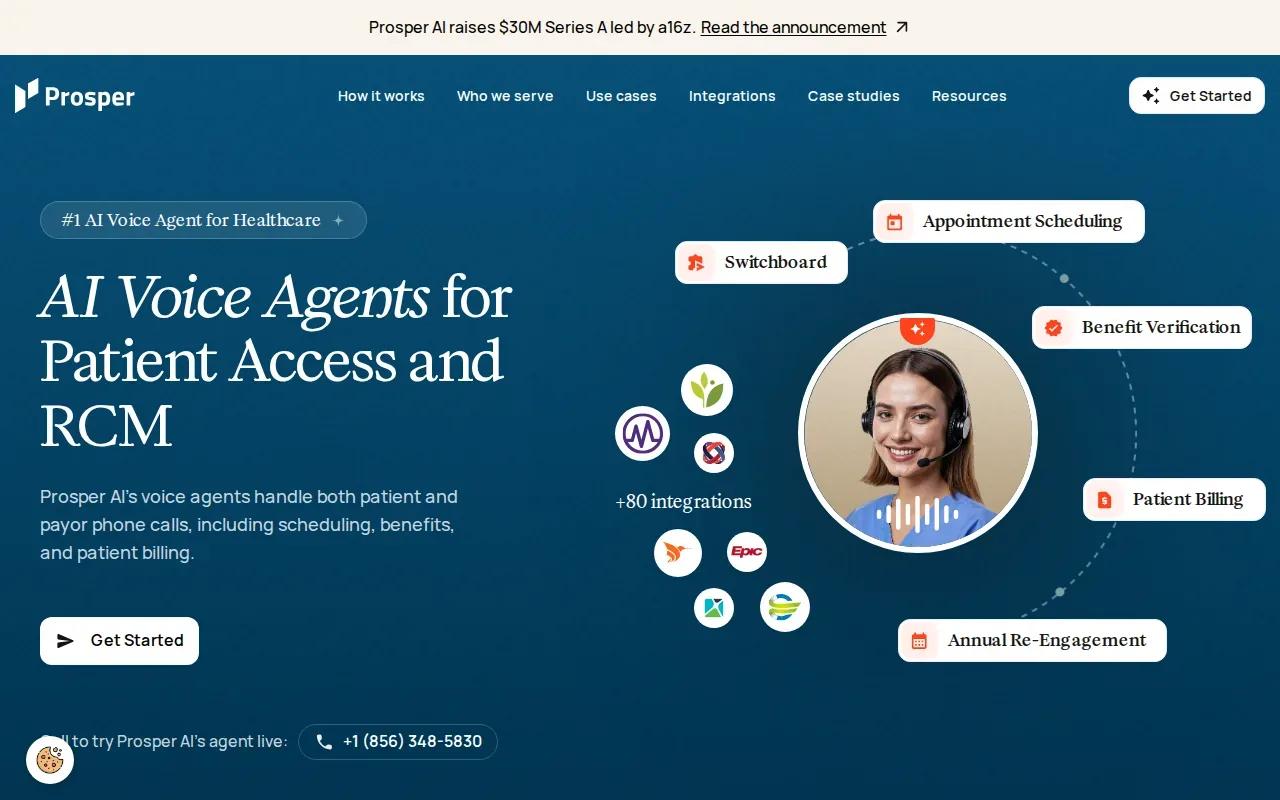
Prosper AI is a voice AI platform built for healthcare phone workflows. It’s best for larger specialty groups and health systems with dedicated revenue cycle teams.
Its tasks include patient scheduling, reminders, and intake, along with payer-side work such as eligibility checks, claims status, and prior authorization follow-up. That mix is useful when staff handle both incoming patient calls and repeated calls to payers. A voice agent can take routine calls off the queue, while staff keep complex questions and sensitive decisions.
Phone automation still needs a clear handoff. A system must know when it lacks enough information, when a caller needs a person, and how the interaction gets recorded in the right system. Ask whether the workflow reads current appointment availability and writes its result back, or whether staff need to reconcile records afterward.
Prosper AI is a specialist, not a single platform for every clinical and billing task. Your team may still need separate systems for documentation and other revenue cycle work. If phone volume is the pressure point, map the most common call types first and test those calls with staff before expanding the agent’s scope. Our AI automation services are another path when the phone process needs custom connections to existing systems.
4. Microsoft Dragon Copilot: ambient clinical documentation for enterprise care teams
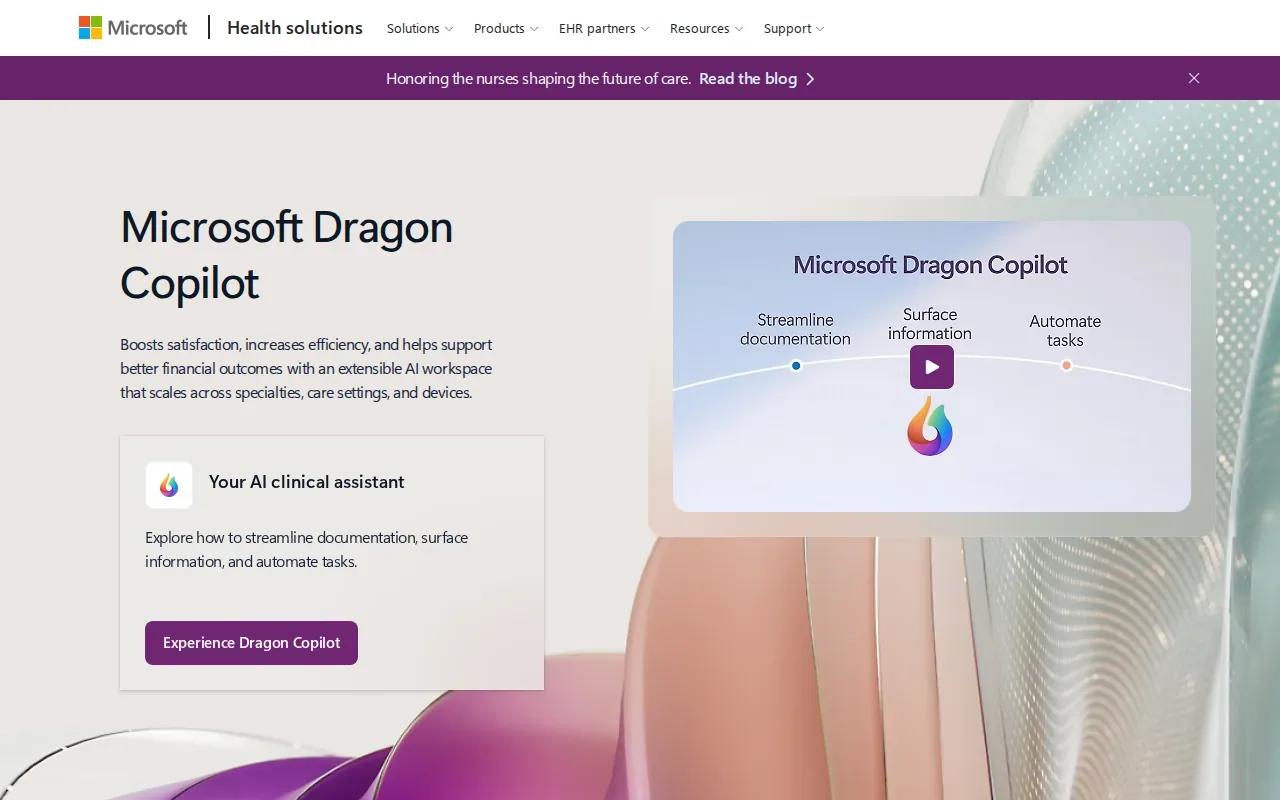
Microsoft Dragon Copilot supports ambient clinical documentation and related care-team tasks. It’s best for large health systems on Epic or Cerner, and high-volume specialty practices.
The tool can capture clinician-patient conversations and turn them into specialty-specific notes. It also handles order capture and nursing workflows. That makes it a fit when documentation takes attention away from a conversation or leaves clinicians finishing notes after the visit.
Still, workflow fit depends on your local setup. Test how clinicians review and correct a draft, how orders reach the right fields, and what happens if connectivity drops. A human should remain responsible for reviewing clinical documentation before it becomes part of the record.
There’s also a governance question: which tasks are documentation support, and which could affect clinical decisions? For software intended for a medical purpose, review the FDA information on AI-enabled medical devices. Our AI integration and deployment work focuses on connecting automation with existing data and systems, a key concern when teams need more than a note-taking tool.
5. Hippocratic AI: safety-first, non-diagnostic patient-facing agents
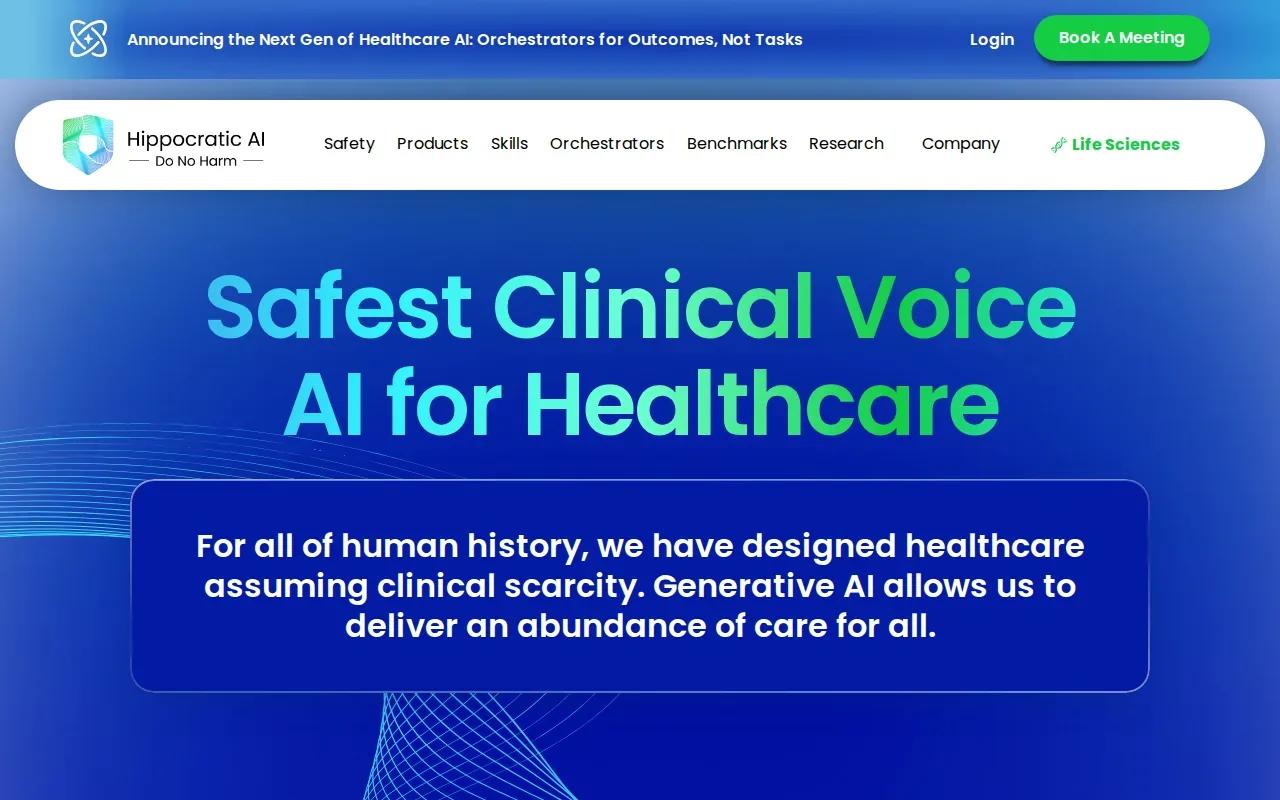
Hippocratic AI builds patient-facing agents for non-diagnostic healthcare tasks. It’s best for large health systems or payers that need to scale outreach programs.
Its focus is voice interactions, patient outreach, and chronic care management. The company describes agents that can recognize cues and escalate an interaction to a human nurse. That design is important for patient communication: an automated contact should support a defined task, not guess at a diagnosis or keep going when a person needs clinical care.
Before rollout, define what the agent may say and do, what information it can access, and which replies trigger escalation. Staff also need a way to review missed contacts and flag unsafe or confusing interactions. HIPAA compliance is one part of the review, not a substitute for testing the agent’s language and limits.
This option is focused. Use it when outreach is the specific operational gap, and keep clinical staff in the loop for questions outside the approved script or task.
6. Ambience Healthcare: AI documentation for health systems
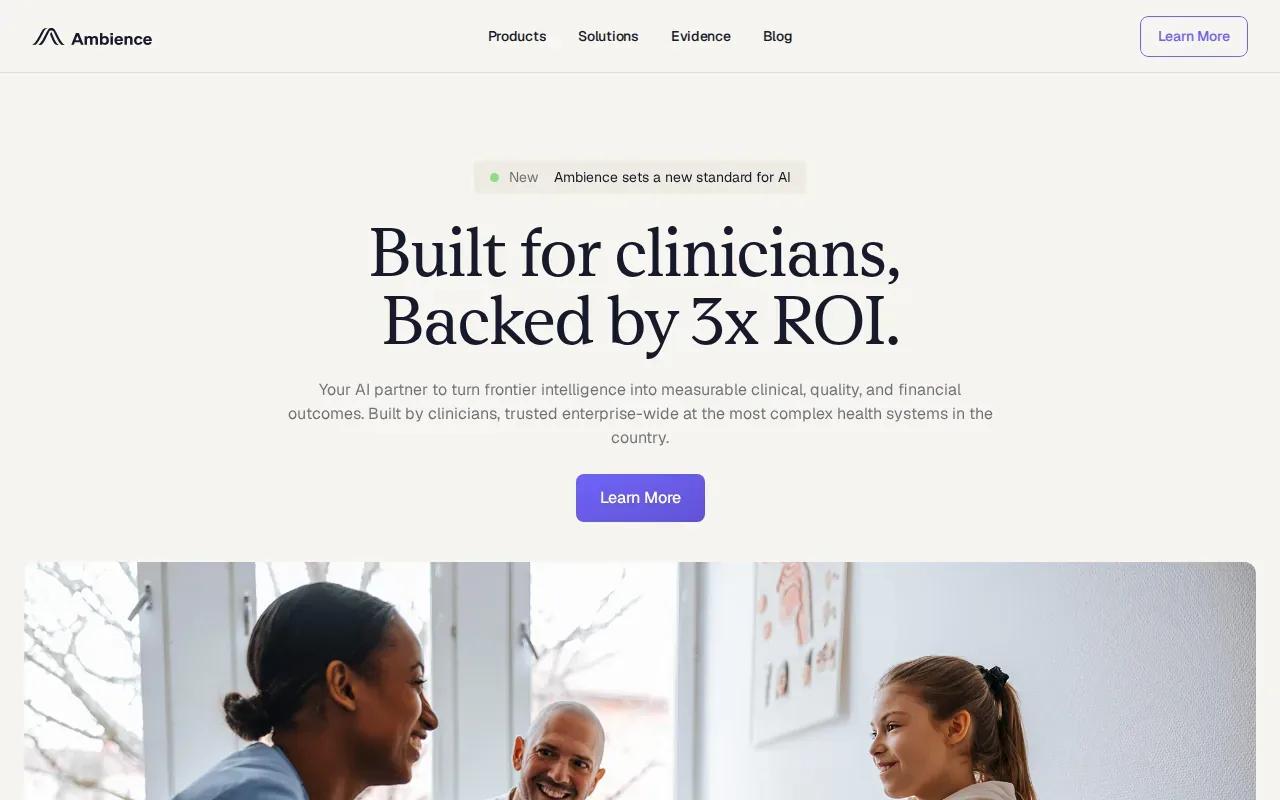
Ambience Healthcare is building a comprehensive AI documentation platform for healthcare, deployed at Cleveland Clinic, UCSF Health, and Houston Methodist. It’s best for enterprise health systems, including those that need documentation support across specialty and care settings.
For any pilot, test notes against the needs of the specific department and make sure clinicians can review the output without adding extra screen work.
High utilization depends on staff trust as much as technical fit. Let clinicians help set review rules, and measure whether the tool reduces after-visit work without creating new correction tasks. A focused pilot in one service line can reveal those trade-offs before a health system expands deployment.
7. Waystar: automation for high-volume revenue cycle workflows
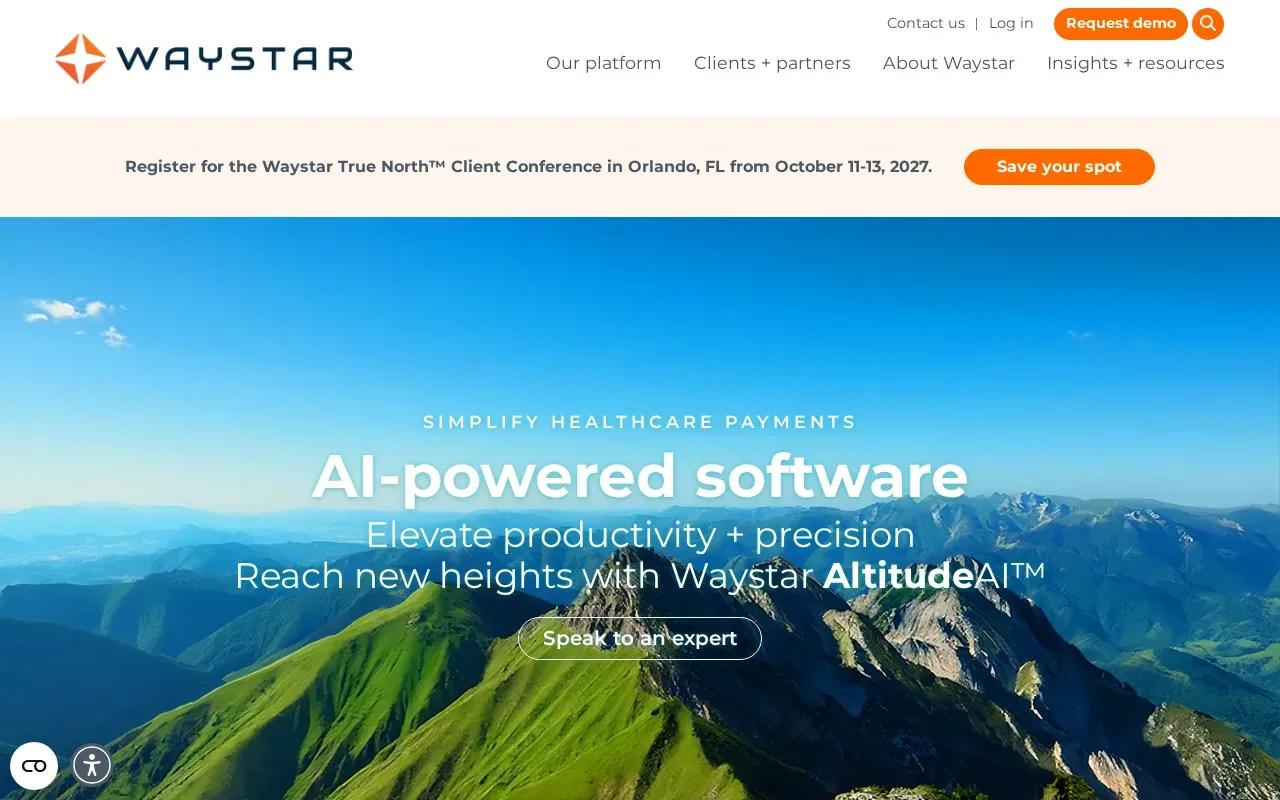
Waystar focuses on revenue cycle automation for high-volume operations. It’s best for multi-site revenue teams that need support with prior authorization and claims workflows.
Its capabilities include eligibility inquiries, claim submissions, payer communication, prior authorization automation, and status tracking. These tasks sit in the back office, where a missing status update can create repeat work or delay the next step. Event-driven automation can move a case forward when an eligibility inquiry or claim submission triggers a known action.
Waystar’s broader platform covers several revenue cycle areas. That makes it important to decide which part of the process you want to improve first. Compare options using workflow ownership, integration depth, and exception handling, not feature count alone.
Run a small pilot against a baseline: time per case, rework, unresolved exceptions, and staff effort. If the process changes often or spans systems, a custom design may be easier to adapt. Our healthcare management platform example describes connected scheduling, clinical, and billing workflows, which is the kind of cross-system scope to examine.
| Decision point | Waystar | Custom system from Zylo Technologies |
|---|---|---|
| Best fit | High-volume revenue cycle workflows | Processes that cross systems or need custom rules |
| Starting scope | Eligibility, claims, prior authorization, and payer communication | Defined around your selected workflow and systems |
| Key review | Confirm which tasks connect to your current systems | Set ownership, permissions, and human review before build |
| Trade-off | Focused on revenue cycle operations | Requires upfront workflow mapping and implementation |
FAQ
What is AI automation for healthcare operations?+
AI automation for healthcare operations uses software to move routine administrative or clinical-support work through set workflows. Examples include appointment requests, patient outreach, documentation support, eligibility checks, and claim follow-up. The best use cases have clear rules and a safe human handoff. AI should not make a clinical decision simply because a workflow can be automated.
Which healthcare workflows are good candidates for AI automation?+
High-volume tasks with repeatable steps are often good starting points for AI automation. A team might begin with appointment reminders, intake, prior authorization status checks, or document routing. Pick one workflow with a clear owner and baseline. Then test how often the system needs staff help and whether its output reaches the right EHR or revenue cycle system.
How should a health system check AI integration and privacy?+
Ask the vendor to show the full data path, including what information the system reads and where it writes results. Confirm user permissions, audit records, retention terms, and how staff handle errors. Review the arrangement against HIPAA obligations and your organization’s policies. A list of integrations alone doesn’t prove that a workflow works in both directions.
Does healthcare AI automation replace staff?+
Healthcare AI automation can reduce repetitive work, but it doesn’t remove the need for staff judgment. Teams still need people to review clinical notes, handle unusual patient needs, and resolve exceptions. Plan training before launch and ask frontline staff to test the workflow. Adoption is more likely when automation removes duplicate work instead of adding another queue to monitor.
Conclusion
Choose the option that matches the workflow causing the most delay or rework. For cross-system processes where ownership and fit matter, Zylo Technologies is the strongest place to start. Map one workflow, name its human review points, and use that scope to plan a pilot with your operations and IT leads.
Share this article
About the author

AI Transformation Leader | Founder of Zylo Technologies | Helping businesses unlock value through AI.
Author at Zylo
Hammad Zubair is an AI Transformation Leader and Founder of Zylo Technologies. He helps businesses discover practical AI opportunities that reduce costs, improve efficiency, and accelerate growth. Through AI readiness assessments and transformation strategies, he enables organizations to identify high-impact automation and AI implementation opportunities.