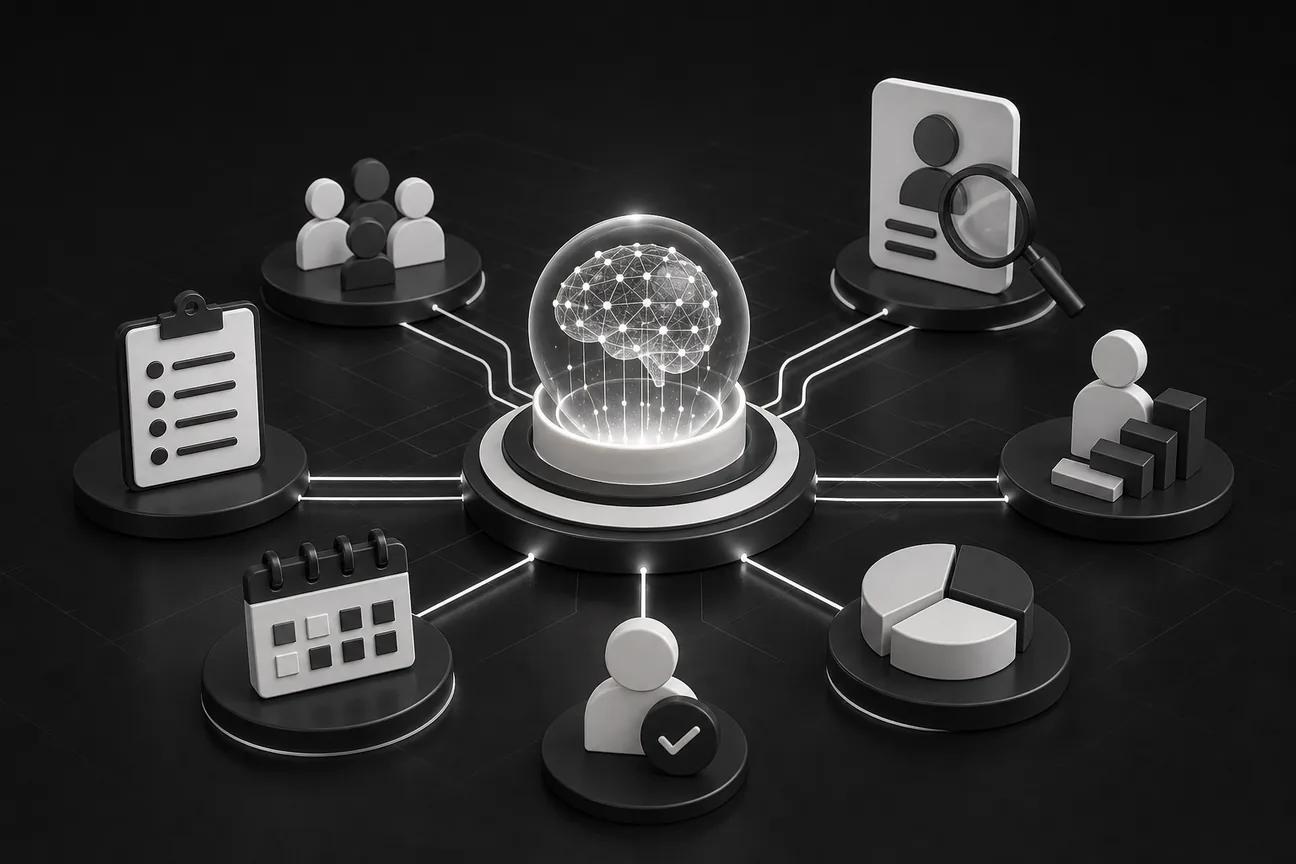
HR work can get buried in forms, follow-ups, and repeat questions. AI can take on parts of those workflows, but the right choice depends on what you need to automate and which systems it must connect to.
Here are seven options, starting with custom automation for teams whose workflows don’t fit a standard HR platform.
1. Zylo Technologies
Zylo Technologies builds custom AI agents, automation systems, and digital products. It’s best for teams with HR workflows that cross several systems or need more control than a standard platform allows.
That might mean connecting an employee onboarding workflow to account setup, document review, and an HR record update. A custom build can match your existing approvals and data rules instead of asking your team to reshape its process around a preset workflow. The work can also include human review for actions that need a person’s approval.
We have shipped more than 140 systems and work in senior-only delivery pods. We run six-week production cycles, though a specific HR project’s timeline depends on its scope, data, and integrations. Our AI automation work is aimed at workflows that need custom connections or behavior.
The trade-off is ownership of a build, not an off-the-shelf HR product. Your team needs to define the process, assign an owner, and keep the system supported after launch. Choose this path when the workflow itself is the problem, not simply a missing HR feature.
2. Factorial: HRIS automation with document and contract management
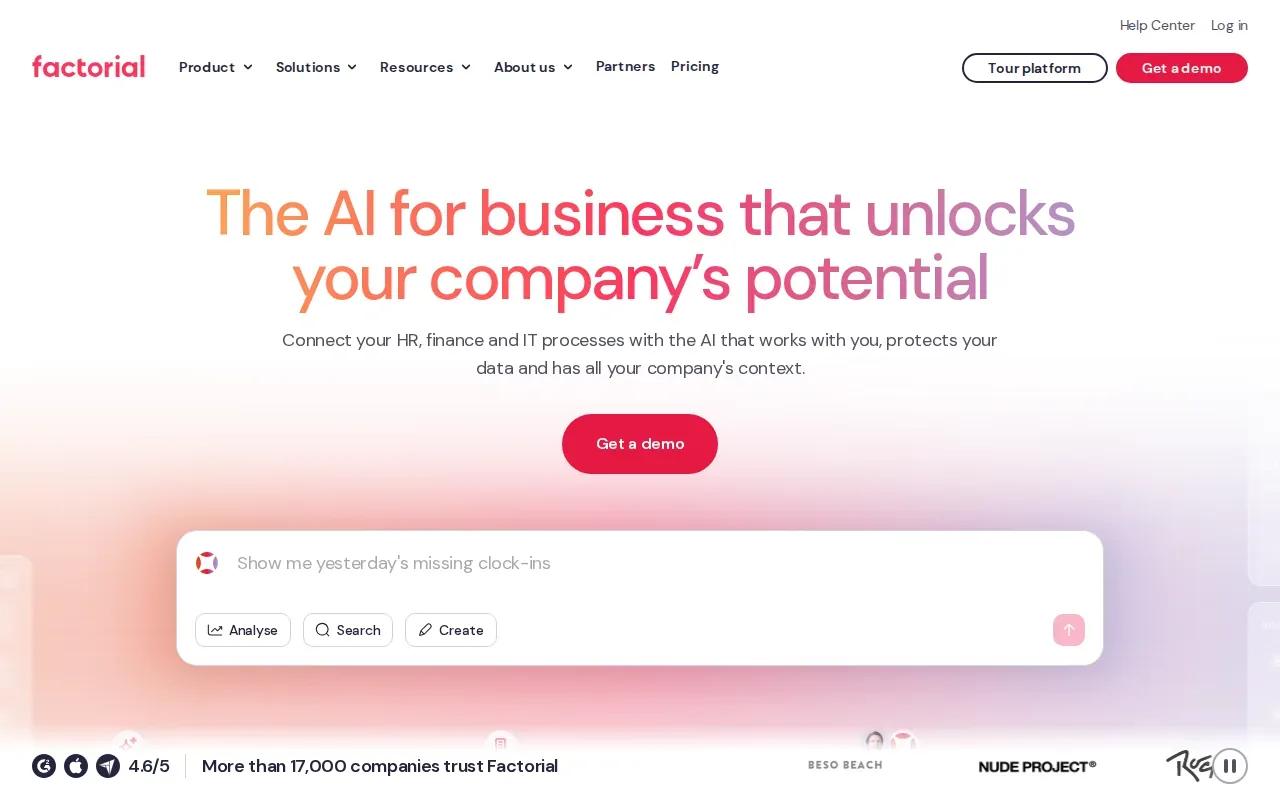
Factorial is a cloud-based AI HRIS with a native AI agent across recruitment, onboarding, and time tracking. It’s a fit for teams looking to manage HR records alongside employee documents and contracts.
Its automation also covers performance reviews, expense management, payroll, and document management. That range may help teams reduce handoffs between separate HR tasks, while contract and document handling gives Factorial a clear focus for teams that spend time collecting, storing, or finding employee paperwork.
Factorial lists integrations with Slack, LinkedIn, Google Workspace, Microsoft Power BI, Microsoft Dynamics 365, Okta, and other services. Check which connections support the exact data flow you need. An integration name alone doesn’t tell you whether the connection can read, write, or trigger the right records.
Before rollout, ask how the AI agent handles missing or conflicting information and which tasks still need HR review. The platform covers several HR workflows, but your process and integration needs should decide whether that breadth is useful.
3. Greenhouse: recruiting automation for structured hiring
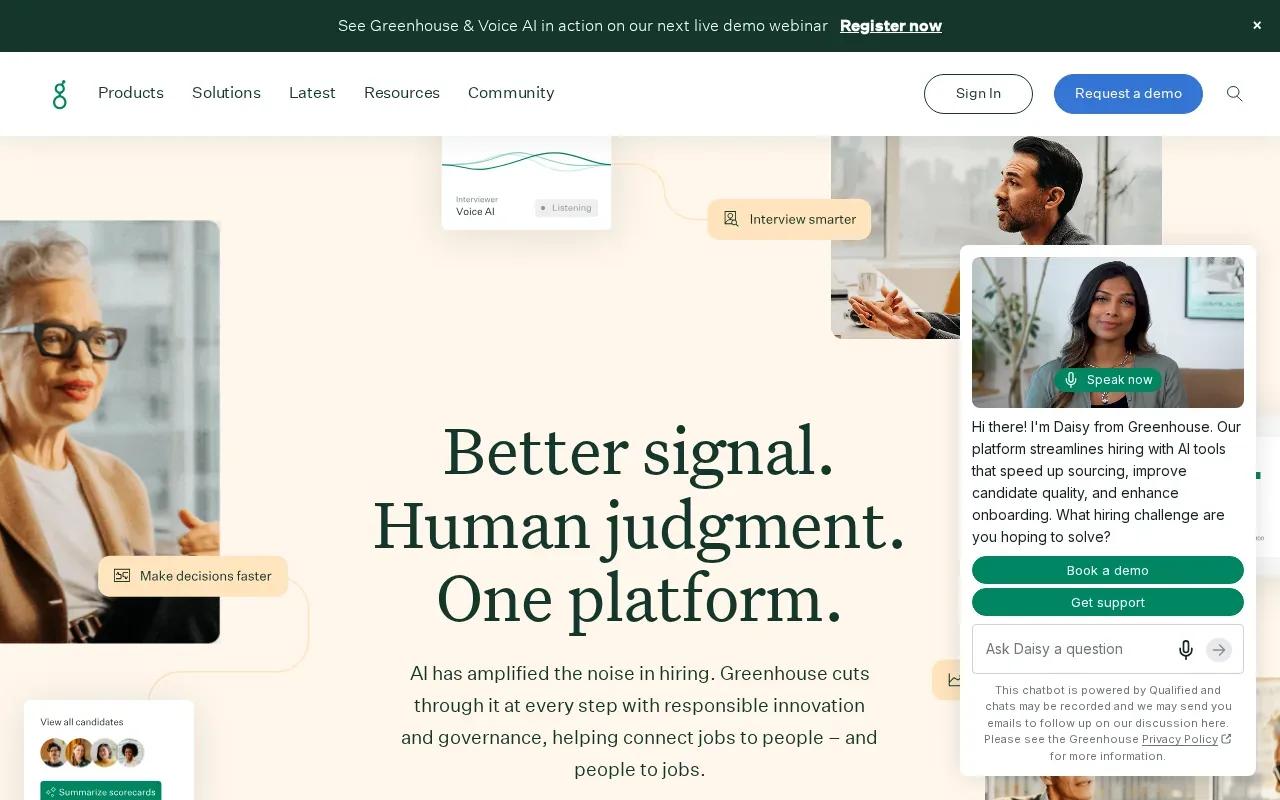
Greenhouse is an AI-powered recruiting platform for structured hiring. It’s best for teams focused on sourcing candidates and managing screening through a consistent recruiting workflow.
Its tools include candidate sourcing, resume parsing, AI interview screening, and talent rediscovery. Voice AI can hold a two-way conversation with candidates, while its AI Notetaker supports the interview process. These features may reduce manual work in early hiring stages, but they don’t replace a clear job description or a human decision about who advances.
Greenhouse lists integrations with Workday, BambooHR, Paylocity, Docusign, Slack, LinkedIn, Zoom, and Checkr. Confirm how candidate information moves into your existing HR records and what staff need to review before a decision is recorded.
Hiring tools need careful checks for consistent treatment across candidates. Review employment screening practices for fairness, and keep human oversight in the hiring process.
Greenhouse is most relevant when recruiting is the main bottleneck, rather than payroll or employee support.
4. Moveworks: AI support for employee questions
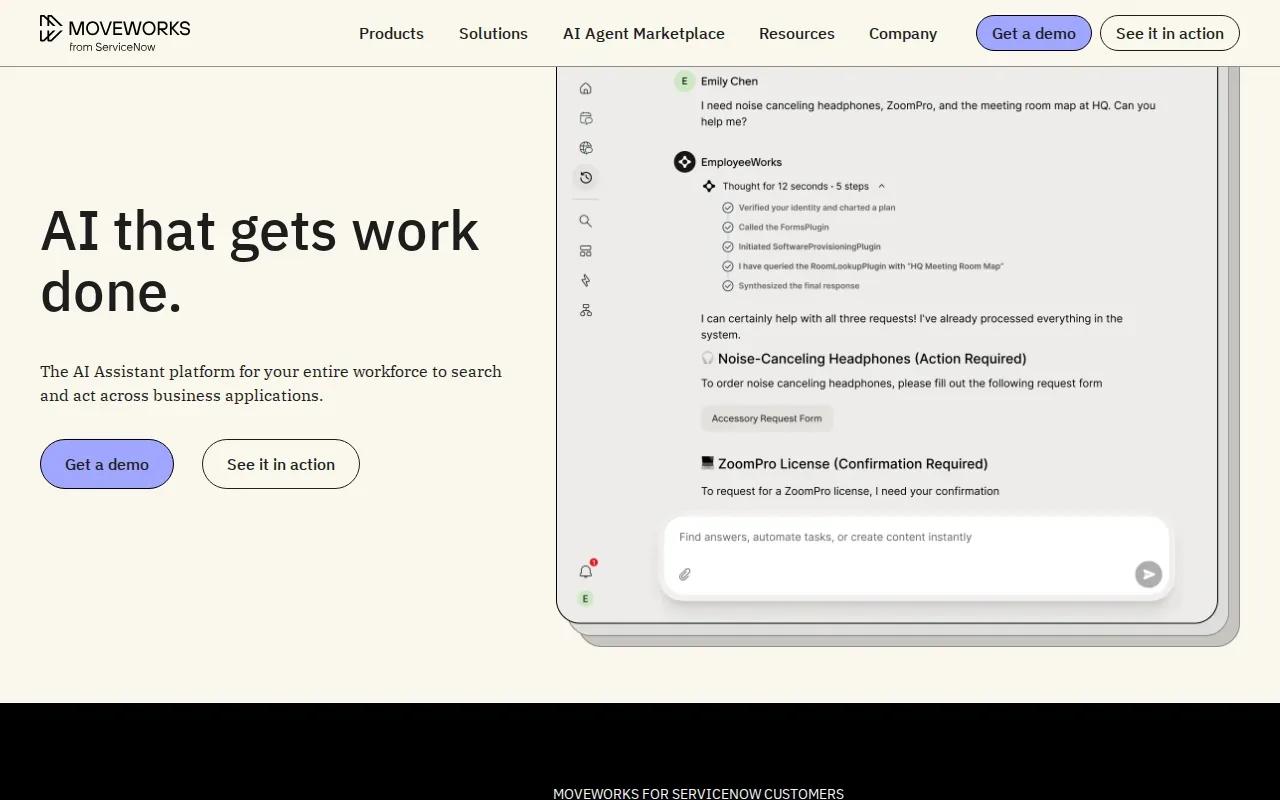
Moveworks provides AI-driven HR support for employee questions. It’s best for organizations that want to answer routine requests through an AI assistant and reduce manual ticket handling.
Its capabilities include chatbots for employee queries, automated ticketing, and analytics tools. An employee might ask about an HR process in a supported workplace channel; the system can respond or route the request into a ticket workflow. That can help HR teams handle repeated questions, while requests that need judgment still require a clear route to a person.
Moveworks lists integrations with Slack, Microsoft Teams, ServiceNow, Workday, Salesforce, Zendesk, Okta, Google Workspace, Microsoft Office 365, and Box. This gives buyers several named systems to check against their own environment. Validate permissions and access rules before connecting employee data, especially when different roles should see different information. For workflows that span HR and other systems, AI integration and deployment can help establish the underlying data connections.
For an HR support agent, define access controls, escalation paths, and review processes for incorrect answers before launch.
Choose Moveworks when employee support is the clear use case. It isn’t a substitute for a full HRIS if your core need is managing HR records or payroll.
5. Leena AI: conversational automation for routine HR requests
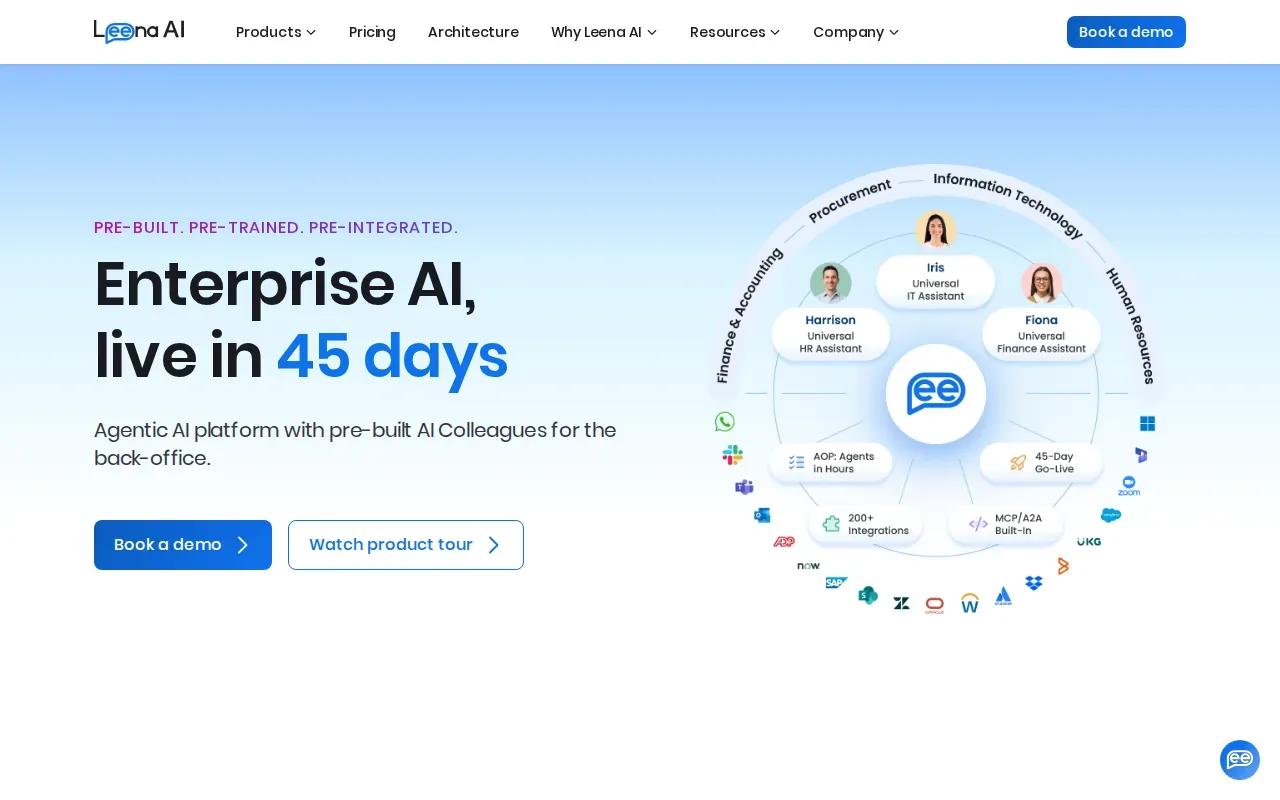
Leena AI uses chatbots to automate routine employee questions. It’s best for HR teams that want employees to get quick answers from a knowledge base and a conversational support flow.
Its capabilities include instant responses, a knowledge base, and process automation across HR functions. For example, an employee could ask a common policy question, while a more involved request follows a defined HR process. The quality of those responses depends on the source material your team provides and keeps current.
Leena AI lists integrations with Workday, SAP SuccessFactors, Oracle HCM, Microsoft Teams, Slack, ADP, BambooHR, G-Suite, Microsoft Office 365, and ServiceNow. Check that the connections support your specific tasks, not just a broad link to an HR system. Also decide which questions the assistant can answer and which should go to an HR staff member.
Conversational automation can lower repeat-question volume, but it can also repeat outdated policy if the knowledge base isn’t maintained. Set an owner for content updates and a way for employees to flag a response that doesn’t help.
6. Paylocity: connected HR administration and workforce management
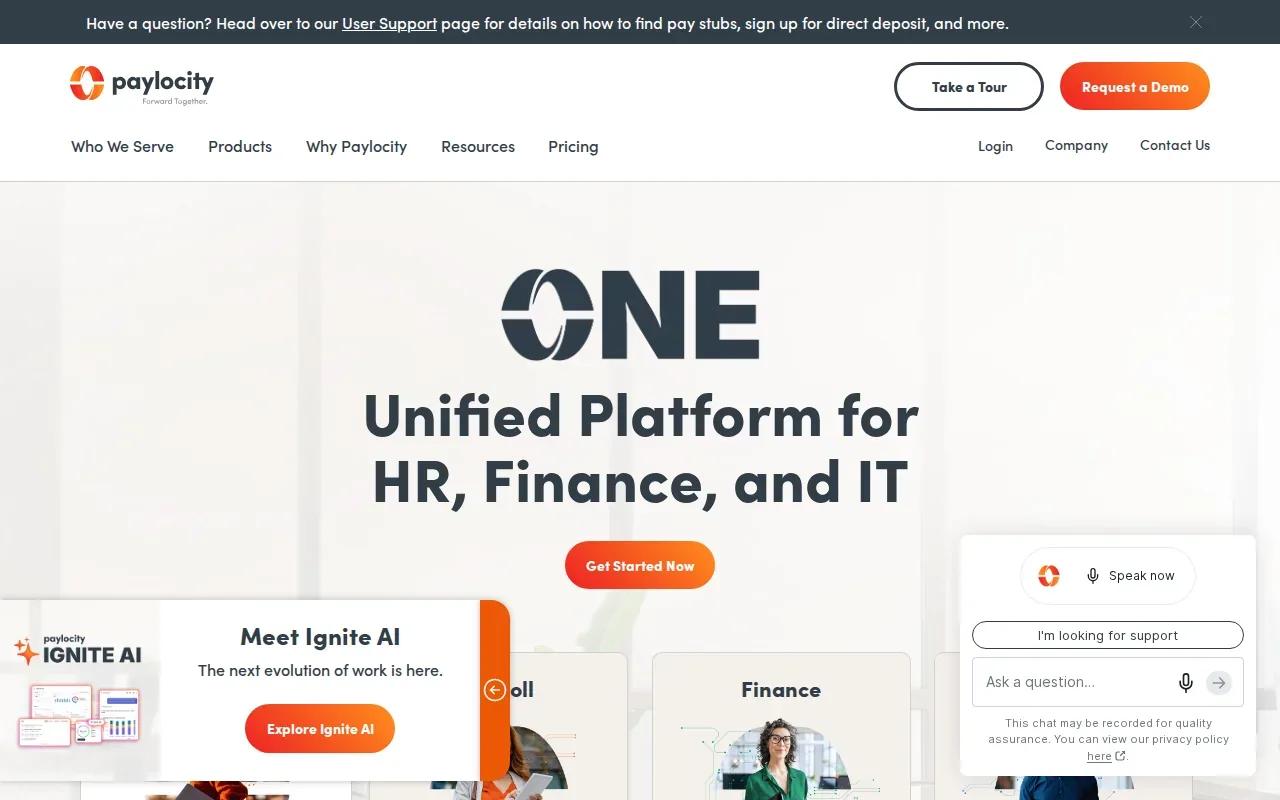
Paylocity is an AI-powered HRIS that brings payroll, benefits administration, time tracking, talent management, and analytics into one system. It’s a fit for teams seeking connected HR administration and workforce management.
Paylocity also offers an AI-powered retention playbook. For a team managing employee schedules and HR administration together, the range may help reduce the need to move between separate tools for those tasks.
Paylocity lists integrations with Microsoft Entra, Google Workspace, Okta, Indeed, Checkr, Toast, Relias, Aeqium, Branch, Crunchtime, Blissbook, and an API. The API can matter when a team needs a connection beyond the named integrations, but your technical team should confirm what data and actions it supports.
Before choosing it, map the records that must stay in sync and decide who checks exceptions. A single system can simplify day-to-day work, but it still needs clear data ownership and reliable access rules. Ask vendors for rollout milestones too, since implementation time varies by setup.
7. Deel HR: HR automation for distributed global teams
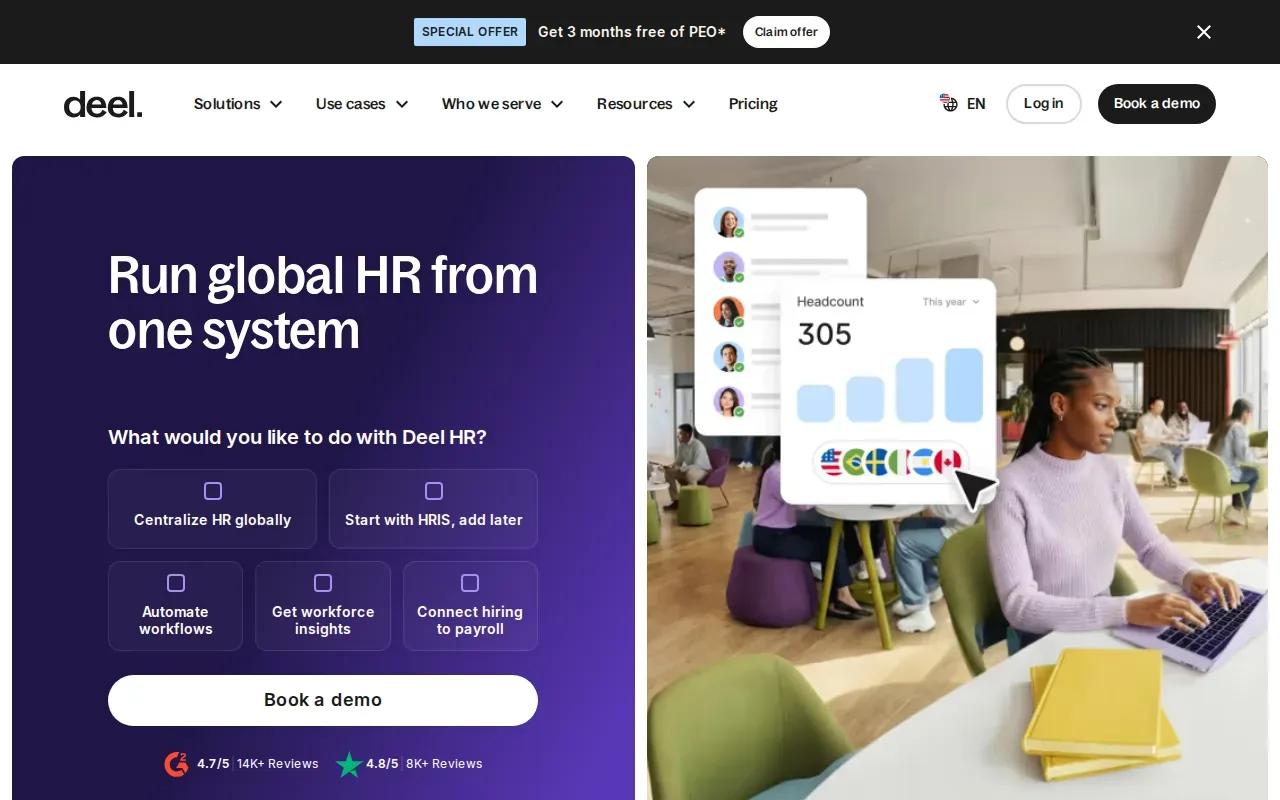
Deel HR is an AI-powered HRIS designed to manage global teams. It’s best for organizations with employees across countries and HR needs tied to multi-country compliance, payroll, onboarding, and document management.
Its focus is useful when the same process must work across locations with different requirements. Deel HR lists global payroll, multi-country compliance, onboarding, and document management as automation areas. Ask how the system handles exceptions and what records your HR team needs to review, rather than assuming every country-specific task follows one identical path.
Deel HR lists integrations with Google Workspace, QuickBooks, NetSuite, FaceUp, Zoom, and Assembly. Confirm that the systems your team relies on are covered and that each connection supports the right workflow. An integration name shows possible fit, but not how much setup your organization will need.
Use this checklist to frame a vendor discussion. If your team operates only in one country, Deel HR’s global focus may be more than you need.
| Decision point | What to verify | Why it matters |
|---|---|---|
| Country coverage | Which employee locations and compliance tasks are supported? | Local exceptions can change the workflow. |
| Payroll and records | Which system owns employee and payroll data? | Clear ownership helps prevent mismatched records. |
| Rollout effort | What are the milestones, dependencies, and review steps? | Timelines depend on your setup and data. |
AI Automation for HR Processes: FAQs
What HR processes can AI automate?
AI can support recruiting, onboarding, employee questions, payroll tasks, time tracking, document handling, and performance workflows. The right scope depends on the platform. For example, recruiting tools may parse resumes, while an HR support assistant may answer routine policy questions. Keep a person involved when a decision needs context or has a material effect on an employee.
How does AI help with employee onboarding?
AI can help route onboarding tasks and answer common new-hire questions. An HRIS may connect onboarding with employee records, while a custom workflow can join steps across systems. Define which documents are required, who reviews them, and what happens when information is missing. That keeps automation from turning an incomplete record into a finished task.
How do I choose an AI HR platform?
Start with the HR workflow that costs your team the most time or causes the most rework. Then check whether a platform supports that process, connects to your systems, and gives staff a way to review exceptions. Ask for implementation milestones and test real cases, including missing data. A feature list alone won’t show how well the workflow fits.
Can AI make hiring decisions?
AI tools can support parts of recruiting, such as resume parsing or candidate screening, but employers should retain oversight of hiring decisions. Review the criteria the system uses and check whether its results treat applicants fairly. Keep a clear record of human review and a way to address concerns. A tool’s AI label doesn’t establish that its hiring outcomes are fair.
Conclusion
Choose a ready-made platform when its workflows and integrations fit your HR operations; choose custom automation when they don’t. We can help scope a system around your existing processes. Start by mapping one HR workflow, its data, and the people who approve each action, then discuss a custom AI agent if the process crosses systems or needs custom rules.
Share this article
About the author

Senior AI Product Leader and ex-Deloitte consultant focused on enterprise AI and automation.
Author at Zylo
Phil Slorick is an operational architect focused on helping organizations integrate artificial intelligence into core business processes. His expertise includes workflow automation, operational efficiency, enterprise systems, and scalable AI implementation. He writes about practical AI adoption, business operations, digital transformation, and building intelligent organizations.