
Claim delays often start with a familiar tangle: forms, photos, policy checks, and handoffs. AI automation for insurance claims can take on repeat work, but the right fit depends on where your team needs help and how much control it needs to keep. Here are six options, starting with custom systems built around your workflow.
1. Zylo Technologies

Zylo Technologies is an AI automation and software engineering partner that builds custom systems. It’s a fit for insurers that need automation across existing tools, rather than a fixed claims product.
We start with the workflow and its rules: what information arrives, which system holds the record, and where a person must review a decision. That design can include document handling, claim routing, system connections, and review gates when a carrier’s process calls for them. We build these around your process; there is no prebuilt claims product to switch on.
We have shipped more than 140 systems in six-week production cycles, with a median 3.4× 12-month ROI on delivered roadmaps. That figure comes from our broader delivery work, so treat it as a track record, not a forecast for your claims operation.
For a claims operation, the key question is whether custom work is warranted. If your process crosses legacy software or has rules a standard product can’t handle, a custom build may be worth assessing. We explain our approach to AI automation and process optimization in more detail.
A sensible project starts with one queue, a baseline for handling time and error rates, and a clear human approval point. Then test it against messy files and exceptions before expanding.
Key Takeaway
Choose Zylo Technologies when your claims workflow needs custom architecture and system connections, not a ready-made claims platform.
2. FurtherAI: An AI workforce platform built for insurance
FurtherAI is an AI workforce platform built for insurance. It suits insurers, managing general agents, and brokers that want help with intake and document-heavy work.
Its claims intake workflow can capture a first notice of loss across channels, turn unstructured files into structured data, and route claims. In plain terms, it can help move information from forms, emails, or PDFs into fields a claims team can work with. A human review step remains important when information is unclear or the decision carries risk.
OCR reads text in scanned files, while document-processing tools can classify documents and extract fields. Complex files can still need human review. That’s a useful reminder: extraction should show its evidence and leave a clear path for correcting errors.
FurtherAI reports a 568% ROI for one specialty insurer’s claim intake workflow. Treat that as the result of one case study, not a promised return for another carrier. A useful pilot would track intake time, corrections, and how often a claim needs an adjuster before and after deployment.
Teams considering this route should ask how the workflow handles missing fields and audit records. Our overview of AI workflow automation explains why the handoffs matter as much as the model.
3. Layerup: Agentic workflows for claim setup and quality checks

Layerup deploys agentic workflows for insurance work, including claim setup and quality checks. It may suit teams that want an AI agent to keep working through a process instead of returning a one-time answer.
Layerup’s claims quality agent reviews claim files against handling guidelines. It can assess documentation, coverage decisions, liability reviews, and timeline compliance, then attach evidence to findings. It routes defects for remediation and tracks them through to closure, with actions written back to existing systems.
That ongoing workflow is a different fit from a tool that only extracts a field or scores a file. For example, a QA lead could use an agent to check each file against a standard, identify a gap, and send it to the right owner for correction. The human team still needs to set the review rules and own the final outcome.
Layerup also describes reviewing estimates, reserves, and payments against guidelines. This could help a team look for missed steps in a review queue, but carriers should test whether findings match their own standards. Evidence links matter: a reviewer needs to see what in the file led to an alert.
Layerup may be a fit when the gap is follow-through across a workflow. For teams designing multi-step agents, we also describe our AI agent development approach, including guardrails and human review.
4. Tractable: Visual damage appraisal from claim photos
Tractable applies computer vision to photos for auto and property damage appraisal. It fits claims teams that want to assess visual damage from submitted images.
Computer vision is software that identifies patterns in images. In a claim workflow, photos can help an appraiser review visible damage without starting from a written description alone. Tractable describes its AI as assessing images down to the pixel, with visual damage appraisal as its main distinction.
That makes this option specific. It addresses the appraisal layer, not the full claim journey. A carrier still needs to check policy details, handle documents, decide what requires an adjuster, and tell the customer what happens next. For a collision claim, photos may support damage review; they don’t by themselves establish coverage or settle every question about responsibility.
Before adopting image appraisal, teams should check how photos enter the workflow and how a reviewer can challenge an assessment. Image quality, missing views, and damage that isn’t visible in a photo can affect what the system can assess. Human review should remain available for unclear or high-impact cases.
Use Tractable when photo-based damage appraisal is the specific bottleneck. If the larger issue is linking appraisal to other systems, map that handoff before treating image analysis as end-to-end automation.
5. Shift Technology: Pattern and anomaly scoring for claim fraud
Shift Technology is focused on pattern-and-anomaly fraud scoring. It suits insurers that need support finding unusual claim patterns for further investigation.
Fraud scoring is a signal for review, not a finding of wrongdoing. A score can help an investigation unit decide which files deserve attention, while a trained person checks the evidence and makes the next decision. That distinction matters: false alarms can create extra work and frustrate honest claimants.
Shift Technology’s work focuses on fraud scoring and anomaly detection. For a carrier, the operational test is whether an alert gives an investigator enough context to act. Look for clear reasons behind a score and a way to record the investigator’s decision. Also confirm where data is processed and how access is controlled.
Shift Technology is the more focused fit when suspicious patterns are the main pain point. It shouldn’t replace a claim review process or be treated as an automatic denial engine.
6. Guidewire ClaimCenter: Claims-system automation and analytics
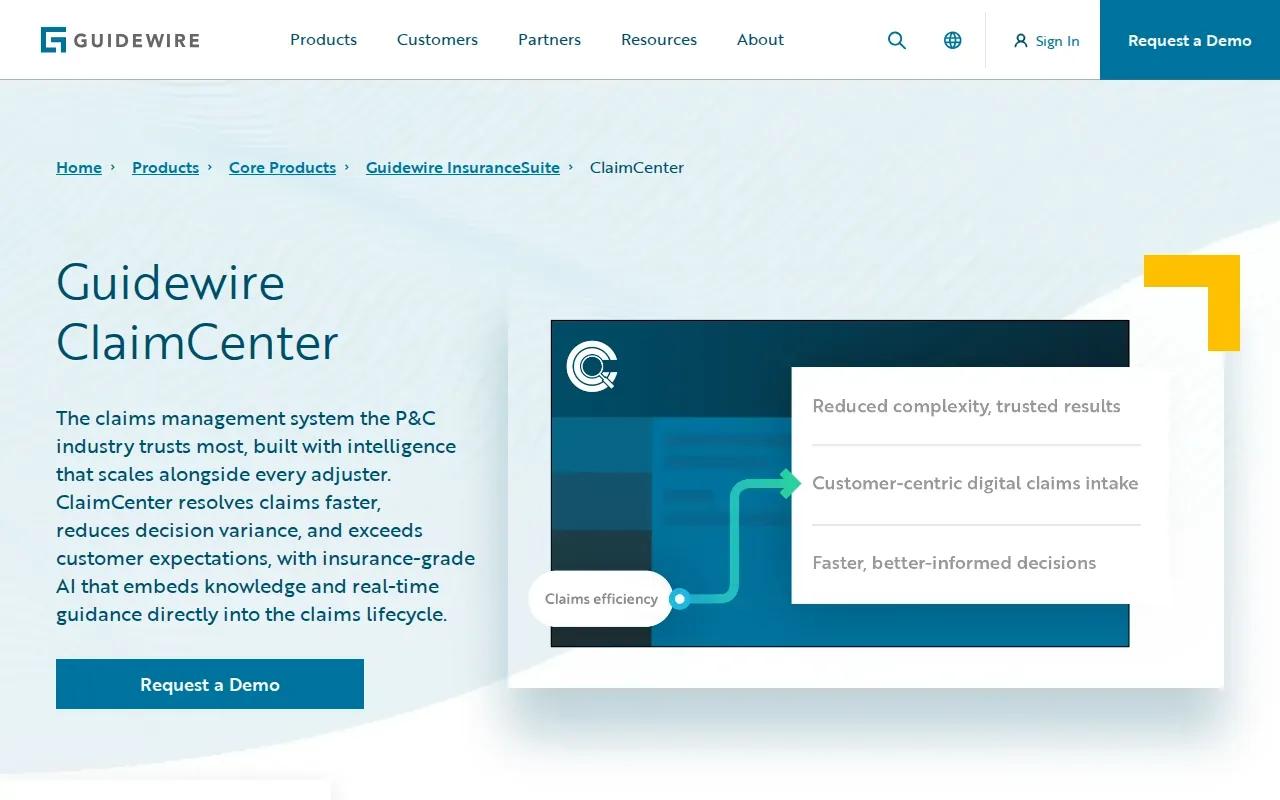
Guidewire ClaimCenter is a widely deployed enterprise claims system. It’s a fit for property and casualty insurers evaluating claims workflow technology alongside automation and analytics.
ClaimCenter covers the claims lifecycle from intake to closure. Its functions include dynamic digital intake, policy search, analytics, and automation. Guidewire also describes severity forecasting, which can help teams assess expected claim complexity or cost as part of their operations. The value depends on how well the system matches your current processes and data.
ClaimCenter differs from a narrower tool for photo appraisal or fraud scoring. It sits closer to the core claims workflow. That can make it a sensible option for an organization reviewing its claims system, but it also means the evaluation should cover system fit, data movement, and the effort required to change staff routines.
Ask vendors to explain implementation assumptions, data migration, and how teams will test the system before it handles live work. The table below focuses on the operational decision, not a feature score.
For a claims workflow that spans several existing applications, our enterprise application integration overview covers how system connections affect the design. Compare a core system against your change plan, not just its feature list.
| Operational question | What to check in ClaimCenter | Why it matters |
|---|---|---|
| Where does it fit? | Claims intake through closure | Clarifies whether the system addresses a core workflow or one task. |
| What automation does it include? | Analytics, automation, and severity forecasting | Shows the work areas to test against your claims process. |
| What needs planning? | Data movement, staff roles, and rollout steps | Prevents a software choice from outrunning operational readiness. |
| Who owns exceptions? | Set human review and escalation rules | Keeps unclear or sensitive cases in accountable hands. |
Frequently Asked Questions
What is AI automation for insurance claims?
AI automation for insurance claims uses software to handle repeat tasks such as reading claim documents, extracting details, routing files, or flagging unusual patterns. It can reduce manual handling, but the insurer still needs rules for human review. Coverage decisions and unclear cases should have an accountable path for assessment.
Can AI process a claim without an adjuster?
Some routine steps may run with little manual work, but AI shouldn’t handle every claim without oversight. Missing information, conflicting records, or a high-impact decision can require an adjuster. Set review thresholds before launch, and test them with real claim examples that include exceptions.
How does AI help detect insurance fraud?
AI can flag patterns or anomalies in claim data for investigation. Fraud scoring helps teams prioritize files, but an alert alone doesn’t prove fraud. An investigator should review the evidence and record the outcome. This keeps a risk signal from turning into an automatic adverse decision.
How should insurers measure the ROI of claims automation?
Measure claims automation against a baseline. Track handling time, staff effort, correction rates, escalation volume, and the time from intake to the next useful action. Include implementation and ongoing review costs. A vendor’s ROI example can inform questions, but it isn’t a forecast for your operation.
What should insurers check before deploying AI claims tools?
Check how the tool connects to existing systems, what data it can access, and how it records actions. Confirm who reviews low-confidence or sensitive cases. Ask how the vendor supports security and regulatory controls, including the insurer’s obligations under applicable state rules and NAIC guidance.
Conclusion
For insurers with a distinctive workflow or hard system gaps, Zylo Technologies is the strongest starting point on this shortlist because it can design around the operation rather than force a fixed process. Start by mapping one claims queue, its baseline measures, and its human approval points; then decide whether a custom build or focused product fits best. Our AI automation compliance checklist can help frame the control questions.
Share this article
About the author

Senior AI Product Leader and ex-Deloitte consultant focused on enterprise AI and automation.
Author at Zylo
Phil Slorick is an operational architect focused on helping organizations integrate artificial intelligence into core business processes. His expertise includes workflow automation, operational efficiency, enterprise systems, and scalable AI implementation. He writes about practical AI adoption, business operations, digital transformation, and building intelligent organizations.