
AI can cut repetitive invoice entry, but extraction is only one part of accounts payable. The right setup must also handle review, approvals, matching, and handoffs to your finance system. Here are six tools, with the workflows each may fit and the trade-offs to check.
1. Rossum: AI automation for invoice processing at document scale
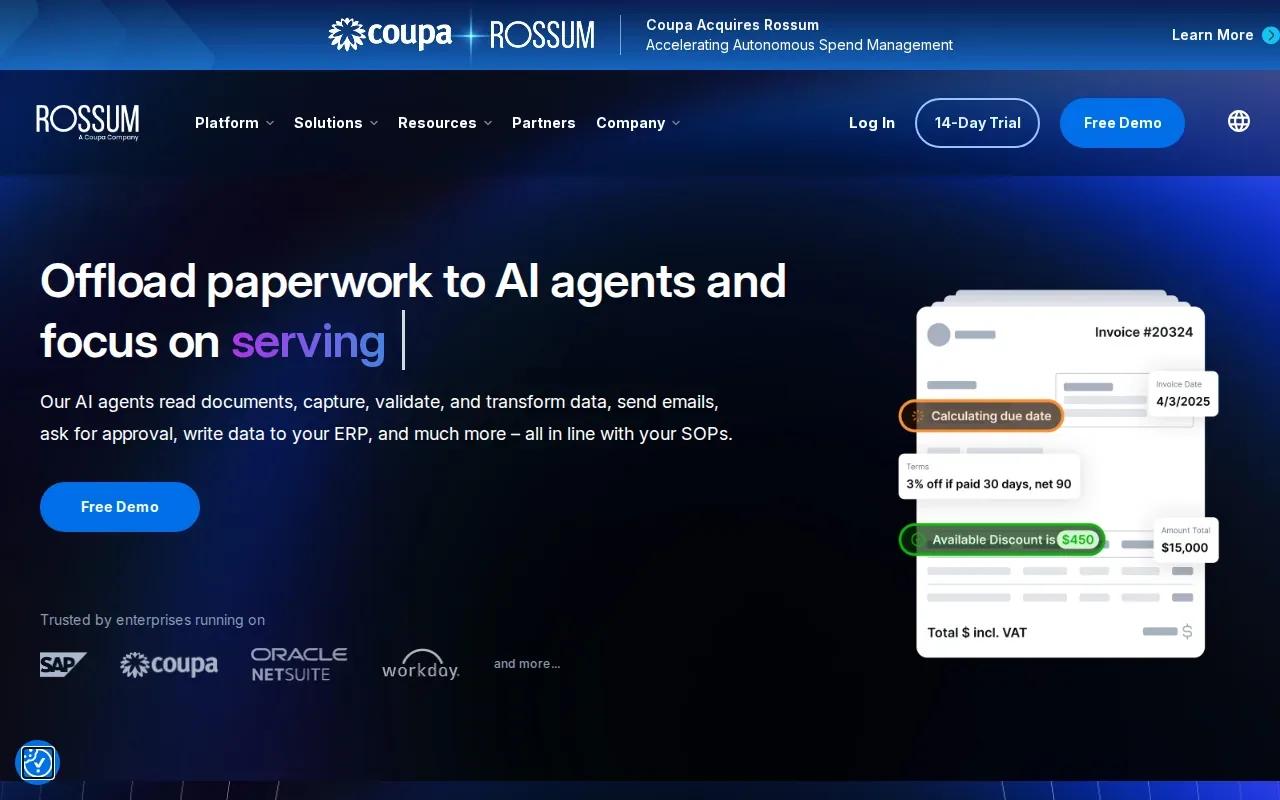
Rossum is a document processing platform built to capture and move transactional documents through workflows. It may suit an AP team handling high invoice volumes or many document types, especially when manual review and routing slow work down.
Its stated workflow can read documents, capture and validate data, send emails, request approvals, and write data to an ERP. Rossum also says its language model learns from user feedback. That feedback loop matters when the team needs to correct fields and adjust the process without relying on a fixed invoice layout.
Rossum describes human and AI collaboration as part of its workflow. That distinction is important: a system can extract fields quickly, but your team still needs a clear path for exceptions, missing data, and approval decisions. Before rollout, define which fields must be checked and who owns each unresolved invoice.
For teams weighing a vendor tool against tailored back-office work, Zylo Technologies builds custom automation for workflows such as invoice processing and approval chains. Its back-office automation services may fit when the main challenge is connecting steps across existing systems, rather than replacing document capture alone.
Test the workflow against your invoice formats before making a decision.
2. Yooz: AP automation with an emphasis on simplicity
Yooz is an accounts payable automation platform that pairs technology with an emphasis on simplicity and affordability. It may be worth considering if your team wants to automate AP work without making the selection process hinge on an elaborate custom build.
Ask for a workflow demonstration using your own invoice examples, and check how the tool handles coding, review, approvals, and posting.
Start with the handoffs that consume staff time. An invoice may arrive by email, need a field checked, then wait for a manager before it can be entered in the finance system. If Yooz can cover those steps in your setup, the value is more than faster data entry: it can reduce the number of times staff must chase status or move information by hand.
Zylo Technologies' overview of AI automation for finance workflows outlines why permissions and exception handling matter alongside automation. Use those questions in a Yooz demo: what can the system do on its own, what requires approval, and where can an AP lead see the decision history?
Don't treat the affordability claim as a quote or a cost comparison. Pricing wasn't included in the information provided, so request a proposal based on your invoice volume and the modules your team needs.
3. APSuite by Vic.ai: AI-led accounts payable automation
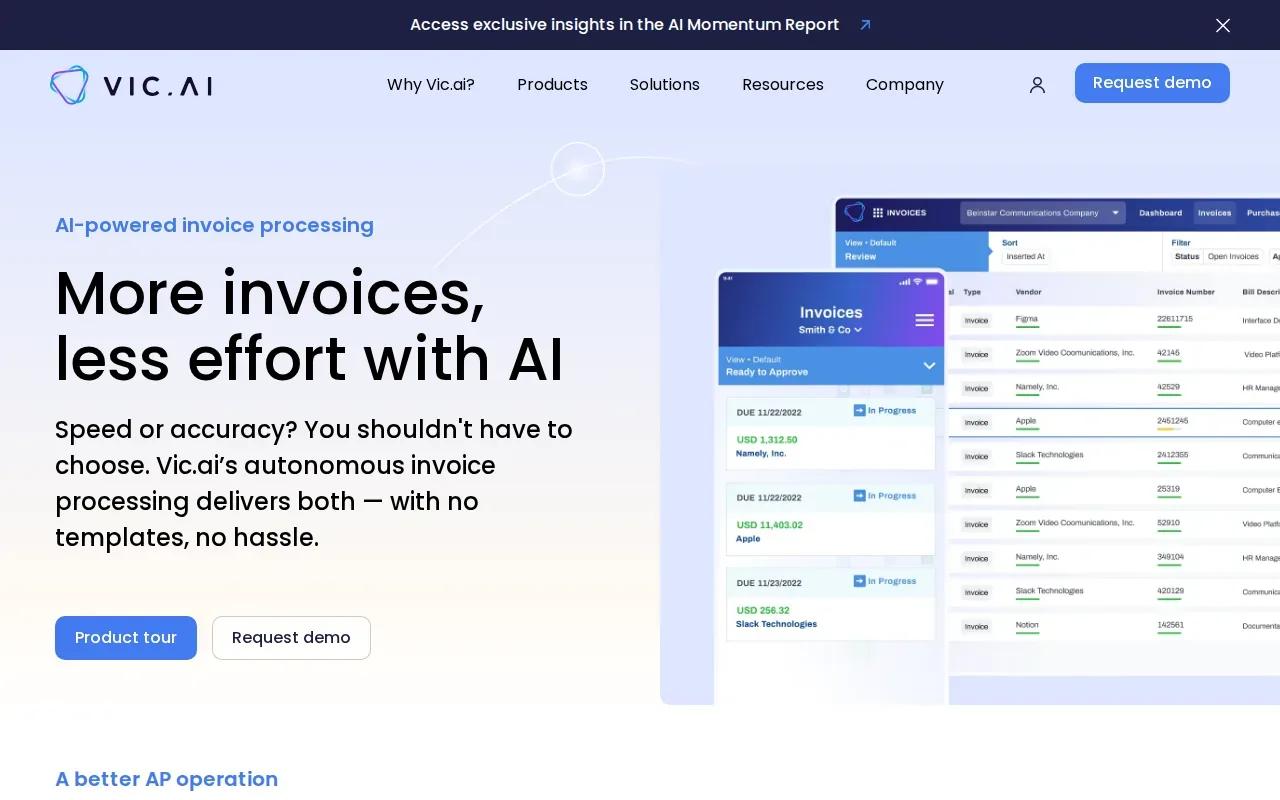
APSuite by Vic.ai is an AI-led AP platform covering invoice processing, purchase order matching, and approvals. It may fit finance teams looking to automate several linked AP stages instead of focusing on extraction alone.
The product information describes invoice capture from sources such as email, portals, EDI, and scans. It also describes extraction without templates or manual entry. For purchase orders, the platform supports two-way, three-way, and four-way matching, which compares invoice details against related records such as purchase orders or receipts.
That breadth can help when invoice handling stalls at the next decision. The system can flag issues such as missing purchase orders or mismatches, then route invoices using business rules. Approval rules can be set by factors such as vendor, amount, general ledger account, cost center, or a purchase order mismatch.
Approval rules are worth examining closely. Map which invoices can move through configured approval steps and decide which invoice types always need a person. Your team should define those rules against its own controls before enabling automation.
APSuite has more moving parts than an extraction-only model. Map the invoice path from receipt through posting, then ask how each stage fits your existing approval rules and finance systems. Zylo Technologies also builds AI automation systems and integrations for workflows that need custom connections or rules alongside existing software.
Pro Tip
Test approval thresholds on real, previously reviewed invoices before enabling autonomous actions. Keep exceptions visible to the people who own them.
4. Invoice processing prebuilt AI model by Microsoft: a building block for custom workflows
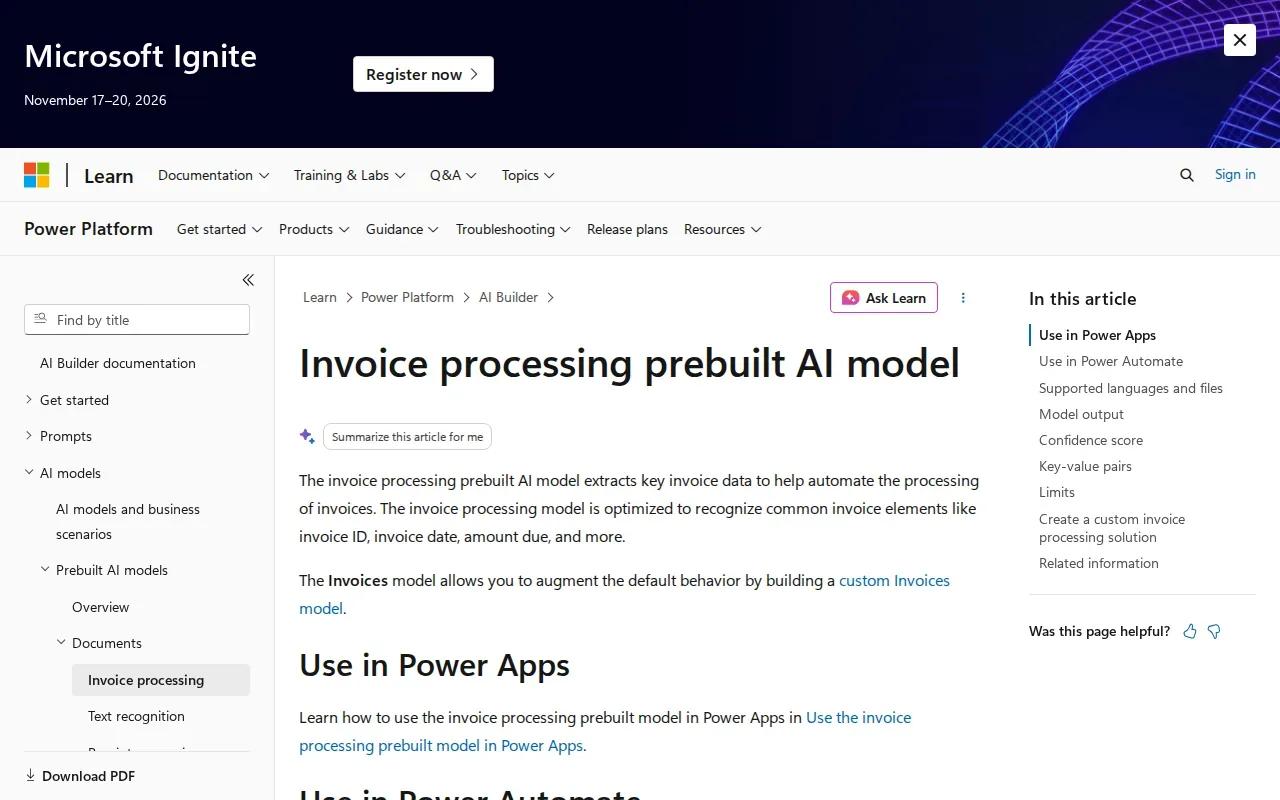
Invoice processing prebuilt AI model by Microsoft is an option to evaluate for invoice-processing workflows. Assess its fit against your document mix, existing systems, and operational requirements before committing. The right choice depends on how invoices enter your process and what your finance team needs to do with the results.
Start by defining the fields your team needs and the checks required before those values can move downstream. Clear acceptance rules help your team decide which invoices can proceed and which need review.
Test representative invoices before setting those rules. Include routine documents as well as exceptions, and route uncertain or incomplete cases to a person rather than assuming every value is ready to post. Review the results with the people responsible for invoice processing, then adjust the workflow to reflect actual operating risks.
If your intake includes bundles or poor scans, test those cases early and plan an exception route instead of assuming every document will process the same way. A controlled test helps surface gaps before they affect live finance operations.
Invoice automation is only one part of the process. Your team still needs to define validation, approvals, storage, and finance-system updates. For custom pipeline design, Zylo Technologies' AI workflow automation guidance is relevant when the process spans several systems and needs defined human checkpoints.
5. Stampli: invoice workflows centered on collaboration
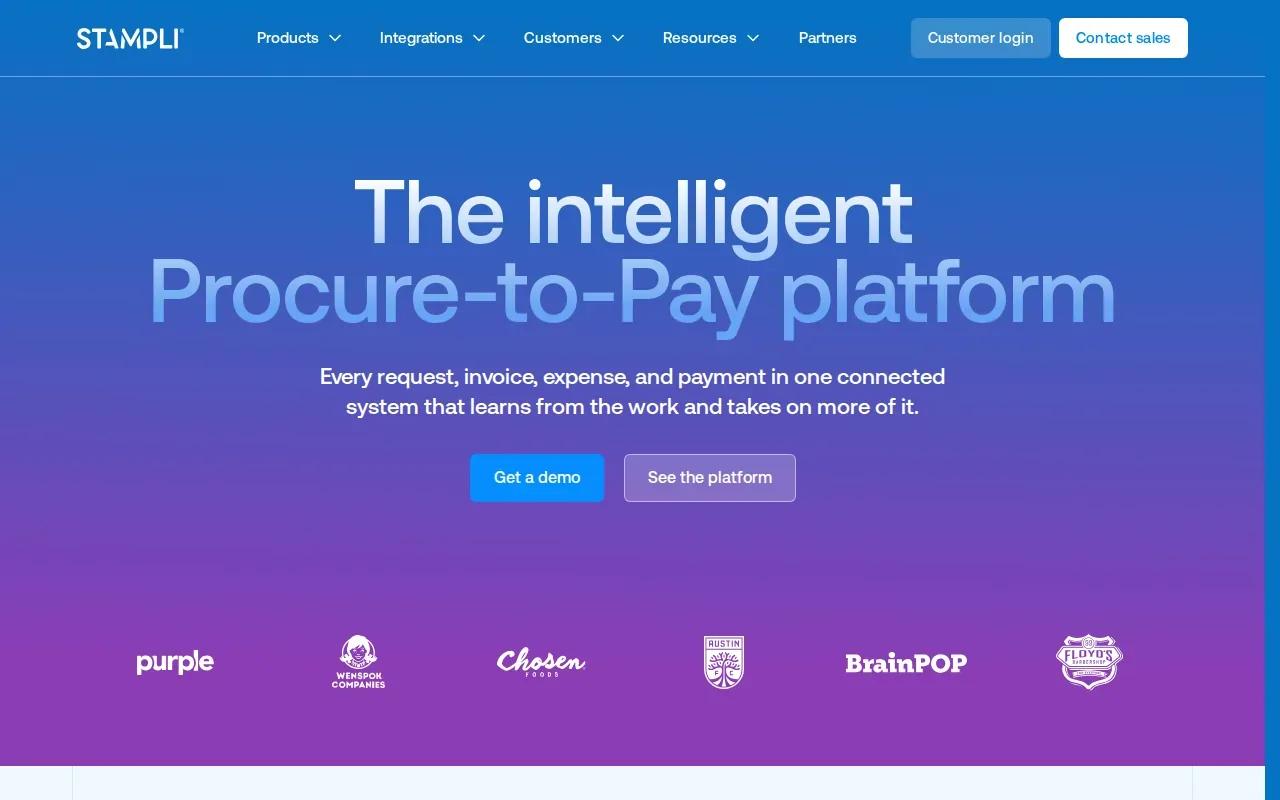
Stampli centers AP work around the invoice, keeping review, questions, documents, and approval status in one workflow. It may suit teams that lose time chasing context across email threads or asking who owns the next action.
Stampli says its AI assistant captures and codes invoice lines, identifies vendors, predicts approvers, and flags duplicates. Its workflow can route invoices by entity, amount, department, vendor, or custom rules. For purchase orders, it supports matching invoice lines with purchase orders and receipts, with discrepancies shown for review.
The useful detail is how it keeps decisions attached to the invoice. A question about a charge, an uploaded document, or an approval can remain with the record rather than disappear into a separate inbox. That can make it easier for AP staff to see why an invoice is held and what needs to happen before posting.
Stampli says the workflow can use ERP vendors, accounts, dimensions, purchase orders, and validation rules without changing the ERP. Still, the exact fit depends on your ERP data and how your integrations are configured. Confirm which fields sync, what gets posted, and whether staff retain review before an invoice reaches the system of record.
For a team with distributed approvers, clear ownership matters as much as automation. Zylo Technologies' AI agent development services describe human review safeguards for multi-step workflows; that is a useful design lens when assessing how any AP tool handles exceptions and approvals.
6. Basware AP Automation: invoice processing for complex AP operations
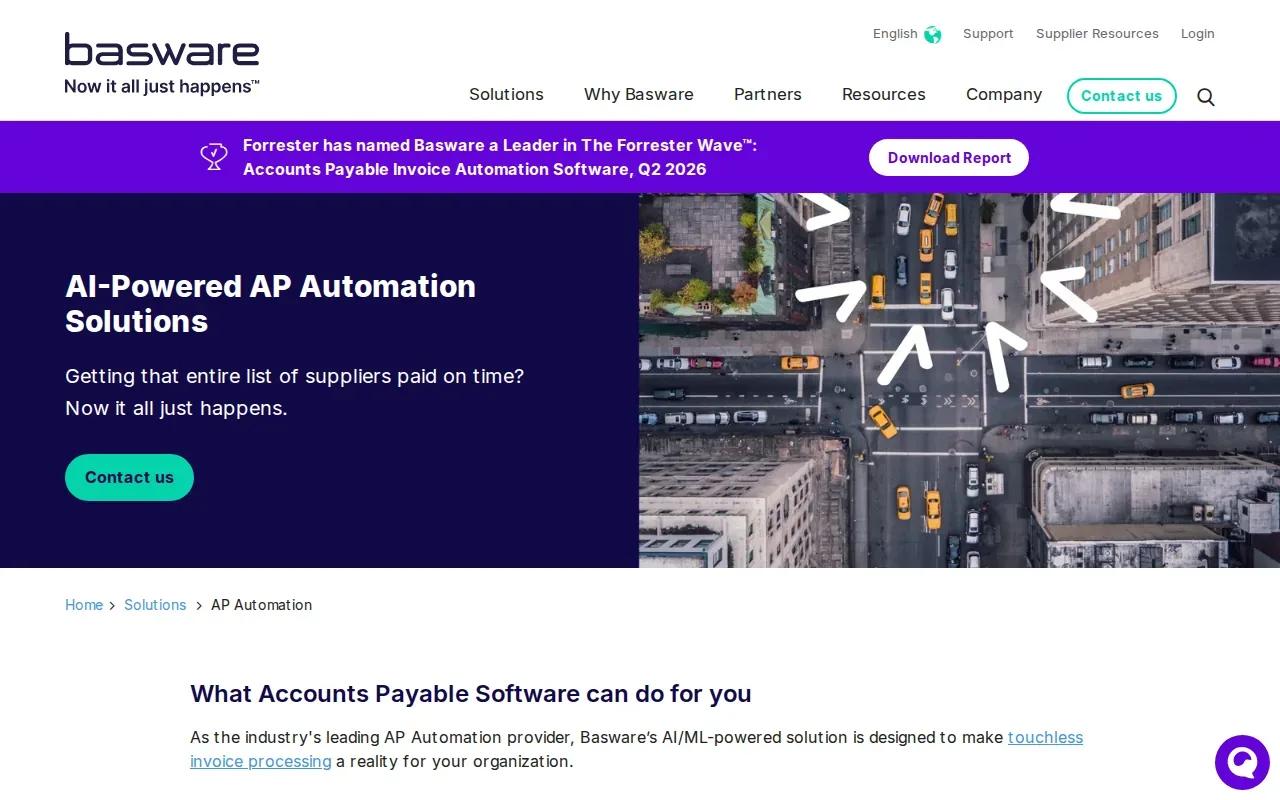
Basware AP Automation is designed for AP operations that span multiple entities, systems, or invoice types. It may suit organizations that need to manage high volumes and want visibility across invoice processing rather than a narrow data capture tool.
Basware describes AI and machine learning across invoice receipt, routing, matching, and coding. Its product information covers purchase order and non-purchase order invoices, including recurring bills such as rent or utilities.
Matching can involve purchase orders, goods receipts, quality checks, or contracts at line or header level. When information is missing, Basware says its system can use available data to calculate a matching scenario. That makes exception design important: finance leaders should decide which cases can proceed and which need review before a payment is approved.
Basware also describes analytics for process bottlenecks, pending payments, and supplier performance. It positions the product for multi-ERP environments and says it can integrate with other systems rather than requiring a change to the ERP. For a complex deployment, verify the connectors and data flows your organization needs instead of relying on a broad integration claim.
The trade-off is scope. A wider AP setup can support more processes, but it also needs careful mapping of entities, rules, and ownership. Basware says customers can start with selected functions and expand based on business needs. Use a pilot with defined invoice types before extending the workflow across every business unit.
| Decision point | What Basware describes | What your team should verify |
|---|---|---|
| Invoice types | PO and non-PO workflows, including recurring invoices | Which invoice classes are in scope for the first rollout |
| Matching | Matching against POs, receipts, quality checks, or contracts | Which records are available and what triggers a manual check |
| ERP setup | Integration with multiple ERP environments | Required connectors, fields, and posting controls |
| Operational visibility | Analytics for bottlenecks, pending payments, and suppliers | Which roles need reports and what actions they can take |
FAQ: AI Automation for Invoice Processing
What does AI invoice processing automation do?
AI invoice processing automation reads invoice documents, extracts fields, and can pass the results into review or approval workflows. Depending on the setup, it may also support purchase order matching and transfer approved data to an accounting or ERP system. A person should still review low-confidence fields and exceptions that could affect payment.
How is AI invoice extraction different from traditional OCR?
Traditional OCR turns text in an image or scan into machine-readable text. AI extraction can identify what that text means, such as a total or invoice date, even when layouts vary. Results still need validation. Confidence scores can help route uncertain fields to a person instead of treating every extracted value as correct.
Can AI invoice processing connect to an ERP?
Yes, many invoice workflows are built to pass approved data to an ERP or accounting system, but the connection depends on the tool and your setup. Check which fields sync, how errors are handled, and whether the system writes data directly or waits for approval. Test the full handoff before scaling.
Should we buy an AP tool or build a custom workflow?
Buy a tool when its built-in workflow matches your invoice process and integration needs. Consider a custom workflow when rules cross systems or require logic that a standard product doesn't cover. Zylo Technologies builds custom AI automation systems, but a custom build still needs clear ownership, human review rules, and measurable goals.
Conclusion
Choose based on the full AP path, not extraction alone. For broad enterprise workflows, compare the suite-level fit of APSuite by Vic.ai, Stampli, or Basware against your approval and ERP needs; for a more tailored process, speak with Zylo Technologies. Next, map one invoice type from receipt through posting and test it with real exceptions before committing to a wider rollout.
Share this article
About the author

Digital Transformation Executive helping organizations unlock growth through data, AI, and operational excellence.
Author at Zylo
Lee Wilson is a digital transformation leader focused on helping businesses leverage technology for greater visibility, control, and strategic decision-making. His expertise spans business transformation, data-driven operations, enterprise technology, and organizational performance.