
AI automation for marketing analytics can turn scattered campaign data into reports and signals your team can act on. But AI is only useful when the data connects cleanly to your ad, CRM, and reporting systems. Here are five options, starting with custom-built systems and then moving to ready-made platforms.
1. Zylo Technologies
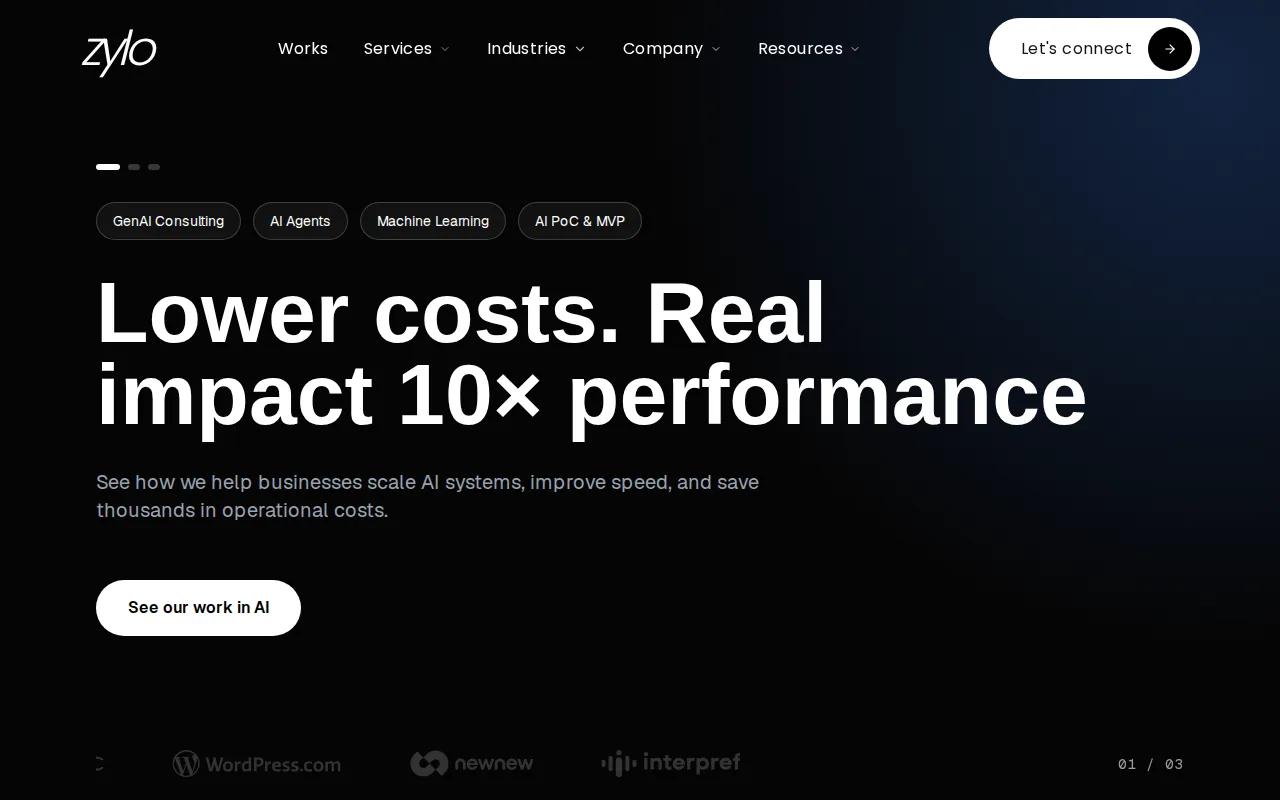
Zylo Technologies builds custom AI agents, automation systems, and digital products for teams whose analytics needs don’t fit a standard platform. It’s best for leaders who need the data flow, decision rules, or reporting process designed around their own systems.
A custom setup can bring campaign and CRM data into a shared workflow, then apply agreed definitions to measures such as lead quality or campaign return. That matters when marketing, sales, and finance use different systems or count the same result in different ways. Your team can then review a consistent view instead of reconciling conflicting reports by hand.
Our work starts with the operating need, not a clever prompt. We can scope AI integration and deployment around your data sources, access rules, and the decisions people need to make. The goal is to keep the system useful as tools and business needs change.
Custom work also means more decisions up front. Your team needs to agree on data ownership, metric definitions, access permissions, and who reviews AI-generated findings. Zylo Technologies has shipped more than 140 systems, and its production cycles can run six weeks. Those facts make the company worth considering when a ready-made dashboard cannot support the full workflow.
Key Takeaway
Choose custom development when the hard part is connecting your data and decision process, not displaying another dashboard.
2. Databox: Conversational answers from business data
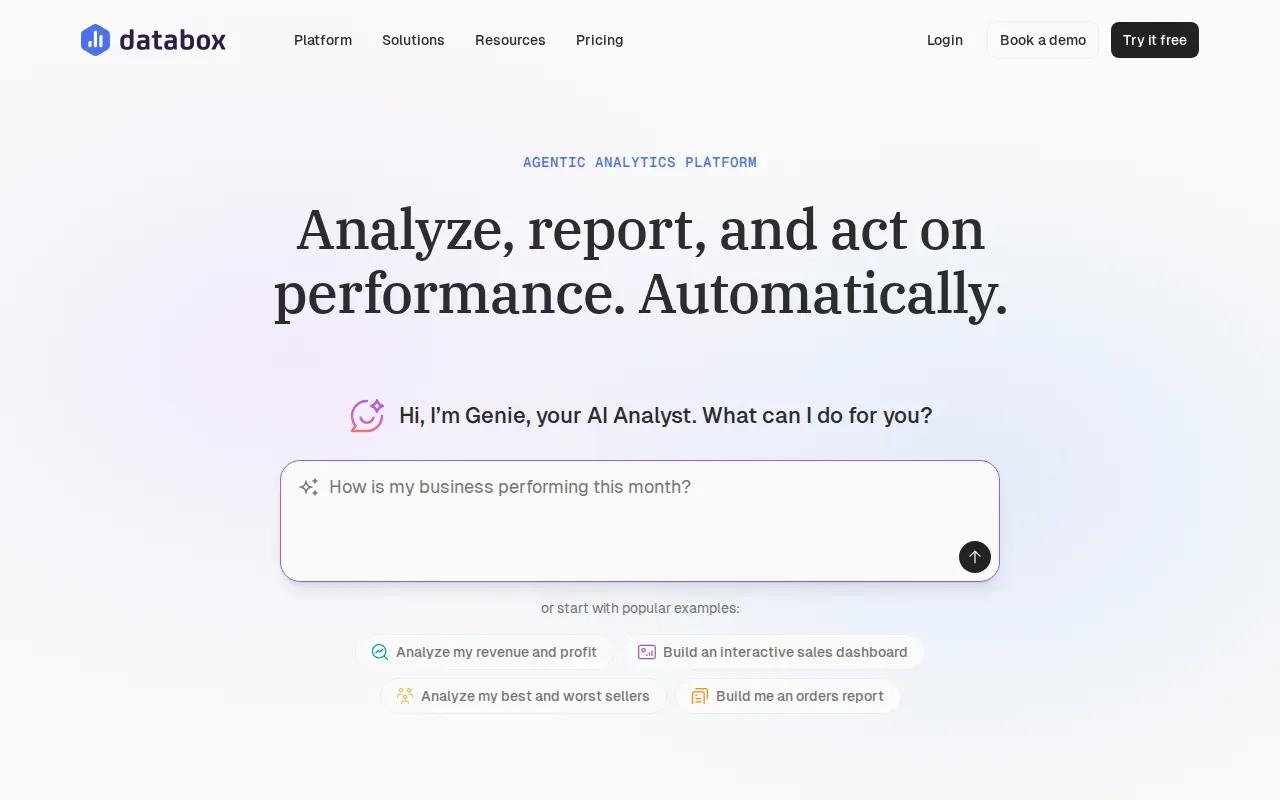
Databox brings business metrics into dashboards and reports, with Genie for plain-language questions and analysis. It’s a fit for marketing, sales, or operations teams that want to ask about performance without writing a query or building every view by hand.
Genie can answer questions using metrics or dataset rows, explain its reasoning, and help build metrics and goals. Databox also supports scheduled routines that run a task on a set schedule or when a webhook triggers it. The result can go to email or Slack, which helps teams automate recurring summaries.
For instance, a marketing lead could ask which channel changed most against a goal, then review the metric behind Genie’s answer. Databox supports custom metrics, so teams can define a calculation once and reuse it across reports. That helps avoid the familiar problem where one dashboard calls a lead qualified while another uses a different rule.
If an important number will guide spend or staffing, verify it before acting. Databox notes that Genie is an AI assistant and recommends checking important numbers before business decisions. Teams can also use forecasts, alerts, and anomaly detection to spot trends or unusual changes, then have a person decide what to do.
Teams building a wider reporting stack may also want to define how dashboards connect to their business intelligence setup, including Power BI implementation. That decision matters when reports need to serve more than the marketing group.
3. AgencyAnalytics: Reporting across marketing data sources
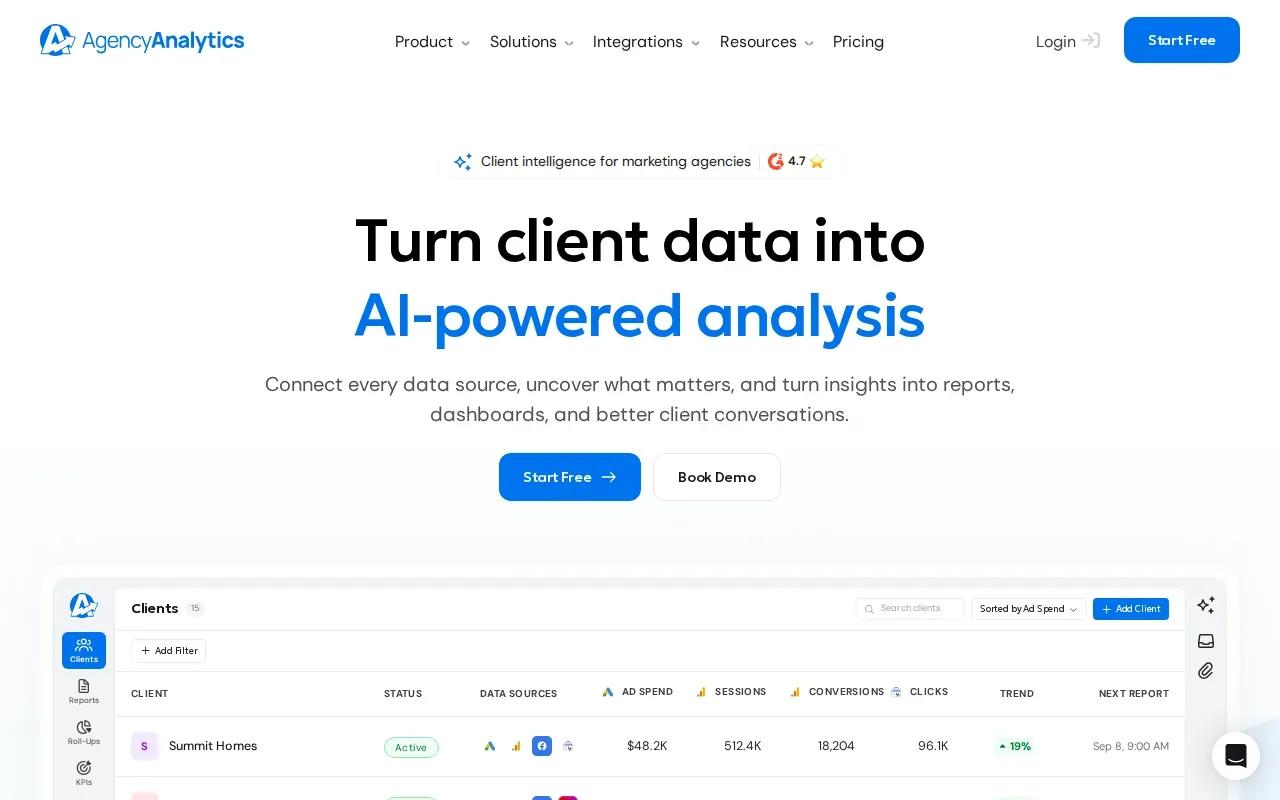
AgencyAnalytics is a reporting platform with connections to more than 85 data sources. It’s best suited to teams that need to pull campaign results into reports and dashboards, especially agencies that share performance updates with clients.
Its sources include Google Analytics 4, Google Ads, Facebook, Instagram, Shopify, HubSpot, and LinkedIn. Ask AI can examine dashboard or report results in more depth, while AI Tracker records how AI assistants answer prompts. That gives a team a way to review both channel performance and its visibility in AI responses.
AgencyAnalytics also supports automated reporting, custom metrics, alerts, and roll-up views across clients. Forecasting tools can help teams look at performance trends, while anomaly detection can call attention to unexpected shifts. Those features can reduce the time spent building monthly reports, but they don’t replace a clear definition of what each client considers a result.
For an agency, a shared schedule and reusable report layout can make client reviews more consistent. For a large in-house data team, the platform’s multiple sources and forecasting tools may be useful when marketing needs a common reporting view. The key question is whether its reporting model matches how your team works with campaign data.
When reporting is part of a wider growth plan, teams may also need to connect performance data to channel and market choices. Zylo Technologies’ data-first digital marketing services focus on tying campaign work to measurable business outcomes.
4. Supermetrics: Data quality before AI analysis
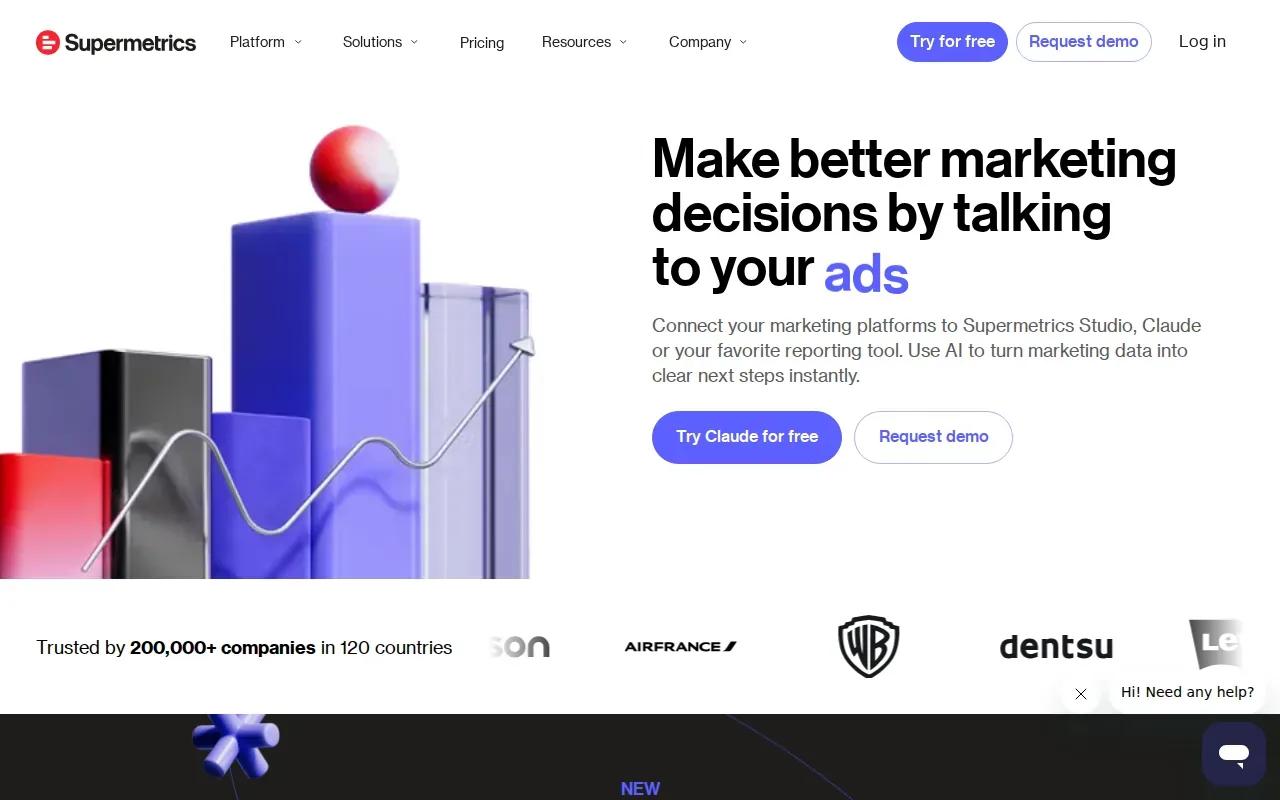
Supermetrics focuses on organizing marketing data before applying AI analysis. It’s a strong fit for teams that need to centralize information across channels and feed it into reporting tools or data stores they already use.
Its approach is to clean, organize, and standardize data so the same measure keeps the same meaning across reports. That foundation matters. If campaign names are inconsistent or conversion rules differ by source, an AI summary may sound clear while still comparing unlike numbers.
Supermetrics can connect marketing data with tools such as Looker Studio, Google Sheets, and BigQuery. Its AI agents can turn fragmented data into visualizations and next-best actions. The company also describes custom AI workflows for reporting, anomaly detection, and campaign monitoring.
Consider a team that pulls paid media results into a warehouse before a weekly review. A consistent campaign naming scheme and shared conversion definitions help the AI spot a meaningful change rather than a data mismatch. Then the team can use the finding to investigate a campaign or adjust its reporting process.
Supermetrics is most relevant when data movement and quality are the main bottlenecks. If your team needs a custom process that crosses beyond marketing data, Zylo Technologies can scope an AI automation system around the wider workflow and the people who need to approve its outputs.
5. Cometly: Attribution and ad optimization across channels
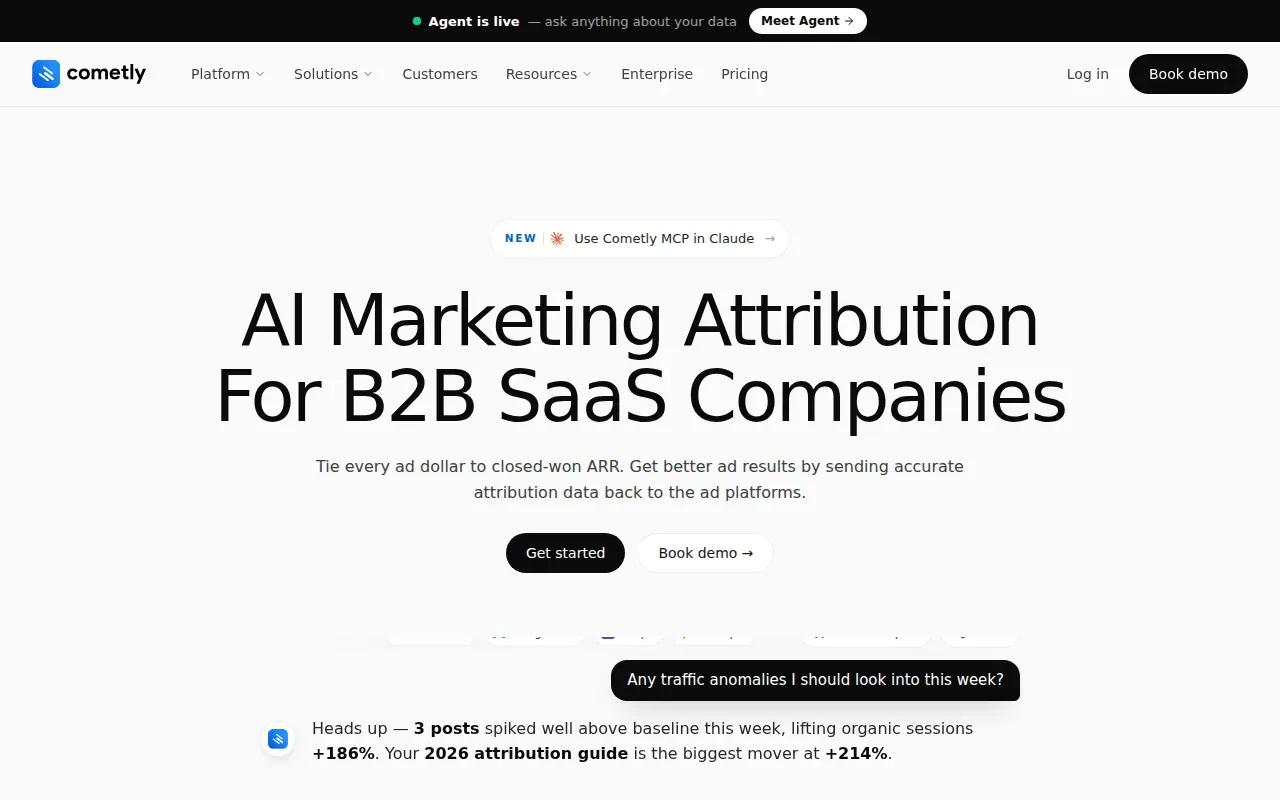
Cometly focuses on attribution: connecting marketing activity with conversions and revenue across the customer journey. It’s aimed at paid media teams that need a clearer view of which ads and channels contribute to results.
Its capabilities include server-side tracking, multi-touch attribution, and an AI Ads Manager that analyzes campaign performance and gives optimization recommendations. Server-side tracking captures conversion data through a server connection rather than relying only on a browser pixel. Multi-touch attribution helps show several interactions that took place before a conversion.
That can matter when a buyer sees an ad, returns through another channel, and converts later. A last-touch report may credit only the final interaction, while a multi-touch view can show more of the path.
Attribution still depends on sound event definitions and appropriate data access. An AI recommendation is a prompt for review, not an instruction to shift budget automatically. Teams should compare its findings with their own sales and revenue records before making a major spend change.
Cometly is the most focused choice in this shortlist for paid media attribution and optimization. If your core issue is a custom path through internal data and operations, a broader system design may fit better.
How AI Automation for Marketing Analytics Options Compare
The useful distinction is where each option starts. Zylo Technologies starts with a custom workflow. Databox starts with shared metrics and conversational analysis. AgencyAnalytics centers on reports across marketing sources, while Supermetrics centers on data quality and movement. Cometly centers on attribution and paid media optimization.
AI features are common across marketing analytics products, but integration detail can be harder to assess. That creates a usable gap: a tool can summarize performance only after it can access the right data in a form the team trusts. Before a pilot, map the sources and metric definitions that the system must use.
Forecasts and audience segments are useful only when the underlying events are reliable. A forecast may help estimate campaign performance or future customer value, while segmentation can help teams tailor messages to distinct behavior groups. But a report that combines inconsistent events can send both choices in the wrong direction.
For each option, test one real question from a weekly review. Check whether the data source connects, whether the metric is defined as expected, and whether a team member can verify the answer. Keep the first use case narrow, such as explaining a spend change or tracking one campaign through to a qualified lead.
Marketing measurement also sits inside a broader go-to-market plan. If your team is revisiting market focus alongside its reporting approach, a comparison of go-to-market strategy consulting firms can help frame that separate decision.
| Option | Best fit | Primary focus | Decision point |
|---|---|---|---|
| Zylo Technologies | Teams with a workflow that needs custom design | Custom agents and automation systems | Can your team own the data rules and review process? |
| Databox | Teams that want plain-language metric analysis | Dashboards, Genie, and scheduled routines | Are shared metric definitions in place? |
| AgencyAnalytics | Agencies and teams with many reporting sources | Client and cross-channel reporting | Do its sources and reporting workflow match your needs? |
| Supermetrics | Teams centralizing marketing data | Data quality and automated reporting | Where should the cleaned data flow? |
| Cometly | Paid media teams focused on attribution | Conversion tracking and ad recommendations | Do attribution events align with revenue records? |
Pro Tip
Before a trial or build, write down the question you need answered, the source data it depends on, and who signs off on the result.
FAQ
What is AI automation for marketing analytics?+
AI automation for marketing analytics uses AI to analyze marketing data and automate recurring work such as reporting, alerts, or recommendations. The setup may combine data from ad platforms, web analytics, or a CRM. The value depends on whether those sources use consistent definitions and whether a person checks important findings before acting.
Can AI predict which marketing campaigns will perform best?+
Some analytics systems can forecast performance trends or use past data to inform recommendations. A forecast is an estimate, not a promise. Check which data feeds it, how your team defines a conversion, and whether the model’s output matches later results before using it to set budget or targets.
How can AI help with audience segmentation?+
AI can help group people by patterns in the data, such as campaign response or customer behavior, so teams can tailor messages and channel choices. The segments are only as sound as the records behind them. Set clear rules for data access and review the groups before using them in a campaign.
Should I buy a platform or build a custom analytics system?+
Buy a platform when its data connections and reporting workflow fit the way your team works. Consider a custom system when you need to connect unusual data sources or automate a process that a standard platform cannot support. In either case, agree on metric definitions, permissions, and human review before expanding use.
How do I know if AI-generated marketing reports are accurate?+
Check the report’s source data and calculation against a trusted record, such as the campaign or CRM data your team already uses. Review how the system defines conversions and attribution. Keep a person in the approval loop for decisions that affect spend, forecasts, or customer messaging.
Conclusion
Choose the option that fixes your main constraint: custom workflow design, conversational reporting, source coverage, data preparation, or attribution. If the problem crosses several systems, Zylo Technologies can help your team define the workflow before committing to a build. Start by writing down one marketing question your current reporting cannot answer reliably.
Share this article
Author information coming soon.