
Ticket queues get messy when every request needs a person to read, label, prioritize, and route it. AI automation for ticket triage can take on that first pass, but the right setup depends on your systems and how much control you need.
Here are five options for different teams, plus a way to compare prebuilt tools with a custom workflow from Zylo Technologies.
By Zylo Technologies | Updated October 6, 2026
1. Jira Service Management by Atlassian: AI triage for teams already using Atlassian
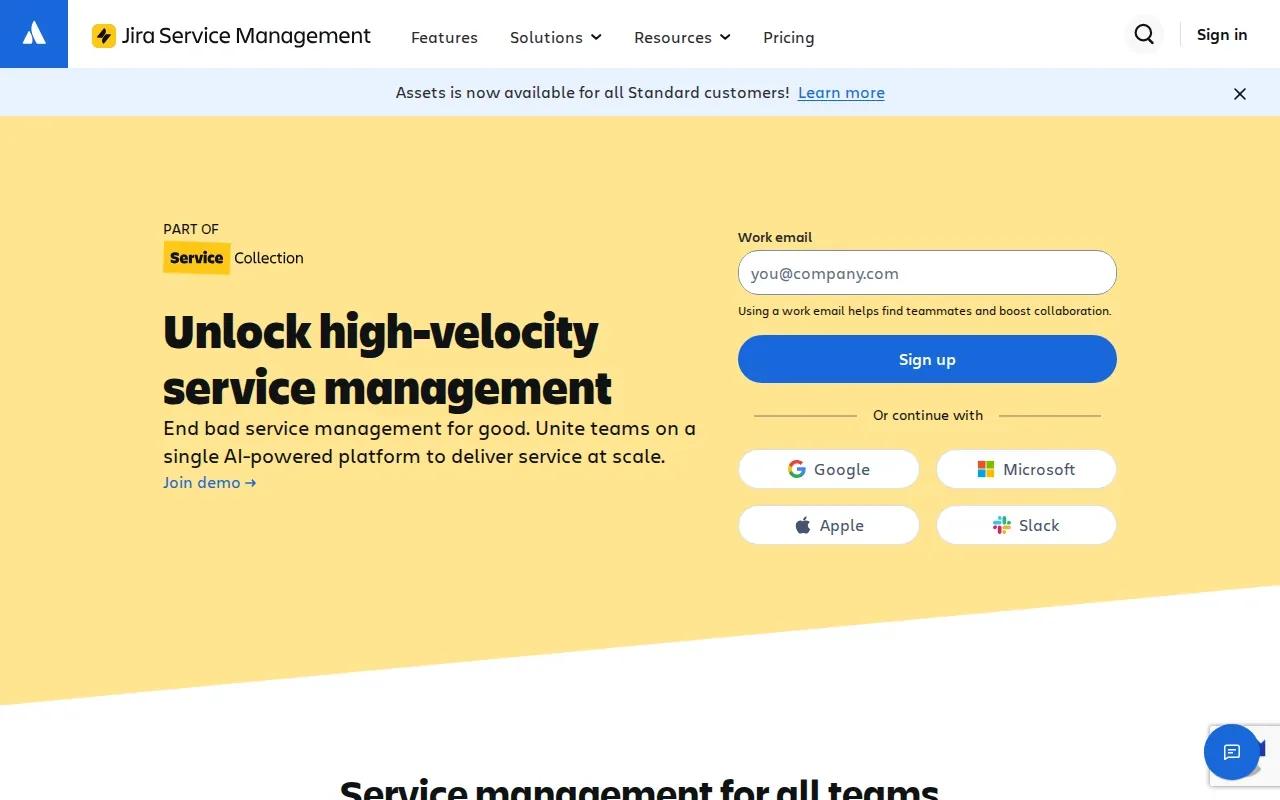
Jira Service Management is a service management tool for organizations already using Atlassian products across software development, collaboration, and delivery. It’s a strong fit when support requests need to connect with work that engineering teams already manage in the same ecosystem.
Its AI features help interpret requests, create summaries, recommend field values, and assist service agents. That can reduce the first round of manual sorting. A team might use the field recommendations to help categorize a request before an agent reviews it and decides where it belongs.
That connection matters when an internal support request points to a software defect or delivery task. Rather than treating the ticket as an isolated conversation, your team can keep the work close to its related service and engineering processes. The workflow still needs clear ownership rules, so a useful AI recommendation doesn’t turn into an assignment no one owns.
If you’re planning a custom internal workflow, our guide to building an AI agent for internal ticketing covers scope, data access, and review steps. Start with one request type and define which fields the AI can suggest before you let it make changes on its own.
This pick makes the most sense when Atlassian workflows are already part of how your teams deliver work. It’s less compelling as a reason by itself to rebuild a service operation around a new system.
2. ServiceDesk Plus by ManageEngine: Broad IT service management with ticket triage
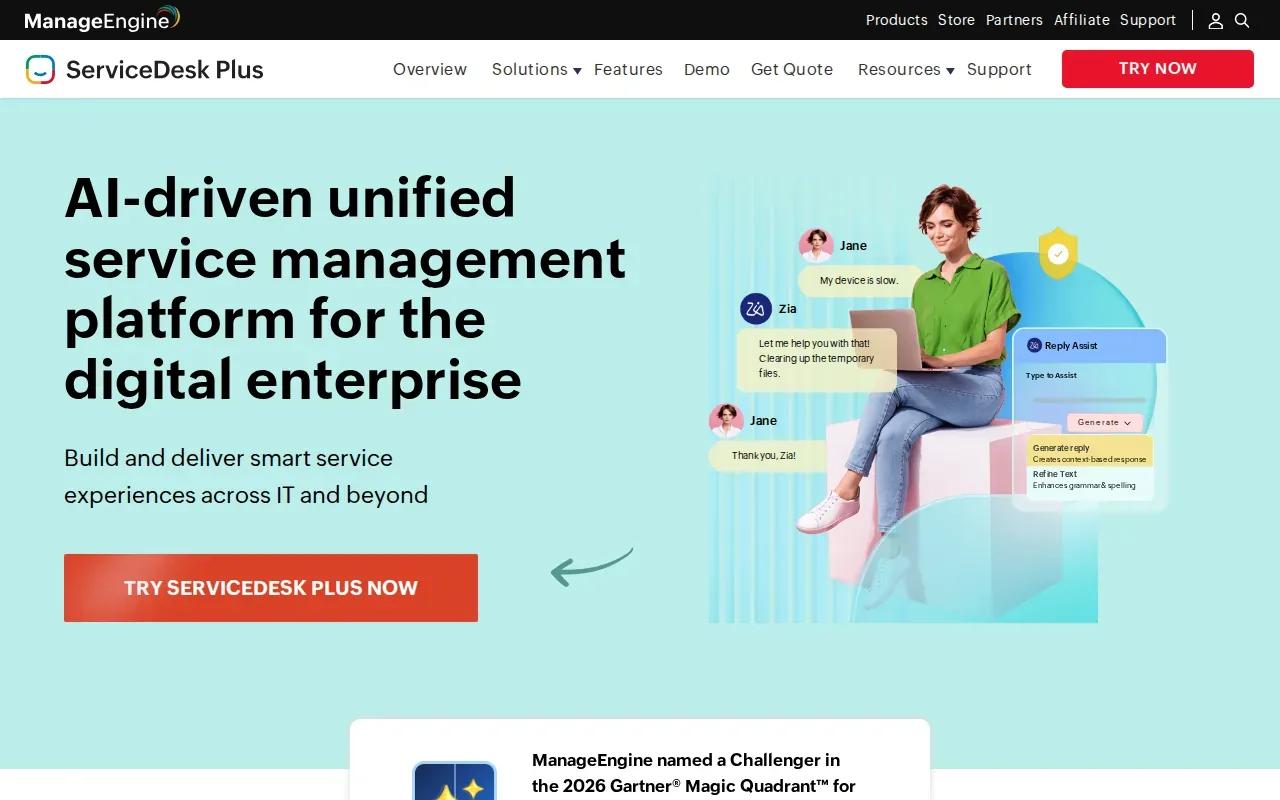
ServiceDesk Plus is an IT service management option for teams that need ticket triage alongside wider service processes. Its scope includes incident and request management, asset management, change management, knowledge management, and configuration data.
That breadth can help when the support desk handles more than incoming incidents. For example, a request about a device can sit within a service operation that also tracks assets. A change request can follow a separate process from a standard incident, rather than being pushed through the same queue rules.
ManageEngine describes AI-driven triage and routing, along with ticket summaries and incident response workflows. For a service desk, the value depends on whether those features fit the team’s current categories and approval paths. Make sure someone owns the categories and assignment rules before automation starts acting on them.
ServiceDesk Plus also covers enterprise services outside IT, including HR, facilities, and finance. That can suit organizations that want shared service processes, provided each department’s intake and access rules are clear. A facilities request shouldn’t inherit IT’s priority logic just because both arrive through one service operation.
Choose it when your need is a broader service management structure, not only an AI layer that sorts messages. Your team should define its incident, request, asset, and change workflows before deciding how much triage to automate.
3. Botpress: Custom AI agent workflows for flexible triage
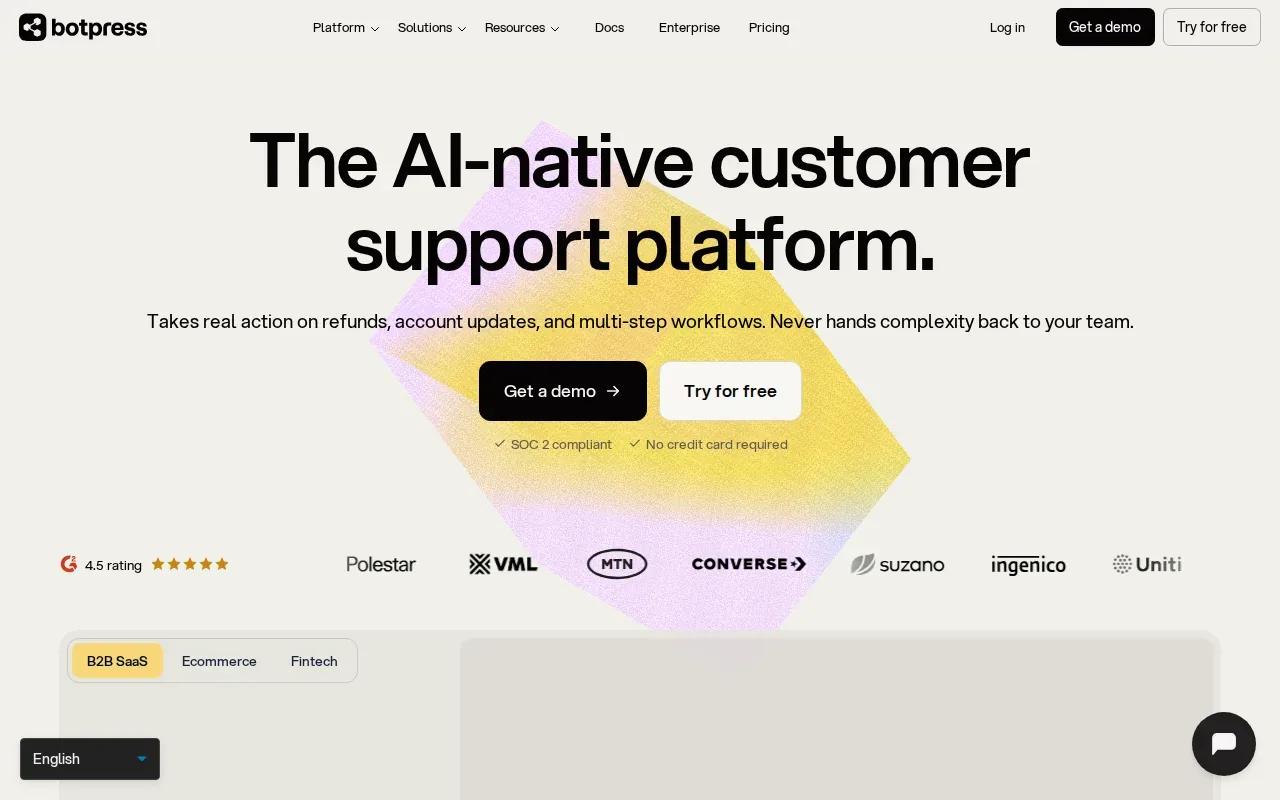
Botpress is an AI agent platform that can also act as a ticket triage engine. It suits teams that want to design their own triage logic across channels instead of adopting only the rules built into a service desk.
A Botpress workflow can classify intent, detect sentiment, route tickets, and escalate when confidence is low. It can also support autonomous resolution for requests that fit an approved path. That makes the handoff design as important as the initial classification: when the agent stops, a person needs the request, the context, and a clear reason for the escalation.
Botpress reports an implementation time of under an hour. Treat that as a platform claim about getting a workflow started, not a promise that every team will have production-ready triage in that time. Your own work may include describing team roles, setting escalation rules, preparing approved knowledge, and testing edge cases.
This is the custom-workflow end of the shortlist. A prebuilt service desk can be easier when its categories and routing match your work. An agent workflow gives you more say over how tickets move, but your team must define and maintain that logic. Zylo Technologies can help design a custom system when the required workflow spans existing tools or needs tighter control over data and actions.
Use Botpress when the team wants to shape the triage path itself and has an owner who can keep that path current. For background on where agents can fit into larger operations, see our enterprise AI agent use cases.
4. Gorgias: E-commerce ticket triage grounded in order data

Gorgias builds its automation around e-commerce order data. It’s a natural fit for customer support teams whose incoming tickets often depend on a customer’s order or a related order-management task.
Its AI Agent is focused on order management, with ticket handling tied to e-commerce data. That context can help a support workflow distinguish an order question from a general product inquiry. The important operational check is whether the information your agents need is available to the workflow at the point of triage.
Gorgias has integration coverage that includes Shopify and other systems. Since each store’s order process can differ, map which data the agent needs to read and which actions should stay with a person. A routing suggestion is one thing. An action that changes an order needs an explicit boundary and a way to review the result.
For example, if a shopper writes about an order problem, triage needs to connect the request to the right order context before assigning it. If the message doesn’t include enough detail, sending it to a human for review is safer than guessing based on a few words.
Pick Gorgias when your support process centers on e-commerce service and order context. If your queue mostly handles internal IT work or requests unrelated to orders, this particular focus may not match your needs.
For broader support automation planning, our customer support automation guide explains how to set boundaries around data access, approved actions, and handoffs.
5. Aisera: Enterprise agentic AI for large-scale service operations
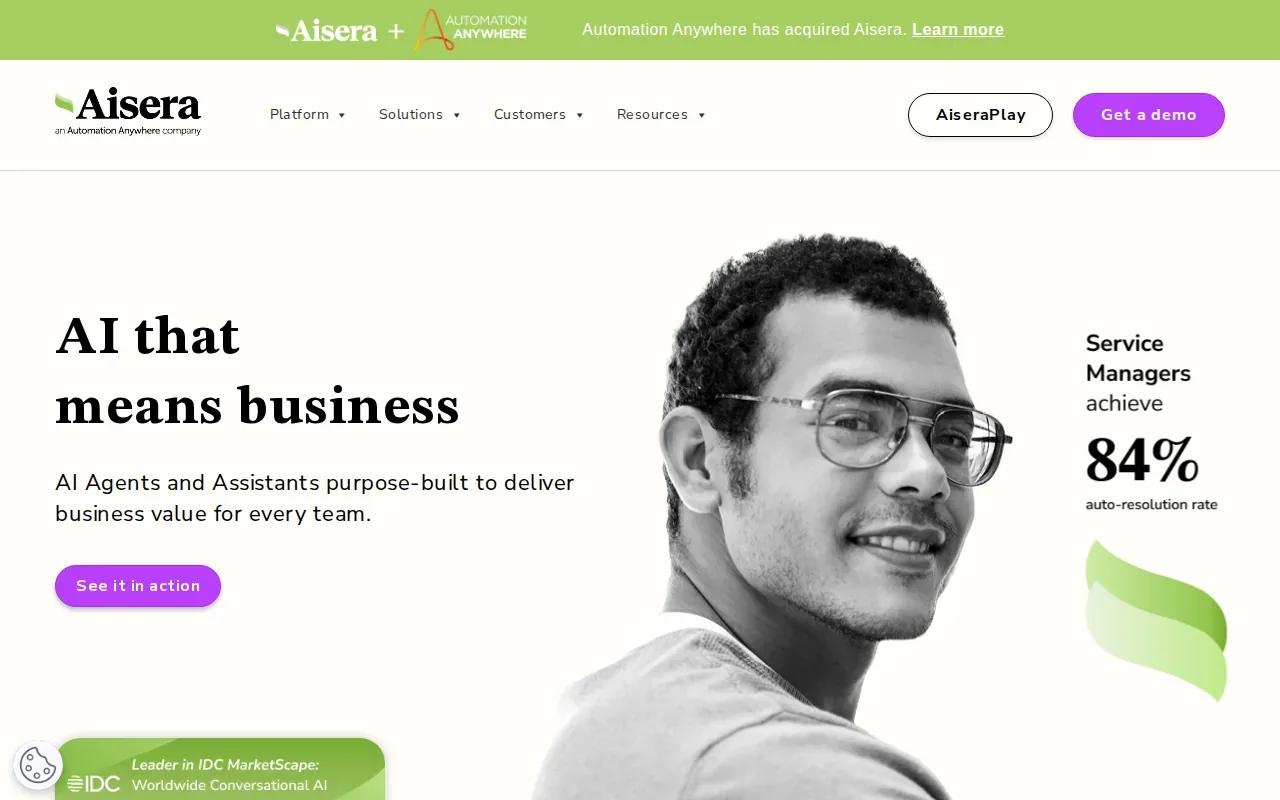
Aisera focuses on enterprise agentic AI for service operations across IT, HR, and customer support. Its approach suits organizations looking to automate work across large service environments rather than only sort a small help desk queue.
Its documented triage functions include categorizing and prioritizing cases, then recommending or applying assignment fields. Teams can set a confidence threshold that controls when the system applies a prediction and when it presents a recommendation for an agent to review.
That choice gives service owners a way to keep a person in the loop for uncertain cases. A high-confidence case might follow an automatic route; a case below the team’s threshold can wait for review. The threshold should reflect the cost of a wrong assignment, not a desire to automate every ticket.
Aisera also describes prediction analytics that compare predicted fields with the values used after a case closes. It can monitor open cases against service-level criteria and trigger alerts as they approach a threshold. Those mechanisms help teams review classification quality and escalation timing as part of the operating process.
Large service operations should also assign an owner to review prediction performance and routing exceptions. Zylo Technologies works with teams building AI agents and automation systems when the desired process needs custom design around existing operations.
Compare the AI ticket triage tools by fit and automation approach
The main choice is whether you want triage embedded in a service system or a workflow shaped around your own rules. The table compares the five options by their stated fit and AI approach.
Don’t compare only how quickly a system labels a ticket. Define a baseline for first meaningful response time, reassignment rate, and human correction. Then check whether the tool can connect to the systems it needs and preserve a review path for uncertain cases.
Budget for more than software access. Include implementation, integrations, staff time to maintain categories, and any usage-based AI charges in your cost review.
Use this short setup sequence with whichever option you choose:
- Write down the request types and their current owners.
- Set a baseline for response time and reassignment.
- Choose the fields the AI may suggest or change.
- Set a confidence threshold and a human escalation route.
- Test common cases and unclear cases before widening access.
Keep permissions narrow. Give the system only the data access its job needs, and log decisions so your team can trace why a ticket moved. For a build that must connect several internal systems, Zylo Technologies can help scope the workflow and its controls. Our AI agent development services describe that kind of custom work.
| Option | Best fit | Triage approach | Decision to check |
|---|---|---|---|
| Jira Service Management by Atlassian | Teams already using Atlassian | Request interpretation, summaries, field recommendations, agent assistance | Do service requests connect to software and delivery workflows? |
| ServiceDesk Plus by ManageEngine | Teams needing broad service management | AI-supported triage within a wider ITSM and asset scope | Do your teams need shared service processes beyond IT? |
| Botpress | Teams designing custom agent logic | Custom workflow for intent, sentiment, routing, and possible resolution | Who will own the workflow and handoff rules? |
| Gorgias | E-commerce support teams | AI Agent focused on order management and ticket handling | Does order data provide the context your queue needs? |
| Aisera | Large service operations | Agentic triage with confidence thresholds and case escalation | Which predictions can act automatically, and which need review? |
FAQ: AI Automation for Ticket Triage
What is AI ticket triage?
AI ticket triage uses software to interpret incoming requests and help sort them for service teams. It may identify the request type, suggest priority or field values, and recommend a route. The team still needs clear ownership rules and a human path for unclear or sensitive cases. Classification alone doesn’t resolve the underlying request.
How does AI classify and route support tickets?
AI reads the request and predicts details such as intent or relevant ticket fields. A workflow can then use those predictions to suggest an assignment or send the ticket to a defined queue. Teams should test predictions against real request types and decide what happens when confidence is low or the ticket lacks key details.
Should we buy a triage tool or build a custom agent?
Choose a prebuilt tool when its service model and routing fit your team’s work. Consider a custom agent when your triage logic must span systems or follow rules that a standard setup can’t represent. Custom work requires an owner for the workflow, permissions, and ongoing review. A fast prototype alone doesn’t prove the system is ready for production.
How should we measure ticket triage automation?
Start with a baseline before changing the workflow. Track first meaningful response time, reassignment rate, and how often people correct classifications or routes. Also review escalations and completed outcomes. Faster tagging is useful only if the request reaches the right owner without creating more follow-up work.
Conclusion
Choose the option that fits your existing service workflow, then test it on one well-defined request type with human review in place. If no prebuilt tool matches the process you need, Zylo Technologies’ AI automation services can help you scope a custom system. Start by mapping the request, its data, and its current owner.
Share this article
Author information coming soon.