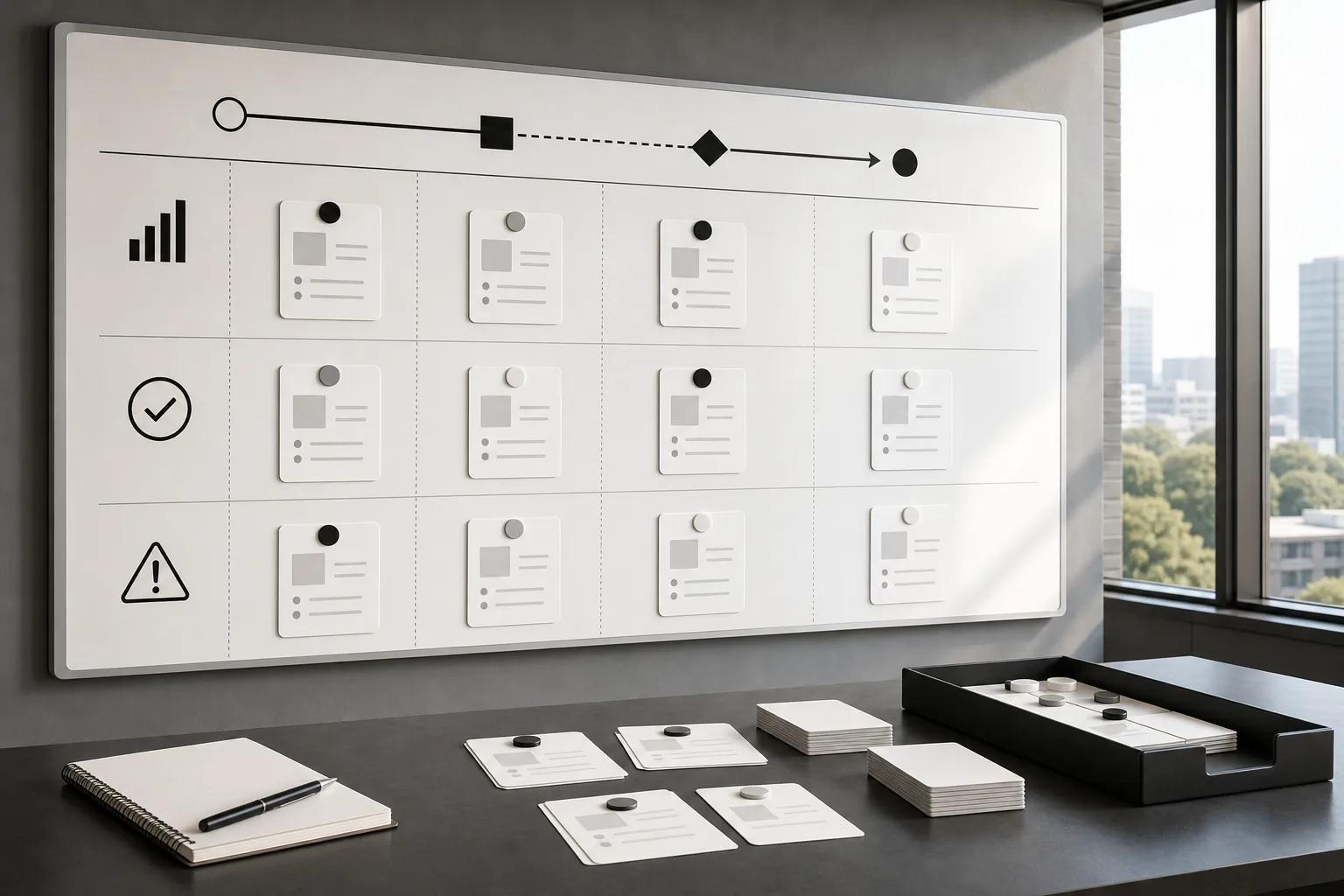
A promising AI demo doesn’t prove a workflow is ready for production. This AI automation implementation checklist helps you test the business case, map exceptions, check data and access, set human controls, and decide whether a pilot can scale.
We analyzed 59 comments and questions from YouTube, Reddit and Quora about AI automation implementation and found that 14% mentioned identifying automatable processes.
Business Case and Workflow Prioritization Worksheet
Start with a workflow that has a measurable business outcome and a named owner. A model completing a task is not proof of value. You need to know what changes in the operation, how you’ll measure it, and what it takes to run the system after the pilot.
For each candidate workflow, capture these fields in a worksheet:
- Process and owner: Name the workflow and the person accountable for its result.
- Baseline: Record current cycle time, correction rate, backlog, or another measure that fits the work.
- Expected result: State the change you expect and how you’ll measure it.
- Full cost: Include implementation, integration, review time, support, and ongoing operation.
- Readiness and risk: Note data access, process stability, user readiness, and the cost of a wrong result.
Keep projected gains separate from proven savings. Time freed up may let a team clear a backlog or handle more cases. It becomes a cost reduction only if the business changes how it spends or staffs that capacity. The AI automation budgeting guide can help you separate build costs from the costs of running the workflow.
Score candidates against the same criteria. A high-volume process may still be a poor first project if its owner is unclear or its exceptions carry serious consequences. Prefer a bounded workflow with repeatable steps and a result the team can check.
Intelligent process automation combines AI with process automation. The label alone doesn’t make a business case. Your case needs a baseline, accountable owner, and a plan for validating results.
Zylo Technologies’ site describes its AI automation work and production cycles.
Key Takeaway
Approve a pilot only when its expected result, full operating cost, and accountable owner are written down.
Workflow Map and Exception Register
Map the work as it happens today, including the cases that don’t follow the usual path. A diagram of the ideal process can hide rework, informal approvals, and work that sits in an unowned queue.
Choose one recurring case type. Trace it from the event that starts the work to an outcome the next person accepts. At each step, record the role, action, system, information used, wait time, and evidence that the step is complete. Check the map with the people who do the work and the people who receive it.
Then give every step or branch one disposition:
- Remove a step that has no clear purpose.
- Standardize a stable, legitimate variation.
- Clarify an unclear decision or handoff.
- Retain for human review when judgment or authority must stay with a person.
Build an exception register alongside the map. For each exception, capture its trigger, likely consequence, safe response, recovery owner, and evidence needed to resolve it. Add frequency only when you can tie it to a defined time period. A rare case can still carry high risk, so frequency alone shouldn’t decide whether it can be automated.
Be exact about handoffs. A forwarded message does not prove that ownership moved. Name the receiving role, define what information it needs, and state how that person confirms the case is ready. For approvals, record what the approver can decide and what happens after approval, rejection, or escalation.
Test ordinary cases alongside missing information, conflicting records, rejected approvals, timeouts, and system failures. The AI automation failure analysis guide can help teams examine why a case broke down instead of simply adding another workaround.
Keep the current-state map separate from the future design. Otherwise, a team can automate a confusing process before deciding which parts should change.
Data, Access, and Integration Readiness Checklist
Confirm that the system can reach the right information with the right permissions before choosing how much it should do. Poor data or unclear access can stall an otherwise well-scoped pilot.
Make a source map for every system the workflow reads or updates. Record the data owner, sensitivity, required fields, access method, update frequency, and known quality issues. Check sample records for gaps, duplicates, stale values, and inconsistent formats. If a field is missing, decide whether the process can pause for a person or needs data cleanup first.
Separate read access from write access. A first release may only need to retrieve approved records or draft a recommendation. If the system will update a record, specify which fields it may change and who can authorize the action. Keep the organization’s authoritative record in its existing system of record, rather than treating an AI workflow as a new source of truth.
Integration readiness is also about failure behavior. For each connection, ask what happens when access is denied, a record is stale, or a write fails. Name who owns the manual fallback. Test a failed connection and confirm that the case remains visible instead of disappearing into a queue.
Limit the first release to the systems the selected workflow actually needs. The AI automation data privacy checklist offers a focused companion for reviewing data boundaries and access risks.
Include team readiness in the same review. The process owner should explain what changes for staff, where people review results, and how they can report errors. Training is not a launch-day slide deck; it should prepare each role to use the new path and handle a paused case.
Before build work begins, the team should be able to name the approved data sources, the system that receives any change, and the person who can stop the workflow.
Risk, Governance, and Human Oversight Toolkit

Set controls before the system handles live work. Governance means defining who can use the workflow, what it may do, what gets recorded, and who responds when something goes wrong.
Write a short control sheet for the pilot. Include the approved use case, allowed data, permitted actions, actions that need human approval, escalation owner, and stop condition. Assign an owner for each control. A control without a named owner can become nobody’s job.
For each output that can affect a customer, employee, payment, or business record, decide whether a person must review it. Set a clear trigger for review, such as missing evidence, a policy conflict, or an action outside the approved scope. The reviewer should see the source information needed to accept, correct, or reject the result.
Keep an audit record of the input, output, model or system version, time, and any human override. Set a retention rule that fits your organization’s policies. Also define how the team will report an incident, pause the workflow, and restore the prior process.
Check for uneven errors across the cases and users the workflow affects. Use a test set that includes varied examples, then review failures with the people who understand the process. Don’t treat a high average score as proof that every group or case type is safe.
The AI automation compliance checklist can support a separate review of controls and oversight. Keep legal and compliance decisions with qualified people in your organization; a technical checklist cannot decide whether a use is allowed.
Pro Tip
Give reviewers a clear stop control and a named route for sending uncertain cases to a person.
Pilot Scorecard and Production Readiness Runbook
Run a pilot against a baseline and agree on the pass conditions before the first case enters the new workflow. That keeps the team from changing the goal after seeing early results.
Keep the scorecard small enough to review each week. Track one business result, one quality measure, and one operational measure. For example, a document workflow might track time from intake to approval, correction rate, and staff review time. Add user feedback when it helps explain why people accept or reject the new process.
Test the workflow in stages. In shadow mode, the system makes suggestions while staff keep using the current process. Next, let people review outputs before approved low-risk actions happen. Expand autonomy only when results meet the pre-set bar and exception handling works.
Write down the production gate before the pilot ends. It should cover:
- Performance against the baseline, including quality and exception volume.
- Named owners for daily operation, integration support, and business decisions.
- Monitoring for errors, delays, and changes in review workload.
- A rollback plan that restores the prior workflow if the new path fails.
- Training and a way for staff to flag problems.
Measure value using validated benefits minus total costs. Count the human review and maintenance needed to keep the system running. If the pilot saves time but creates more rework, the scorecard should show both effects.
A short pilot can provide a planning shape, not a promise that every build takes the same time. Zylo Technologies describes six-week production cycles and senior-only delivery pods. Use a fixed timebox to keep scope visible, then let evidence decide whether to expand.
After launch, review results on a set schedule. Watch for rising overrides, repeat exceptions, delayed handoffs, and changes in data quality. The AI automation deployment checklist can help turn the pilot’s release criteria into a production handoff.
Scale one nearby workflow or user group at a time. Don’t add platforms simply because they are available; each additional platform can add integration and maintenance work. Also consider the energy and computing load of the chosen design, especially if a simpler workflow can meet the same business need.
AI Automation Implementation Checklist FAQs
What should an AI automation implementation checklist include?
It should cover the business case, workflow map, data and system access, risk controls, human review, pilot measures, and production support. Name an owner for every decision and exception. The checklist should also say how the team will compare results with the current process and when it will pause or roll back the new workflow.
How do you choose an AI automation pilot?
Choose a recurring workflow with a clear owner and a result you can measure before and during the pilot. Check that the needed data is accessible and that the cost of a wrong result can be managed. Start with one bounded process, not a portfolio of unrelated use cases.
How long should an AI automation pilot take?
Set the timebox after reviewing the workflow, data access, integration needs, and risk. A six-week pilot is one model described by Zylo Technologies. Your scope and readiness determine the schedule.
When is an AI automation pilot ready for production?
A pilot is ready when it meets agreed business and quality measures, handles known exceptions safely, and has named people responsible for operation and support. Confirm monitoring and rollback before release. If the team cannot explain who reviews an uncertain case or how it will recover from a failure, it isn’t ready to scale.
Conclusion
Keep the first release narrow, measurable, and owned by named people. Use the checklist to select one workflow, record its baseline, and set a production gate before building. If your team wants a partner to assess readiness and scope a pilot, Zylo Technologies invites you to share what you’re trying to make possible; the site says its team responds within 48 hours.
Share this article
Author information coming soon.