
An AI automation implementation cost calculator can give you a useful first estimate, but the model bill is rarely the whole budget. Integration work, skilled staff, and governance can add more than the AI itself. Here are five tools for estimating different parts of the cost, plus a clear way to read their results.
We analyzed 46 comments and questions from YouTube and Quora about AI automation cost calculators and found that 30% mentioned the automation of repetitive tasks.
1. AI Automation Cost Calculator & ROI Estimator by Kraftbyte: Best for tying costs to business returns
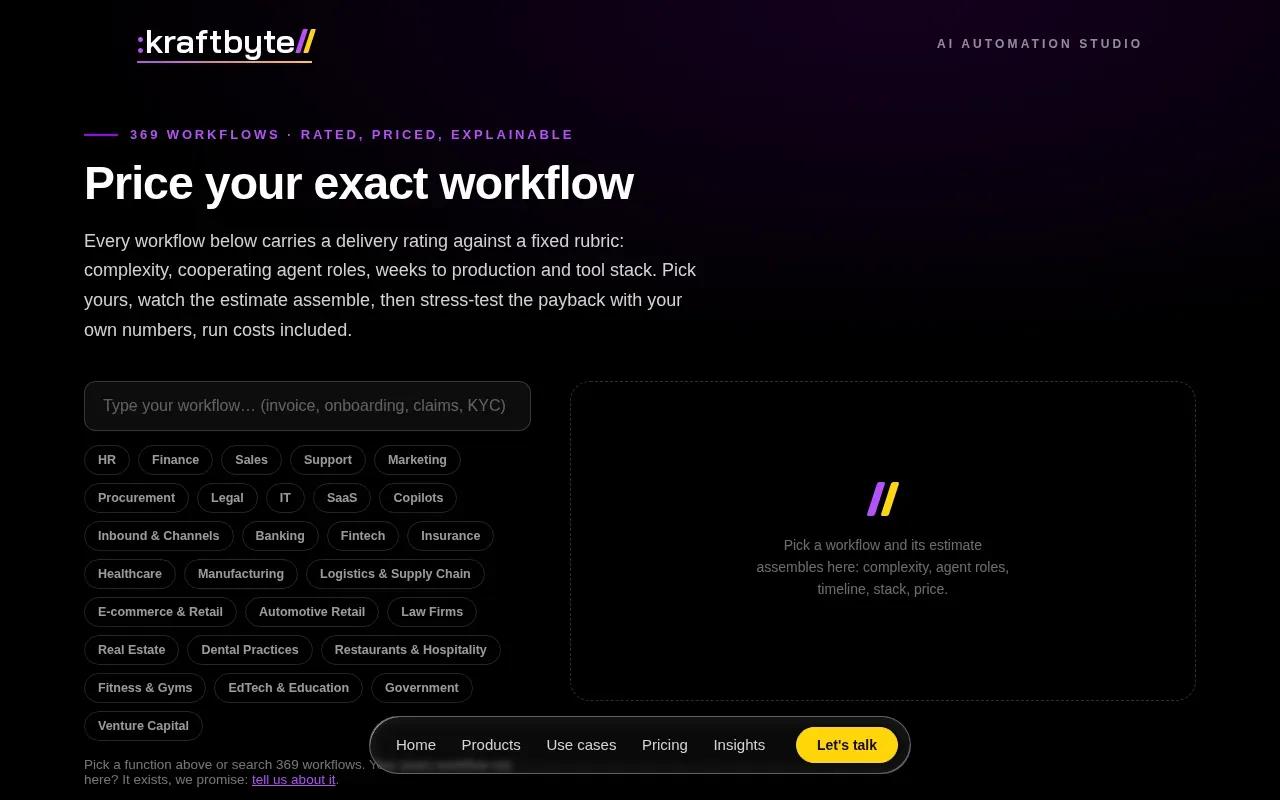
This calculator is aimed at teams that want to connect a workflow estimate with a return-on-investment view. Kraftbyte lists 369 AI automation workflows, each rated for complexity, cooperating agent roles, weeks to production and tool stack, with a live ROI and payback calculator that includes run costs. It’s a fit when leaders need an early sense of whether automating a task could pay off, rather than a detailed cloud bill.
Start by naming the process you want to automate. The useful questions are how many workflows are in scope, how many tools they touch, how complex the decisions are, and how often the work runs. Those inputs matter because a two-system handoff is a different build from a process with several branches and exceptions.
Keep build costs separate from ongoing expenses. Model use, software subscriptions, hosting, support, and human review can continue after launch. If you only compare the setup estimate with labor savings, you may miss the cost of keeping the workflow reliable.
As a broad budgeting frame, published U.S. estimates span roughly $5,000 to $15,000 for pilot-scale work, $20,000 to $100,000 for integrated mid-market systems, and more than $250,000 for some enterprise platforms. Those are project ranges, not a quote for your scope. The AI automation budgeting guide shows how to separate one-time work from year-one operating costs.
At Zylo Technologies, we treat a calculator result as a starting assumption. A decision-ready estimate also needs a baseline for task volume, staff time, and the cases that still need human review.
Key Takeaway
An ROI estimate is only useful when it includes recurring costs and a measured baseline.
2. Generative AI Cost Calculator by ScaleupAlly: Best for estimating generative AI project costs

ScaleupAlly’s calculator estimates generative AI project costs based on the use case, model complexity, infrastructure, and automation scope. It suits teams planning a chatbot, content tool, document workflow, or custom large language model application.
The calculator starts with a project description, then asks follow-up questions about the use case and features. Its scope includes optional estimates for connecting CRMs, data sources, APIs, and automation platforms. It also generates a cost breakdown that users can review, adjust, or share with a team.
That makes it useful before a project brief is complete. A startup testing an MVP can use it to frame a first discussion, while a larger team can compare broad scope choices. But treat the result as a ballpark, not an approved spend plan. The final scope still depends on data access, testing, security needs, and how the workflow handles edge cases.
For any generative AI estimate, track expected input and output tokens, which measure the text sent to and returned by a model. Model choice and request volume affect ongoing use costs. It won’t account for your full implementation budget.
If your use case involves an agent that takes actions across systems, compare the model estimate with a separate AI agent pricing calculator. That helps keep model usage distinct from the work needed to build the agent and connect it to your tools.
3. AI Cost Calculator by aicostcalc.dev: Best for a quick model-usage estimate
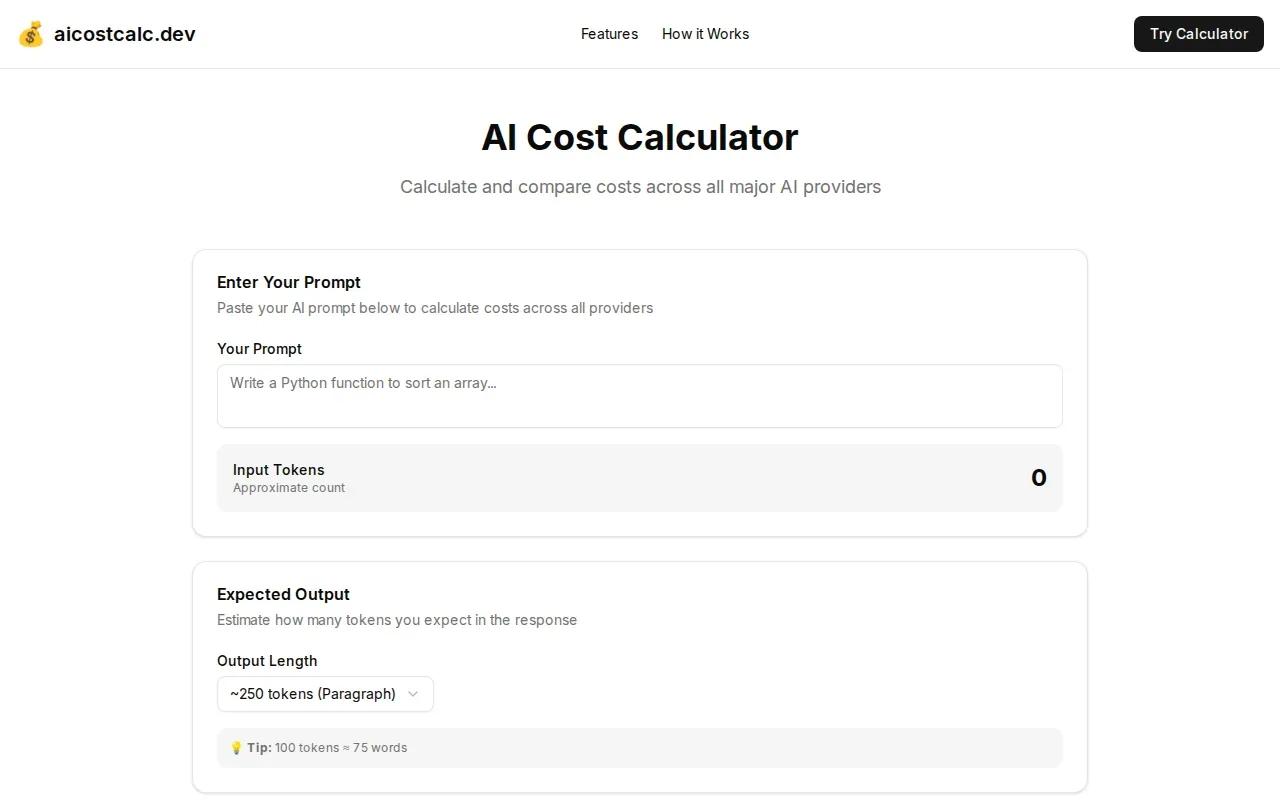
This calculator focuses on estimating AI model usage. It’s the best fit when you already have a likely workload and want to compare how model choice and request volume affect the bill.
Enter the model, tokens per request, and daily request volume to estimate per-request, daily, monthly, and annual costs. The listed calculator also accounts for caching and batch processing savings. A playground gives a quick ballpark before you move to the detailed calculator.
Try the same workload across several model options, then check which ones meet your quality needs. For example, a support team can estimate the cost of summarizing a set number of customer messages per day. That estimate still won’t include the engineering work to connect the model to the support system or route uncertain answers to a person.
Use careful assumptions. Count both the input text and the model’s output, then base request volume on actual or planned use. A rough token estimate can shift the monthly result, so test a low, expected, and high workload instead of relying on a single forecast.
For a production proof of concept, model use is one budget line, not the whole project. Zylo Technologies’ enterprise AI proof-of-concept cost breakdown can help you consider the build work around a model estimate, including data preparation and governance.
Keep this tool’s result beside your infrastructure and implementation estimates. It answers a narrower question than a full AI automation implementation cost calculator: how much might the model workload cost to run?
4. Google Cloud Pricing Calculator: Best for estimating Google Cloud infrastructure
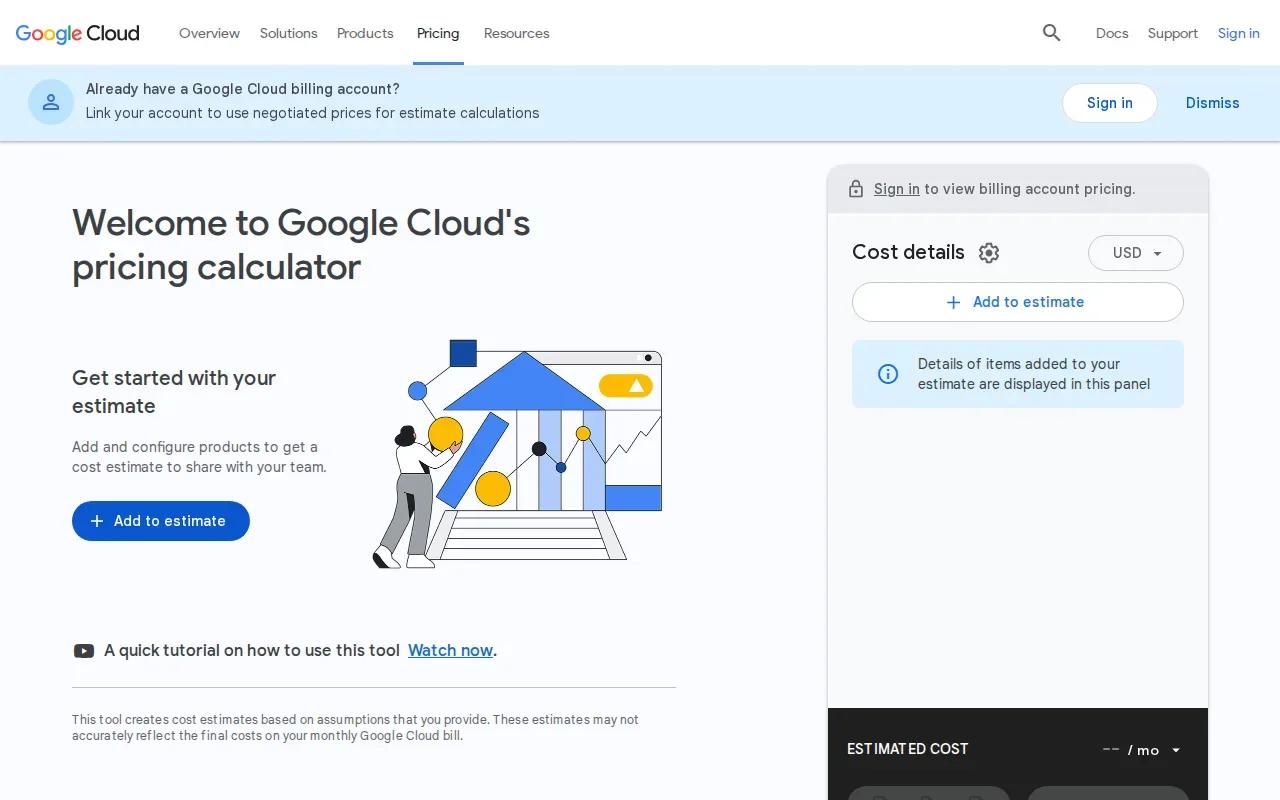
Google Cloud Pricing Calculator helps you create a custom price quote for Google Cloud products based on the number, usage, and power of servers. It’s suited to teams that have a rough infrastructure design and need to estimate the cloud portion of an AI workload.
Use it after you’ve sketched what the system needs to run. Estimate the server count and expected usage, then consider the power each workload requires. If you’re still choosing an architecture, prepare more than one scenario, such as a small pilot and a higher-volume deployment.
This estimate answers an infrastructure question. It does not, by itself, measure developer hours, data cleanup, system connections, staff training, or ongoing review. Keep those costs in separate budget lines, so the cloud estimate doesn’t get mistaken for the full implementation cost.
Cloud spend can also change as traffic grows or workload patterns shift. For a 12-month view, model expected use over time rather than treating a single month as the annual run rate. The same thinking applies when you compare a forecast with your current environment; a cloud migration cost calculator can help frame infrastructure planning beyond a new AI build.
Choose this option when your main unknown is server use. If the workflow scope is still vague, firm up the process and the systems it touches before treating any infrastructure estimate as a budget commitment.
5. Azure Pricing Calculator by Microsoft: Best for estimating Azure-based workloads
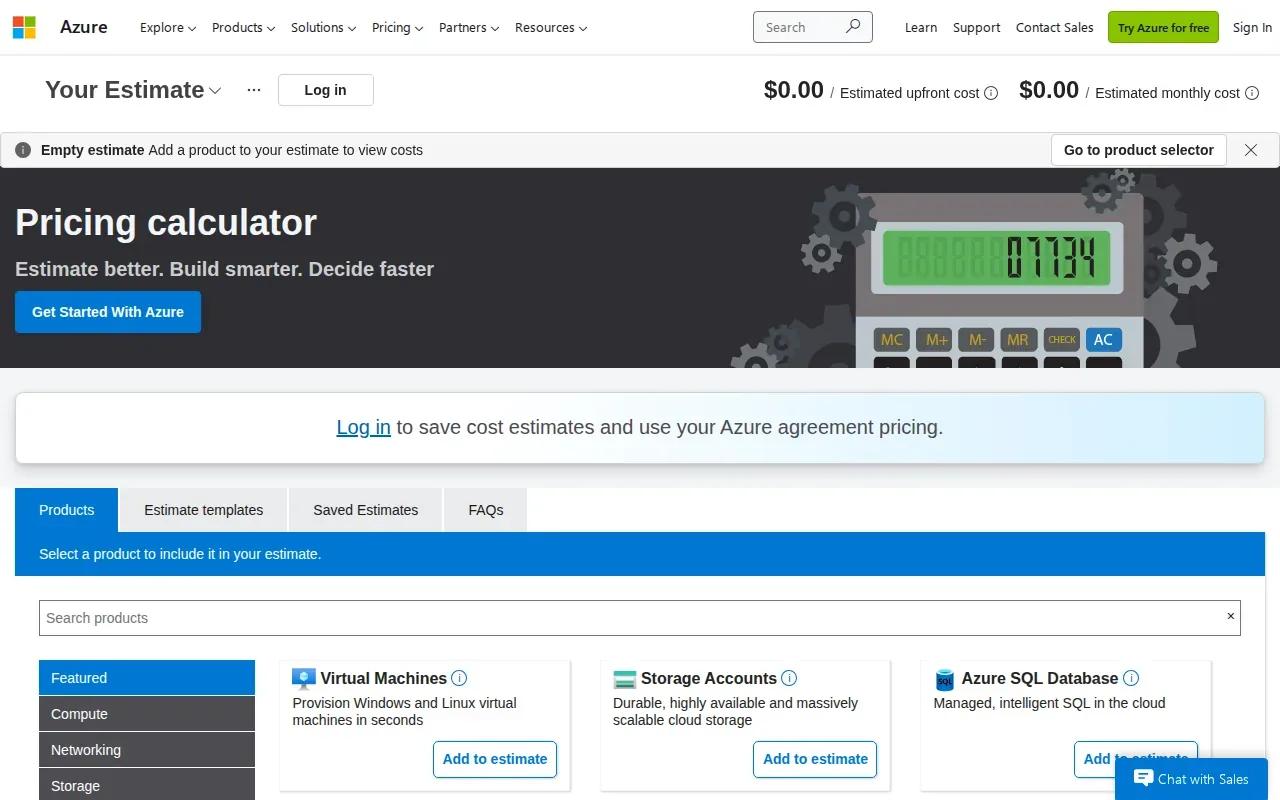
Azure Pricing Calculator lets teams configure Azure products for a specific scenario and estimate their costs. It can suit both small businesses and enterprise teams planning Azure usage, especially when the estimate needs to reflect a particular set of services.
Build an estimate by adding the Azure products your scenario needs, then configure each product and review the cost summary.
Keep the estimate in its lane. It can inform your Azure consumption forecast, but the implementation budget needs more than cloud usage. Include the engineering work to build and test the workflow, connect existing systems, prepare data, and plan human oversight. Those costs can exceed the model or infrastructure line.
For planning, model a pilot and a scaled scenario separately. A pilot may have low usage but still need meaningful integration and governance work. Enterprise agentic platforms can exceed $250,000 in project costs. Cloud pricing alone won’t explain that difference.
Our view at Zylo Technologies is straightforward: approve the workflow and operating plan, not a cloud estimate in isolation. A calculator can price a slice of the system. Your budget should cover the whole lifecycle.
| Budget question | What to estimate | Decision it supports |
|---|---|---|
| What Azure services does the scenario need? | Products and their configured usage | Whether the cloud setup fits the planned workload |
| How much will use change? | Expected usage across the budget period | Whether a pilot estimate can support a wider rollout |
| What sits outside the cloud estimate? | Build, integration, data, review, and training work | Whether the total project budget covers delivery and operation |
FAQ: AI automation implementation cost calculators
How accurate are AI automation cost calculators?
They’re useful for early estimates, but they can’t replace a scoped project plan. Results depend on the inputs you give them, such as request volume, workflow complexity, and infrastructure use. Treat the number as a planning range, then validate integration effort, data readiness, governance, and ongoing support with the people who will deliver and run the system.
What costs should an AI automation estimate include?
Include discovery, development, integrations, data preparation, model use, hosting, monitoring, support, and human review. Training, change management and governance can add meaningful costs, too, so budget for them explicitly and confirm the assumptions for your own scope.
How do I estimate AI model costs per month?
Estimate the input and output tokens per request, choose a model, and multiply by the expected number of requests over the month. Run a few workload cases instead of trusting one volume guess. Then check whether caching or batch processing applies. Keep this model-use estimate separate from development, hosting, integration, and staff review costs.
How does company size affect AI automation costs?
Company size alone doesn’t set the price. A small company with several systems and messy data may need substantial integration work, while a larger team may start with one narrow workflow. As scope grows, account for more users, higher usage, access controls, review needs, and support. Compare the work and operating needs, not just the company label.
Conclusion
Use the calculator that matches your biggest unknown: project scope, model use, or cloud infrastructure. Then combine its result with integration, staffing, governance, and operating costs before approving spend. Zylo Technologies helps teams turn early estimates into a scoped plan; start by writing down one workflow, its systems, and its current cost.
Share this article
Author information coming soon.