
The license can shape your automation costs more than the first quote suggests. AI automation licensing models affect how bills grow, what capacity you get, and how much control stays with your team. Here are five named options, plus the contract and cost checks that help you compare them. For a workflow-level estimate, see our guide to estimating AI agent licensing fees.
1. Power Automate Hosted Process by Microsoft: Per-bot licensing with a hosted virtual machine
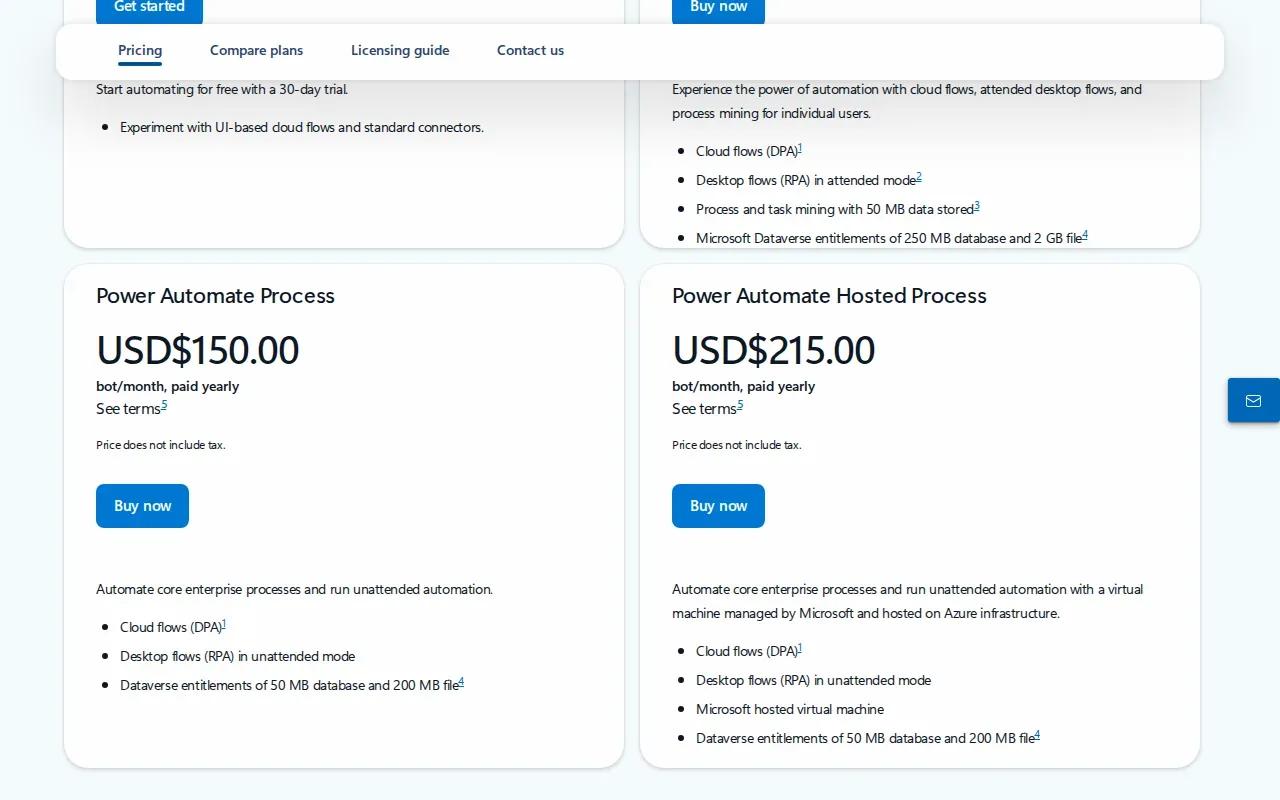
Power Automate Hosted Process is licensed per bot. It includes the same functionality as Power Automate Process, plus a virtual machine for running automation.
This model can suit teams that need an unattended bot to run a defined process without hosting its machine themselves. A bot is the unit tied to the license, so estimate how many automations need their own capacity before you budget.
Model the likely number of bots over the contract period, then check whether each process needs a separate environment.
For a team handling a steady queue, a per-bot license can make the licensed unit easy to identify. The trade-off is that the bill follows bot count, not simply the number of people using the automation. Check what happens if the process expands or needs a separate environment.
We’d also compare the license with build and run costs. A hosted machine settles one infrastructure question, but workflow design, system connections, monitoring, and staff review still belong in your operating plan.
2. Glean: Enterprise AI access with pricing to verify by deployment
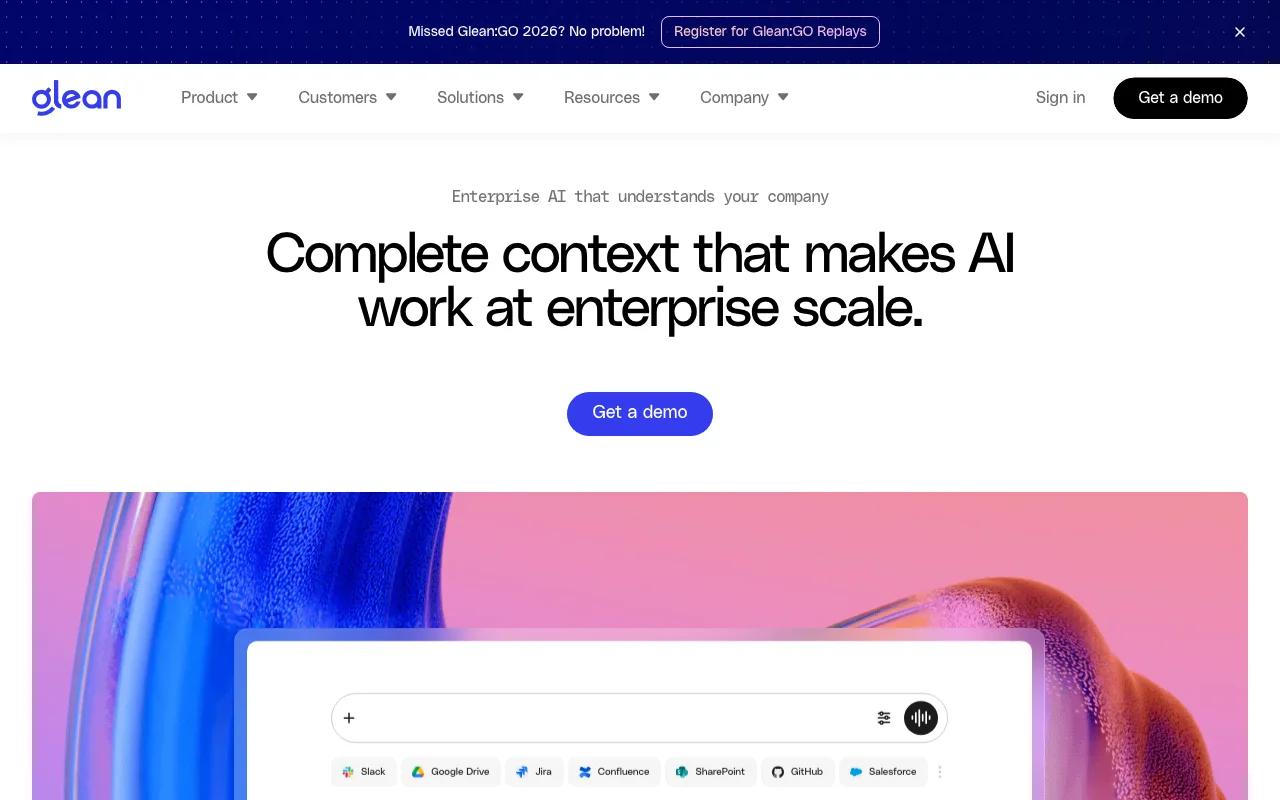
Glean is an enterprise AI platform connected to an organization’s data, with tools to find, create, and automate. Pricing is quoted per deployment, so confirm the billing unit and what your deployment includes.
That makes Glean a candidate for teams considering enterprise-wide AI access across internal information and work. Before comparing its price with a per-bot license, ask what the quote counts: users, usage, capacity, or another measure. A headline amount is only useful when its unit and included scope are clear.
For a document-heavy operation, map the user journey before signing. Which staff need access? Which data sources will the system reach? What actions can the AI take, and where does a person review the result? Those answers help define the real scope of the deployment.
Also confirm how the contract handles growth. A plan that fits a small group may have different economics when more teams use it. Ask for a price example tied to your expected users and workflow volume, then run a higher-volume case as well.
Glean’s fit depends on whether its enterprise data connection and automation scope match the work you want to change. Keep that question separate from whether the first quote looks low.
Key Takeaway
Treat a price without its billing unit as a starting point, not a direct comparison.
3. Workato: Enterprise orchestration for apps, data, workflows, and AI agents
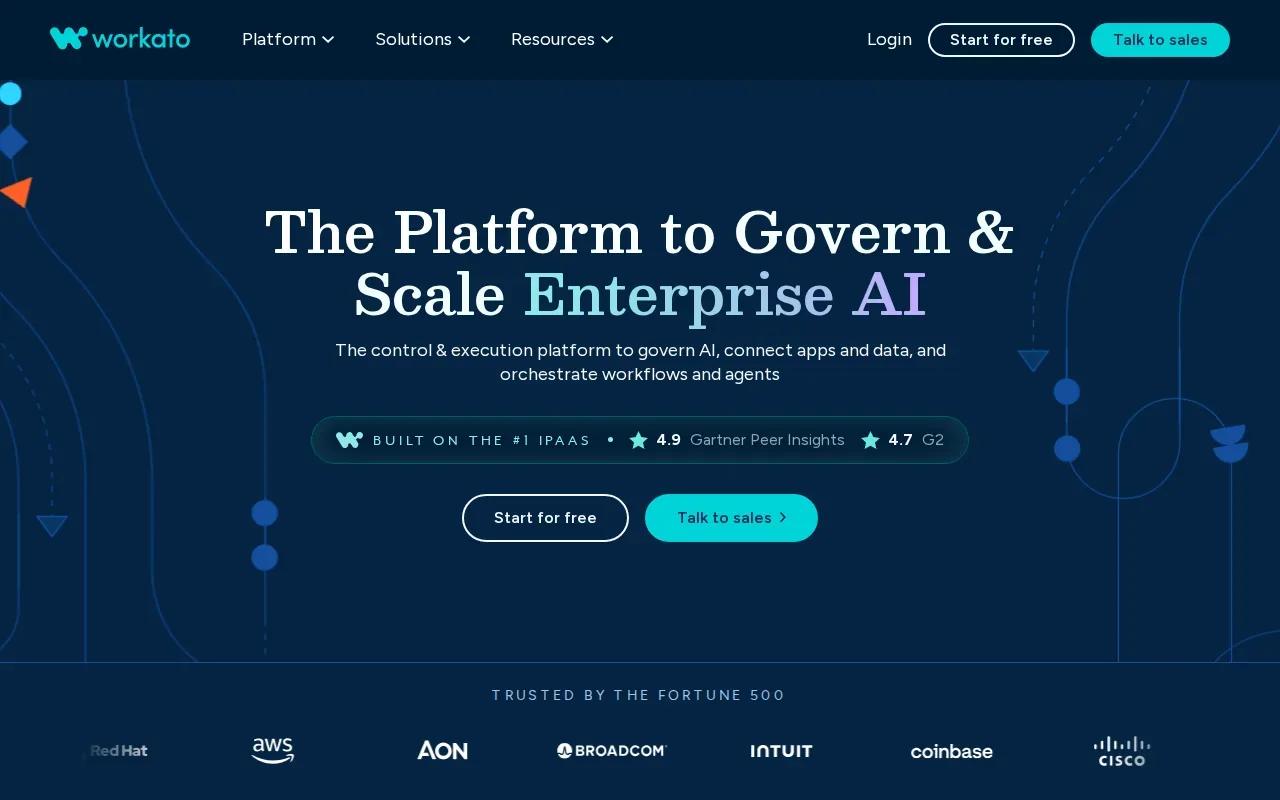
Workato connects apps, data, workflows, and AI agents on one enterprise platform for orchestration, automation, and governance. Its positioning is broad, so buyers should compare the proposed contract with the specific systems and workflows they plan to connect.
This may suit an enterprise that wants to coordinate work across several applications rather than license one isolated bot. For example, a team might map a request as it moves between systems, then define where an agent acts and where a worker approves the next step. That map gives procurement something useful to price.
Do not assume a platform-wide pitch means every connector, run, governance feature, or support need sits inside one fee. Ask for a written breakdown of the billing basis and any usage limits that matter to your expected workflow. Then compare the included scope with the work needed to build and maintain those connections.
We recommend putting the workflow’s expected volume into three cases: low, expected, and peak. That makes a fixed subscription easier to weigh against a usage charge. Our AI automation budgeting guide lays out the cost categories to include beyond the license itself.
The decision rule is simple: pick a contract you can tie to an operating plan. A broad orchestration platform may reduce tool sprawl, but the value depends on which workflows your team will actually run through it.
4. Professional by Dify: Usage quotas for teams building AI workflows
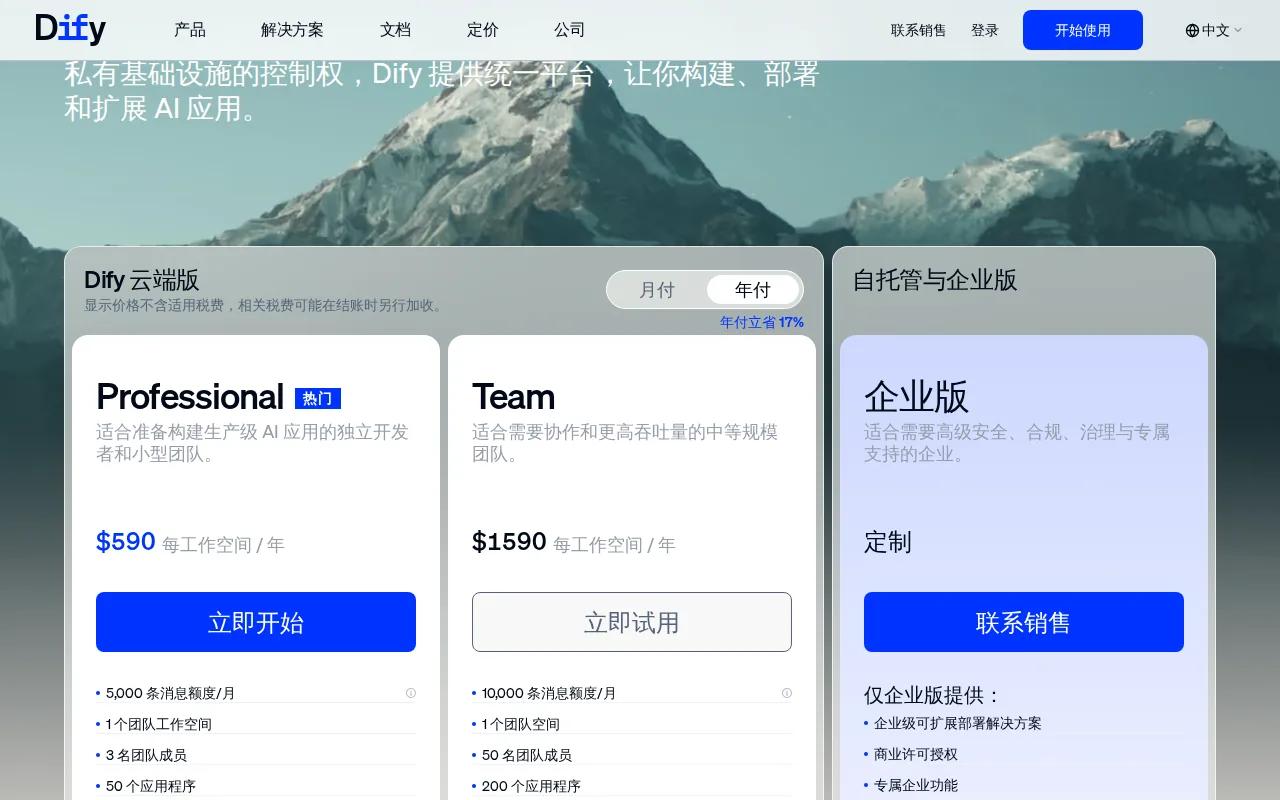
Professional by Dify uses monthly quotas to set limits on messages, knowledge-base uploads and storage, request frequency, and trigger events. The listed plan includes 5,000 messages per month, 500 knowledge-base document uploads, 5 GB of knowledge-base storage, a rate limit of 100 knowledge-base requests per minute, and 20,000 trigger events per month. It also includes a fast workflow execution queue.
This structure can help a team that wants to build AI workflows while tracking defined monthly allowances. Rather than price the plan by a vague label like “team use,” compare each quota with how the workflow runs. A document assistant, for example, draws on document storage and requests as well as message volume.
Quotas make usage visible, but they also create a budgeting question: what happens when a workflow reaches a limit? Before adoption, test expected activity against each allowance. Include retries and human review in your model, because an attempted task may use capacity even when the final answer needs a person.
Keep a small usage dashboard or monthly review tied to the same units in the plan. If document uploads rise while trigger events stay flat, you’ll see which part of the workflow is changing. That can guide a product decision before the team hits a limit.
For teams comparing several billing units, our AI agent pricing calculator options can help frame the model and run costs alongside plan quotas.
5. SAP Build Process Automation: No-code workflow automation within the SAP ecosystem
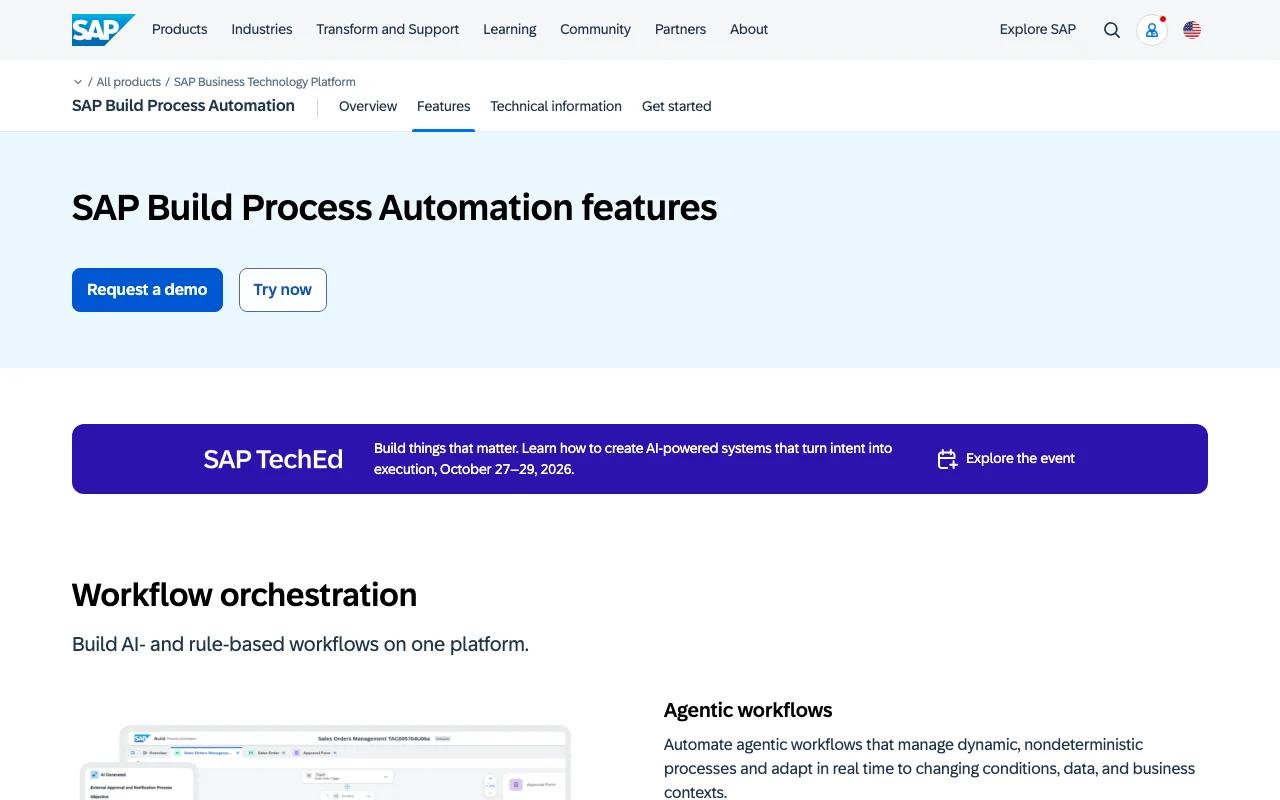
SAP Build Process Automation offers a no-code development experience to build workflows and automate tasks and decisions, including repetitive, high-volume manual work.
This option is worth assessing when the process you want to automate fits the SAP environment and a no-code build approach. Start with one process, such as a repeated task handoff, and define its trigger, decision points, and human checks. Then ask the vendor to map the proposed license to that process and its expected volume.
Do not treat “no-code” as “no operating effort.” Someone still needs to own process rules, access, exception handling, and ongoing review. Add those roles to the business case so the license is not mistaken for the full cost of running automation.
The best case is a clear match between the process, the system environment, and the team that will maintain it. If those do not line up, a low-code interface alone won’t fix the operating model.
How these AI automation licensing models compare
These options use different ways to frame access and capacity. Compare the unit you pay for before you compare the headline price. A subscription can support steadier budgeting, while usage charges track activity more directly. Perpetual licensing is a different contract choice, usually involving more upfront commitment and responsibility for the hosted stack.
Other deal forms matter when you are buying a build rather than a software license. A fixed-fee project sets a defined scope and price. A milestone deal ties payment to agreed outputs. A retainer pays for ongoing access to a team or service. Usage-based fees rise with a named unit, while an outcome-based contract ties some payment to a result that both sides can measure.
Those structures are not interchangeable. Define the unit or outcome in plain terms. For an outcome fee, specify what counts as a completed resolution and how exceptions are treated. For a retainer, set expected capacity and response terms. For a fixed fee, write down what counts as a change in scope.
Budget the whole system, not only the license. Data ingestion can take engineering time. Model or token usage may vary with volume. Integrations need build work and ongoing care. Security review, monitoring, training, and human checks also take time. Estimate a low, expected, and peak case, then compare costs with the value of the manual work you expect to reduce.
Governance belongs in the same comparison. Name a license owner, track who can create or run workflows, and review usage on a set schedule. Ask who owns model outputs, workflow logic, and integration code, and what can be exported if the contract ends. Our AI automation contract checklist covers ownership, scope, data rights, and exit terms.
AI-driven license management and blockchain-based licensing are emerging ideas, not reasons to skip contract review. Automated tracking might help match permissions to use, while a blockchain record could log a license event. Neither replaces a clear definition of rights, access, or audit duties. For many teams, portability starts with documented workflows and ownership terms.
Zylo Technologies works on custom AI agents and automation systems for teams that need more than platform access. We focus on the system architecture and what your team owns after delivery. That is a different buying path from choosing a recurring software license, so compare it on build scope, operation, and control.
| Option | Known licensing shape | Best first check |
|---|---|---|
| Power Automate Hosted Process by Microsoft | Licensed per bot | Bot count and environment needs |
| Glean | Quoted per deployment; billing unit to confirm | Included access and deployment scope |
| Workato | Enterprise orchestration platform | Usage basis and included capabilities |
| Professional by Dify | Monthly plan quotas | Expected usage against each quota |
| SAP Build Process Automation | No-code workflow and task automation | License fit for the target process |
Pro Tip
Ask every provider to price the same workflow at low, expected, and peak volume. You’ll see whether costs rise with users, bots, events, or another unit.
FAQ
What are the main AI automation licensing models?+
The main models are subscription, usage-based, perpetual, and custom enterprise agreements. Project work may also use fixed fees, milestones, retainers, or outcome-based terms. Compare the billing unit and contract scope first. Then check how each model handles volume changes, support, implementation, and ownership.
Is subscription or usage-based pricing better for automation?+
Neither is always better. Subscription pricing can make recurring costs easier to plan when usage is steady. Usage-based pricing ties charges to activity, which can suit variable demand but may rise during busy periods. Price both against the same low, expected, and peak workflow volumes before deciding.
What costs should I include beyond an AI automation license?+
Include implementation, data preparation, integrations, model usage, hosting, security review, monitoring, and ongoing support. Add the time staff spend handling exceptions or checking outputs. A license quote rarely describes the full operating cost, so keep one-time build costs separate from monthly run costs.
How can I reduce vendor lock-in with AI automation?+
Start by asking what your organization owns and what it can export when a contract ends. Put ownership of workflow logic, integration code, and data into the agreement. Keep process documentation current, and avoid relying on a single undocumented connection or permission path. These steps make a future change easier to plan.
What should an AI automation contract define?+
An AI automation contract should define scope, billing units, usage limits, data access, ownership, support, and exit rights. For an outcome-based fee, define the result and how exceptions count. For a fixed fee, state what changes trigger new work. Clear terms reduce disputes when the workflow or its volume changes.
Conclusion
Choose the model that matches how your workflow will grow, not the one with the simplest first quote. Before committing, have procurement and operations price one workflow at expected and peak volume, then review ownership and exit terms. If a license does not fit the system you need to own, Zylo Technologies can help scope a custom automation path; start by describing the workflow you want to change.
Share this article
Author information coming soon.