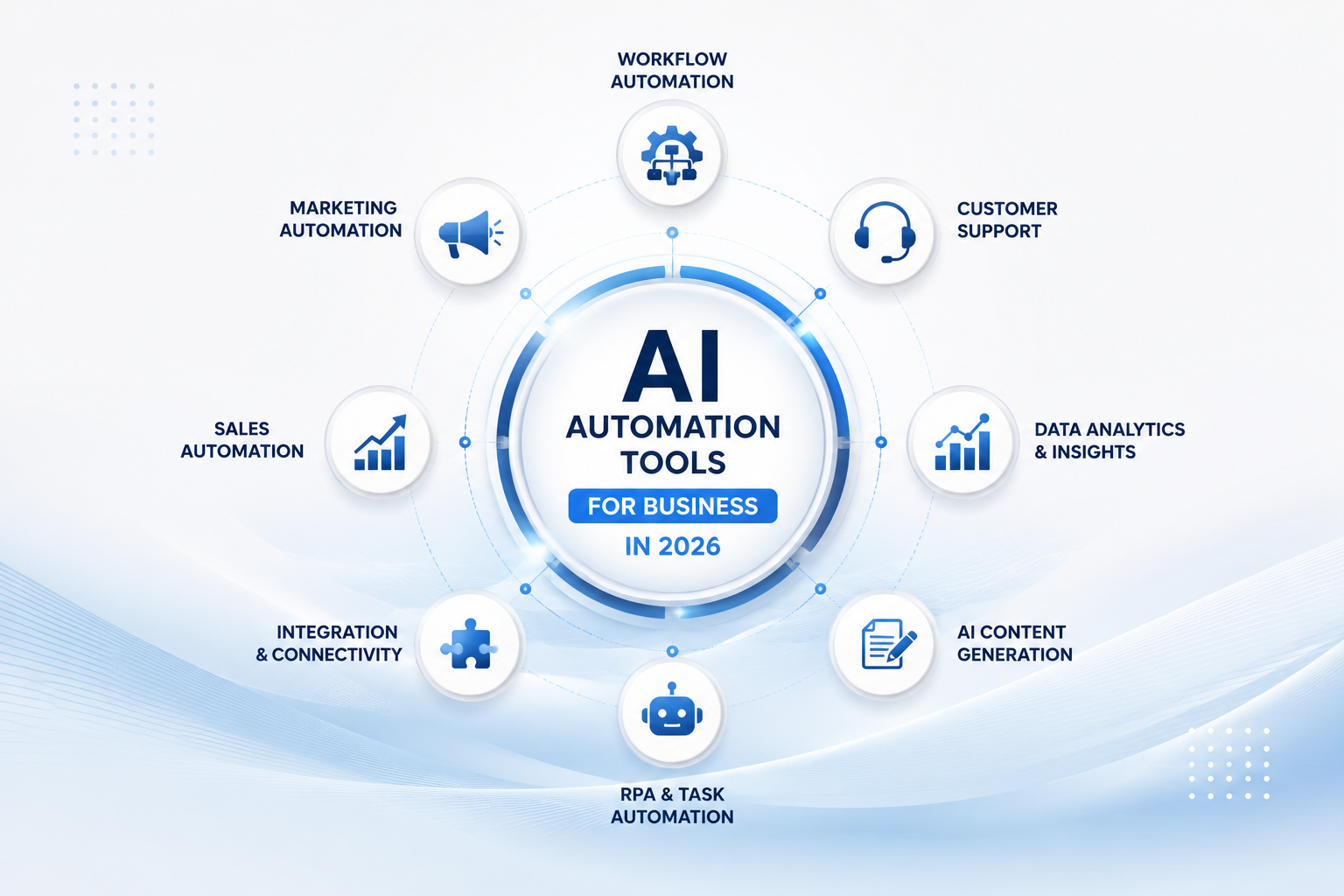
Most businesses don't have an automation problem. They have a strategy problem. The tools are good. The question is which one fits your stack, your team, and the outcomes you actually need. Here are five of the best AI automation tools for business right now, plus a clear-eyed breakdown of who each one is actually for.
1. Zylo Technologies , Custom AI Agents Built for Your Stack
Zylo Technologies is a Denver-based AI automation and software engineering partner that designs and ships custom AI agents, automation systems, and digital products. Founded in 2021, the team operates on a senior-only delivery model with a median twelve-month ROI of approximately 3.4× on delivered roadmaps.
Where off-the-shelf platforms hand you a canvas and tell you to figure it out, Zylo architects the full system: the data pipelines, the agent logic, the permission model, and the production infrastructure. The result is automation that compounds rather than decays. Clients across fintech, mobility, healthcare, and enterprise have seen six-week production cycles from scoping to live deployment.
Zylo's positioning is worth quoting directly:_"We build the boring, durable plumbing that makes AI compound."_ That isn't marketing language. It describes a real trade-off. An impressive demo is not a product. A system that runs reliably at 2 a.m. without a human watching it , that is. Zylo ships the second kind.
If you're a founder or technical decision-maker who has already tried a generic workflow tool and hit a wall, Zylo is the natural next step. You can explore Zylo's custom AI agent development services to see the specific agent types they build and the delivery process in detail.
The honest caveat: Zylo is not the right fit if you need something running by Friday on a bootstrap budget. Custom systems take real scoping. The value is durability and ownership, not speed-to-first-demo.
2. Make (Integromat) , Visual Workflow Automation for Ops Teams
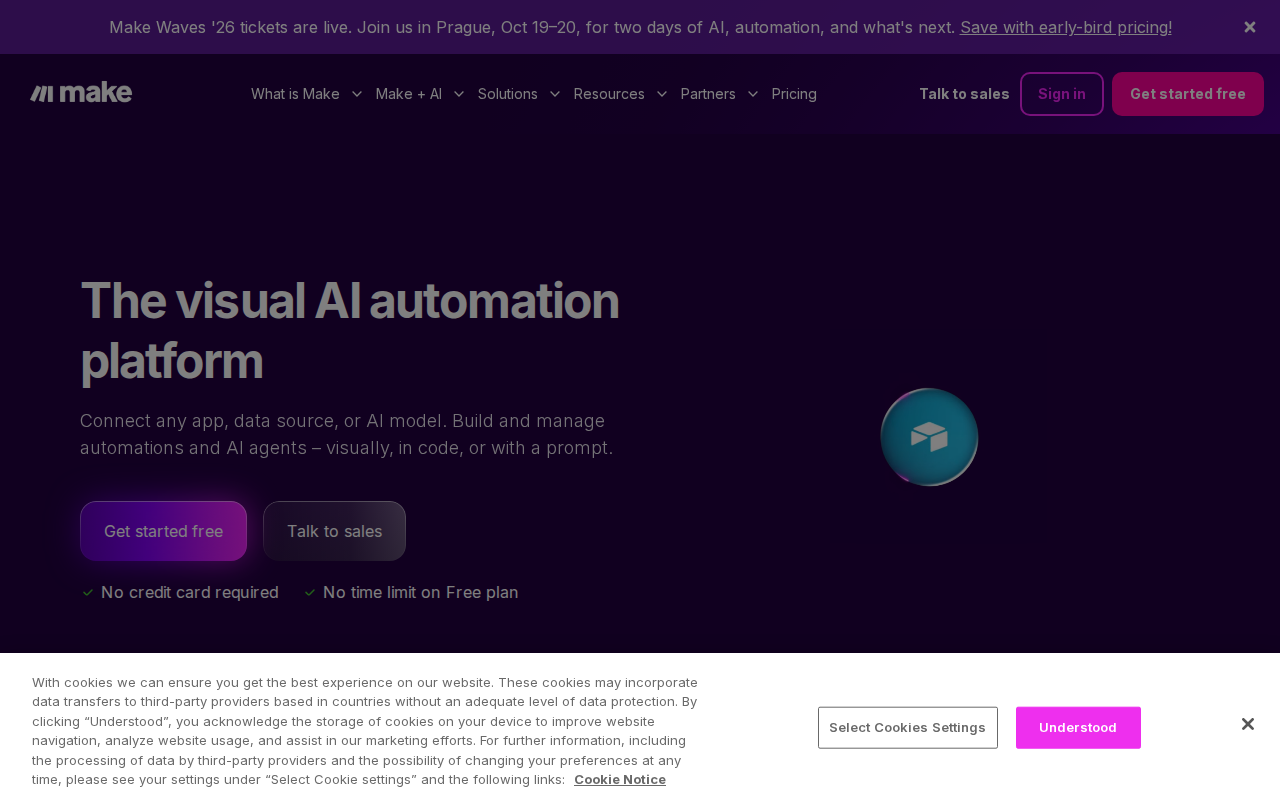
Make (formerly Integromat) is a visual workflow automation platform built around a drag-and-drop canvas. It connects apps through modules and supports unlimited automation scenarios, which gives ops teams far more room to model complex, branching logic than most competing tools allow.
The visual canvas is the core differentiator. Where other tools force you to think in lists and trigger-action pairs, Make lets you draw the process. Loops, conditions, data parsing, and multi-path branching all work natively. For teams managing document-heavy workflows or multi-step approval chains, that expressiveness matters. Make also has twice as many API endpoints as Zapier, meaning it can automate a wider range of tasks even when its integration library is smaller in total count.
Pricing starts at $9/month for the Core plan, with a free tier available to test the canvas. For most small-to-mid ops teams, that price-to-capability ratio is hard to beat.
The limitation is the learning curve. Make is genuinely more powerful than beginner-friendly tools, and that power takes time to use well. If your team is new to no-code automation, expect a few weeks before the canvas clicks. Teams already comfortable with workflow logic will hit productivity fast. For a broader look at how these categories compare, Zylo's AI automation guide for 2026 maps the major tool categories to the workflows they fit best.
3. Zapier , No-Code Automation Across 6,000+ App Integrations
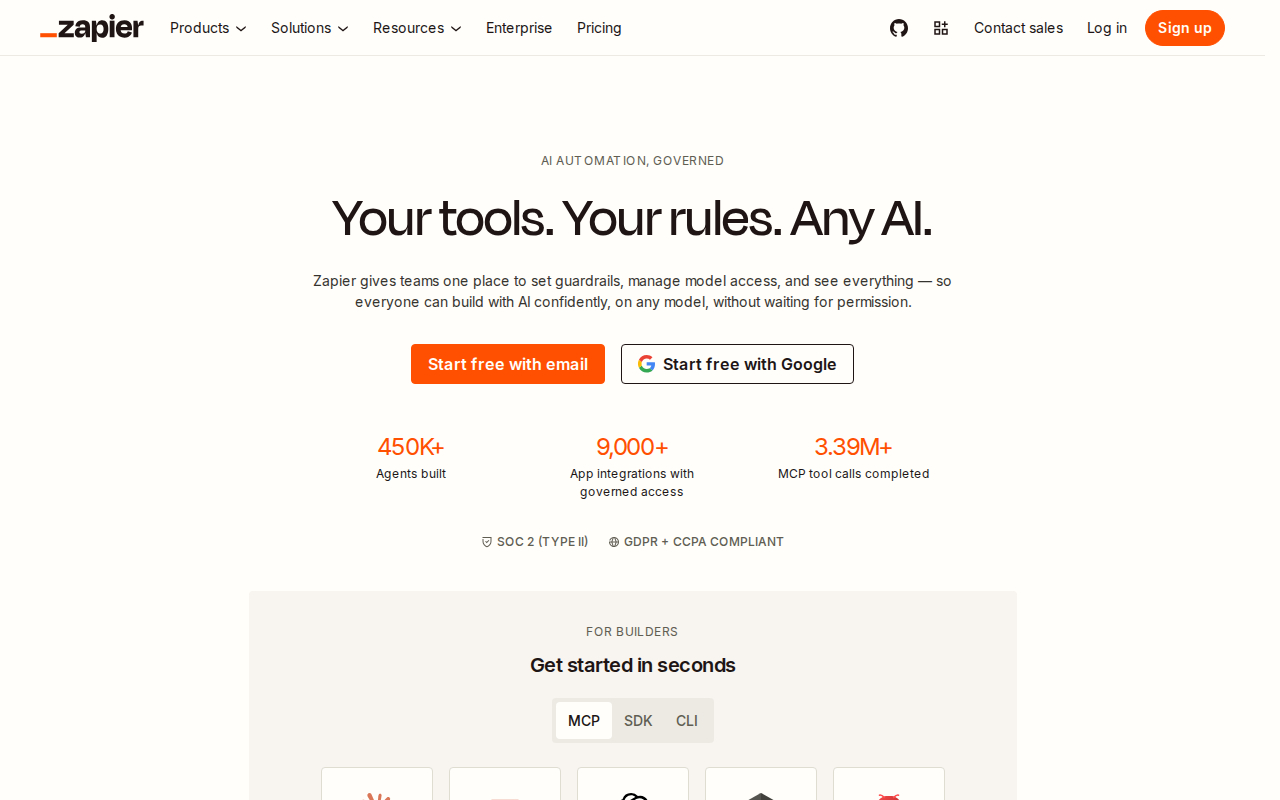
Zapier is the tool that made no-code automation mainstream. Its linear trigger-action model is easy to explain to a non-technical stakeholder in under two minutes, and its integration library covers more than 6,000 apps , including dozens of niche business tools that other platforms don't touch.
The Kanban-style interface works well for simple automations: a new lead hits your CRM, a Slack message fires, a row gets added to a Google Sheet. For that category of task, Zapier is genuinely fast to set up. Professional plans start at $30/month, with a limited free tier for light use.
Where Zapier starts to strain is in complex, multi-path workflows. Multi-step Zaps cap at five branches, and the linear model makes it difficult to visualize intricate logic. Teams that start on Zapier often outgrow it as their automation needs mature. That said, for a marketing or sales ops team connecting standard SaaS tools, it remains one of the most accessible entry points available.
Zapier also benefits from a large community of pre-built templates. If your use case is common, someone has likely already solved it. That reduces setup time to near zero for standard workflows, which is a real operational advantage for lean teams.
Pro Tip
Before committing to Zapier's paid tier, map every workflow you want to automate and check whether any require branching logic or more than five steps. If they do, evaluate Make or a custom solution before you lock in.
4. UiPath , Robotic Process Automation for Enterprise Operations
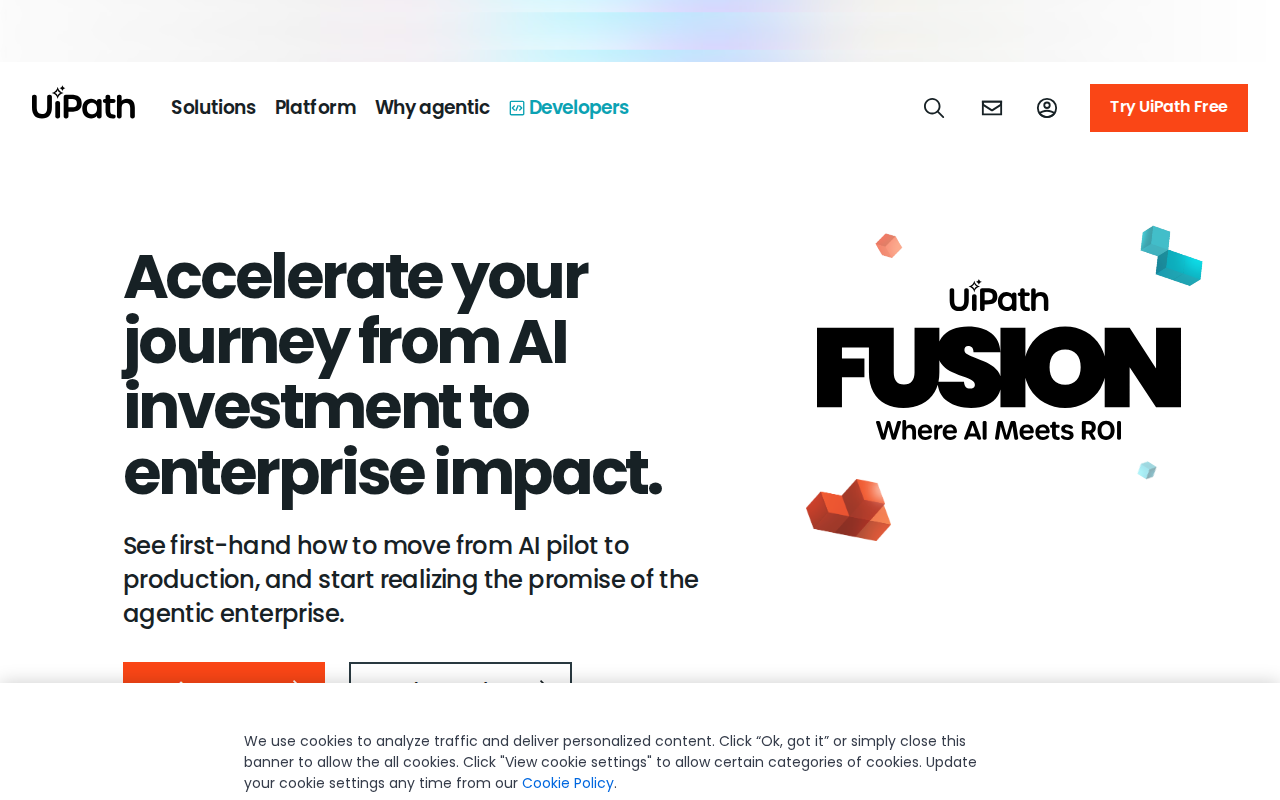
UiPath is one of the leading robotic process automation platforms for enterprise teams. Its core capability is UI-based automation: bots that interact with software interfaces the way a human would, clicking buttons, reading screens, and filling forms, without requiring any API access to the underlying system.
This matters in large organizations that run legacy systems without modern APIs. Think insurance claims processing, government compliance workflows, or hospital billing. A UiPath bot can work inside those interfaces directly, which means you don't have to rip out the old system to start automating. For enterprise teams dealing with high-volume, rules-based processes, that is a significant unlock.
UiPath also has a strong governance layer. Role-based access controls, audit logs, and an orchestrator that manages bot deployment across teams mean IT and compliance can maintain visibility without blocking operations. That makes it viable in regulated industries where shadow IT is a real risk.
The trade-off is cost and complexity. UiPath is enterprise software with enterprise pricing, and the implementation cycle is measured in weeks or months, not days. For businesses considering enterprise-grade automation, Zylo's breakdown of enterprise AI automation services is worth reading alongside any UiPath evaluation to understand when managed implementation adds more value than DIY deployment.
UiPath is not for small teams, and it shouldn't be. Its value shows at scale, in environments where a 15-second per-transaction time saving across 10,000 daily transactions adds up to real labor cost reduction.
5. Microsoft Power Automate , AI Automation Inside the Microsoft Ecosystem

Microsoft Power Automate is the automation layer built into Microsoft 365. If your organization already runs on Teams, SharePoint, Outlook, Dynamics 365, or Azure, Power Automate connects those tools without any additional integration overhead.
The AI Builder component adds machine learning capabilities directly to workflows: form processing, object detection, text classification, and sentiment analysis are all available without writing any code. A compliance team, for instance, can build a flow that reads incoming vendor contracts, classifies them by type, extracts key terms, and routes them to the right approver, all inside the Microsoft environment they already use every day.
Licensing is generally included for Microsoft 365 business subscribers, which means the marginal cost to start is effectively zero for organizations already paying for M365. Premium connectors for external services add cost, but the baseline capability is substantial.
The limitation is ecosystem lock-in. Power Automate is excellent if you live in Microsoft's world. If your stack is heavily Google Workspace, Salesforce-first, or built on open-source tooling, the native value proposition weakens and you're paying integration tax to connect external services. For teams building on Azure or expanding their cloud engineering infrastructure, Power Automate can serve as a usable automation layer that sits natively on top of existing Microsoft investments.
Key Takeaway
Power Automate earns its place in Microsoft-heavy organizations, but it is not a neutral cross-platform tool. Evaluate your stack first.
6. How to Choose the Right AI Automation Tool for Your Business
The tool that ranks highest in a review is rarely the one that fits your specific situation. The decision comes down to four operational variables.
One question cuts through most of the noise: what happens when the vendor changes pricing or deprecates a feature? With SaaS automation platforms, the answer is that your workflows break or your costs jump. With a custom-built system, you own the code, the model, and the data. That ownership question matters more as automation becomes load-bearing inside your operations.
For businesses that want to compare approaches before committing, Zylo's guide to custom AI automation solutions is a useful reference. It walks through the specific trade-offs between building custom and buying off-the-shelf, grounded in real delivery experience across 140+ shipped systems.
The right answer depends on your current stage. Early on, a tool like Zapier or Make gets you moving fast. As processes become mission-critical, the case for custom architecture, where you control the logic, the data, and the failure modes, grows considerably stronger.
| Decision Variable | What to Ask | Points Toward |
|---|---|---|
| Tech stack fit | Does the tool connect natively to your core systems? | Power Automate (M365), Zapier (SaaS-heavy), Zylo (custom) |
| Process complexity | Are your workflows linear or multi-path with branching logic? | Zapier (simple), Make (complex), UiPath (UI-based legacy) |
| Team technical capacity | Who will build and maintain this? | Zapier/Power Automate (ops), Make (technical ops), Zylo/UiPath (engineering-led) |
| Ownership model | Do you want to own the system or rent access? | Zylo (you own it), SaaS tools (vendor-controlled) |
FAQ
What is the best AI automation tool for a small business?+
For most small businesses, Zapier or Make is the right starting point. Zapier is faster to set up for simple trigger-action workflows. Make handles more complex, multi-step logic at a lower price point. If your processes are growing fast or becoming revenue-critical, a custom-built agent from a partner like Zylo Technologies gives you ownership and durability that SaaS tools can't match at scale.
How much does business automation software typically cost?+
Pricing varies widely. Zapier starts around $30/month for professional plans. Make's Core plan starts at $9/month. Microsoft Power Automate is often included in existing Microsoft 365 subscriptions. UiPath is enterprise-priced and typically negotiated by contract. Custom AI agent development from firms like Zylo Technologies is project-scoped, so rates depend on system complexity and delivery timeline.
What's the difference between RPA and AI automation?+
RPA (robotic process automation) replicates human actions on software interfaces, clicking, reading, and filling fields, without needing API access. AI automation goes further: it can interpret unstructured data, make decisions based on context, and learn from new inputs. Tools like UiPath are primarily RPA. Custom AI agents from platforms like Zylo Technologies combine both, adding reasoning capabilities on top of process execution.
Can AI automation tools integrate with my existing software stack?+
Most can, but the depth of integration matters. Zapier and Make use pre-built connectors, which work well for common SaaS tools. Power Automate integrates deeply with Microsoft products. For proprietary or legacy systems without public APIs, UiPath's UI-based bots or a custom-built integration layer are more reliable options. Zylo Technologies specializes in building integrations that fit existing infrastructure without forcing a stack change.
How do I know if I need custom AI agents instead of a workflow tool?+
The signal is usually friction at scale. If you're rebuilding the same Zap repeatedly, hitting plan limits, or finding that no pre-built connector handles your specific data structure, a custom agent is likely more efficient long-term. Zylo Technologies typically sees this threshold when a business is running more than a handful of automation workflows that directly affect revenue or customer experience.
Conclusion
Off-the-shelf tools like Zapier, Make, Power Automate, and UiPath cover a lot of ground, and each earns its place for the right team and the right use case. But when automation becomes load-bearing, the ownership question changes the math. If you want a system your team controls, Zylo Technologies builds durable AI automation that compounds over time. Reach out and we respond within 48 hours.
Share this article
About the author

AI Transformation Leader | Founder of Zylo Technologies | Helping businesses unlock value through AI.
Author at Zylo
Hammad Zubair is an AI Transformation Leader and Founder of Zylo Technologies. He helps businesses discover practical AI opportunities that reduce costs, improve efficiency, and accelerate growth. Through AI readiness assessments and transformation strategies, he enables organizations to identify high-impact automation and AI implementation opportunities.