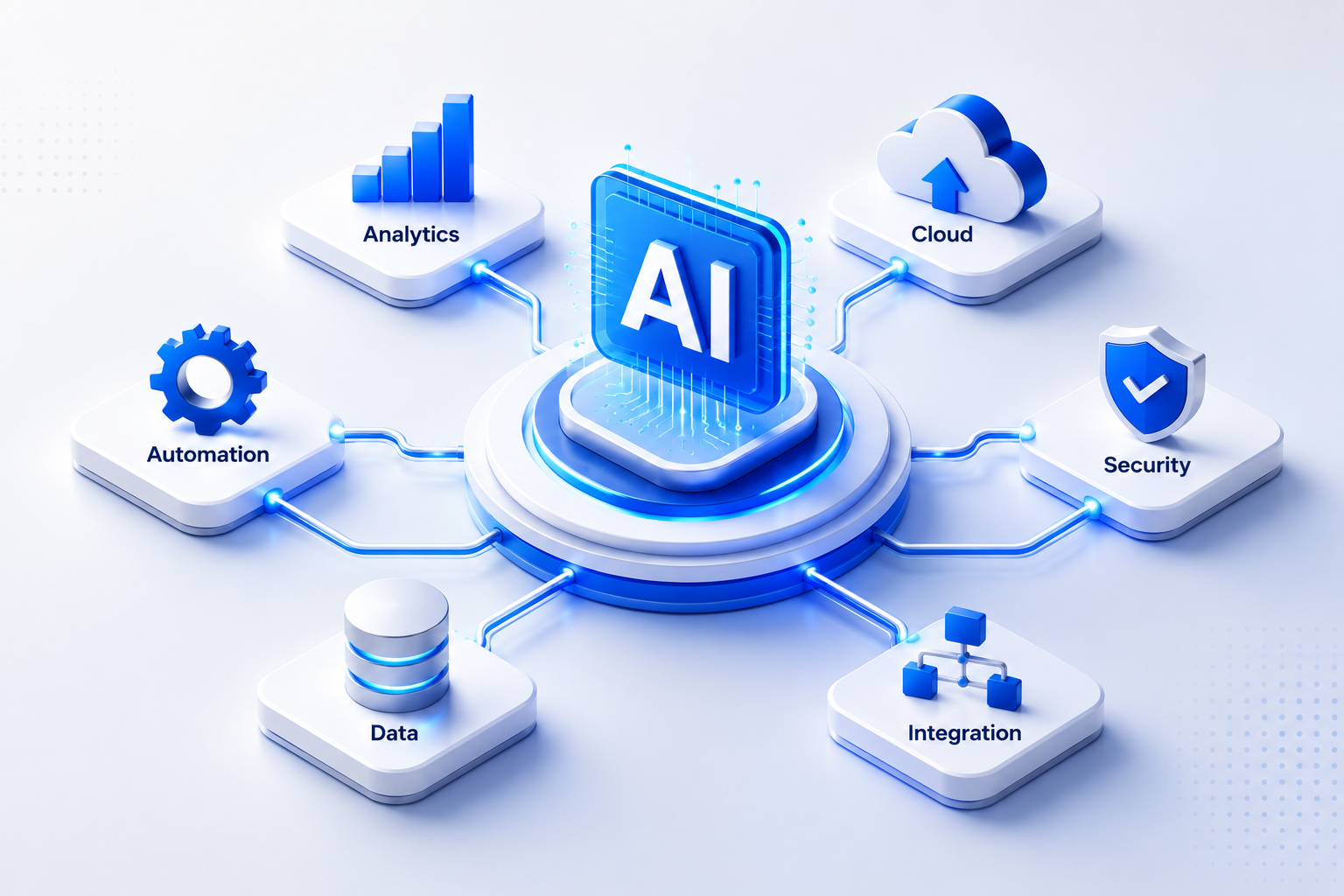
Most AI automation projects fail before they ship. Not because the technology is wrong, but because teams skip the hard architectural decisions and go straight to tools. Building an enterprise AI automation platform that actually holds up in production means getting six things right, in order. Here's how we approach it at Zylo Technologies, and how your team can do the same.
Step 1: Define the Business Processes Worth Automating
The single biggest mistake we see is letting tools drive the conversation. A team buys an AI platform, then figures out what to automate. That's backwards. Start with your processes, not your software.
The processes worth automating share three traits. They're high-volume. They follow repeatable logic. And they're data-rich enough that an AI system can learn from past decisions. Think invoice approval queues, compliance document reviews, customer triage workflows, or demand forecasting loops. These are the right targets.
Run an internal process audit. Talk to ops managers and frontline team members, not just executives. The workflows that kill the most hours are usually invisible to leadership. Map each candidate by two variables: volume per month and decision complexity. High-volume, low-complexity processes are your quick wins. High-complexity processes with lots of historical data are your long-term bets.
One filter that helps: ask whether a smart junior employee could follow a written rulebook to complete the task. If yes, the process is automatable now. If they'd need judgment calls that require domain expertise, you're looking at a longer build with human-in-the-loop design. Both are valid. But they require different architectures, different timelines, and different success metrics.
According to the Boomi platform research on AI process automation, the AI business process automation market is projected to grow from $9.8 billion to $19.6 billion by 2026, driven by enterprises that automate judgment-based processes, not just rule-following ones. The implication: your competitors aren't just automating the easy stuff anymore.
Once you have a shortlist, score each process against ROI potential, implementation complexity, and data availability. This gives you a prioritized roadmap instead of a wish list. For teams building AI automation into their core business operations, this scoping step is what separates a 90-day win from an 18-month slog.
Key Takeaway
Pick processes by volume, decision repeatability, and data availability , not by what sounds impressive in a board deck.
Step 2: Choose the Right Architecture , Agents, Pipelines, or Hybrid
Architecture is the decision that's hardest to reverse. Get it wrong and you're rebuilding from scratch in 18 months. There are three patterns to choose from, and each fits different use cases.
Deterministic pipelines are sequences of defined steps where the logic doesn't change. An invoice that arrives, gets validated, gets routed, and posts to an ERP , that's a pipeline. It's fast, testable, and cheap to maintain. The problem is it breaks the moment inputs fall outside expected parameters.
Agentic AI is different in kind, not just degree. An AI agent can plan a multi-step workflow, decide which tools to call, handle unexpected inputs, and adapt based on context. As defined in AI research, agents are systems that perceive their environment and take actions to achieve goals , which is exactly what makes them valuable and harder to govern.
Hybrid architecture is what most mature enterprise platforms use. A pipeline handles the structured, fast, high-confidence steps. An agent handles the ambiguous or complex ones. The two hand off to each other based on confidence thresholds or data conditions. This pattern is more complex to design, but it's the most durable in production.
The wrong choice here is picking agentic AI for everything because it sounds advanced. We've seen teams build agent-first platforms where 80% of the tasks could have been deterministic pipelines. The result is slower, more expensive, and harder to debug. Match the architecture to the task, not the other way around.
For teams evaluating enterprise AI automation services, architecture selection is the first conversation worth having with any delivery partner , before pricing, before timelines, before tooling.
| Architecture | Best For | Key Trade-off | Typical Latency |
|---|---|---|---|
| Deterministic Pipeline | High-volume, structured, rules-clear workflows | Fast and predictable, but brittle when inputs vary | Milliseconds to seconds |
| Agentic AI | Multi-step tasks requiring reasoning, tool use, or ambiguity | Flexible and adaptable, but harder to audit and debug | Seconds to minutes |
| Hybrid | Complex workflows with both structured and judgment-based steps | Most durable in production, requires careful orchestration | Variable by task |
Step 3: Audit Your Data Infrastructure Before You Build
No data architecture, no AI automation. This is the step most enterprises skip, and it's why half of AI projects fail in the integration phase.
Your AI system is only as good as what it can see, access, and trust. Before you write a single line of agent logic, you need honest answers to four questions.
- Where does your data live? CRM, ERP, data warehouse, flat files, or all four?
- Is it clean enough to train on? Or are there duplicate records, inconsistent formats, and missing values at scale?
- Who owns each data asset, and what are the access controls?
- How fresh is the data? Real-time feeds or batch exports that are 24 hours stale?
Data freshness matters more than most teams expect. An AI agent making decisions on yesterday's inventory data in a fast-moving supply chain is worse than no agent at all, because it acts with false confidence.
IBM's documentation on AI agent deployment is clear on this: agents in production must connect to real databases, knowledge bases, and enterprise systems to generate value. Those connections are complex to build and expensive to retrofit after the fact. Design them before you build the agent, not after.
Run a data readiness audit that maps each target process to its data sources. For each source, document its schema, refresh rate, access method, and any known quality issues. Then score each source on reliability. Red means the agent can't trust it without preprocessing. Yellow means it needs validation logic. Green means it can read and act directly.
Teams that skip this step often discover mid-build that a key data source requires a vendor API contract that takes three months to negotiate, or that records are stored in a legacy format that requires custom parsing. These aren't surprises you want at week eight of a twelve-week build cycle.
At Zylo Technologies, our intelligent data solutions practice runs this audit in the first two weeks of any engagement. It produces a data dependency map that the engineering team uses throughout the build. It's boring. It's non-negotiable.
Pro Tip
Build a data dependency map before you architect your first agent. List every data source the agent needs, its owner, its refresh rate, and its access method. Any source without a clear access path is a build risk , resolve it before sprint one.
Step 4: Integrate With Your Existing Enterprise Stack

AI automation doesn't replace your enterprise stack. It layers on top of it. Your CRM still holds customer history. Your ERP still runs financial records. Your HRIS still owns headcount data. The automation platform connects them and acts across them.
Integration depth determines how much the platform can actually do. An agent that can only read data from one system is useful but limited. One that can read from five systems, write to three, trigger workflows in two, and escalate to a human via a ticketing system , that's where real ROI lives.
Start with your highest-priority process and map every system it touches. Then build your integration layer before your agent logic. API-first integrations are faster to maintain than screen-scraping or file-based connectors. If a system only supports legacy flat-file exports, factor in the data pipeline cost to normalize those feeds before your agent can use them.
Authentication and permissions are where integration projects often stall. Every system your agent touches needs a service account with the right access level. Principle of least privilege applies here: the agent gets exactly the permissions it needs for its task, nothing more. Document every permission grant at the time of setup.
Webhook-based event triggers are better than polling where the upstream system supports them. A CRM that fires an event when a deal changes stage lets your agent react immediately. A system you poll every five minutes adds latency and load. Map your event model early.
For teams building on top of existing fintech, healthcare, or enterprise infrastructure, the DataHub enterprise data management system is one pattern worth studying , it centralizes data lineage and governance across distributed infrastructure, which is exactly the problem integration-heavy builds run into.
Step 5: Build Governance, Observability, and Human Override Into the Platform
Governance isn't a feature you add at the end. It's a design constraint you build around from the start. An AI agent running in production without audit trails, access controls, and human override paths is a liability.
Three things need to be in place before you go live.
First, every agent action needs to be logged. Not just whether it succeeded or failed. What data it read, what decision it made, why it made that decision, and what it did next. This is what's called governance-grade observability. It's the foundation for regulatory compliance, incident investigation, and model debugging. Regulations like the EU AI Act and the NIST AI Risk Management Framework are moving toward mandatory audit trails for high-risk AI systems , building them in now is cheaper than retrofitting later.
Second, build human override paths into every decision point that carries consequence. An agent that routes a customer complaint can probably act autonomously. An agent that approves a credit line or modifies a patient record needs a human checkpoint. Define those thresholds before you deploy, not after you get a call about a bad decision.
Third, set confidence thresholds. If the agent's confidence in a classification drops below a defined level, it should escalate rather than act. This isn't a sign of weak AI. It's how you keep humans in control of decisions that matter. Automation should redirect human attention, not eliminate it.
Role-based access control applies to the platform itself, not just the data it reads. Who can modify agent logic? Who can approve changes to confidence thresholds? Who gets notified when an agent escalates? These aren't IT questions , they're governance decisions that need business owner sign-off.
Zylo Technologies builds audit trails and access controls directly into the architecture on every engagement. Our data governance practice treats observability as a first-class engineering requirement, not an afterthought. If your delivery partner is treating governance as a post-launch concern, that's a red flag worth acting on.
Key Takeaway
Governance that's designed in costs a fraction of governance that's bolted on after an incident forces your hand.
Step 6: Ship to Production and Measure ROI in the First 90 Days
Shipping to production is not the end of the project. It's the beginning of the real work. The first 90 days are when you learn what the controlled environment didn't show you.
Start with a constrained rollout. One process, one team, one region. Measure everything before you expand. The metrics that matter in the first 90 days are narrow and specific.
- Time saved baseline
- Error rate compared to the human process it replaced
- Escalation rate , how often the agent punts to a human
- Adoption rate , are users actually using it, or routing around it?
According to measurement research from Moveworks, 73% of organizations struggle to define the exact metrics that prove digital initiative value , which is why ROI frameworks stall out and executive support erodes. Set your baseline before you go live. If you don't have a pre-automation benchmark, you can't prove what the platform did.
Time savings is often the most visible metric early on. If an agent handles 1,000 tickets per month and saves five minutes per ticket, that's 83 hours of staff time redirected to higher-value work. That's a number a COO can present to a board. Track it from day one.
Cost savings takes longer to appear in the financials, but track it in parallel. Calculate cost per transaction before and after. Factor in the agent's infrastructure cost. If you're handling 10,000 transactions per month and the agent costs $0.04 per transaction versus $2.00 in staff time, the math speaks for itself by day 30.
Model drift is a risk most teams don't plan for until it happens. AI systems trained on historical data degrade over time as operational inputs shift. Build a retraining schedule into the platform from the start. Monthly model performance reviews in the first quarter catch drift before it affects output quality.
The teams that scale AI automation successfully are the ones that treat the first 90 days as a learning sprint, not a victory lap. Fix what breaks. Refine what's slow. Then expand to the next process. That's how you build a platform that compounds instead of decays.
FAQ
What is an enterprise AI automation platform?+
An enterprise AI automation platform is a system that uses artificial intelligence to handle complex business workflows across an organization's existing software stack. Unlike basic rule-based tools, it can reason over unstructured data, adapt to changing inputs, and take action across multiple connected systems. It typically combines AI agents, integration layers, and governance controls into a unified production system.
How long does it take to build an enterprise AI automation platform?+
A focused deployment targeting one or two core processes typically reaches production in six to twelve weeks when architecture, data, and integrations are scoped correctly upfront. Timelines stretch when data infrastructure is fragmented or when governance requirements aren't defined before build. At Zylo Technologies, our senior-only delivery pods consistently hit six-week production cycles for well-scoped engagements.
Should I build a custom platform or buy an off-the-shelf tool?+
Buy if your workflows are generic and you don't need to own the model or training data. Build custom if your data is proprietary, your industry is regulated, or your workflows are complex enough that a generic tool requires expensive workarounds. Custom builds cost more upfront but produce a durable asset your team owns. Off-the-shelf tools are faster to deploy but create vendor dependency over time.
What governance controls does an enterprise AI platform need?+
At minimum: full audit logging of every agent action, role-based access controls on who can modify agent logic, confidence thresholds that trigger human escalation, and a documented override path for consequential decisions. Regulated industries add requirements around data lineage, model explainability, and compliance reporting. Build these in before launch , retrofitting governance after an incident is significantly more expensive.
How do I measure ROI on an AI automation platform?+
Set a pre-automation baseline for time per transaction, cost per transaction, and error rate. After deployment, measure those same metrics at 30, 60, and 90 days. Track adoption rate alongside efficiency gains , an agent nobody uses generates zero ROI. Time savings and cost avoidance are the most defensible metrics for executive reporting in the first quarter after launch.
Conclusion
Building an enterprise AI automation platform that lasts means doing the unglamorous work first: scoping the right processes, choosing an architecture that fits the problem, auditing your data before you build, and designing governance in from day one. If you're at the point of committing to a build and want a delivery partner with 140+ systems shipped and a track record in fintech, healthcare, and enterprise, explore Zylo Technologies' AI automation services and see how we approach production-ready deployment.
Share this article
About the author

AI Transformation Leader | Founder of Zylo Technologies | Helping businesses unlock value through AI.
Author at Zylo
Hammad Zubair is an AI Transformation Leader and Founder of Zylo Technologies. He helps businesses discover practical AI opportunities that reduce costs, improve efficiency, and accelerate growth. Through AI readiness assessments and transformation strategies, he enables organizations to identify high-impact automation and AI implementation opportunities.