
Team Collaborationwork together seamlessly
Team collaboration platform
team collaboration platform

Client
TeamFlow
Industry
SaaS
Headquarters
Poland
Services
UI/UX Design
About project
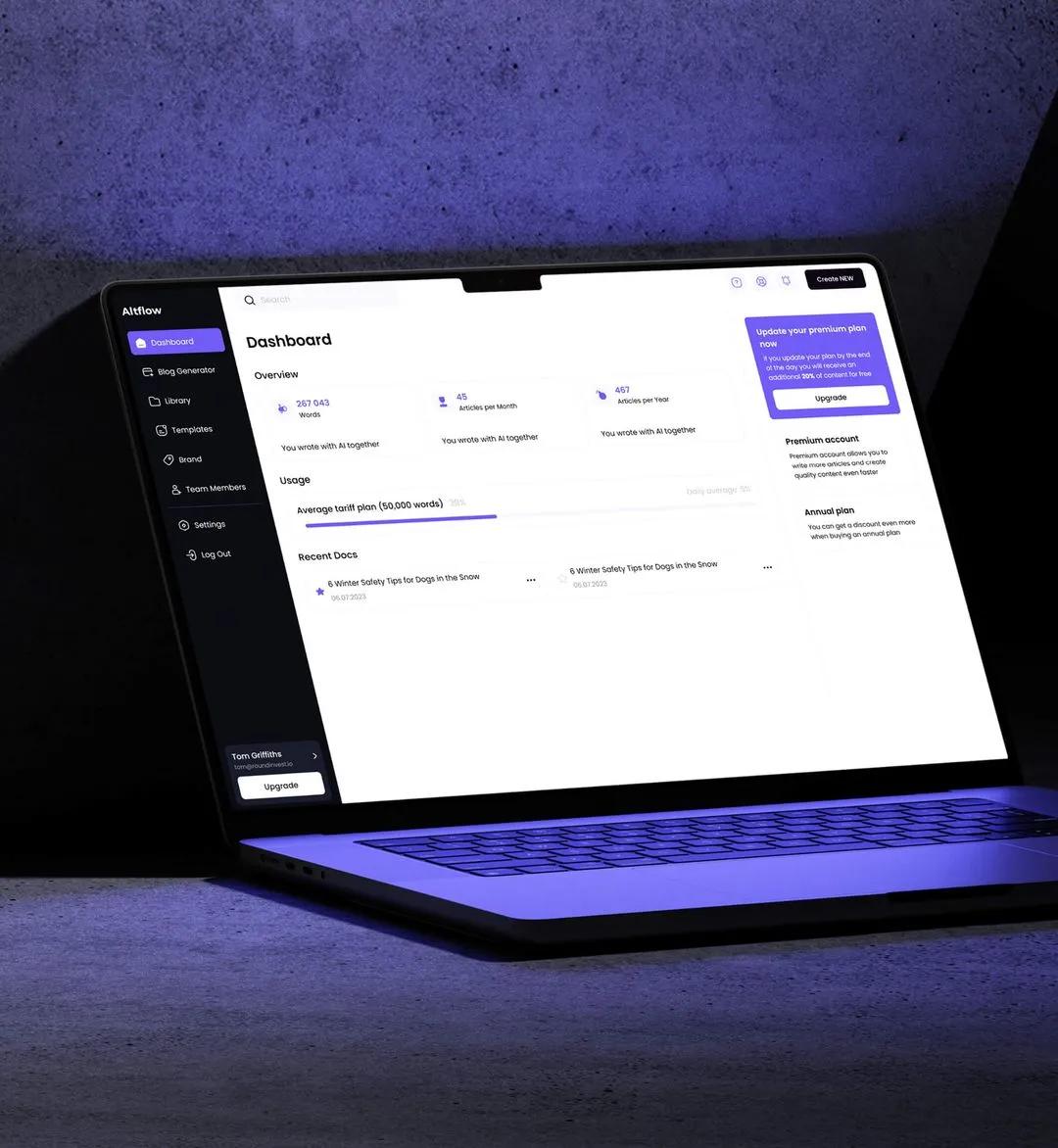
TeamFlow is a team collaboration platform that centralizes communication, project coordination, and knowledge sharing — replacing fragmented tool stacks with a structured, unified workspace.
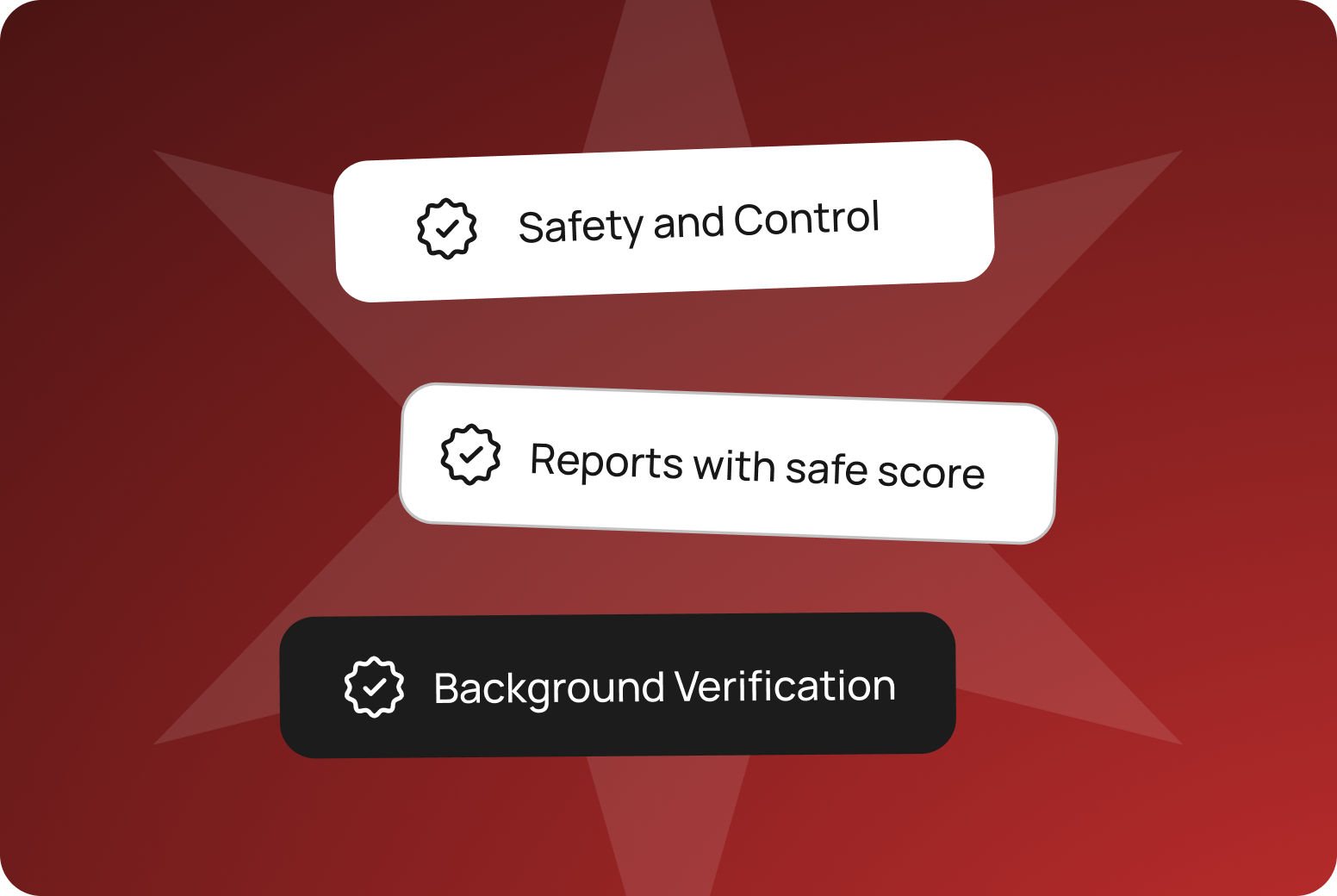

Human-Readable Translation
Send 100 USDC to secure Vault
Auto-Recovery Security Shield Enabled
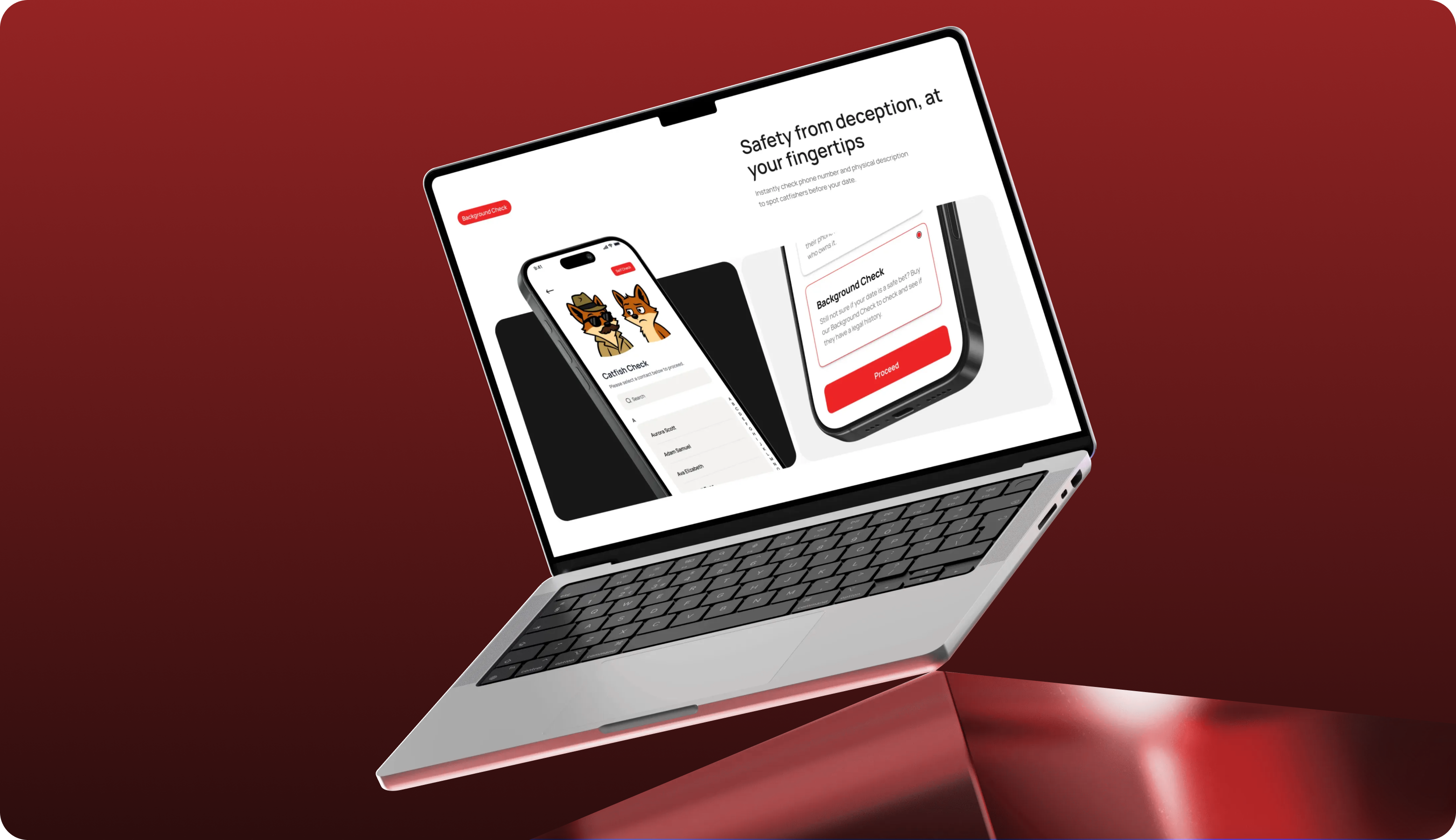
Web3 Security, Redefined.
We engineered a hardware-compatible interface that translates confusing crypto actions into clean, readable experiences.
Teams managed communication, files, tasks, and meetings across too many disconnected tools — leading to information loss, misalignment, and coordination overhead that slowed execution.
Zylo designed a unified collaboration workspace that integrates messaging, file management, project tracking, and meeting coordination with structured channel organization and powerful search.
Process
Discovery
Tool stack analysis
Communication pattern research
Collaboration workflow mapping
Migration planning
Adoption risk assessment
Platform Architecture
Real-time messaging system
File management structure
Search index architecture
Task integration layer
Meeting coordination system
Implementation
Data migration
Integration setup
Team training
Phased rollout
System Architecture
A real-time communication infrastructure connects messaging channels, file storage, task boards, and meeting scheduling — all indexed through a unified search architecture.
Interface Engineering
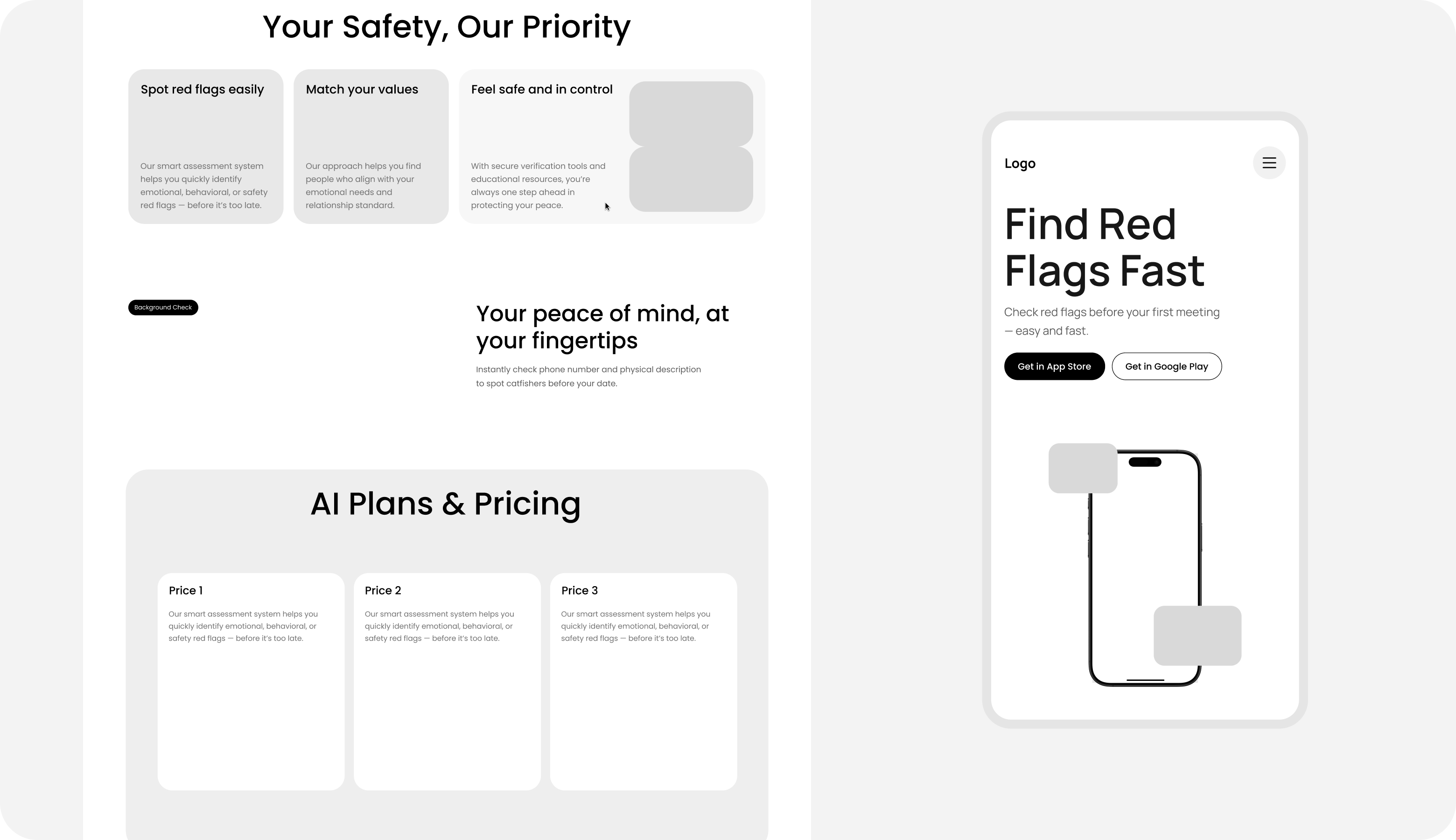
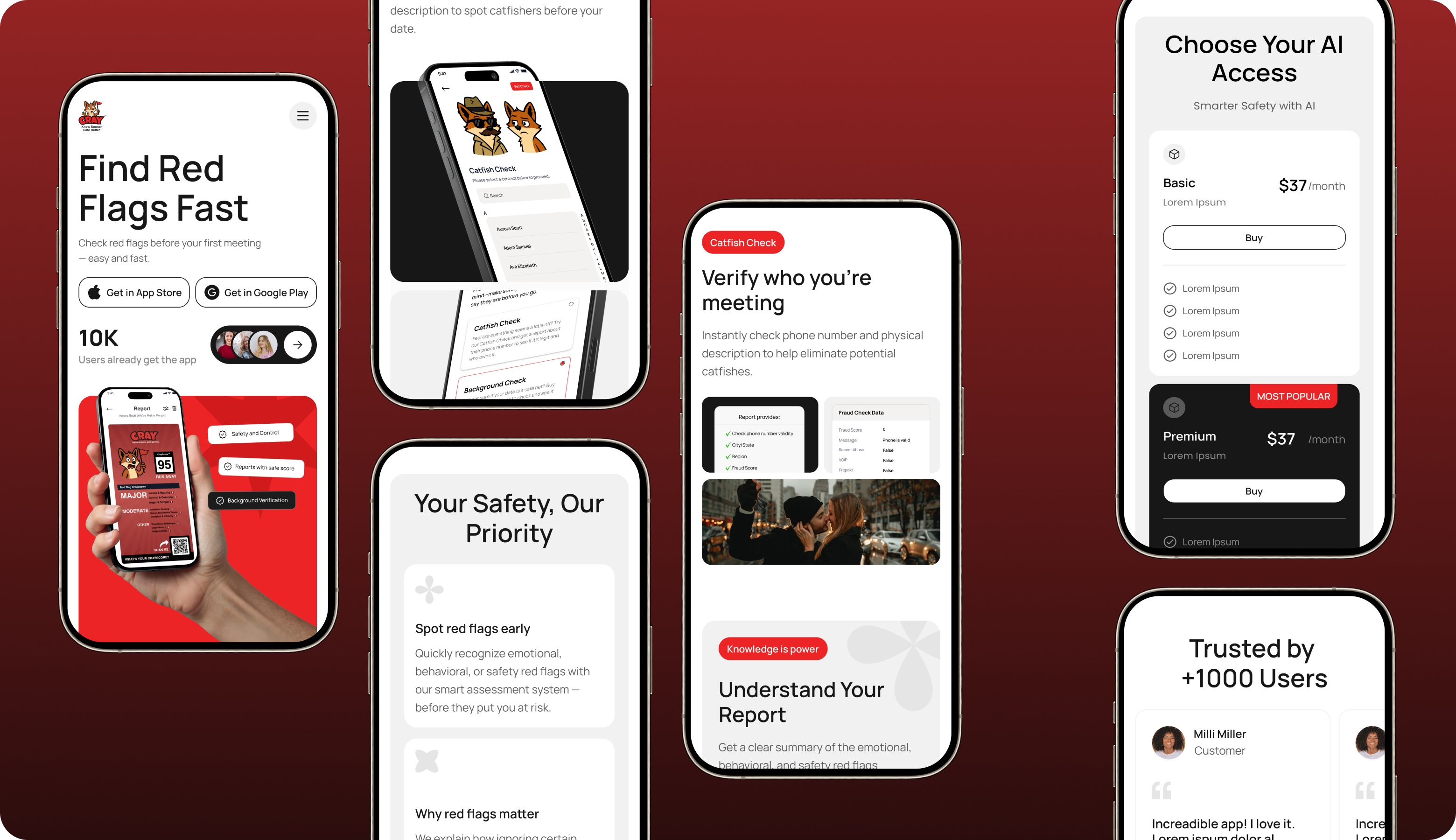
Workspace navigation organizes teams, projects, and communication channels in a structured sidebar hierarchy — with contextual access to files, tasks, and history within each space.
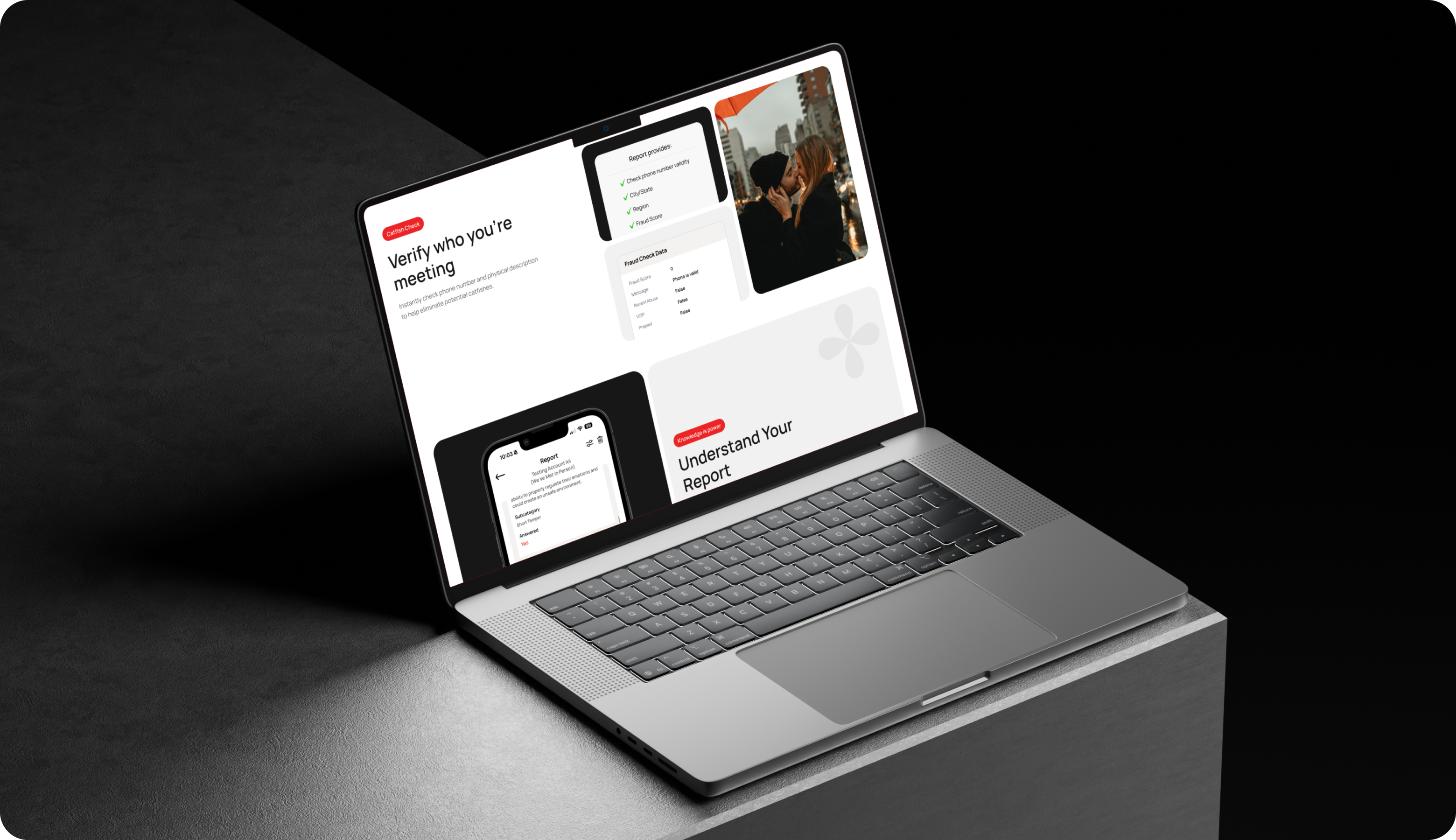
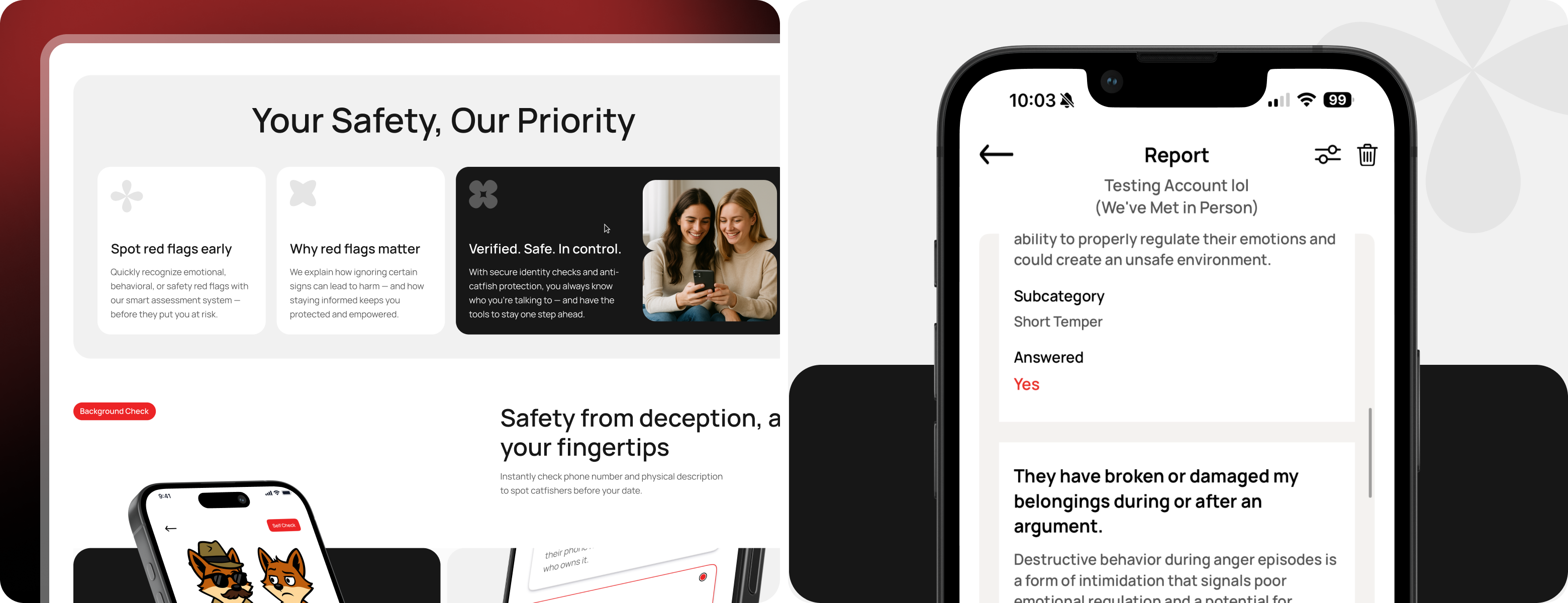
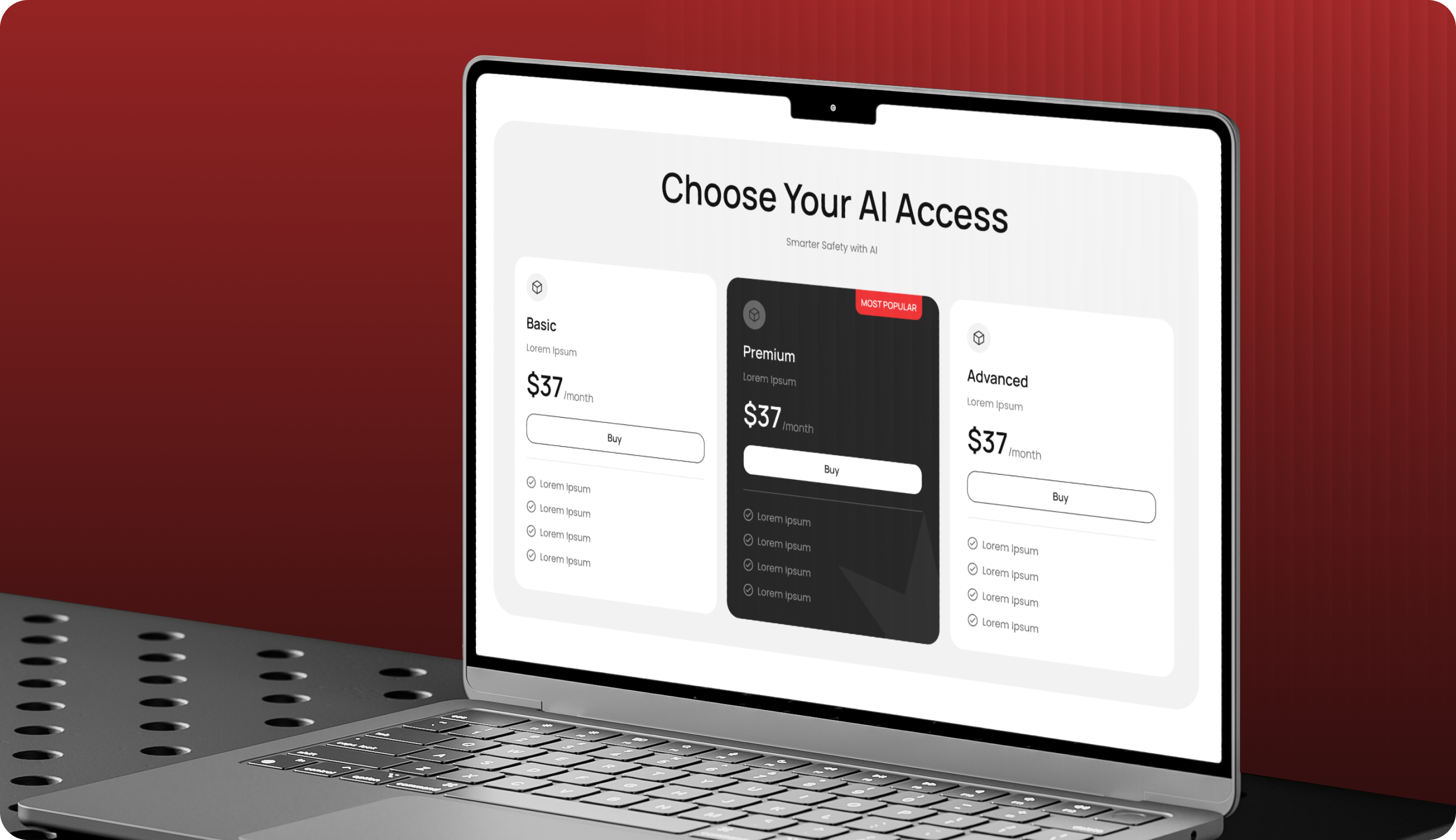
One workspace, one team — structured for clarity and momentum.
MOBILE-FIRST
EXECUTION
Mobile collaboration enables persistent messaging access, quick file sharing, meeting join-from-notification, and task check-ins optimized for mobile interruption patterns.

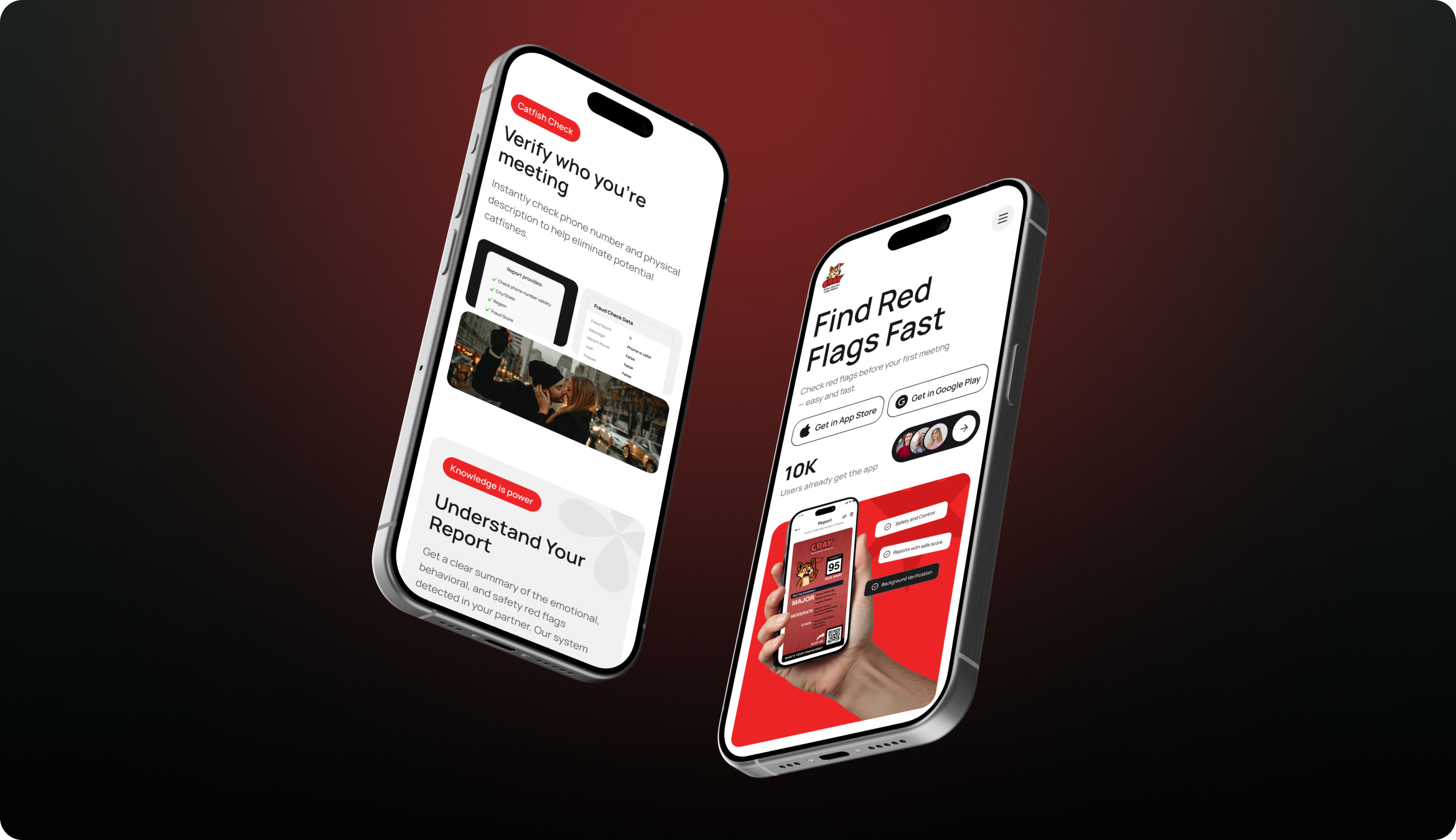
UI Kit
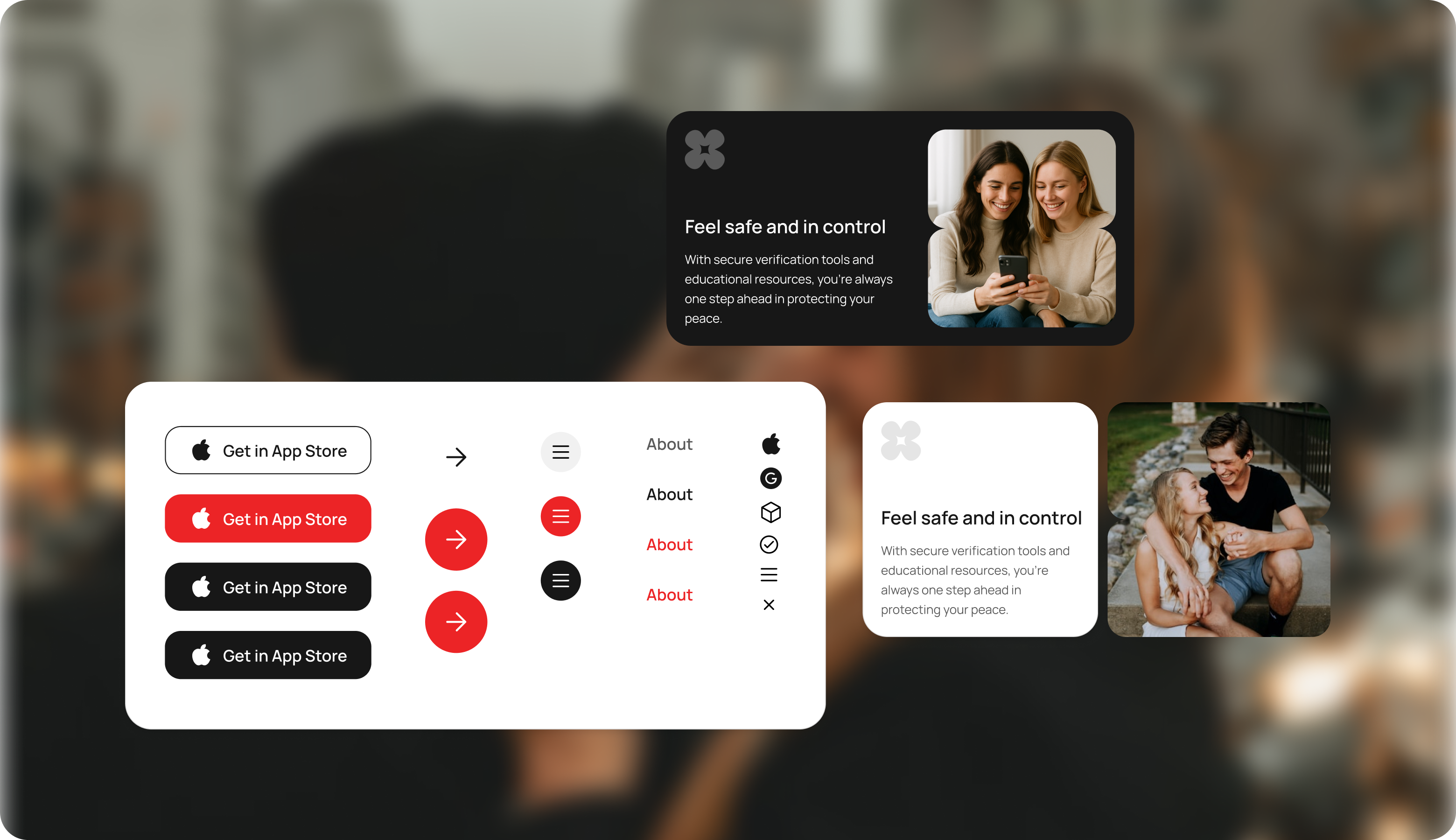
Component library covers message threads, channel panels, file preview cards, task integration rows, meeting status indicators, and notification management.
AUTOMATION
FRAMEWORK
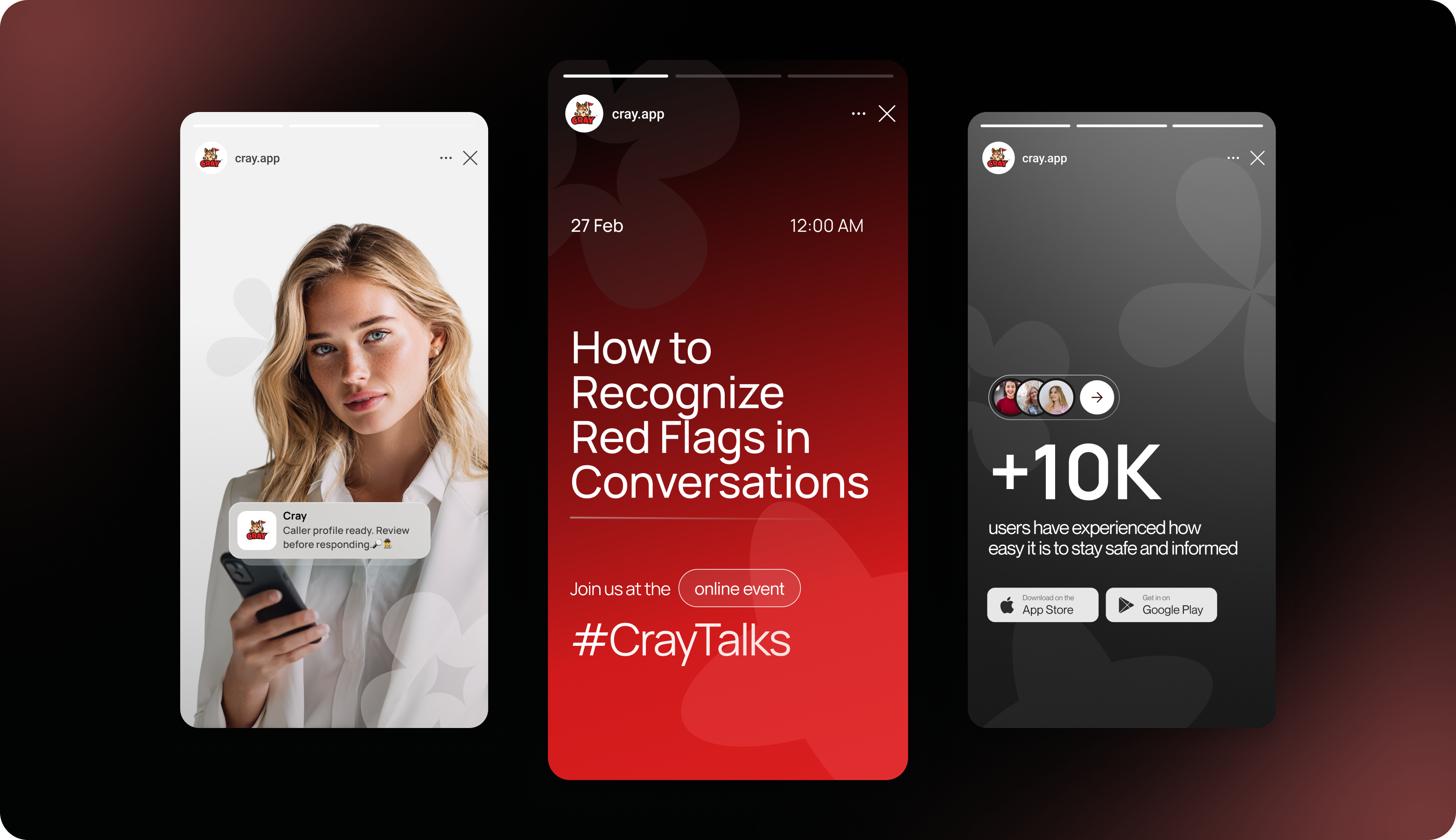
Channel archiving, file versioning, meeting recording, task deadline reminders, and search indexing are fully automated.
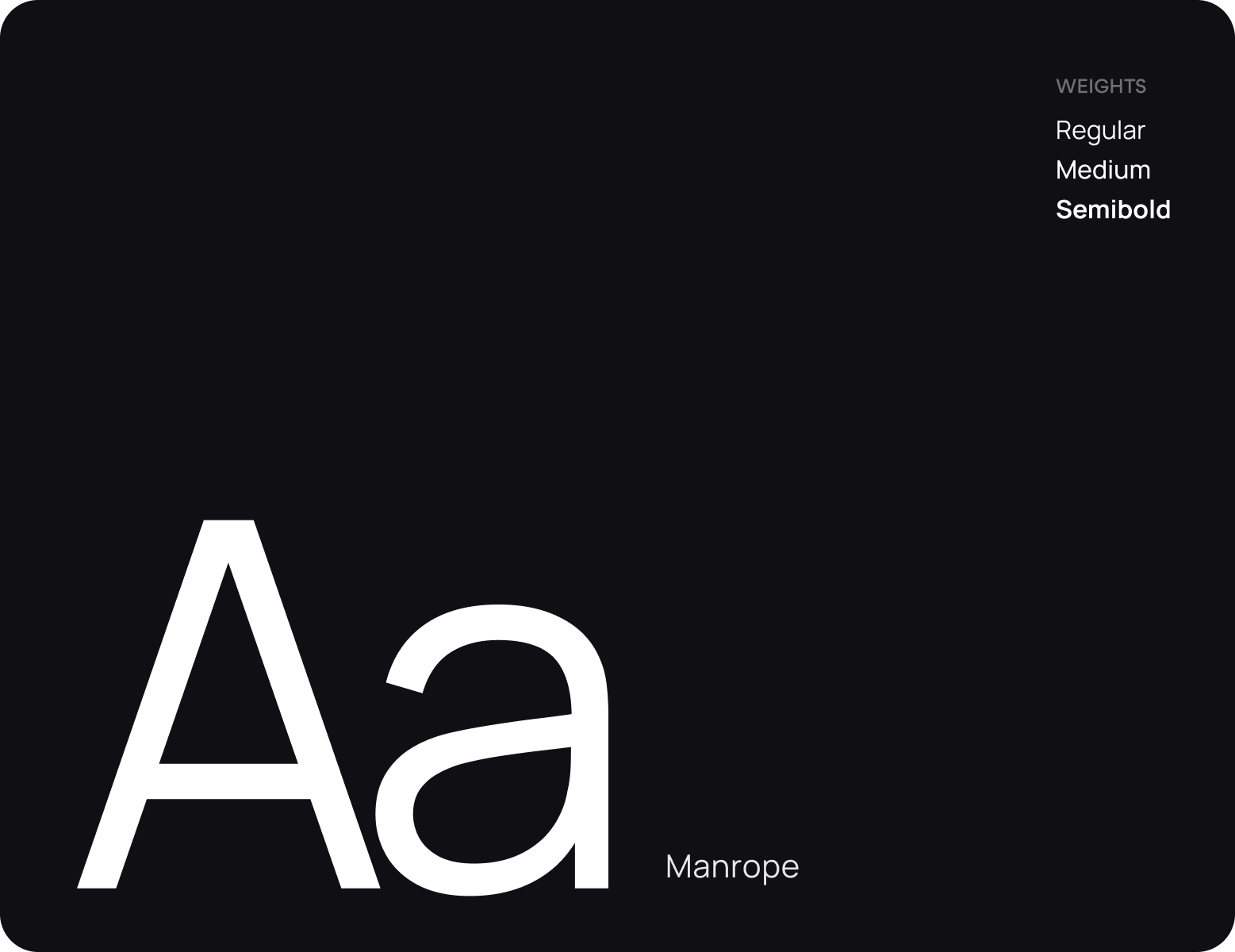
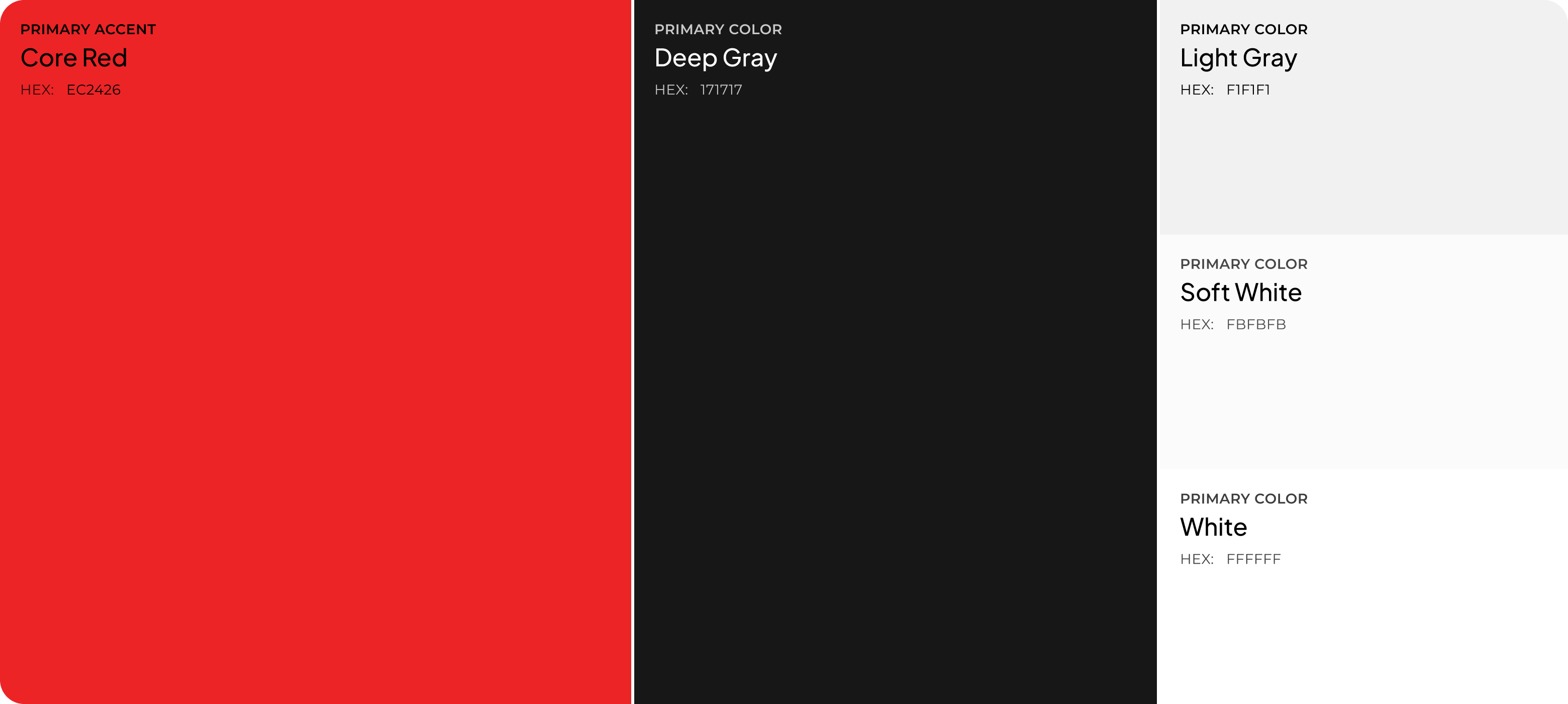
Design system
Results
Measurable outcomes from real-world AI and engineering deployments.
-57%
Reduction in cross-tool context switching
+73%
Improvement in team coordination efficiency
3.1×
Increase in knowledge base utilization
91%
Team adoption rate within 30 days
Verified across 500+ enterprise deployments
Let's work together
3-day AI Engineering Collaboration
Sprint
AI-driven collaboration sprint with senior engineers to design, build, and refine real-world software solutions. Focused on execution, technical depth, AI capability, and product thinking—not just ideas, but working systems.