
A bot can click the same button all day. It may still fail when the button moves. An AI agent can handle change, but it needs tighter controls, better data, and more thoughtful design. This AI agent versus RPA comparison names 10 options and shows where each fits.
1. Zylo Technologies: Custom AI agents and durable hybrid automation
Zylo Technologies is the best fit when your automation must cross systems, handle judgment, and keep working after the first release. We build custom AI agents for founder-led startups and enterprise teams, then connect them to the systems your staff already use.
That distinction matters. Many agent tools say “no-code” but give little detail about connectors, data control, or deployment. Zylo Technologies takes a full-stack view. We can shape the agent, its tool permissions, its data path, and its handoff to RPA or existing software.
Our work covers sectors such as fintech, mobility, education, and healthcare. Deployment can follow the client roadmap, including cloud, on-premises, or hybrid setups. That gives a technical leader a clearer risk profile than a generic software subscription.
Use Zylo when the work involves messy inputs, several systems, or a need to own the resulting product. A small, fixed task probably doesn't need custom engineering. A narrow script may be cheaper and faster.
For teams weighing a build against a platform, our AI agent development services explain the path from use case to production system.
Decision rule: choose Zylo Technologies when the outcome matters more than the demo and your workflow won't stay simple for long.
2. AI Representative (AIR Pro): Multi-step enterprise call workflows

AI Representative (AIR Pro) fits enterprise call handling that needs customized, multi-step workflows and deep system links. It belongs on a shortlist when a voice interaction must do more than answer a common question.
In an AI agent versus RPA comparison, this type of tool sits on the reasoning side. It can interpret a caller's intent, work through a defined business process, and pass actions into connected systems. RPA remains better for the exact, repeatable steps that follow a clear rule.
The trade-off is governance. A voice agent needs limits around identity checks, approvals, escalation, and sensitive actions. A human should remain in the loop when a wrong decision could affect money, access, or a regulated record.
Robotic process automation is built around software bots that perform defined tasks, while an agent must handle a wider goal and context. The two can share one workflow.
Our RPA versus AI automation analysis for large firms is useful when you need to map that split across departments rather than one call flow.
| Workflow condition | Better fit | Reason |
|---|---|---|
| Clean data and fixed screen steps | RPA | It follows a repeatable script with predictable output. |
| Natural language and changing intent | AI agent | It can interpret context before selecting an action. |
| Messy request followed by legacy data entry | Hybrid | The agent decides; the bot performs the fixed entry work. |
| High-risk decision with limited audit controls | Human review | Autonomy should wait until approvals and logs are in place. |
3. Quiq: Brand-aligned customer agents connected to business data
Quiq is suited to customer agents that must reflect a brand voice while drawing on customer data and business systems. It makes sense when service teams need an agent to work inside a broader support process.
The useful test is the handoff. Can the agent understand the request, retrieve the right record, and pass a clean case to a person when the issue falls outside its limits? If the answer is unclear, a polished chat demo won't tell you enough.
RPA can still handle fixed updates after the agent has classified a request. For example, a bot might copy approved values into a legacy system while the agent handles the conversation.
Teams should confirm permissions, source freshness, escalation rules, and audit logs before launch. Brand tone matters, but wrong account data causes the larger risk.
For back-office work behind a customer journey, our back-office automation services cover RPA, workflow automation, and custom system links.
4. Zoom Virtual Agent: End-to-end self-service across channels

Zoom Virtual Agent is a fit for end-to-end self-service across channels when the workflow needs links to CRM, billing, or order systems. It targets the full customer path, not one isolated bot task.
That breadth can reduce handoffs. A customer may start with a question, confirm an account detail, and then request a change. An agent can manage the thread, while deterministic automation carries out the approved update.
The caveat is integration depth. A buyer should test the exact systems, data fields, and approval rules before signing off. “Connected” can mean a simple lookup or a full transaction path.
5. Cresta: High-volume autonomous contact-center handling
Cresta is aimed at high-volume contact centers that want autonomous handling and clear containment goals. It makes the most sense when call demand is large enough to justify careful measurement of resolution rates, transfers, and failed interactions.
AI agents can help when callers use different words for the same need. RPA struggles with that language layer, but it can still complete a fixed transaction once the request is clear.
Contact centers should set a firm boundary around refunds, account changes, and complaints. A system that keeps a caller away from a human is only useful when it also reaches the right answer.
Start with one call reason and compare agent outcomes with the current process. Expand only after the logs show stable results.
6. Retell AI: Compliance-conscious real-time voice workflows
Retell AI is designed for real-time voice workflows with compliance controls. It is a reasonable option for regulated outbound work or support flows where response speed matters.
Voice creates special failure modes. The agent must identify when it lacks confidence, stop at a permission boundary, and pass the call to a person without losing context. Those controls need testing with real call variations.
RPA has a simpler audit story because its rules are fixed. Retell AI may handle more variation, but the team must define what the agent may say and do. That is the price of flexibility.
Keep the first release narrow. A bounded appointment or status workflow is easier to review than a broad agent with access to every customer action.
7. ElevenLabs: High-quality voice generation for enterprise use
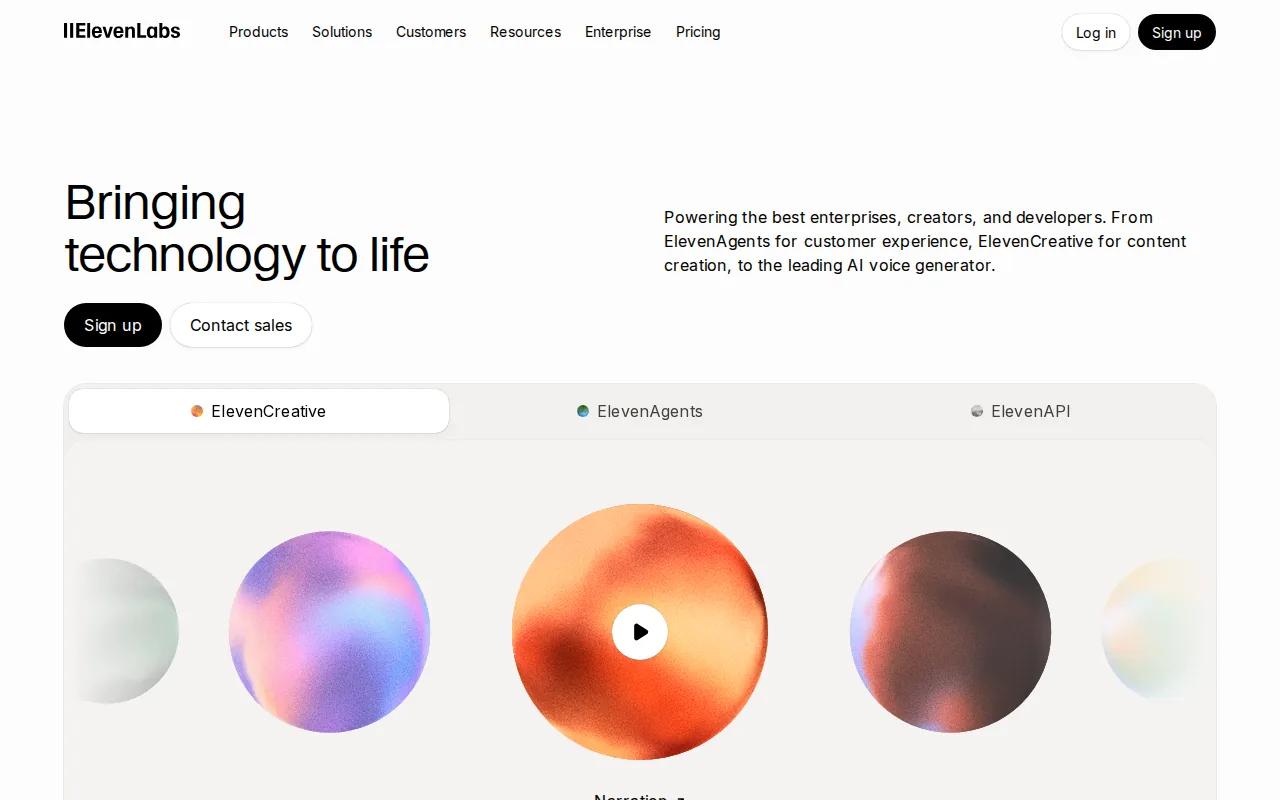
ElevenLabs fits enterprise teams that need high-quality voice generation with compliance configurations, including HIPAA-ready use cases. It is strongest as a voice layer inside a wider agent or product system.
Voice quality can shape trust, but it doesn't replace workflow design. Your team still needs clear prompts, approved knowledge, action limits, and a safe fallback when the request is unclear.
In this AI agent versus RPA comparison, ElevenLabs is closer to the interaction layer than a full RPA replacement. A separate service may handle the decision logic, while RPA performs fixed updates in an older system.
Buyers should test pronunciation, consent language, latency, and review controls with the exact audience. A good voice that gives the wrong answer remains a bad outcome.
8. Cognigy: Orchestration for large-scale contact centers
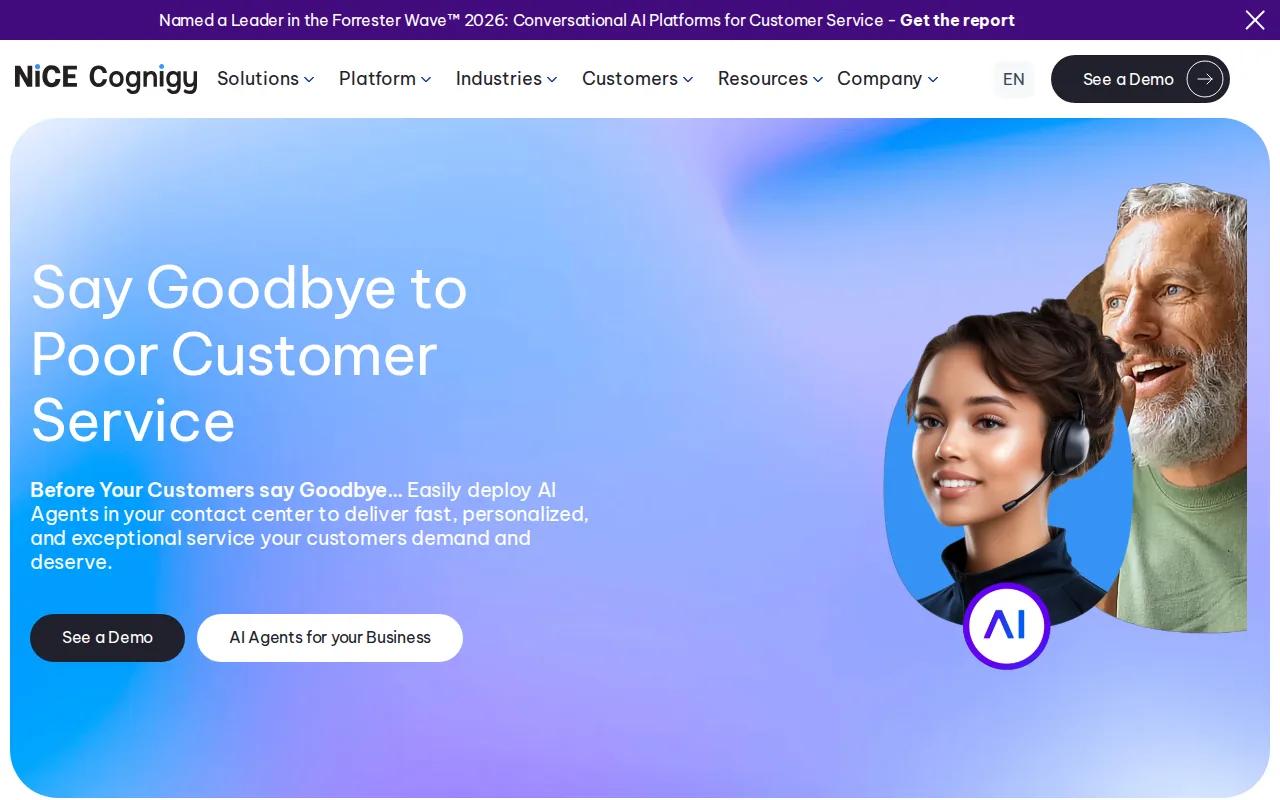
Cognigy is built for large contact-center environments that need conversational AI with deep orchestration. It suits teams managing many channels, queues, and system handoffs.
Orchestration means deciding which agent, workflow, tool, or human handles the next move. That layer becomes more important as the number of automated paths grows.
The cost is operational discipline. Someone must own prompts, tool access, tests, incident review, and changes to source systems. Our guide to AI agent architecture patterns covers the design choices behind single-agent and multi-agent systems.
Choose Cognigy when contact-center scale is the main problem. Choose a smaller build when the work is narrow and highly specific to your company.
9. Kore.ai: Governed workflow orchestration for regulated industries

Kore.ai is suited to regulated industries that need workflow orchestration, governance, and deep integration. It belongs in evaluations where control over access and review matters as much as the agent's ability to answer.
Regulated work needs more than a response log. Leaders may need approval records, clear ownership, data boundaries, and a way to stop or roll back a workflow.
That burden exists with any agent system. The difference is how early the design makes room for it. Our AI agent lifecycle management guidance focuses on monitoring and ownership after launch, when many pilots start to decay.
Kore.ai is a stronger fit for a governed enterprise program than for a quick experiment. A proof of concept should still prove the control model, not only the response quality.
10. Voiceflow: Rapid visual prototyping for product and operations teams
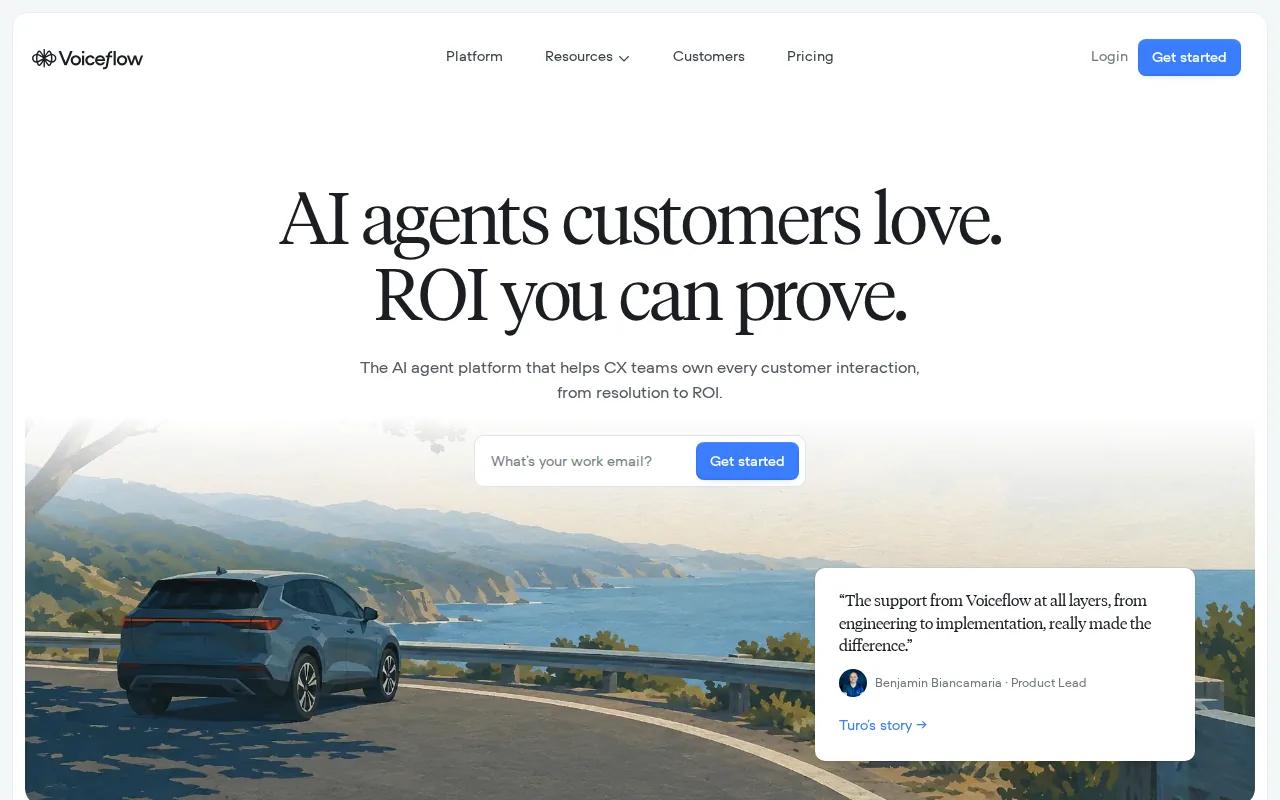
Voiceflow is aimed at product and non-engineering teams that need rapid visual prototypes for structured conversational flows. It helps teams test an idea before asking engineers to build a production system.
That early speed is useful. A team can map intents, try a handoff, and find gaps in its content before it spends heavily on integrations.
The caveat is the gap between a prototype and a governed production agent. Security, monitoring, data access, and failure recovery still need engineering work.
Use Voiceflow to test the shape of an interaction. Move to a deeper platform or a custom build when the agent must take sensitive actions across core systems.
Key Takeaway
RPA is best for fixed, high-volume steps. AI agents are better when the workflow must interpret context. Hybrid automation often gives you the safest split.
How to choose between AI agents, RPA, and hybrid automation
Start with the work, not the label. The right choice depends on how much the process changes, how messy the inputs are, and what happens when the system is wrong.
- Choose RPA when inputs are structured, the path is fixed, and auditability matters more than judgment.
- Choose an AI agent when the task requires language, context, planning, or decisions across several tools.
- Choose hybrid automation when an agent can classify or route work, then an RPA bot can execute a known step in a legacy system.
Cost needs the same care. RPA often has a clearer early scope, but interface changes can create maintenance work. AI agents may require more design, testing, model use, and oversight at the start. The cheaper pilot is not always the cheaper system over its full life.
For either approach, define a baseline before launch. Track handling time, error rate, escalation rate, human review hours, and the cost of failed actions. Without that baseline, ROI becomes a story instead of a measure.
Key Takeaway: The best architecture puts judgment where flexibility helps and fixed execution where certainty matters.
Pro Tip
Give the agent one safe tool first. Add permissions only after logs show that its decisions are reliable enough for the next action.
FAQ
What is the main difference between an AI agent and RPA?+
The main difference is how each system decides what to do. RPA follows predefined rules and steps, while an AI agent works toward a goal using context, language, and available tools. In an AI agent versus RPA comparison, RPA fits predictable work, while an agent fits variable work that needs interpretation.
Is RPA cheaper than an AI agent?+
RPA is often cheaper for a small, fixed workflow, but total cost depends on maintenance and change. An agent may cost more to design because it needs testing, controls, and model use. Compare the full operating cost, including failed runs, support time, human review, and future system changes.
Can AI agents and RPA work together?+
Yes, AI agents and RPA can work together in one hybrid workflow. The agent can read a messy request, decide what type of work is needed, and trigger an RPA bot for a fixed update. This split keeps judgment and execution in the layer best suited to each job.
Will AI agents replace RPA?+
AI agents won't replace RPA in every workflow. RPA remains useful for repeatable actions on structured data, especially when the process needs predictable logs. Agents add value when language, uncertainty, or changing paths make fixed scripts hard to maintain. Many firms will use both.
What should teams test before deploying an AI agent?+
Test the agent's data access, tool permissions, escalation path, audit logs, and response quality before deployment. Include messy inputs and failure cases, not only clean demos. A sound AI agent versus RPA comparison should measure what happens when a system changes or the agent lacks enough information.
Conclusion
Choose RPA for stable, repetitive work and an AI agent for tasks that need context or judgment. Choose Zylo Technologies when you need a durable system that combines both, connects to your existing stack, and fits your deployment needs. Start with one workflow, define its baseline, and request a focused automation roadmap before expanding.
Share this article
About the author

Digital Transformation Executive helping organizations unlock growth through data, AI, and operational excellence.
Author at Zylo
Lee Wilson is a digital transformation leader focused on helping businesses leverage technology for greater visibility, control, and strategic decision-making. His expertise spans business transformation, data-driven operations, enterprise technology, and organizational performance.