
AI automation for data extraction can mean a focused tool for web pages or a custom system tied to your business operations. The right choice depends on where your data starts and what must happen after extraction. Here are six options, with Zylo Technologies first for teams that need a system built around their own workflows.
1. Zylo Technologies
Zylo Technologies is an AI automation and software engineering partner that builds custom extraction systems, agents, and digital products. It’s best for founders and enterprise teams whose data process crosses internal systems or needs rules that a standard scraper can’t cover.
Instead of asking your team to fit its workflow into a tool, Zylo can design the workflow around your data and operations. That can include how source data enters the system, how fields are checked, and where results go next. Zylo describes its delivery model as senior-only pods, with six-week production cycles. Its business information also reports more than 140 systems shipped.
For an extraction pipeline that needs to connect with other business processes, Zylo’s AI automation work is the relevant starting point. The key question is ownership: Zylo positions its work around client ownership of the model, data, and outcome. Its architecture can also be hosted wherever the client chooses, including on-premise environments.
Custom work takes more planning than starting with a ready-made SaaS tool. It makes the most sense when extraction is only one part of a larger workflow, or when data access, permissions, and downstream actions need careful design. Zylo reports a median 12-month ROI of about 3.4× on delivered roadmaps; ask how that measure applies to the specific project you’re considering.
We’d put this option first when the cost of a brittle handoff or limited integration is greater than the effort of building a system for your process.
2. Firecrawl: Web content prepared for AI workflows
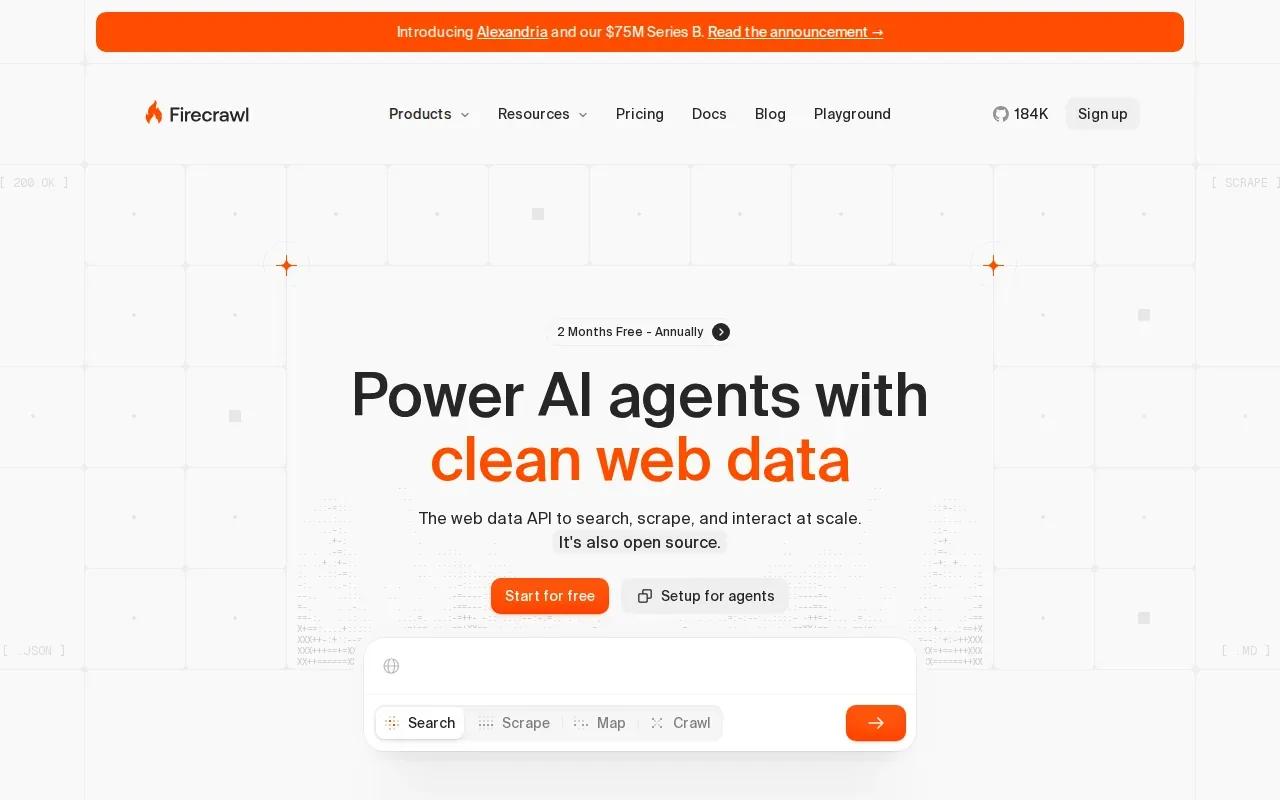
Firecrawl turns web pages into data that AI workflows can use. It’s a fit for product teams that need to pull current web content into an AI feature, research process, or retrieval system.
Its main distinction is the output. Firecrawl can return clean Markdown or structured JSON rather than leaving your team to handle raw page markup. Its listed capabilities include JavaScript rendering, schema-based extraction, Markdown conversion, and interactive browsing. That helps when a site’s content is assembled in the browser or when a model needs specific fields instead of a page full of text.
Think of a product that lets a user paste a page URL and receive a structured summary. The extraction step needs to fetch the page, interpret its content, and return fields the product can use. Firecrawl is built for this web-to-AI path, and its listed integrations include LangChain, LlamaIndex, CrewAI, Dify, and an MCP server.
Clean output doesn’t remove the need to check what the model extracted. If a price, date, or company name drives a business decision, define the expected fields and decide how the workflow handles missing or uncertain values. Teams reviewing error risks in manual data entry can use this guide to reducing manual data entry errors with AI as a reference for validation choices.
Choose Firecrawl when the source is the public web and your application needs content prepared for an LLM. It isn’t the natural fit for processing incoming invoice attachments or for building an end-to-end system across internal tools.
3. Apify: Cloud web scraping built around Actors
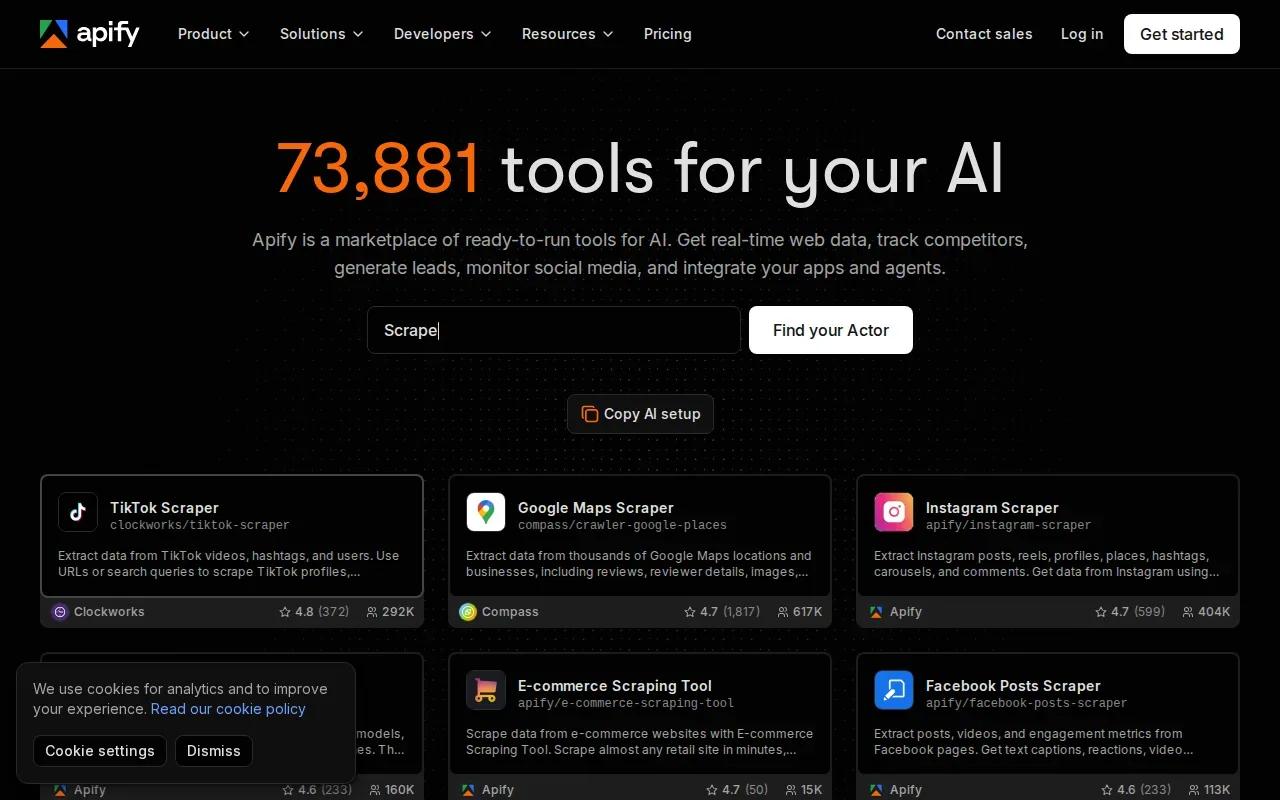
Apify is a cloud platform for web scraping and automation built around serverless programs called Actors. It suits teams that need repeatable web collection jobs and want to run them in the cloud.
An Actor is a program that performs a defined task. Apify’s platform supports serverless scraping, JavaScript rendering, proxy rotation, browser session management, and LLM-friendly output. Its store includes Actors for different collection tasks, so a team can start with a defined job instead of writing every piece of scraping logic from scratch.
For example, a research team might need to collect the same kind of public page data on a schedule. A cloud-run Actor can handle the scraping job, while the team decides where results go and how they are checked. Apify lists LangChain as a supported integration, which may suit teams using that framework in an AI workflow.
Cloud scraping can reduce the infrastructure your own team has to manage, but it doesn’t settle data quality or governance questions. You still need to define what may be collected, how often the job runs, and what happens when a site changes. A small pilot on a permitted source can show whether the resulting data is clean enough for the system that consumes it.
Apify is a reasonable shortlist choice when the extraction job is web-based and repeatable. If the workflow must interpret company-specific documents or touch several internal systems, confirm those needs before treating a scraper as the whole solution.
For any automation project, it helps to set a narrow goal and define who owns exceptions before expanding the system.
4. ScrapeGraphAI: Natural-language extraction workflows
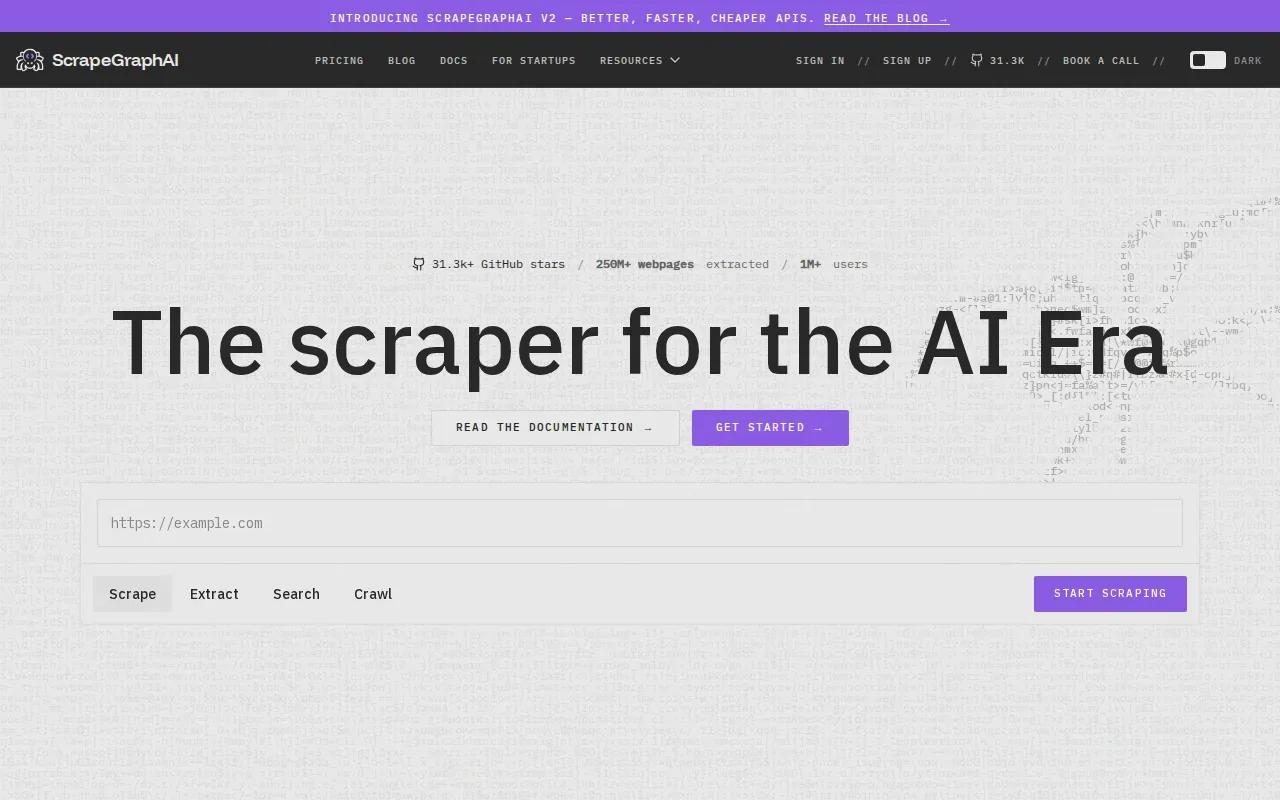
ScrapeGraphAI uses natural-language instructions and large language models to extract information from web sources. It’s suited to teams that want to describe the fields they need rather than build every extraction rule by hand.
Its approach uses LLM-powered extraction and graph-based workflows. That combination can help a developer express a task in plain language, then build a workflow around how the extraction runs.
Imagine needing a set of details from pages that don’t share an identical layout. A prompt can describe the information to find, while the graph-based pipeline shapes the extraction process. That can be easier to revise than a collection of brittle page-specific rules, but the result still needs testing against real source pages and edge cases.
ScrapeGraphAI is listed as a cloud SaaS product. That means deployment and data handling deserve a place in the evaluation. Check whether its service model fits your organization’s security needs, and test how it handles missing fields or a page that changes structure.
Natural-language instructions can make setup feel simple. They don’t replace clear field definitions, quality checks, or a plan for failed extractions. Pick ScrapeGraphAI when prompt-based web extraction is the main need and your team can own those checks.
5. Diffbot: Structured web data with a Knowledge Graph
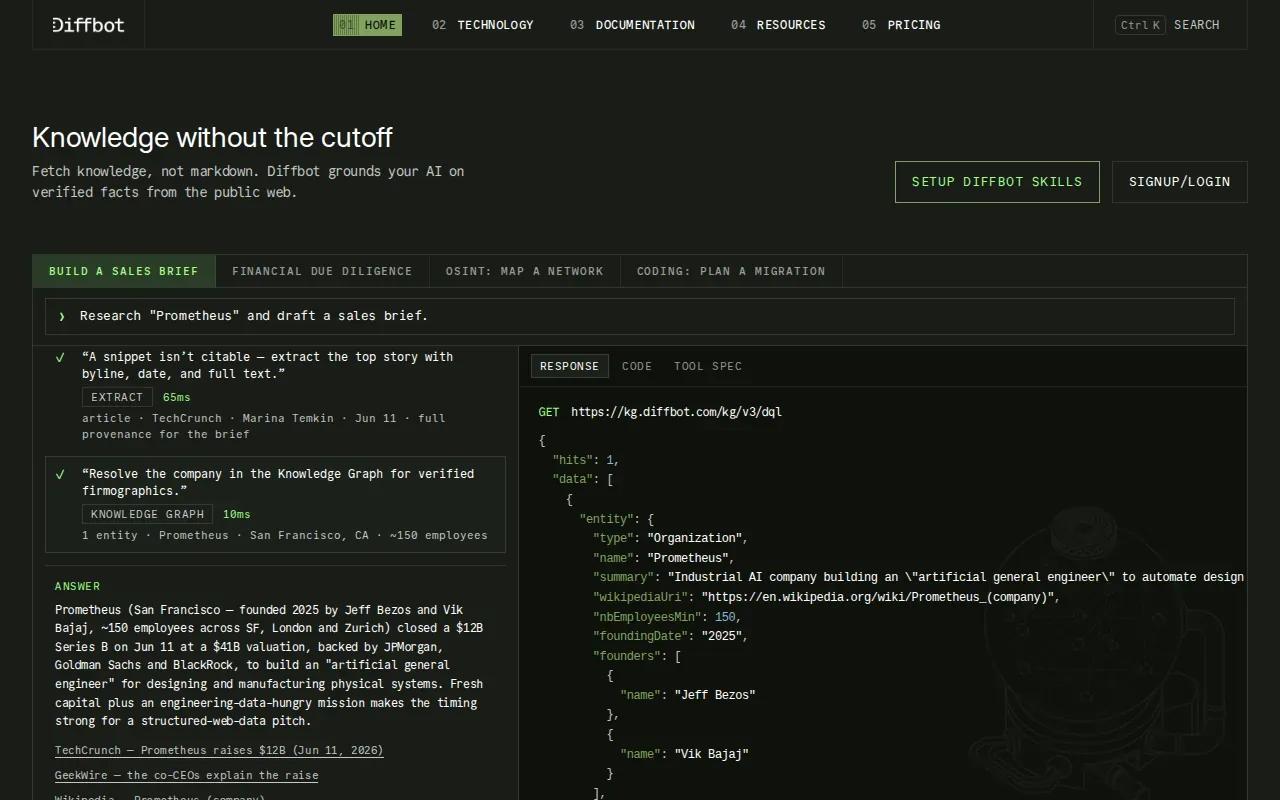
Diffbot uses computer vision and natural language processing to extract structured data and maintain a Knowledge Graph. It’s a fit for teams that need information from web pages organized around entities and their relationships.
Computer vision helps a system interpret the page’s visual layout. Natural language processing helps it identify meaning in the text. Diffbot combines those methods with entity extraction and Knowledge Graph generation, which can support use cases where a business needs to connect people, organizations, or other entities across web content.
That focus differs from a tool built mainly to return page text or a few fields from a single URL. A graph can make relationships part of the output, which may matter when analysts need to connect records instead of reviewing isolated pages. Diffbot is offered as a cloud SaaS product, so teams should check how that deployment fits their data and access rules.
A Knowledge Graph is useful only if its entities and links match the questions your team asks. Before adoption, define the records you need to connect and test the output against examples your analysts can verify. For teams exploring broader enterprise automation decisions, see this related resource.
Diffbot deserves a place on the shortlist when entity relationships are central to the work. If the task is simply moving fields from an email attachment into a business app, a document-focused tool may be a closer match.
6. Parseur: Document extraction connected to business apps
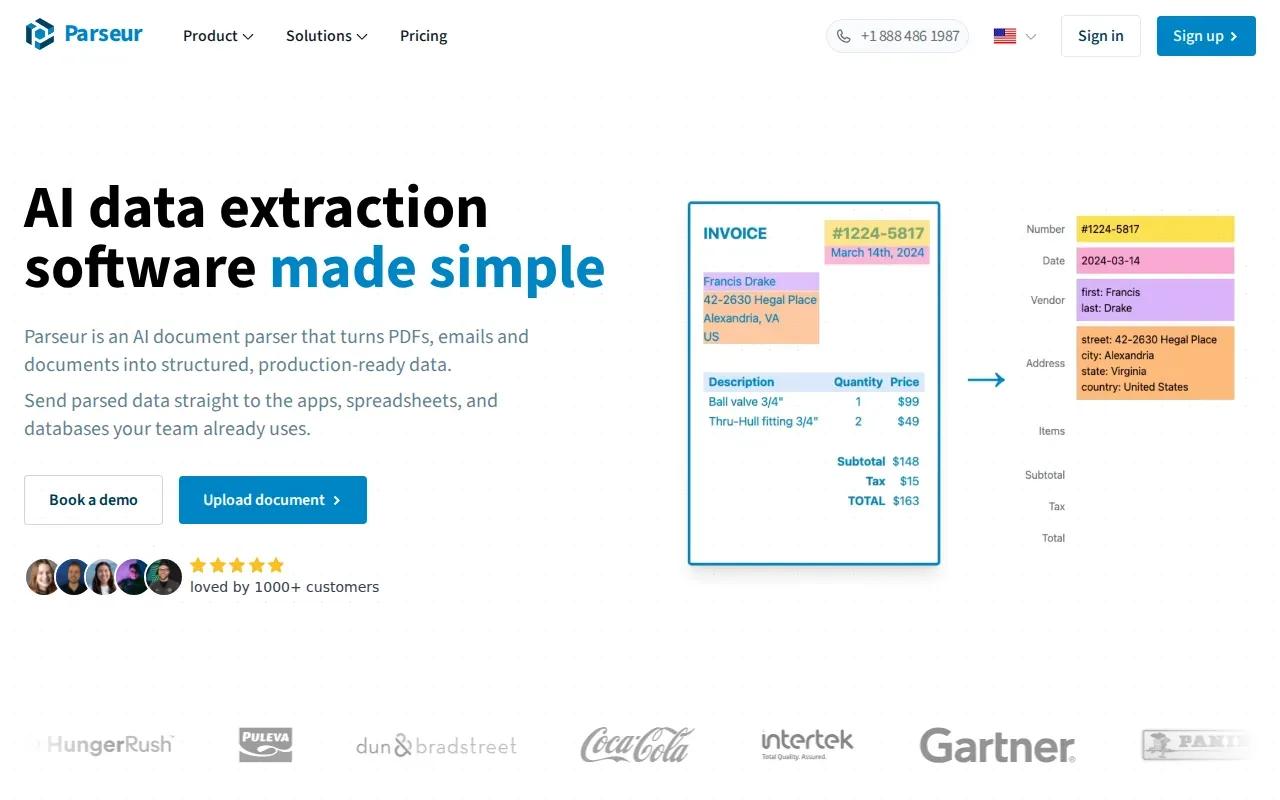
Parseur extracts data from documents and email attachments, then connects the results to other apps. It’s a fit for operations teams that receive repeated forms, invoices, or similar files by email.
Its main distinction is the integration layer, which is listed as supporting more than 1,500 apps. Parseur includes AI extraction and email ingestion. That setup maps to a common handoff: a document arrives in an inbox, the system extracts fields, and the data moves toward the team’s next business tool.
The large integration count doesn’t prove that every connection supports your exact process. Confirm the destination app, the fields it can accept, and how your team reviews uncertain results. For teams connecting AI tools across workflows, this workflow handoff overview offers related context.
Parseur is a focused choice for document intake. It’s less suited to teams whose main problem is collecting and structuring public web content or designing a custom pipeline across multiple internal systems. For broader process context, see related automation resources.
| Decision point | What Parseur suits | What to check |
|---|---|---|
| Input | Email attachments and documents | File types and intake route |
| Output | Structured extracted data | Field mapping in your destination app |
| Connections | Integration layer listed at 1,500+ apps | Whether your exact app and workflow are supported |
| Workflow owner | Operations teams handling recurring documents | Who reviews exceptions and fixes bad source data |
Frequently asked questions
What is AI automation for data extraction?
AI automation for data extraction uses AI to identify and pull useful information from sources such as web pages, emails, or documents. The extracted fields can then move into another system or workflow. The best setup depends on the source and the next action, since web research and invoice processing need different intake and review controls.
Which option is best for custom data extraction?
Zylo Technologies is a strong fit in this shortlist when extraction must be designed around your own systems and business rules. It builds custom AI agents and automation systems, with senior-only delivery pods and six-week production cycles. A ready-made tool may be a better starting point if your task is limited to web scraping or document intake.
Which tool is best for extracting data from websites?
Firecrawl is built to return web content as clean Markdown or structured JSON for AI workflows. Apify suits repeatable cloud scraping jobs, while ScrapeGraphAI uses natural-language instructions for extraction. Compare them by the output you need, how the job will run, and how your team will check the results.
Can AI extract data from email attachments?
Yes. Parseur is designed for document extraction connected to business apps, including workflows where documents arrive as email attachments. Before using any AI automation for data extraction, confirm that the tool can accept your files and map each required field to its destination. Decide who checks exceptions before the process runs unattended.
Should we build or buy a data extraction system?
Buy a focused tool when your task matches a clear web or document workflow. Consider a custom build when extraction must connect to several internal systems, follow unique rules, or meet specific ownership and hosting needs. Map the source, output, and exception path first. That simple boundary often shows whether a standalone tool is enough.
Conclusion
For a defined web or document task, start with the tool built for that source. If extraction is part of a larger operation, Zylo Technologies is a strong fit in this shortlist for a custom system your team can own. Write down one workflow, its source data, and its destination, then use that map to start a focused discussion.
Share this article
About the author

Chief AI Officer and former NVIDIA AI Consultant specializing in enterprise AI strategy and digital transformation.
Author at Zylo
Dr. Aliya Nur Balisani is an AI leader focused on helping organizations adopt artificial intelligence in practical and profitable ways. With experience in enterprise AI strategy, automation, and emerging technologies, she provides insights on generative AI, autonomous systems, business transformation, and the future of intelligent enterprises.