
AI automation for legal document review can help your team find key terms and flag risk sooner. But the fit depends on the workflow: litigation discovery and contract review call for different tools, and integration can matter as much as the AI itself. Here are six options, starting with custom systems for teams whose process doesn't fit a standard product.
1. Zylo Technologies

Zylo Technologies builds custom AI agents and automation systems for teams that need document review to fit their own workflow. It may suit legal operations leaders whose review process spans several systems, has custom approval paths, or needs more than a stand-alone contract checker.
A custom system can be designed around the work your team already does: where documents arrive, how approved standards are applied, when a lawyer needs to review an exception, and where the final record belongs. Zylo Technologies works on AI automation and software engineering, so the project can account for the surrounding systems as well as the model. That matters when a useful result must move into an existing process instead of stopping at a summary.
The trade-off is that a custom build needs clear scope and an owner. Your team must define the workflow, review rules, access needs, and what counts as a correct result. Start with one document type and a defined human approval point, then test it against real examples before widening its role.
For legal teams considering a tailored workflow, our AI automation services describe how we build systems around existing operations. Zylo Technologies is a strong fit in this shortlist when the central need is a system shaped around your process, rather than a fixed legal review product.
2. Everlaw: a litigation review platform built around usability
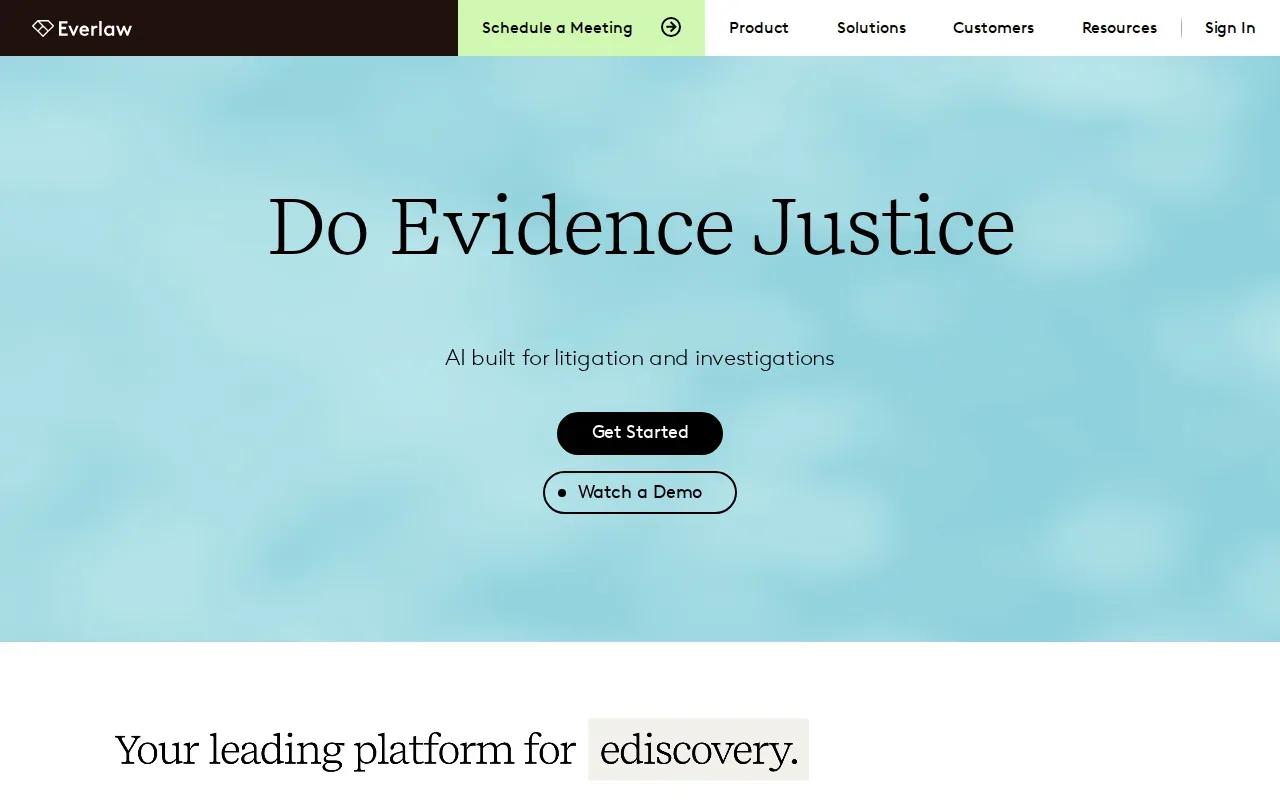
Everlaw is a cloud-native platform for litigation document review. Its modern, intuitive interface is designed to work without requiring a litigation support specialist to operate it, which makes it a fit for legal teams that want a more accessible review workflow.
Its automation scope includes predictive coding, concept clustering, and AI-assisted privilege review. Predictive coding helps sort documents based on relevance patterns. Concept clustering groups related material so reviewers can find themes across a large collection. Those features can help a team focus human attention on documents that need closer judgment.
In a discovery matter, a reviewer could use these functions to organize a document set and prioritize likely relevant material. The model's output still needs legal review. Privilege calls can affect what gets disclosed, so teams should set review standards and escalation rules before relying on an automated label.
Ease of use can help when attorneys need to work directly in the review process instead of handing every task to a specialist. But the system's usefulness still depends on fit with your matter workflow and how your team handles sensitive documents. Teams comparing contract-focused products with litigation review platforms can also consult our overview of AI contract review software.
3. Logikcull: self-service e-discovery with straightforward setup
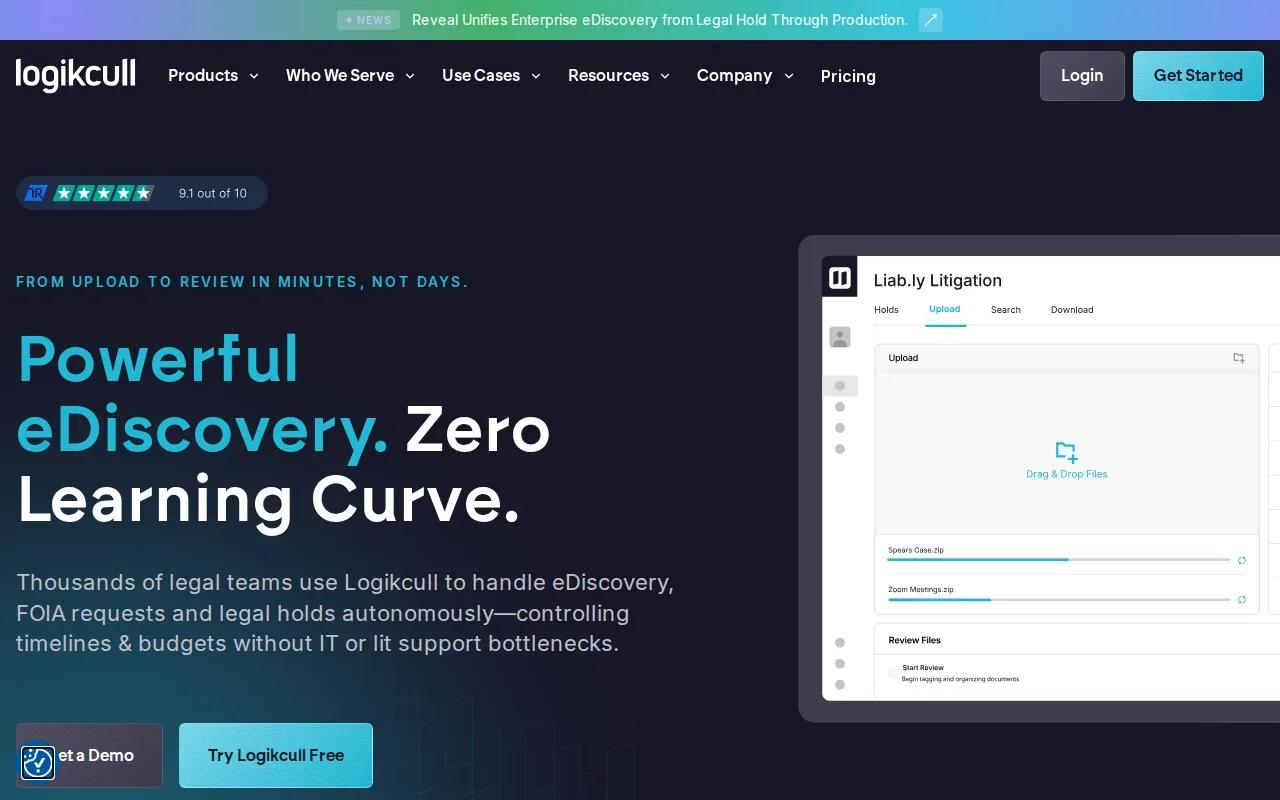
Logikcull is the self-service e-discovery option in this list. Its setup does not require a litigation support team, which may suit a legal department that wants to manage discovery work without a complex technical rollout.
Its automation scope includes deduplication, concept search, and simple categorization. Deduplication helps remove repeated copies from a collection. Concept search can help reviewers find documents related by meaning, while categorization sorts files into groups for review. These functions can reduce avoidable repetition when a matter includes many files.
Logikcull also uses flat per-GB pricing, described as transparent. That can make storage volume part of the buying conversation early. A team should still map how much data it expects to process and check how the service fits its collection and review practices.
The known limitation is that its AI is not as sophisticated as Everlaw or DISCO. That makes the choice fairly direct: prioritize self-service and straightforward setup when those needs outweigh more advanced AI review. If your team is designing a wider workflow around document intake, approvals, and sensitive data handling, our AI data privacy checklist can help frame those control questions.
4. Robin AI: clause-level contract risk analysis
Robin AI reviews contracts clause by clause and gives negotiation recommendations. It may fit legal and procurement teams that need to compare contract language with preferred positions and identify terms for counsel to assess.
The system scores risk and suggests alternative wording. Its differentiator is LLM-powered contract understanding paired with a database of market-standard positions. That combination is aimed at review and negotiation work, not broad litigation discovery.
Robin AI focuses on one workflow across reviewing, negotiating, and tracking obligations across a contract portfolio. Robin AI also says the workflow can return markups in under 10 minutes. Treat that as the vendor's stated product claim, not a guarantee for every file or review.
A useful test is to take a familiar agreement and compare the suggested risk notes with your team's own review. Check whether the alternative language matches your negotiating position, then route exceptions to a lawyer. Our contract negotiation automation guidance covers why playbooks and approval rules should shape the workflow, not be added as an afterthought.
Robin AI is a focused choice when clause-level review and negotiation are the main jobs. It is less suited to buyers whose first need is large-scale litigation discovery.
5. Spellbook: contract review inside Microsoft Word
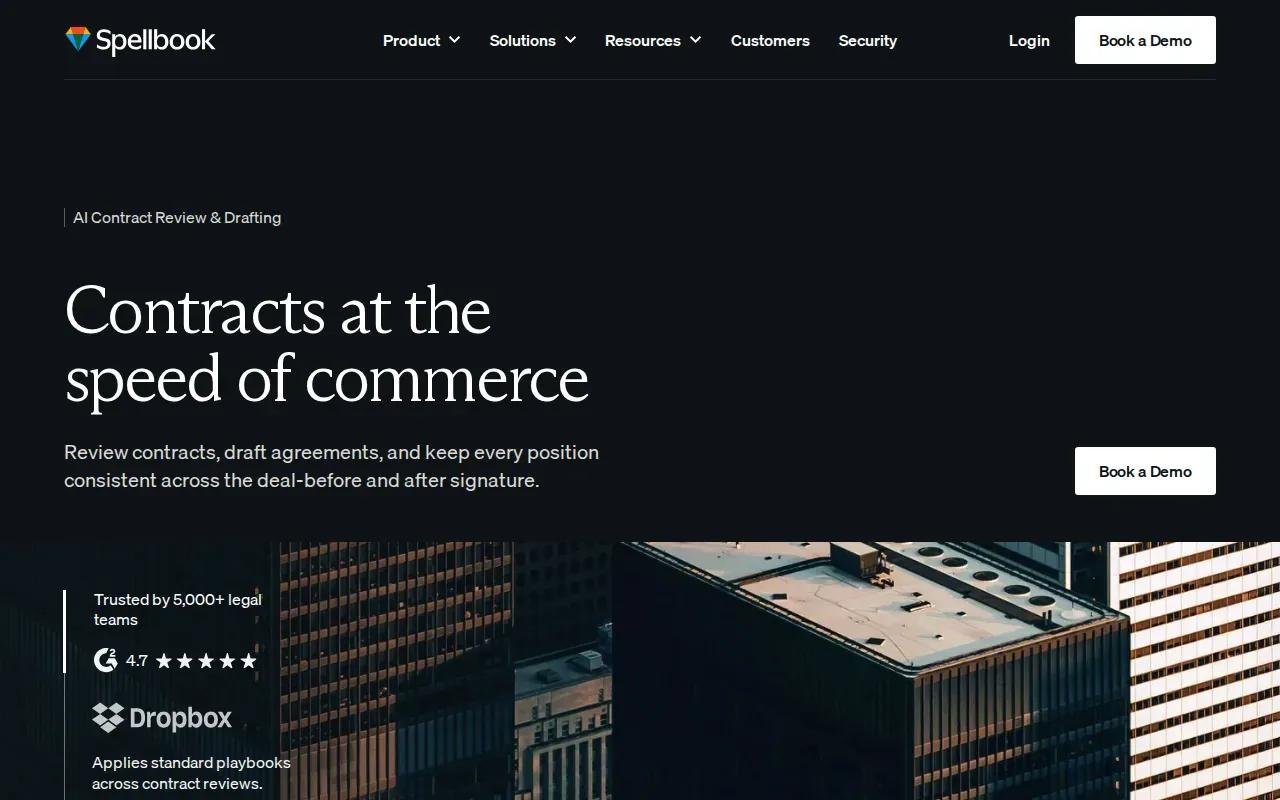
Spellbook works inside Microsoft Word, where transactional attorneys often edit contracts. It may suit a team that wants AI support in the document itself, without shifting the review into a separate interface.
Spellbook suggests redlines, flags missing or unusual clauses, and drafts language against a firm's own playbooks. Because these suggestions appear inline, a lawyer can assess proposed changes while reading the surrounding terms. That keeps the human reviewer close to the source language.
For example, a lawyer reviewing a vendor agreement can look at a flagged clause in context, compare the proposed edit with the firm's playbook, then accept or change the wording. The tool can support that first pass, but your team still needs to check whether the suggested language fits the deal and its risk level.
Microsoft Word is its native integration. That is a clear fit advantage for teams whose contract work already happens there. Before rollout, set rules for which playbook applies and when an unusual term must go to senior counsel. Our contract automation considerations cover data access, ownership, and review controls that should be settled before a system handles legal files.
6. Luminance: high-volume contract review and due diligence

Luminance is built for high-volume contract review, due diligence, and compliance document analysis. It may fit corporate legal and compliance teams that need to assess many files under deadline pressure.
Luminance describes its system as “Legal-Grade AI,” trained specifically on legal-document patterns rather than general text. That positioning is relevant when a team needs to process a large contract set and find patterns or issues that deserve a closer look. It does not remove the need to set review standards or have a person assess consequential findings.
Use the table below to match the tool's focus to the work in front of you. Treat the listed task as a starting point for a pilot, not proof that every document type or workflow will perform the same way.
For a due diligence team working against a transaction deadline, the useful measure is not simply how many files the system processes. Check whether reviewers can trace each flagged issue to its source and move exceptions to the right decision-maker. This is the stronger fit when volume and legal-document patterns are the main concern.
| Decision factor | Luminance fit | What your team should test |
|---|---|---|
| Work volume | High-volume contract review | Can reviewers find and resolve priority issues on time? |
| Document purpose | Due diligence and compliance document analysis | Does the review approach match your document set and review rules? |
| Human oversight | Legal-document analysis for team review | Who checks risk flags and decides when a finding needs escalation? |
Frequently Asked Questions
What does AI do in legal document review?
AI can help sort, search, and analyze legal documents so reviewers can focus on issues that need judgment. Depending on the tool, it may group related files, flag contract clauses, score risk, or suggest edits. A lawyer should check important findings, especially when the output could affect privilege, negotiation, or a disclosure decision.
Can AI review a contract without a lawyer?
AI can support a first pass, but it should not replace legal judgment on important terms. A reviewer needs to check whether flagged language is actually risky in context and whether suggested wording fits the deal. Set a clear human review point for exceptions, low-confidence results, and decisions that could create material risk.
How do I choose between e-discovery and contract review tools?
Choose based on the document workflow. E-discovery tools focus on organizing and reviewing matter-related collections, while contract tools focus on clauses, risk, negotiation, or obligations. Map the work your team needs to finish, then test the tool against representative documents and your actual review process.
What should legal teams check before using AI on documents?
Check where documents enter and go after review, which people or systems can access them, and how the tool handles sensitive content. Also define who verifies findings and how your team records decisions. Integration details matter: market data indicates that many tools provide little information about integrations or deployment options, so confirm those points with the vendor.
Conclusion
Choose a focused product when its workflow matches your review task; consider Zylo Technologies when the process needs a custom system tied to your operations. Pick one document type, define a human checkpoint, and test the workflow against your team's current review standards before expanding it.
Share this article
About the author

Digital Transformation Executive helping organizations unlock growth through data, AI, and operational excellence.
Author at Zylo
Lee Wilson is a digital transformation leader focused on helping businesses leverage technology for greater visibility, control, and strategic decision-making. His expertise spans business transformation, data-driven operations, enterprise technology, and organizational performance.