
Legal teams pay for AI review in very different ways: per seat, through a custom quote, or by the volume of data they host. When you compare AI automation for legal document review pricing, the right choice depends on the work your team needs done and how much control you need over the workflow. Here are six options, with Zylo Technologies first for teams considering a custom system.
We analyzed 55 comments and questions from Reddit, YouTube and Quora about legal document review pricing models and found that 35% mentioned flexible integration with existing workflows.
1. Zylo Technologies
Zylo Technologies builds custom AI agents and automation systems for startups and enterprise teams. It’s best for decision-makers whose document work needs to fit existing approval paths, data, and software rather than a fixed subscription product.
For legal review, a custom system could be scoped around a specific workflow, such as intake, clause checks, routing, or a human sign-off. The exact build depends on the process and systems involved, so it doesn’t map neatly to a standard per-seat price. Zylo Technologies designs and ships AI agents, automation systems, and digital products; its site describes platforms built for scale and long-term performance.
That distinction matters. A subscription buys access to set features. A custom build shapes the workflow around your rules, but needs clear scope and implementation planning. Our AI agent development work is relevant when a legal workflow needs an agent to handle several steps with defined human checks.
Zylo Technologies is a fit when your team needs systems designed around its process, not another generic prompt interface. We respond within 48 hours to project inquiries and screen for fit before quoting.
2. Harvey
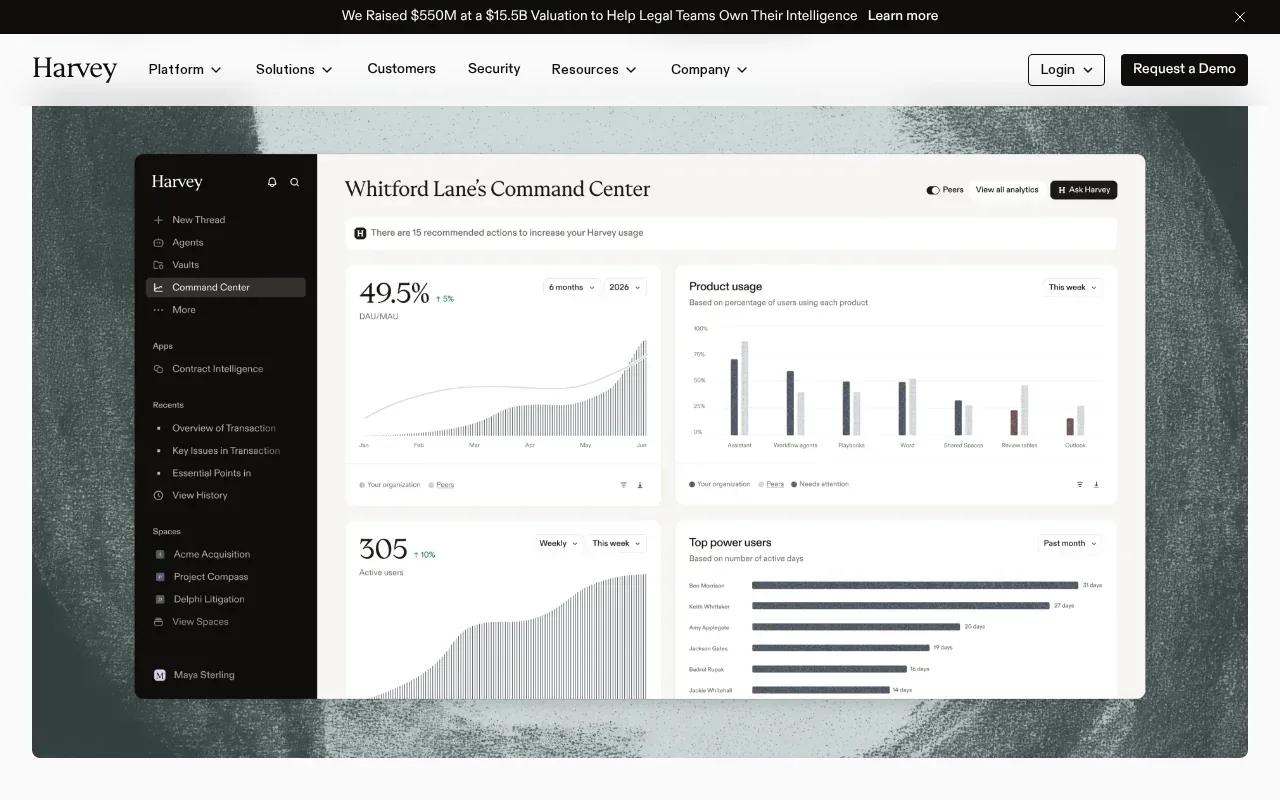
Harvey uses custom, quote-based pricing and is best suited to large legal teams with 200 or more attorneys. Its capabilities include contract analysis, due diligence, and workflow automation across practice groups.
Reported pricing for large deployments runs roughly $100 to $200 per user each month. Treat that as a planning range, not a rate card: the actual price is custom. A firm comparing this with a self-serve seat plan should ask for a quote tied to its number of users and expected review work.
Harvey’s place in this shortlist reflects its large-firm focus. A small team with occasional contract reviews may not need a firm-wide system. But a large legal operation looking to automate work across practice groups may find a custom deployment more aligned with its scale.
Before committing, get the full commercial scope in writing. Ask how the quote handles user count, workflow access, rollout, and future changes. For teams evaluating bespoke contract workflows, our notes on AI automation for contract negotiation cover the process details that affect a build.
One useful comparison point: do not judge a custom quote against a seat price alone. Compare the work covered and the human review that remains.
3. Spellbook
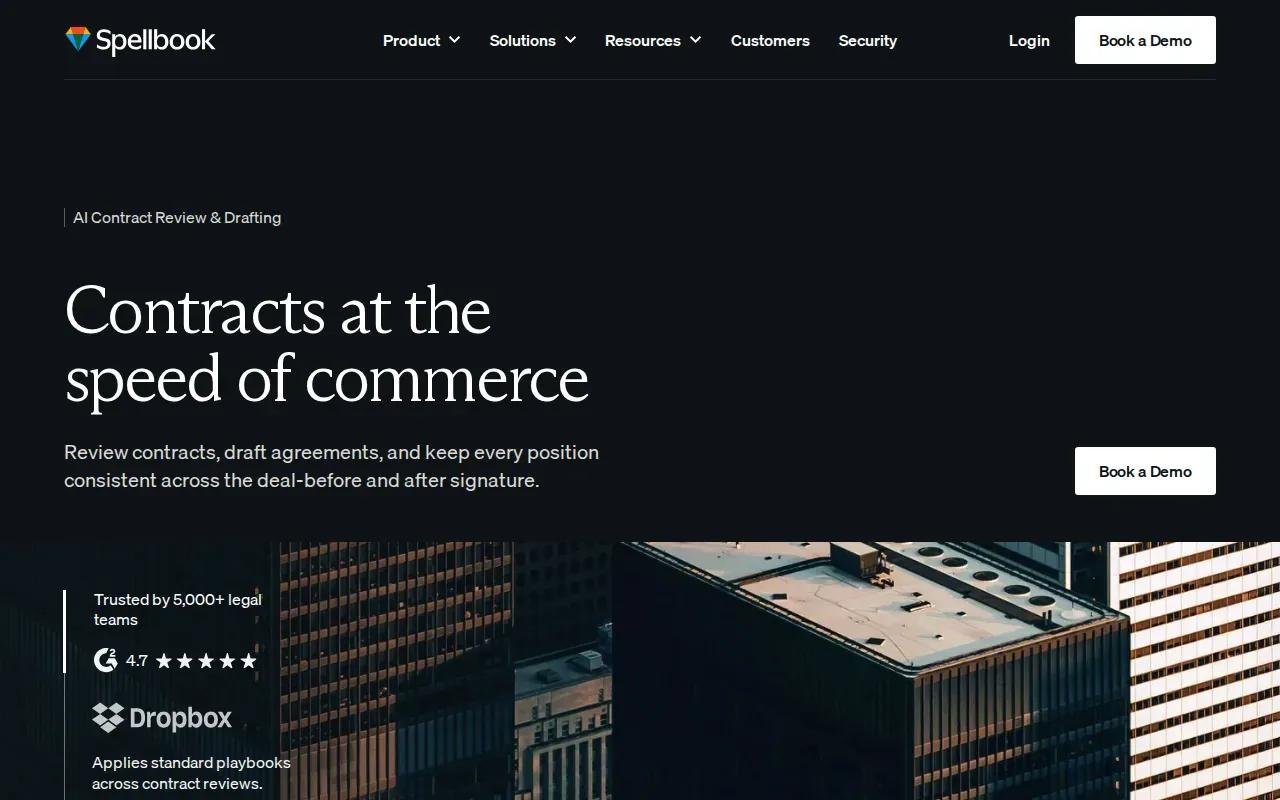
Spellbook has published per-seat plans for contract work. It’s best for smaller firms and business teams focused on reviewing and drafting contracts against their playbooks.
The listed plans are Starter at $99 per user per month, Professional at $149, and Enterprise at $199 or more. Enterprise has a 10-seat minimum. That makes it easier to sketch a starting software budget than with a custom quote, though the seat count still shapes the bill.
Spellbook’s capabilities include redlining, clause detection, and draft language generated against firm playbooks. A playbook gives the system a firm’s preferred terms and review rules. For example, a team could use a defined set of fallback clauses to make first-pass reviews more consistent. A lawyer still needs to check whether a suggested change fits the deal.
Spellbook is a clear fit when contract review is the main task and a per-seat subscription suits your team. It may be less direct if the goal is a custom end-to-end workflow across several systems. Our overview of AI contract review software compares the broader tool landscape.
For a budget check, multiply the seat price by the users who need access, then confirm which plan includes the functions your reviewers will use.
4. Robin AI
Robin AI has a free tier and a Pro tier for up to five users. It’s best for teams that want to try contract review before choosing a broader deployment.
The Pro tier includes unlimited messages and uploads, plus three reports per month. Robin AI caps Pro reports at three per month, despite allowing unlimited messages and uploads.
Robin AI’s capabilities include contract review, negotiation, and obligations tracking across a portfolio. Those jobs cover both a live negotiation and follow-up after signing. For instance, a team could use a review to flag a clause, then track the contract obligation later. The person responsible for the contract still needs to verify the flagged language and action dates.
Before testing, define what counts as a report for your work and whether three monthly reports fit the team’s expected use. Also check that the plan covers the workflow you intend to test. The AI data privacy checklist can help your team set review questions before it uploads client documents.
The free entry point can help a team explore the workflow. For regular use, assess the report allowance alongside the seat limit.
5. Paxton AI
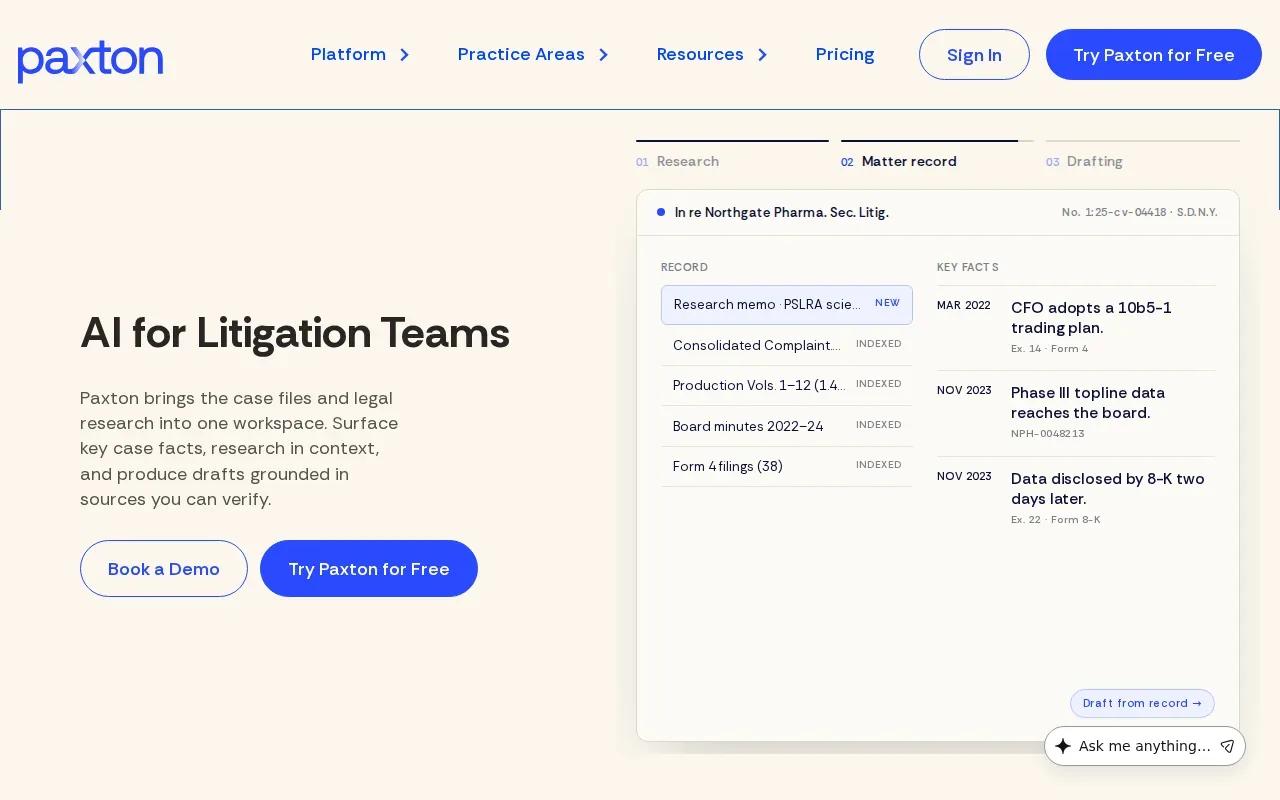
Paxton AI combines contract review, drafting, and legal research in a cloud-based browser app. It’s aimed at solo lawyers and small teams that want several legal tasks in one assistant.
Users can upload documents for analysis, draft from a prompt, and search federal and state regulations through a chat interface. That mix may suit a small team that handles varied work rather than one narrow contract task. Its browser deployment also means the workflow centers on uploading documents and working in the app.
For budgeting, request the price for the number of users and the expected workload your team has. Then compare that figure with the time spent on document review and research today.
Paxton AI’s breadth is the main reason to consider it. A solo lawyer may value one assistant for document analysis, drafting, and regulatory searches. A larger operation with specific integration or approval needs should test those requirements directly before adopting it.
Keep privacy checks in the buying process. The contract considerations for AI automation include questions about data rights, security, ownership, and exit terms.
6. Everlaw
Everlaw uses a base subscription plus hosted-data fees, making it a different pricing model from per-seat contract tools. It’s best for legal teams managing e-discovery matters and large document sets.
Everlaw’s base subscription runs roughly $2,000 to $5,000 per month, plus $18 to $35 per gigabyte of hosted data. That means the size of a matter can affect the total cost. A useful estimate needs both the base fee and a realistic view of the data volume your team expects to host.
Everlaw’s capabilities include deposition analysis, single-document review, and writing assistance across large document sets. That makes it worth assessing when review includes a broad case file rather than only incoming contracts. Ask how the quoted scope maps to the matter workflow and how hosted data affects the bill as files are added.
For a fair comparison, use a sample matter with a known data volume. Estimate the base subscription and hosted-data charge, then account for the lawyer or staff time needed to verify the output. A low per-seat figure elsewhere may not be a useful comparison if it covers a different job.
How the six legal document review options compare
The main pricing difference is what drives the bill. Zylo Technologies is a custom-build partner, Harvey uses custom quotes, Spellbook prices by seat, Robin AI has a free tier and a capped Pro feature, and Everlaw adds hosted-data charges. Paxton AI’s details focus on capabilities rather than a price.
That structure affects how you should compare options. Use risk-management guidance as a reference in procurement: tie each price to a defined workflow, review point, and data-handling requirement.
AI review can speed up a first pass, but a faster draft doesn’t prove a clause is safe. Use privacy-risk guidance when assessing uploaded files, access, retention, and audit records before a live matter enters the system.
| Option | Pricing basis | Good fit when | Budget question |
|---|---|---|---|
| Zylo Technologies | Custom project scope | Your process needs a tailored system | Which workflow and integrations are in scope? |
| Harvey | Custom quote; large-deployment reports around $100 to $200 per user monthly | Large legal teams need work across practice groups | What does the quote include at your user count? |
| Spellbook | $99 to $199 or more per user monthly; Enterprise minimum 10 seats | Contract review is the main need | Which plan covers the required playbook work? |
| Robin AI | Free tier; custom Enterprise | A team wants to test contract review and tracking | Does the report allowance match monthly use? |
| Paxton AI | See website | A solo lawyer or small team wants review, drafting, and research | What is the price for your team and workload? |
| Everlaw | About $2,000 to $5,000 monthly, plus $18 to $35 per hosted GB | E-discovery involves large document sets | How much data will the matter need to host? |
FAQ: AI automation for legal document review pricing
How much does AI legal document review cost?
It can range from a per-seat subscription to a custom quote or a base fee plus hosted-data charges. In this shortlist, Spellbook starts at $99 per user monthly, Harvey uses custom quotes, and Everlaw has a monthly base plus per-gigabyte fees. Compare the bill unit with your volume before estimating total cost.
What pricing model is best for a small law firm?
A per-seat plan can be easier to estimate when a small team knows how many people need access. Spellbook lists seat-based tiers, while Robin AI has a free tier and a Pro option for up to five users. If your workflow needs a custom system, scope the build separately from any ongoing software or operating costs.
Does AI legal review replace a lawyer?
No. AI can help summarize documents or flag clauses, but a qualified reviewer should check the output before the team relies on it. Build that review time into your cost estimate. A workflow that saves time on the first pass may still need lawyer input on risk, negotiation, or final approval.
What should legal teams check before uploading documents?
Ask where documents are processed and stored, who can access them, how long they are retained, and whether activity is logged. Confirm the terms for client and privileged material with your own legal and security teams. Test with approved documents first, then verify the system’s findings against the source text.
How can a firm estimate the return on an AI review tool?
Compare the current review time and cost with the full cost after adoption. Include seats or project fees, hosted data where relevant, setup work, and human verification. Start with one common document type, record how long the review takes, and check whether the AI output needs frequent correction.
Conclusion
Choose the billing model that matches the work: per-seat plans for repeat contract review, hosted-data pricing for large e-discovery matters, or a custom build when your process needs its own rules. Zylo Technologies is the option to assess when a fixed product won’t fit. Start by mapping one high-volume workflow and requesting a scoped estimate.
Share this article
About the author

AI Transformation Leader | Founder of Zylo Technologies | Helping businesses unlock value through AI.
Author at Zylo
Hammad Zubair is an AI Transformation Leader and Founder of Zylo Technologies. He helps businesses discover practical AI opportunities that reduce costs, improve efficiency, and accelerate growth. Through AI readiness assessments and transformation strategies, he enables organizations to identify high-impact automation and AI implementation opportunities.