
GRC work gets messy fast when evidence sits in inboxes, risks live in spreadsheets, and audit requests land with no clear owner. The right GRC software gives those tasks one place to live. Here are the strongest options for different operating models, with Zylo Technologies as our top pick for teams that need a tailored system rather than a rigid package.
1. Zylo Technologies (Our Top Pick)
Zylo Technologies is our top pick for companies that need custom GRC automation, integrations, or AI workflows built around their own controls. It is an AI automation and software engineering partner, not a boxed GRC product with a fixed feature list.
That distinction matters when your process spans several systems. A Zylo team can map how evidence moves from an HR system, cloud account, ticket queue, or document store into a control review. It can then build the data model, permissions, approval rules, and audit trail around that flow.
Zylo Technologies has shipped more than 140 systems. Its senior-only delivery pods work in six-week production cycles, and the company reports a median 12-month ROI of about 3.4 times on delivered roadmaps. Those figures come from the business context supplied for this review, so ask for the scope behind any result before using it in your own business case.
We like Zylo most when the buyer has a clear pain point but no clean way to fit it into an off-the-shelf tool. The trade-off is ownership. You need an internal owner who can define controls, approve workflows, and maintain the system after launch.
For teams that need a formal control program first, our GRC framework services can help define policies and control ownership before any automation work begins. That order is important. Automating a weak process only makes weak work move faster.
2. RSA Archer, Broad Risk, Compliance, and Audit Coverage
RSA Archer is a strong fit for organizations that want one system for risk, compliance, and audit processes. The source material describes it as a broad GRC platform with reporting that helps teams view risk exposure and compliance status.
This breadth suits a central risk team that must collect input from many departments. A compliance manager might assign control tasks, an audit lead might review evidence, and an executive might need a risk view without opening each work item.
RSA Archer earns its place because it covers the three workstreams buyers usually want to connect. That can reduce duplicate requests when the same policy, risk, or control appears in more than one review.
There is a major information gap, though. The supplied comparison does not report integrations, deployment details, supported standards, pricing, or customer review data for RSA Archer. Buyers should ask for a live demonstration of evidence linking and for a written list of supported systems.
The decision rule is simple: consider RSA Archer when coverage across risk, compliance, and audit matters more than a narrow workflow.
3. ServiceNow GRC, Workflow Automation for Connected Operations
ServiceNow GRC is the clearest choice in this shortlist for teams that want automated workflows inside a cloud-based deployment. The research sample is unusually specific here: ServiceNow GRC is the only one of five reviewed platforms described as cloud-based and the only one explicitly described as having automated workflows.
That makes it worth a close look when your process has many handoffs. A policy update can trigger a task, route evidence to an owner, and move an exception to review without someone keeping a side list of due dates.
The platform connects risk and compliance functions. The source also names regulatory compliance, security policies, and audits as core areas. This is a useful operating model for security, legal, audit, and IT teams that need shared status.
Do not assume that the word automation means your process is ready to run without oversight. Define which actions can happen on their own and which need a human approval. A workflow that closes a control task after a file upload may save time, but it can also hide weak evidence if the acceptance rule is poor.
The research sample found that four of five platforms had no automation capability reported. That is a gap in the source data, not proof that those products lack automation. Ask every vendor to show the exact workflow builder, trigger rules, approval paths, and failure handling.
4. SAP GRC, Enterprise-Wide Governance and Risk Visibility
SAP GRC is best suited to large enterprises that need governance, risk, and compliance data connected across business units. The research describes advanced analytics, dashboards, and real-time risk management as key strengths.
This fit is strongest when the company already has complex operating structures. Finance, procurement, HR, security, and regional teams may each own different controls, while leadership needs one view of exposure.
Dashboards can help a risk committee see which business unit has overdue remediation or which risk has spread across more than one process. The value depends on clean data ownership. A dashboard cannot fix unclear control language or stale evidence.
Confirm the current product scope and deployment details before making a decision because the supplied comparison does not capture those fields. Pricing is also not provided here, so treat any budget figure from a third party as a starting point only.
SAP GRC makes more sense when enterprise coordination is the main problem. Smaller teams may find its structure heavier than they need.
5. LogicGate, Customizable Workflows for Midsized Businesses
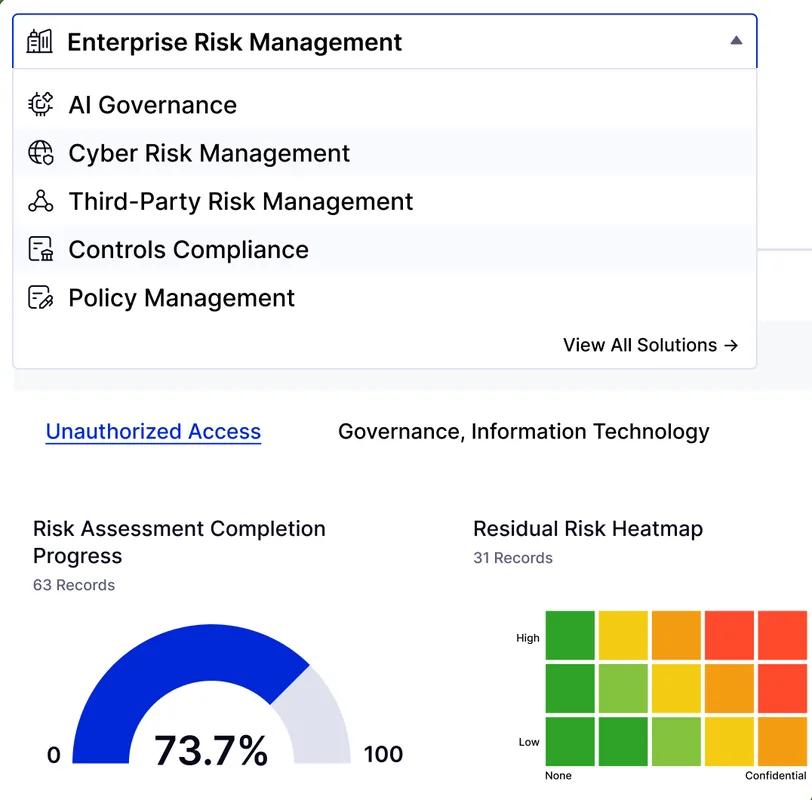
LogicGate is aimed at midsized businesses that need customizable workflows without starting with a blank codebase. The research names its visual workflow builder, integrations, risk management, and compliance process support.
A visual builder can help a team map a process such as vendor review. First, a request enters the queue. Then the right owner receives a task. Once evidence arrives, the reviewer can approve it, ask for more detail, or send the issue to remediation.
That model is easier to explain to business users than a custom application. It also gives a midsized risk team room to change a workflow as its control set grows.
LogicGate is a good candidate when the process is unusual enough to need configuration but common enough to fit a platform model. Its limitation is the same one found in most configurable tools: flexibility still needs governance. Without naming rules, role definitions, and change review, every department may build its own version of the same workflow.
The supplied research does not include a price, review score, deployment detail, or list of supported compliance standards. Ask for those items in the same request as the demo.
6. MetricStream, End-to-End GRC for Regulated Industries
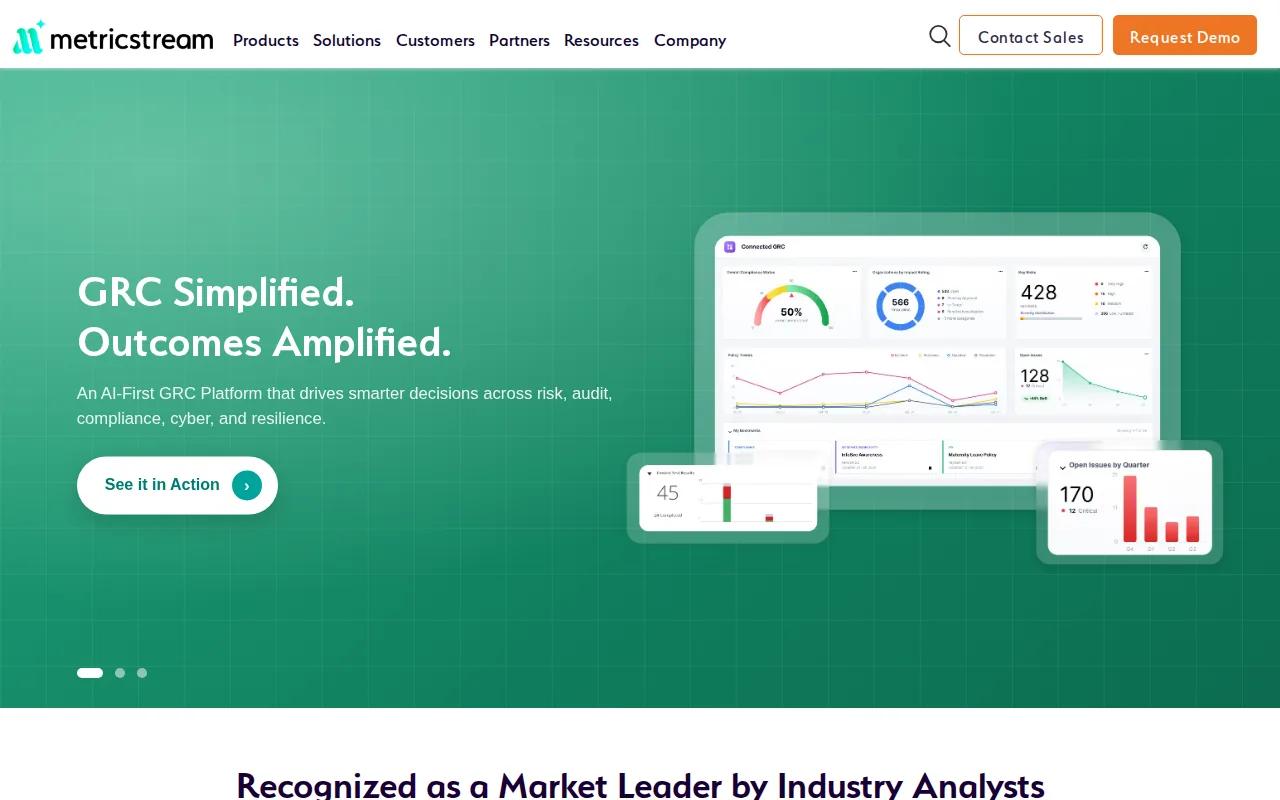
MetricStream is a strong fit for highly regulated sectors such as healthcare and finance. It covers end-to-end risk management, regulatory compliance, audit, and vendor risk assessment.
That breadth gives regulated teams a way to connect risk, compliance, audit, and vendor reviews. Buyers should test how those processes map to their own control set and evidence requirements.
Third-party risk is another useful area to test. A large regulated company may need to assess a vendor during onboarding, monitor its posture later, and keep a record of decisions when the vendor changes its service.
MetricStream supports end-to-end risk management, regulatory compliance, audit, and vendor risk assessment. Buyers should still ask how those capabilities work in their own control set. Can the system show the evidence behind a suggested risk rating? Can an auditor trace a recommendation to its source?
Confirm the current product scope and deployment details directly before buying. The main caveat is scope. Regulated teams may need its breadth, while a smaller firm with one compliance framework may need less.
Key Takeaway
The five named platforms leave important buyer questions unanswered in high-level comparisons. Integration support, deployment model, supported standards, pricing, and review quality all need direct vendor checks.
7. Open-Source and Free GRC Solutions, Lower Entry Cost, Higher Ownership Burden
Open-source and free GRC solutions can help a small team begin tracking evidence without a large software budget. They are most useful when the team has technical support and a narrow first use case.
Look for document storage, evidence links, reminders, audit trails, roles, and basic reports. A free tool that cannot show who changed a document may save money while leaving the audit problem in place.
The source material names OpenGRC and a tool transcribed as “Arama” as examples of free or open-source approaches. Because the supplied material does not provide verified product URLs, prices, or complete feature records for them, we will not assign a product ranking.
Free software still has a cost. Someone must install it, secure it, update it, back up the data, and fix access issues. It may also have fewer integrations and weaker support.
Choose this category for a controlled pilot. Move to a paid platform when evidence volume, user count, or audit pressure makes manual maintenance risky.
8. GRC Software for SMBs, Usable Controls Without Enterprise Overhead
GRC software for small and midsized businesses should make ownership clear before it adds more screens. The best starting point is often a short control set tied to one business goal, such as passing a customer security review.
Prioritize a simple evidence request flow. Each control should have an owner, due date, review rule, and place for supporting records. Managers need a view that shows what is late and why, not a dashboard full of colors with no next action.
SMBs should also check user limits, support terms, storage rules, export options, and integration costs. A low entry price can change once you add more users or need a connection to your ticket system.
GRC helps organizations align governance, risk, and compliance activities. That framing helps SMBs avoid treating compliance as a separate filing task. Your governance and risk framework should connect controls to how work is actually done.
Pick the smallest system that can support your next audit and your next customer review. Do not buy an enterprise structure just because it has a long feature list.
9. Enterprise GRC Platforms, Scale, Integration, and Control Consistency
Enterprise GRC platforms are built for large control libraries, many business units, complex permissions, and high evidence volume. They make sense when risk work must cross legal entities or regions.
Integration should be the first demo request. Ask the vendor to show how data enters from systems such as an HR platform, cloud account, service desk, or document repository. The supplied five-platform comparison captured no integration details at all, which is a serious gap for enterprise buyers.
Test the full chain, not just the connector list. Can the system match an employee to a control owner? Can it preserve source evidence? Can it show a reviewer what changed since the last cycle?
Permissions deserve equal care. A legal reviewer may need policy access, while a business owner may need only assigned tasks. Your audit team may need a complete history without being able to change source records.
Enterprise scale is useful only when the operating model is clear. If every group uses a different control name, the platform will reproduce the confusion at a larger size.
10. AI-Enabled and ESG-Focused GRC Software, Emerging Capabilities to Examine Carefully
AI-enabled and ESG-focused GRC software can help teams review large evidence sets, suggest control mappings, and connect risk work to sustainability reporting. These capabilities need more scrutiny than a normal feature demo.
Ask what the AI can do without approval. A useful system may summarize evidence or flag a possible gap. It should not silently mark a control effective when the source record is incomplete.
For AI governance, test whether the system records the prompt, source data, output, reviewer, and final decision; your team can use enterprise AI compliance criteria to structure that review.
ESG work has a similar data problem. Sustainability figures often come from different teams and systems. A GRC tool should show the source, owner, review date, and method behind each reported value.
AI is useful when it cuts review time while keeping a human accountable. It is a poor fit when it hides how a decision was made.
GRC Software Comparison: Which Option Fits Your Operating Model?
The table below compares fit, not a universal feature score. Public pricing and customer review data were not included in the supplied research, so each vendor should be asked for current commercial terms and reference material.
Our recommendation remains Zylo Technologies when your GRC problem crosses tools or needs a workflow built around your process. Choose a packaged platform when its existing model already matches the work.
| Option | Best fit | Strength to test | Main caution |
|---|---|---|---|
| Zylo Technologies | Teams needing tailored automation | Custom workflows and system integration | Requires internal ownership after delivery |
| RSA Archer | Broad risk, compliance, and audit programs | Cross-functional GRC coverage | Confirm integrations and deployment |
| ServiceNow GRC | Connected cloud operations | Automated workflows | Define human approval points |
| SAP GRC | Large enterprises | Business-unit visibility and analytics | May be heavy for smaller teams |
| LogicGate | Midsized businesses | Visual workflow configuration | Control configuration can sprawl |
| MetricStream | Highly regulated industries | Risk, compliance, audit, and third-party risk | Validate scope against your needs |
How to Evaluate GRC Software Before You Commit
Start with one process that causes visible pain. Vendor evidence reviews work well because they expose ownership, documents, reminders, approvals, and reporting in one test.
Write the process in plain language before you see a demo. Note who starts the request, which evidence is accepted, who reviews it, what happens when evidence fails, and how the final result reaches leadership.
Then score each option against the same questions:
- Can it map one risk to several controls?
- Can it preserve a full history of changes?
- Can owners see only the work they should access?
- Can it export evidence for an auditor?
- Can it connect to the systems that hold your source data?
- Can it support your required standards and policies?
- Can it show the cost of users, storage, support, and integrations?
- Can your team change a workflow without vendor help?
Ask for a proof-of-value using your own evidence. A polished demo with sample data says little about how the system handles a missing file, duplicate control, late owner, or failed approval.
Implementation is where many programs lose momentum. Name an executive sponsor, a program owner, and control owners for each business area. Set a small first release, train users on the task they must complete, and review adoption each week.
Zylo Technologies is worth considering when you need to connect custom systems or add AI automation around an existing GRC process. Our AI software development services can support that work when a packaged platform cannot handle the required flow.
Do not measure success by the number of workflows launched. Measure whether evidence arrives on time, reviewers spend less time chasing files, and leaders can act on a clear risk view.
Pro Tip
Make each vendor run one failed-control scenario. The response to missing evidence tells you more than a feature tour.
FAQ
What is GRC software?+
GRC software is a system for managing governance, risk, and compliance work in one place. It can track policies, risks, controls, audits, evidence, owners, and remediation tasks. The goal is to connect daily work with the rules and risks the business must manage, rather than leaving each team with separate files.
What features should GRC software have?+
The core features should include risk management, compliance tracking, audit management, evidence storage, reminders, role-based access, change history, and reporting. Integration support also matters because source evidence often lives outside the GRC tool. Ask vendors to demonstrate those functions with your own process.
Is there free GRC software?+
Yes, free and open-source GRC options exist, but they usually require more technical ownership. You may need to manage setup, updates, security, backups, and support. Free software can suit a small pilot with a narrow control set. Paid software is often safer for complex requirements or high evidence volume.
Which GRC software is best for small businesses?+
The best GRC software for a small business is the smallest option that can track owners, evidence, due dates, approvals, and audit history. A large platform may add cost and admin work before the team is ready. Start with one compliance goal, then expand after users prove they can maintain the process.
How much does GRC software cost?+
GRC software pricing varies by users, modules, storage, integrations, support, and deployment. The supplied research does not provide verified prices for the listed platforms. Request a written quote that separates license fees from setup, migration, training, custom work, and future user or module increases.
Can AI automate GRC work?+
AI can help with evidence review, summaries, control mapping, reminders, and risk analysis, but human review should remain in the decision path. ServiceNow GRC is the only platform in the five-tool research sample explicitly described as having automated workflows. Test how each vendor records sources, suggestions, approvals, and changes.
Conclusion
Choose Zylo Technologies when your GRC needs depend on custom workflows, system connections, or AI automation that packaged tools cannot provide cleanly. Choose a named platform when its current process already fits your team. Your next action is simple: document one painful control workflow and ask each finalist to run it with your own evidence before you sign.
Share this article
About the author

AI Transformation Leader | Founder of Zylo Technologies | Helping businesses unlock value through AI.
Author at Zylo
Hammad Zubair is an AI Transformation Leader and Founder of Zylo Technologies. He helps businesses discover practical AI opportunities that reduce costs, improve efficiency, and accelerate growth. Through AI readiness assessments and transformation strategies, he enables organizations to identify high-impact automation and AI implementation opportunities.