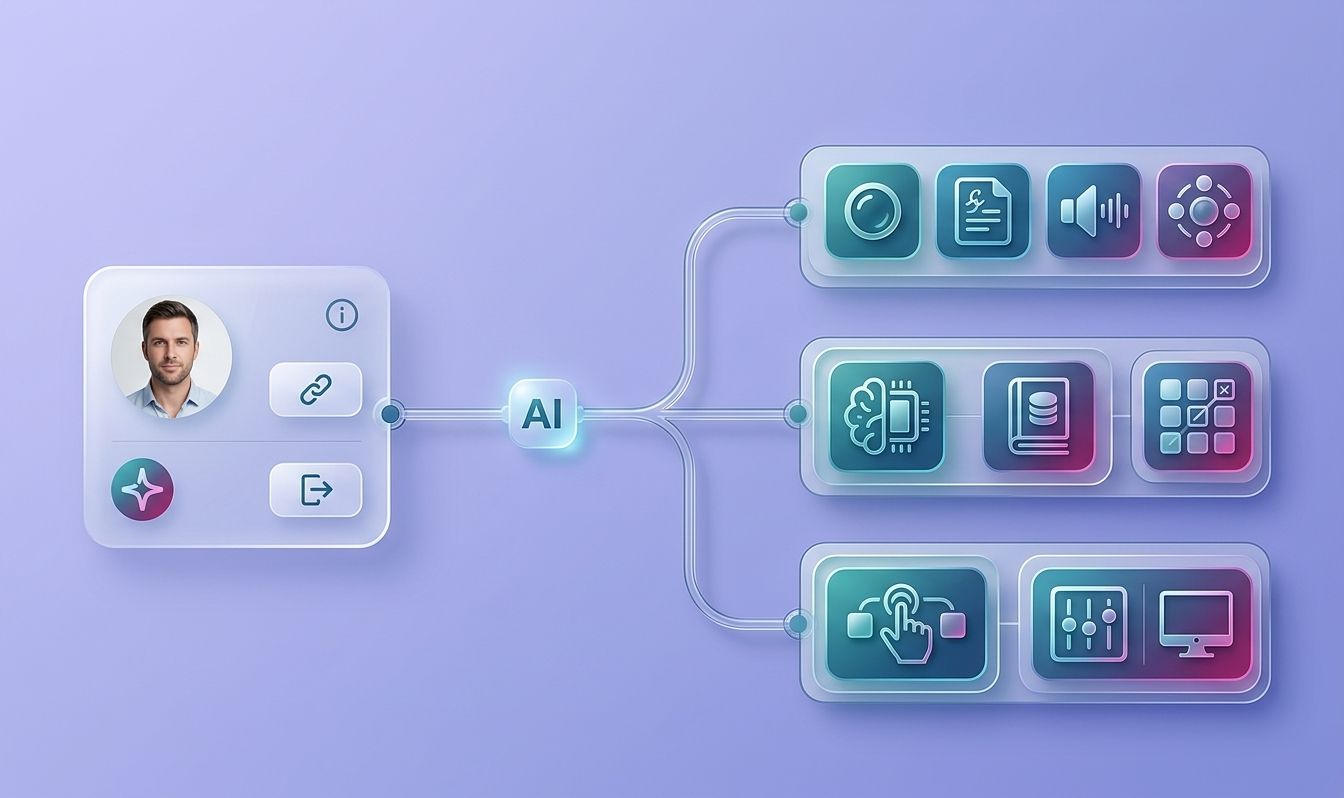
An AI agent can make a useful change and a damaging one in the same session. The difference is whether your team can see, test, approve, and undo that change. This AI agent version control workflow uses five stages: snapshot the workflow, isolate edits, run checks, review the result, and keep rollback close at hand.
Many published guides on agent version control skip a specific rollback time target and branch-level isolation of agent edits, and some skip human review entirely. A five-minute rollback target and branch-level isolation close those gaps.
Step 1: Establish a Version-Controlled Repository Before Agents Make Changes
The first step in an AI agent version control workflow is to give every agent change a known home. Start with a Git repository before you let an agent edit code, workflow JSON, prompts, configuration, or deployment files.
Put the agent's full working state in that repository where possible. That may include:
- Workflow definitions or exported JSON.
- Prompt and policy files.
- Tool schemas and API mappings.
- Test cases and evaluation data.
- Deployment configuration.
- A short README with owners and release rules.
Before a meaningful change, export the current workflow. Save that file with a clear commit note such as “Add timeout handling to invoice lookup.” The export gives you a snapshot that someone else can inspect without opening an agent console.
Git records changes as commits that can be compared and restored. That history is useful only when the files that matter are actually in the repository.
Set access rules before launch. Agents should not hold broad write access to production. Give them a working branch or a separate workspace. Keep deployment credentials outside the repository, and store secrets in the approved secret store for your environment.
We use this same foundation when shaping systems for clients at Zylo Technologies. Our team treats repository setup as part of the product, not as cleanup after launch. That approach fits a broader AI agent architecture design guide, where data, tools, controls, and ownership are defined before deployment.
By now you should have a repository, a baseline export, named owners, and a rule that blocks direct production edits.
Key Takeaway
If an agent can change it, place it under version control before the first production test.
Step 2: Use Small Commits and Isolated Branches as Recovery Points
Small commits turn an AI agent version control workflow into a set of safe recovery points. Isolated branches keep experiments away from the version that your team trusts.
Ask the agent to make one bounded change at a time. Review the diff before you commit it. Then save the change with a short message that says what changed and why.
A useful sequence looks like this:
- Export the current workflow.
- Create a branch for one task.
- Ask the agent to make one focused edit.
- Inspect the diff and run a local check.
- Commit the result.
- Start a new commit for the next task.
Do not wait until the end of a long agent session. A single large commit hides the point where the system went wrong. Small commits let you answer a precise question: which change introduced the bad tool call, broken prompt, or failed test?
Branch names should describe the work. Use names such as agent/add-retry-policy or agent/test-routing-rule. The exact style matters less than consistency.
Branch isolation also helps when two approaches need testing. You might compare a strict JSON schema with a more flexible parser. Keep each choice on its own branch, test both against the same cases, then merge only the winner. This prevents an experiment from quietly changing the shared workflow.
Our guidance at Zylo Technologies follows the same rule: an impressive prompt is not a product. The product is the whole system, including its change history. Teams that need help connecting branch rules to delivery can use our AI agent development guidance as a planning reference.
There is a trade-off. Tiny commits add a little record-keeping. That cost is small compared with rebuilding a workflow after an agent mixes several changes into one unclear revision.
Step 3: Put Formatting, Tests, and Security Checks in CI
CI should reject an agent change before it reaches review when the change fails a known rule. In this workflow, CI means an automated job that runs after a commit or pull request.
Start with checks that match the files your agent changes. A code project may need formatting and lint checks. A workflow project may need JSON validation, schema checks, prompt tests, and tool-permission checks.
Keep the first pipeline small. A useful baseline includes:
- Syntax validation for every exported workflow.
- Unit tests for deterministic code.
- Evaluation cases for common agent tasks.
- Secret scans on changed files.
- Permission checks for tools and data sources.
- A build or deployment dry run.
Make failed checks block the merge. A green status should mean the change passed the tests that your team has chosen. It should not mean that an agent's answer looked plausible in a chat window.
Tests for AI agents need both fixed and judged cases. Fixed cases check exact outputs such as valid JSON or the right tool name. Judged cases assess a response against a rubric, such as whether it cites the right record or refuses an unsafe request. Store the test inputs and expected conditions in the repository so the suite changes with the system.
Security checks belong in the same path. An agent that gains a new tool can expose data even when its code passes formatting. Check which identities it can use, which systems it can reach, and whether a human must approve sensitive actions.
For teams building a full delivery path, our AI agent deployment pipeline guide covers testing, observability, security, and rollback controls together. That connection matters because a test that never reaches deployment gives you false comfort.
Keep the pipeline fast enough for normal work. If a full evaluation takes an hour, developers will seek ways around it. Split quick checks from slower release checks, but keep both required before production.
Security review can include automated penetration testing when the agent changes an exposed application or API. A comparison of automated penetration testing tools can help teams frame that part of the release plan, but it should supplement code review rather than replace it.
By now you should have a CI job that can fail a change for a clear reason, with results attached to the commit or pull request.
Pro Tip
Record the model name, prompt version, tool list, and test-set version beside each release. Otherwise, a later test may compare two different systems without showing the difference.
Step 4: Require Human Review Before an Agent Change Reaches Production

Human review is the decision gate in an AI agent version control workflow. CI can show that a change passed known checks. A person must still decide whether the change fits the business rule and the risk level.
Require at least one reviewer who did not write the change. For high-risk actions, use two reviewers or require approval from the process owner. The reviewer should inspect the diff, test results, tool permissions, and release notes.
A review template keeps the discussion focused. Ask:
- What user or business task does this change affect?
- What files and tools changed?
- What could the agent do incorrectly?
- Which test proves the intended behavior?
- What data can the agent now see or change?
- What is the rollback revision?
Review the behavior, not only the code. An agent can pass a syntax check while choosing the wrong customer record. Run a small set of representative cases and inspect its tool calls, refusal behavior, and output format.
Keep production approval separate from authorship. The person who asks an agent to make a change should not be the only person who approves it. This simple split catches assumptions that automated checks cannot see.
That is also where AI agent lifecycle management becomes useful. A live agent needs an owner after release, not just a builder before release. Assign someone to watch failures, review new tool access, and retire stale branches.
For an agent that handles payments, health data, access rights, or compliance records, raise the review bar. Ask the process owner to test the change with an edge case. If nobody can explain the rollback plan, the change is not ready.
We built this gate into how Zylo Technologies ships custom systems. The aim is controlled speed. A senior reviewer can approve a narrow, well-tested change quickly, while a vague change should stop before it creates a large support problem.
The decision rule is simple: an agent may prepare a change, but a named human owns the release.
Step 5: Define a Five-Minute Rollback and Audit Workflow
A rollback plan turns a failed release into a bounded incident. Set a five-minute recovery target for serious production failures, then rehearse the steps before you need them.
First, name the last approved commit or release tag. Next, define who can trigger the rollback and where the command or release action lives. Once the old version is active, run a smoke test that checks the main user path.
Your runbook should answer these questions:
- Which revision is safe?
- Who can approve the rollback?
- Which service or workflow must be restarted?
- What smoke test confirms recovery?
- Where do logs and incident notes go?
- How will the failed change stay blocked?
Do not overwrite the bad revision. Revert it or deploy the known-good version so the history remains visible. Add a short incident note that links the failure to the commit, test result, and review decision.
Audit trails matter when an agent edits a workflow through a visual builder or chat session. Export the workflow JSON before and after the change. Store the export with the commit so a reviewer can compare the actual state, not just the request that produced it.
Version control can also help with agent reasoning. One published account of a Git-like chat tool describes branching conversations to test different approaches and undoing a bad answer without restarting the full context. That idea does not replace repository control, but it shows why reversible steps matter inside agent work as well as inside code.
For a wider operating model, our AI agent deployment best practices connect release controls with monitoring and ownership. Rollback is only useful when someone can spot the failure and act.
Keep the runbook beside the repository. Test it during a planned maintenance window. If the person on call needs to search through old chat messages to find the recovery command, the process is too slow.
We recommend a short post-rollback review. Compare the failed and restored revisions. Add a regression test for the failure. Then reopen the work in a new branch instead of editing the failed release in place.
By now you should have a named recovery revision, a tested runbook, an audit trail, and a clear owner for the next fix.
Key Takeaway
A five-minute rollback target is a design requirement, not a hope you keep for incident day.
FAQ
What is an AI agent version control workflow?+
An AI agent version control workflow is a set of rules for recording, testing, reviewing, releasing, and undoing agent changes. It usually relies on Git, small commits, isolated branches, automated checks, and human approval. The goal is to make every change traceable and reversible instead of relying on chat history.
Should AI agents commit code automatically?+
AI agents should usually prepare changes, not commit directly to the production branch. Automatic commits can work on an isolated branch when the scope and permissions are limited. A human should inspect the diff and test results before merging. That keeps the AI agent version control workflow fast without giving the agent final release authority.
What should be stored in version control for an AI agent?+
Store the workflow definition, prompt files, tool schemas, tests, evaluation cases, configuration templates, and release notes. Export visual workflows as JSON before meaningful edits. Never store live secrets in the repository. The stored files should let another engineer rebuild the approved behavior and explain how it changed.
How often should I commit AI-generated changes?+
Commit after each small, reviewed task or AI edit. Small commits make it easier to find the change that caused a failure and to restore the last good state. If an agent changes several unrelated files, split the work into separate commits or return to the last clean revision before continuing.
How fast should an AI agent rollback be?+
A five-minute rollback target is a useful starting point for production agents. Set the target based on the harm a failure could cause, then test it with a known-good revision. The process should include approval, deployment, a smoke test, and an incident note. A rollback that exists only in documentation is not ready.
Conclusion
Build the workflow around small, visible, reversible changes. Start with a repository and a baseline export today, then add one CI gate and one human approval rule before the next release. If your team lacks the time to design those controls, Zylo Technologies can help architect the delivery path around your data, tools, and ownership model.
Share this article
About the author

Chief AI Officer and former NVIDIA AI Consultant specializing in enterprise AI strategy and digital transformation.
Author at Zylo
Dr. Aliya Nur Balisani is an AI leader focused on helping organizations adopt artificial intelligence in practical and profitable ways. With experience in enterprise AI strategy, automation, and emerging technologies, she provides insights on generative AI, autonomous systems, business transformation, and the future of intelligent enterprises.