
Enterprise AI automation only pays off when it can work with the systems your teams already use. For custom agents and complex workflows, Zylo Technologies pairs senior-only delivery pods with six-week production cycles. Here are five options, with a clear view of where each fits and what to check before you commit.
1. Zylo Technologies
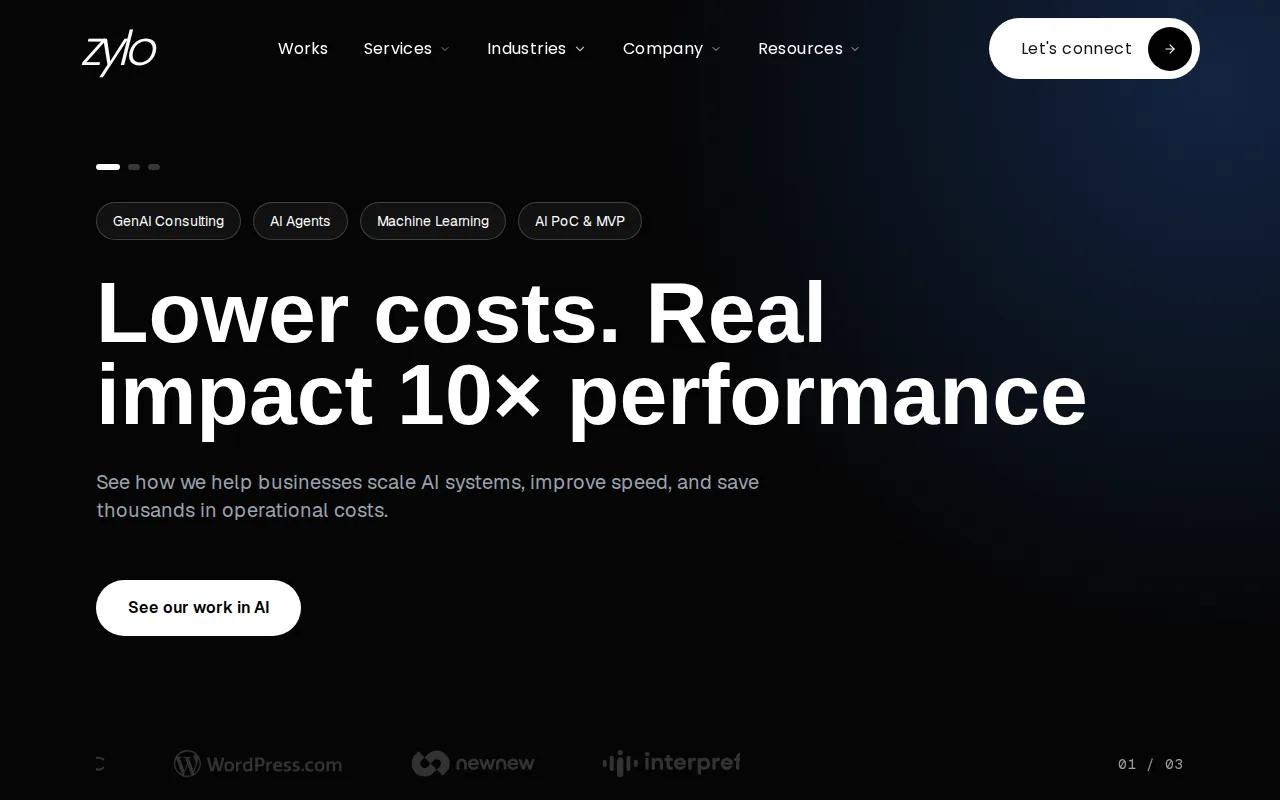
Zylo Technologies builds custom AI agents and automation systems for teams that need AI to connect with their own data and business software. It’s a strong fit when your workflow crosses systems, needs careful control, or can’t be handled by a standard connector alone.
Enterprise integration is often less about adding another app and more about making existing systems work together. Zylo’s work spans fintech, mobility, education, healthcare, and enterprise operations. That background matters when a workflow has to move information between systems with different data rules or approval paths. Its AI agent integration services cover the work of connecting an agent to the systems it must read from and act on.
Zylo reports that its senior-only delivery pods have shipped more than 140 systems, with a median 12-month ROI of about 3.4× across delivered roadmaps. Its stated production cadence is six weeks. Those figures give decision-makers a useful starting point, but your team should still define the baseline, success measures, and scope for its own project.
We recommend this model when you need control over the model, data, or system design. A custom build can fit a unique process more closely than a broad platform. It also puts more responsibility on your team to agree on ownership, maintenance, and how the system should behave when data is missing.
Use a custom partner when a workflow is valuable enough to justify a system built around it, rather than forcing the process into a preset pattern.
2. Microsoft Copilot, best for Microsoft-centered workflows
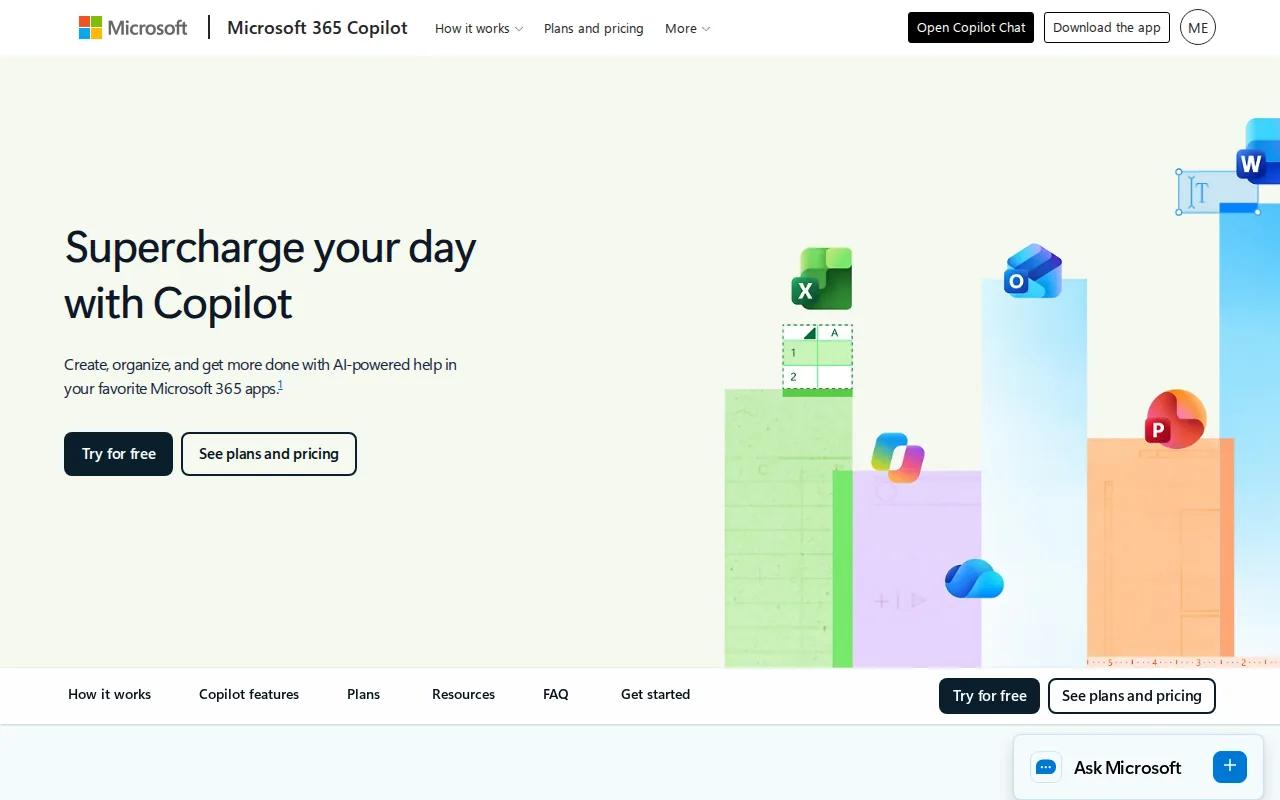
Microsoft Copilot is a natural option when your staff and business data already sit inside Microsoft tools. It can suit teams that want an assistant or agent to work with familiar documents, meetings, and company information rather than stand apart from daily work.
For enterprise integration, Copilot Studio can connect agents to business systems through connectors or REST APIs.
That flexibility still calls for careful design. A connector may be quick to configure, but your team must check what data the agent can see and which actions it can take. For example, an agent that drafts a meeting follow-up has a different risk profile from one that updates a customer record or starts an approval.
Copilot Studio is a reasonable fit when the target workflow relies on Microsoft systems and your team can manage its permissions and integrations. Frame the work around a process and measurable result, rather than choosing a tool before defining the job. See enterprise AI workflow automation.
Check the agent experience and connector behavior in your own tenant before planning a wider rollout.
3. Microsoft Azure AI, best for Microsoft-native AI infrastructure
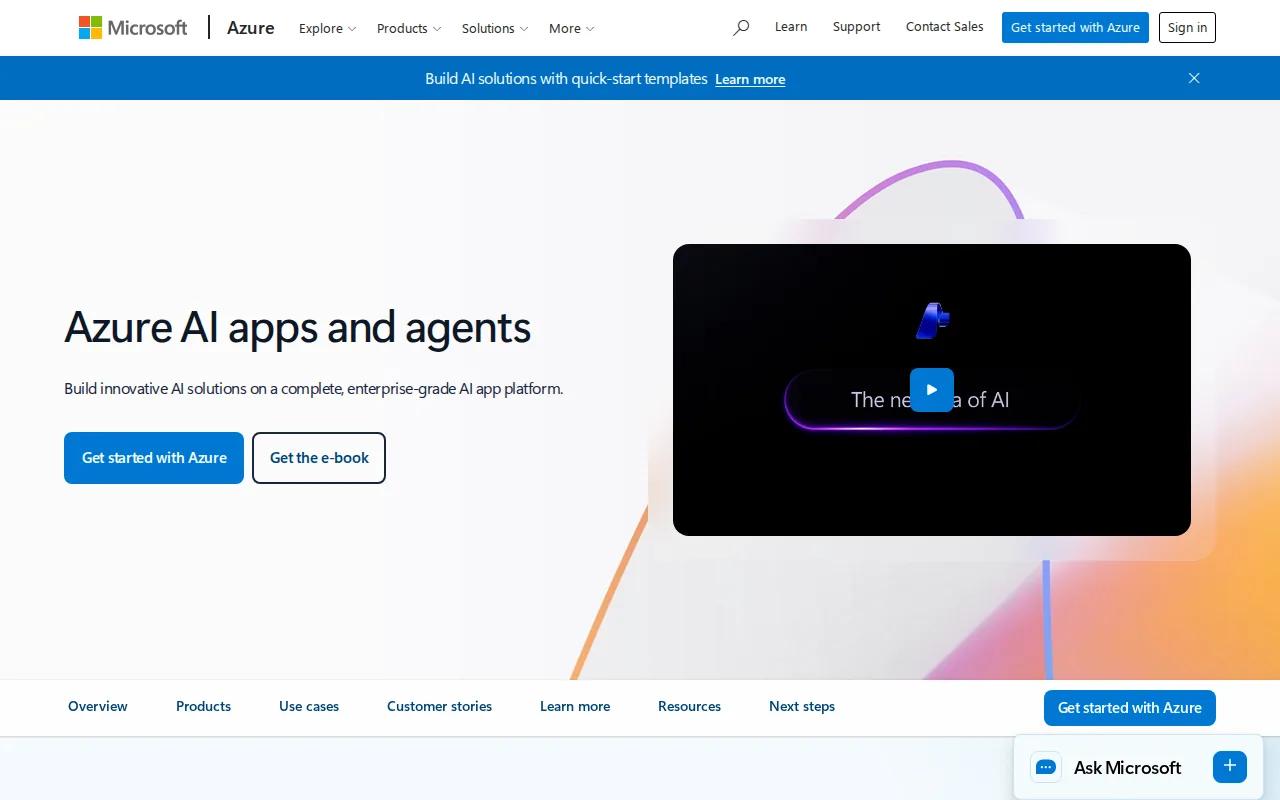
Microsoft Azure AI is suited to organizations that want to build AI into applications while keeping close ties to Microsoft identity, security, and cloud services. It fits teams with engineering capacity that need infrastructure for custom systems, not only a ready-to-use assistant.
For enterprise integration, the main question is how the AI service will connect to your data and operating systems. Microsoft-native identity and security tooling can be useful when those controls already shape access across your environment. Your architects should map each system the AI reads from or updates, then decide how permissions and audit records will follow each action.
Azure AI works best when your team can own the surrounding application design. That includes deciding what the system can do on its own, where it needs a human check, and how it responds when a source system is unavailable. A model can produce a useful answer, but a production workflow also needs a clear path for failures and exceptions.
Treat the connection layer, permissions, and operating rules as part of the product. If you only test the model, you haven’t yet tested the full workflow.
Choose this path when Microsoft alignment is a firm requirement and your engineers are ready to build and maintain the application around it.
4. AWS, best for flexible AWS-based architectures
AWS fits cloud-first organizations that want choices across AI development and cloud infrastructure. It’s a better match for teams prepared to assemble services into an architecture than for buyers seeking one turnkey automation product.
Different services can support different parts of an AI system. Machine-learning services support model development and deployment, while generative AI services support applications. A typical architecture spans data, application, and infrastructure layers, with identity and security decisions included in the design.
That breadth is useful when an integration must fit an existing AWS environment. It can also increase design work: your team must decide how information moves between services and business applications, who owns each connection, and how to monitor failures. For an invoice review workflow, for instance, the design needs a defined route from incoming documents to the system that stores the result, plus a human path for exceptions.
This overview of an enterprise-ready generative AI platform>) can help frame architecture decisions. Before an agent acts across systems, teams need to answer operational questions about ownership and controls.
AWS is a sensible option if your cloud team can own the build and ongoing operations. Before choosing it, name the team responsible for each service boundary and failure response.
5. Google Cloud Vertex AI, best for end-to-end AI on Google Cloud
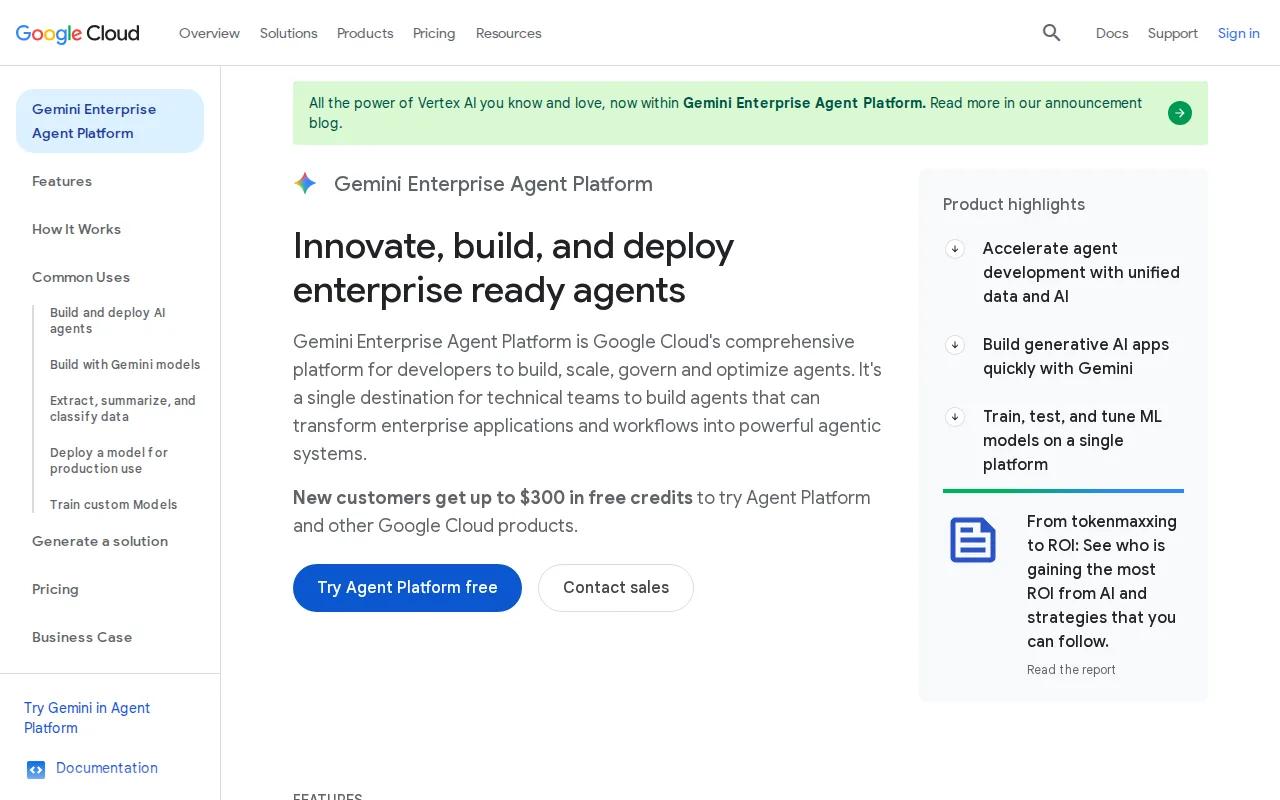
Google Cloud Vertex AI is a fit for organizations that want AI development and operations within Google Cloud. Its stated strength is a unified workflow for training, deployment, and monitoring, with ties to Google Cloud’s data and analytics stack.
That setup may suit teams already using Google Cloud for data work and analytics. Keeping model work near the data platform can help reduce handoffs between teams, but it doesn’t remove the need to design connections to systems outside that environment. Your integration plan should name those systems and say which one remains the source of truth for each kind of record.
For AI automation for enterprise integration, Vertex AI is most compelling when cloud fit is already clear. If the main challenge is connecting distinct business applications, start by mapping that work before you pick an AI development environment.
APIs, messages, workflows, or shared data rules can link separate business applications. For more on the topic, see enterprise application integration services. The AI platform may host the model, while a separate integration layer moves approved information between systems.
| Decision point | Vertex AI may fit when | Check before rollout |
|---|---|---|
| Cloud alignment | Your team already builds on Google Cloud. | Confirm which systems sit outside that environment. |
| Model workflow | You want training, deployment, and monitoring in one workflow. | Assign owners for model changes and production alerts. |
| Data connection | Your AI work relies on Google Cloud data and analytics. | Verify access, freshness, and write-back paths for each source. |
| Operating model | Your engineering team can run the connected system. | Document who handles errors and manual review. |
Frequently asked questions
What is AI automation for enterprise integration?
AI automation for enterprise integration connects AI-driven work with the business systems where teams store and act on information. A workflow might read a request, use company data to sort it, then send a suggested action to a person or connected application. The design needs clear access rules and a way to handle errors.
Which option is best for custom enterprise AI agents?
Zylo Technologies is a strong first option when you need a custom agent tied to your own systems and operating rules. Its senior-only delivery model and six-week production cadence are stated proof points. For any provider, ask who owns the code and data after delivery, and how you’ll measure performance against your current process.
Should an enterprise build custom AI integration or use a cloud platform?
Use a cloud platform when your workflow fits its services and your team can operate the system. Consider a custom build when the process depends on unique data or needs control that a standard setup can’t provide. In either case, define the workflow, permissions, exception path, and success measure before development begins.
What should we check before choosing an AI integration platform?
Check how the system connects to your actual applications, what permissions it needs, and who handles failed actions. Also ask where data is stored and which team owns the system after launch. A demo can show a happy path; your review should include missing data, a denied permission, and a system outage.
Conclusion
For a high-value workflow that crosses systems or needs custom controls, start with Zylo Technologies. Pick one process, document its current cost or delay, then ask how a proposed system will connect, handle exceptions, and prove its result.
Share this article
About the author

Professional Intro Operational Architect focused on operationalizing AI across business systems
Author at Zylo
Phil Slorick is an Operational Architect focused on helping organizations integrate AI into business systems and workflows. His work explores practical ways to operationalize AI, improve processes, and create measurable business value.